




Jira drivers & connectors for data integration
Connect to Jira issue tracking data from reporting tools, databases, and custom applications through standards-based drivers. Easily integrate Jira data with BI, reporting, analytics, ETL tools, and custom solutions.




Jira data integration
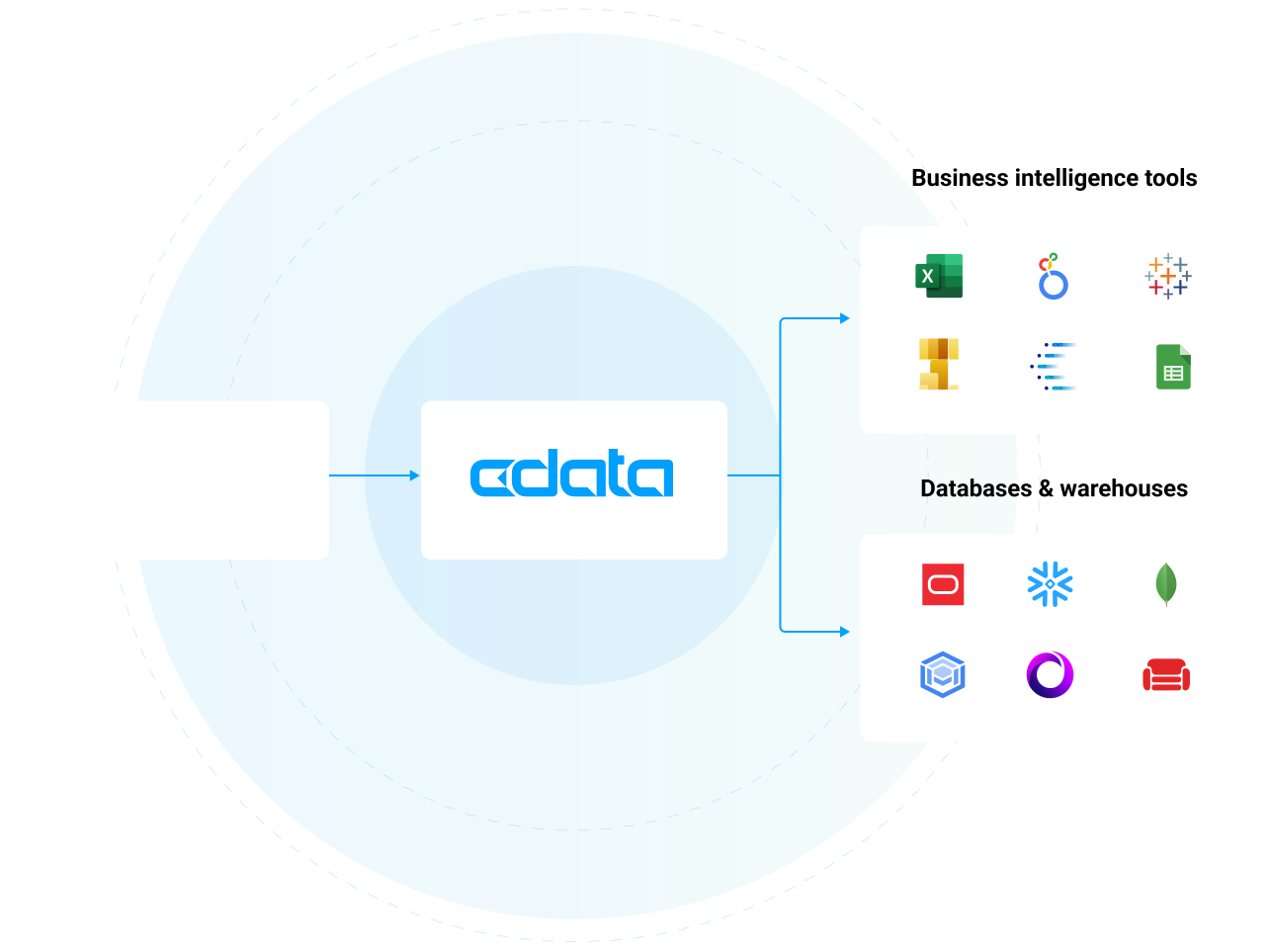
Access Jira data in all of the systems you use every day, including BI & analytics tools, databases, data warehouses, and custom apps. Customers commonly use CData's Jira connectivity to:
- Provide a logical data layer of abstraction that shields users from the complexity of data access and integration.
- Get blazing-fast access to data for BI, reporting, and data integration with highly optimized read/write performance.
- Securely explore tables, columns, keys, data, and full meta-data based on user identity.
Try CData Jira Connectors
Trusted by Jira users worldwide

Office Depot Leverages CData to 'Lift and Shift' Critical Data and Enable Analytics Integration
Office Depot IT Architect

Belden Supports Growing Marketing Requests by Centralizing Data Access in the Cloud
Belden D&A IT Supervisor

Logi Analytics Brings Real-Time Data to Analytics Dashboards for SaaS
VP of Product & Development for Logi Analytics
The CData difference
Our standards-based approach to connectivity streamlines data access and insulates usrs from the complexities of integrating BigQuery data.
Unparalleled Jira Connectivity Get full access to your Jira data wherever you need it. CData is the undisputed leader in Jira connectivity providing the most comprehensive access to live Jira data anywhere. Thousands of customers and hundreds of leading data ISVs rely on our connectivity to make the most of their data.
Fastest time to value Reduce development cycles and accelerating the overall time to market. Our pre-built, optimized connectors eliminate the need for complex custom development, allowing for fast, secure access to Jira data.
Unbeatable price-performance By standardizing and streamlining how systems interact with Jira our products reduce development costs and timelines, slash architectural complexity.
Blazing data access Our Jira connectivity is fast— really fast. In fact, over twice as fast as other solutions. Our engineers have optimized our drivers for maximum performance all the way down to the socket level, delivering truly exceptional data access.
Future-proof integration We continuously test against changes in the Jira APIs & protocols used to connect, preventing downtime in your data and analytics processes.
Enterprise-class technical support CData is dedicated to helping you find success with Jira. We work as an extension of your team to help solve your toughest data challenges. Thousands of customers and hundreds of ISVs rely on our services to make the most of their data.
AI Integrations
Jira data for AI agents and assistants
Jira MCP server connectivity for AI
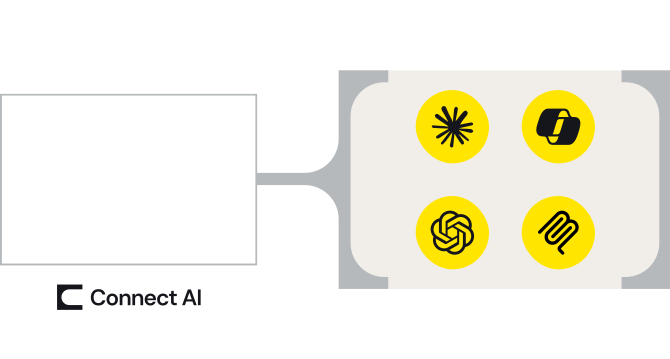
Enable AI agents, assistants, and workflows to access Jira data to improve output, tailoring responses to your actual business data and reducing hallucinations.
- One MCP connection from Jira to every AI agent, assistant, copilot, or LLM that could use it.
- Maintain security and user permissions with pass-through user-based access and read/write controls
- Platform solution to control and monitor user access via AI across your organization.
BI & Analytics
Jira connectivity for BI & analytics
Live Jira access for analytics
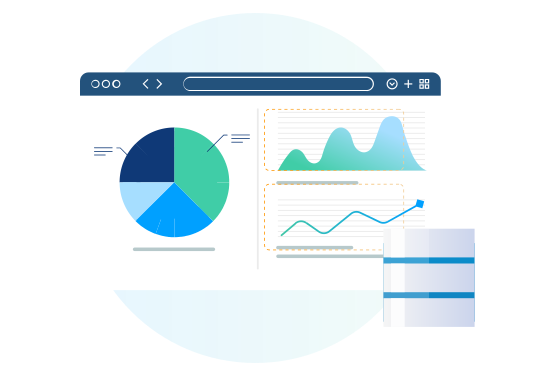
Access Jira data in all of the systems you use every day, including BI & analytics tools, databases, data warehouses, and custom apps.
- Connect Jira (and any other data source) to your favorite analytics, automation, or data management app without moving data
- Bi-directional Jira connectivity through common data endpoints
- Enable Jira governability and data privacy with user-level permissioning at the source level.
Data Warehousing
Jira ETL, replication, & data warehousing
Automate Jira data replication
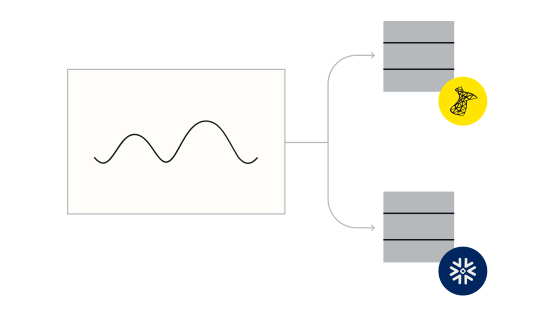
CData Sync automatically replicates data from hundreds of on-premises and cloud data sources — like Jira— to any modern database, data lake, or data warehouse.
- Create automated Jira data flows in minutes with point-and-click data replication
- Facilitate reporting, business intelligence, and analytics for decision support
- Archive data for disaster recovery
Data Management
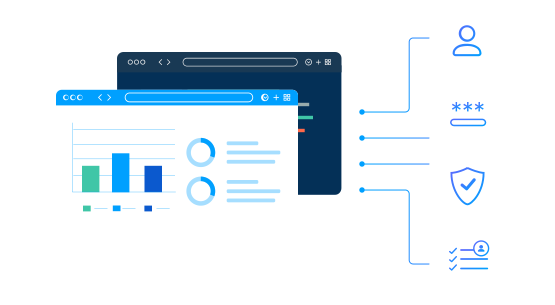
Consolidate Jira data management
Data management integration enables organizations to better manage their human resources data, optimize decision-making, and ensure compliance with data governance policies. Technologies like ODBC, JDBC, and ADO easily connect with all kinds of popular data management applications.
Connect Jira to data management systems to:
- Provide a single, accurate source of truth for employee and resource data.
- Ensure consistency, data quality, and integration across systems.
- Improve data discoverability, governance, and compliance, allowing for easy tracking, auditing, and efficient data use across the organization.
No Code
Connect to Jira with no-code
Jira is often at the center of a wide range of repetitive tasks. With low-code/no-code tools, users can automate these tasks reducing manual effort and errors.
- Customize Jira and integrate it with other systems (like CRM, HR, or accounting software) without writing complex code.
- Create custom dashboards, reports, or data visualizations by integrating Jira data with other systems.

Custom Apps
Build fully-integrated custom applications
From custom AI and analytics to performance managemement and learning platforms, developers are leveraging our drivers to power all kinds of real-time integrations with Jira.
- Pragmatic API Integration: from SDKs to Data Drivers
- Data APIs: Gateway to Data Driven Operation & Digital Transformation
Embedding CData Connectivity
Data Virtualization
Virtualize access to Jira data
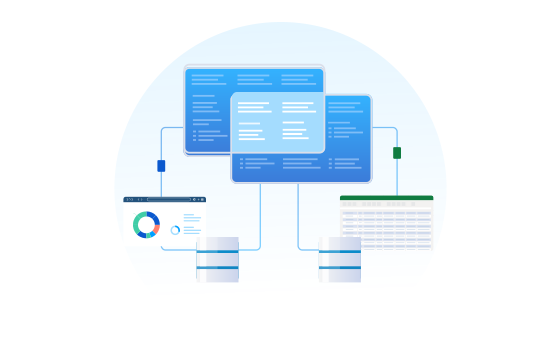
Data virtualization tools helps organizations achieve better data access, more agile decision-making, and greater efficiency in managing data across diverse systems.
Integrating Jira with data virtualization tools allows organizations to combine this data with other sources like ERP systems, CRM platforms, or financial databases without physically moving or duplicating data. This unified access enables faster, more efficient decision-making.
Spreadsheets
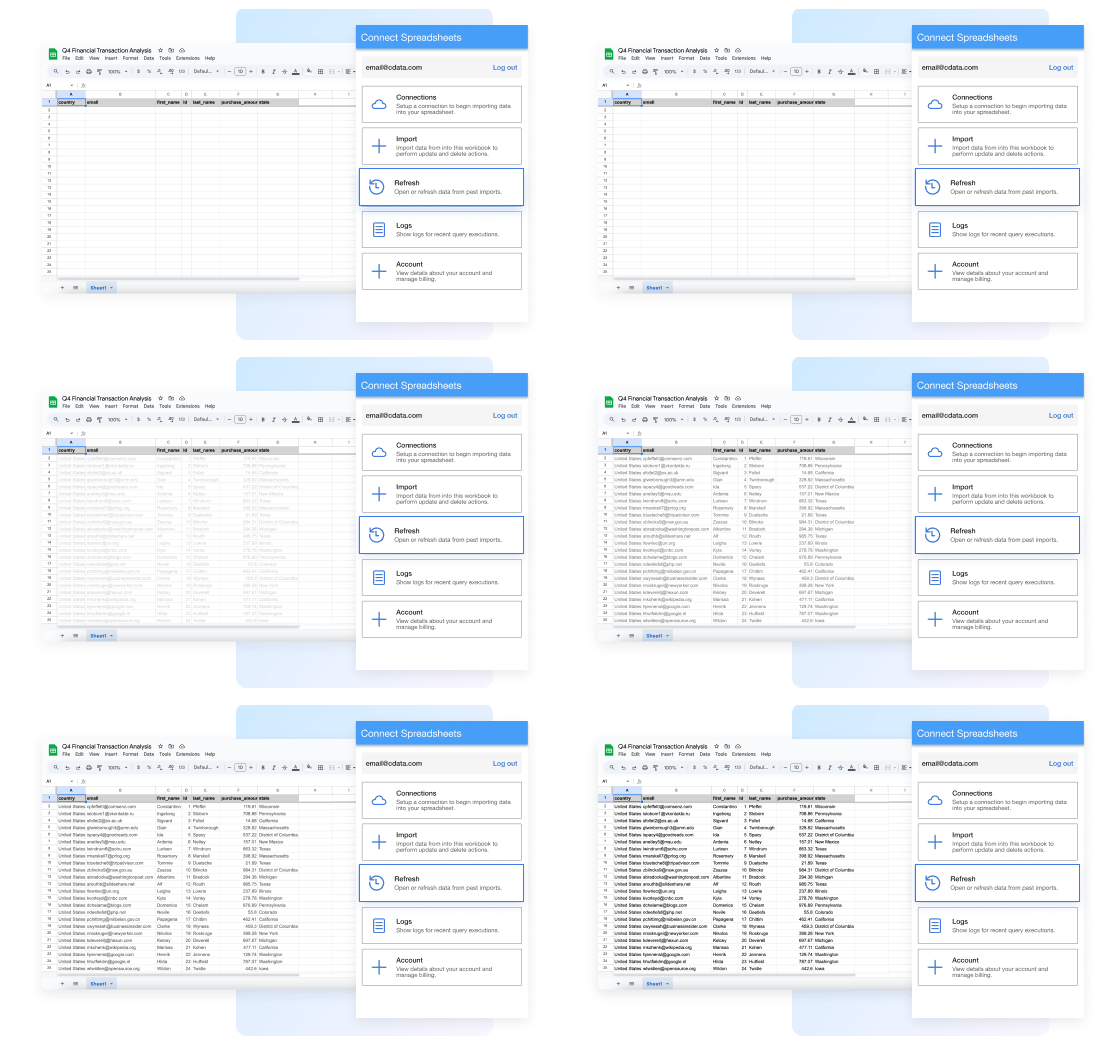
Connect to live Jira data in spreadsheets
Work with live Jira data seamlessly in Excel and Google Sheets:
- Always work with live Jira data— no more downloading, copying, and pasting
- Filter and get just the attributes and data you actually need
- Refresh data with a click or set a schedule
- Update Jira records right from your spreadsheet
FAQs
Frequently asked Jira integration questions
Common questions about Jira drivers & connectors for data and analytics integration
- How does the Jira Driver work?
- How is using the Jira Driver different than connecting to the Jira API?
- How is a Jira Driver different than a Jira connector?
- Is Jira SQL based?
- What data can I access with the Jira driver?
- What does Jira integrate with?
- How can I enable Jira Analytics?
- How can I support Jira Data Integration?
- Does Jira Integrate with Excel?
Additional Jira connectivity resources
Technical articles
Using the Jira drivers
- Atlassian Jira Integration Guides and Tutorials
- Build a Jira + Salesforce Unified Customer View with Cursor CLI and the CData CLI
- How to Work with Jira Data in ETL Validator JDBC
- Jira Data Cloud Connectivity
- Link Jira with FileMaker Pro
- CData Drivers Now Support UI URL Capture for Seamless SaaS Navigation: Asana, HubSpot, Jira, and more
- Use Claude to Talk to Your Jira Data via CData Connect AI
- Connect to Jira Data in Ruby
- Connect Jira to AI Assistants With the CData Python MCP Server
Blog
Related blog articles
- Jira Export to Excel: 6 Proven Methods and Alternatives
- New Connectivity to Jira Assets through CData Solutions
- Connect Jira to Claude for AI-Powered Project Management
- The 5 Best Methods to Sync Jira Data with Google Sheets Automatically
- How CData Connect AI Empowers PMs to Resource‑Plan and Track Engineer Productivity in Jira
- Drivers in Focus Part 2: Streamline HR & Finance through Collaboration
- Drivers in Focus Part 1: Collaboration Tools for Empowered Marketing & Customer Success
- CData Leverages CData Connect AI to Improve Our Own Product Management Processes
- Explore the Latest Updates for CData Drivers and Connectors
- CData Drivers vs. AI-Created Drivers: A Full Comparison
