




Tableau Data Connectivity
The easiest way to connect Tableau with real-time data from any application, database or data warehouse, anywhere.
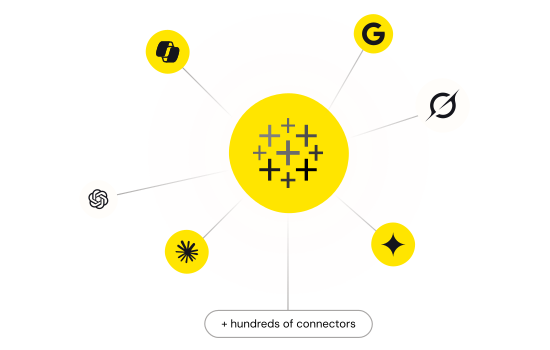
Connect to hundreds of data sources including databases, SaaS, NoSQL, files, and web services. Creates optimized table layers with full metadata discovery, enabling efficient queries even for schema-less sources.
Full SQL-92 support with intelligent push-down for server-side processing and bulk operations for optimal performance. Supports both import and direct mode for optimized performance.
Handles diverse authentication methods (Basic, OAuth, tokens, SSO) at the connector level. Supports TLS/SSL encryption for enterprise-grade data protection across all sources.
Works with Tableau Desktop, Tableau Server, Tableau Bridge, Tableau Prep and Tableau Cloud. Ensures consistent connectivity for both local and cloud collaboration scenarios.
Available Tableau Drivers
Fully-integrated Tableau Connectors with real-time data access.


(API Driver)
Tableau connectors in action!
Watch the video overview for a first-hand look at the powerful data connectivity capabilities included in the CData Tableau Connectors.
Watch the Video
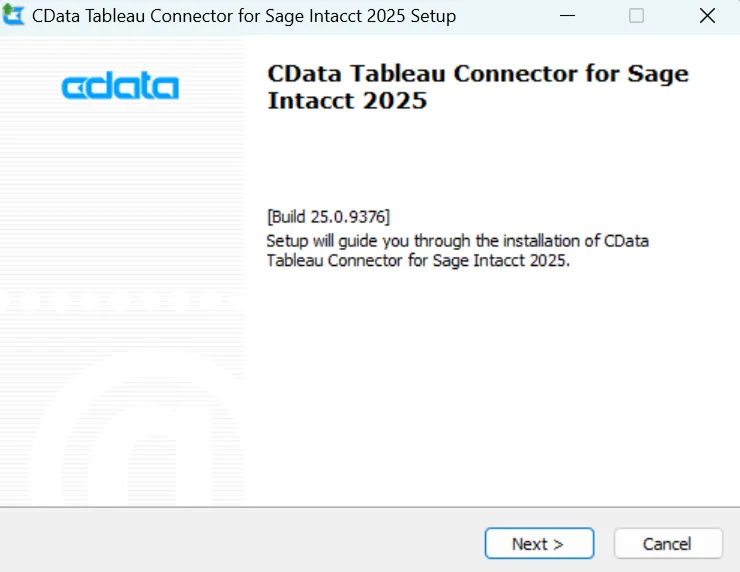
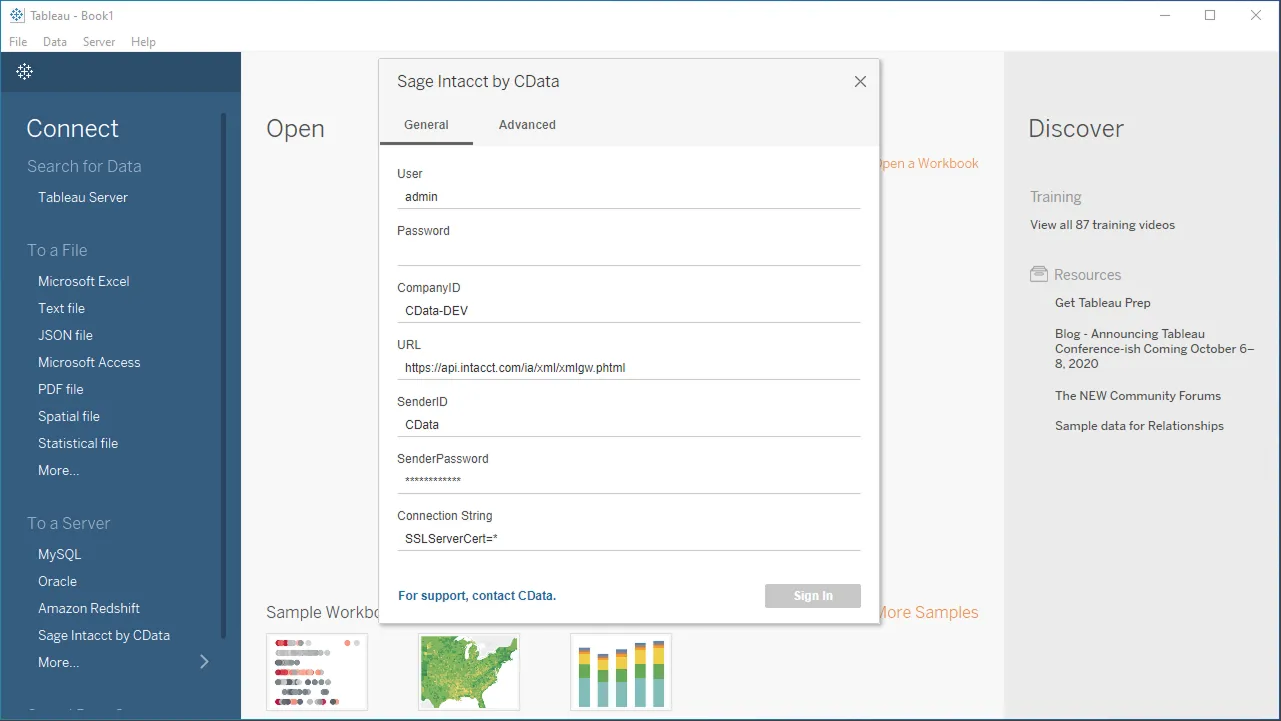
2 easy steps to connect your data from Tableau
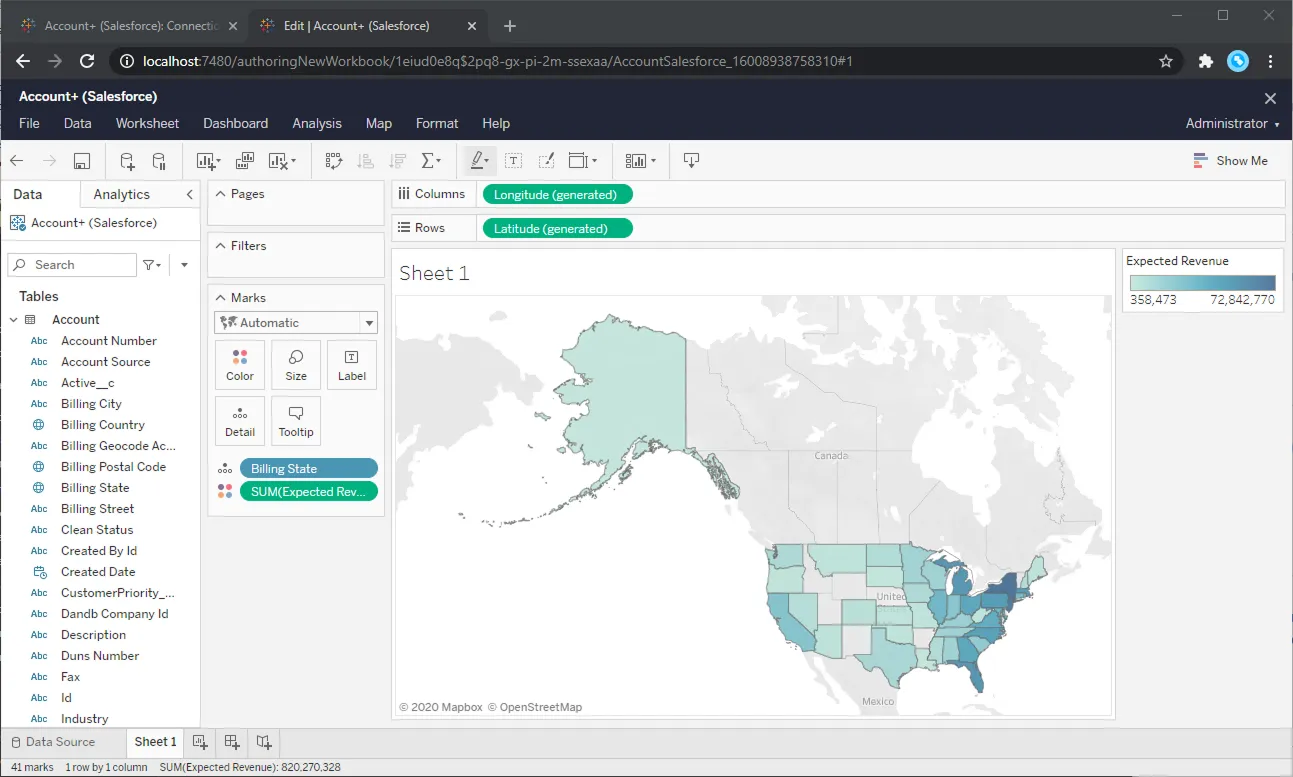
Certified Tableau connectivity
100% Certified Tableau Connectivity
Native Tableau Connectors seamlessly integrate with Tableau BI and Data Prep to enable real-time data connectivity with any data sources.
Comprehensive Metadata Discovery
Extensive schema discovery capabilities for every data source. Explore tables, columns, keys, and other data constructs based on user identity.
Flexible NoSQL Flattening
Easily connect Tableau directly with complex hierarchical data through flexible and extensible NoSQL flattening.
Blazing Data Connectivity
Our drivers push the boundaries of data access, optimizing socket-level streaming and compression capabilities, and delivering truly exceptional data access.
Easily Customizable and Configurable
The data model exposed by our Tableau Connectors can easily be customized to add or remove tables/columns, change data types, etc. without requiring a new build. These customizations are supported at runtime using human-readable schema files that are easy to edit.
Enterprise-class Security
Includes standard Enterprise-class security features such as TLS/ SSL data encryption for all client-server communications.
Frequently Asked Questions
Common questions about Tableau Data Connectors
What are connectors for Tableau?
Tableau connectors are tools that allow you to connect Tableau to various data sources so you can visualize and analyze the data. At CData, we build customer data connectors that extend Tableau with real-time connectivity to a wide range of data sources. Our connectors bridge the gap between Tableau and various business applications and data storage solutions, allowing you to directly analyze your data within Tableau without needing to export it first.
Benefits include:
- Live data connectivity: Work with your data in real-time, enabling you to create dynamic and responsive dashboards.
- Extensive data source support: Connect to over hundreds of different data sources, giving you great flexibility in data access.
- Simplified setup: The connectors are generally easy to install and configure.
- Advanced features: CData connectors offer features like schema discovery, complex query processing, and the ability to handle hierarchical data.
How do we install connectors in Tableau?
Installing CData Tableau connectors involves downloading the specific connector for your data source and following the setup instructions.
- Download the Connector: Find the download page for the data source you want to connect to. Alternatively, head to https://www.cdata.com/tableau/download/ to access a list of all available Tableau connector builds.
- Run the Installer: Once downloaded, run the installer for the CData Tableau connector. Follow the on-screen instructions during the installation process.
-
Register the Connector with Tableau (if necessary):
- For Tableau Desktop versions 2020.3 and later, registration typically happens automatically during installation
- For older versions, you might need to manually register the connector. This involves finding your Tableau repository folder and copying a specific file (cdata.connect.legacy.taco) into the Connectors directory within the repository
More information can be found online in the CData Tableau Connector Getting Started Guide.
Download CData Tableau connectors
Download the CData Tableau connectors and power your BI and Analytics reports with live data from anywhere. Interested in a data source that is not listed above? Contact us below, and let's talk.