





Connect Anaplan to Tableau
Your Data. Instant insights. Everywhere.
Drive faster decisions with live Anaplan data in Tableau.
For Tableau Desktop & Server Deployment
Connect to live Anaplan data from Tableau Desktop, Server, Bridge & Prep.
For Tableau Cloud Deployment
Anaplan integration with Tableau Cloud.


Why CData for Anaplan Tableau data connectivity
Empower your teams to make faster, data-driven decisions with live access to Anaplan — no ETL, no code. Reduce integration overhead, streamline analytics, and extend insights across your organization with high-performance SQL-based connectivity.
Comprehensive Anaplan Data Access and Discovery
-
Make Anaplan Data Tableau-Ready Instantly
Many SaaS and NoSQL sources don't support SQL-like queries, often requiring complex transformation before use in Tableau. The Anaplan Connector simplifies this by exposing rich metadata for automated data discovery, with intelligent row scanning, type detection, and relationship mapping. It also supports unstructured data, letting you explore your Anaplan data natively within Tableau's familiar interface—no prep work required.
- Powerful Query Capabilities With Native SQL Support
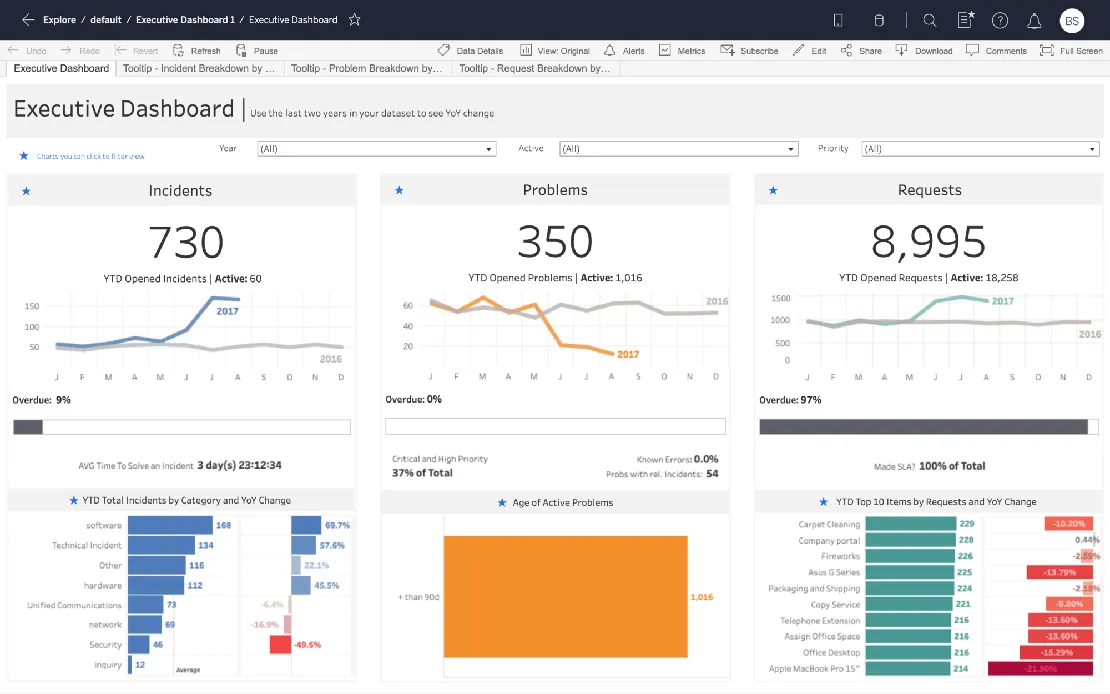

Tableau
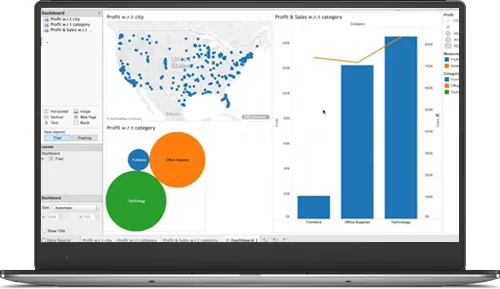
Anaplan Connected Everywhere in Tableau
-
Cloud-based Anaplan Analytics & Reporting with Tableau Cloud
Connect directly to Anaplan from Tableau Cloud using CData Connect AI. Create workbooks, build dashboards, and schedule automatic data refreshes—all without on-premises infrastructure. CData Connect AI seamlessly integrates with Tableau Cloud's native capabilities while maintaining the security and governance your organization requires. Learn more: build Anaplan visualizations with Tableau Cloud.
- Native Tableau Desktop & Tableau Server Integration
- Publish Connected Anaplan Reports via Tableau Bridge
- Clean, shape, and combine Anaplan Data with Tableau Prep
High-Performance Anaplan Data Connectivity. No ETL Required
-
Mitigate security & compliance risks vs. other integrations
CData's live Tableau connectivity for Anaplan overcomes the challenges associated with traditional integration methods like ETL and local data replication. Unlike data replication, live querying enhances security and compliance by eliminating risks such as data staleness, inconsistency, and corruption. It also reduces exposure from overprivileged access and delayed revocation while minimizing the attack surface created by duplicate copies. Additionally, live connectivity simplifies regulatory compliance by ensuring better adherence to data residency, retention policies, and auditability requirements.
- Flexible Connection Options: Live or Extract
Connect Tableau to Anaplan
Watch the video overview for a first hand look at how easy it is to connect Tableau to live data from Anaplan with CData.
- Leverage embedded server side push down capabilities to enhance analytics performance for large data sets.
- Extensive schema discovery capabilities for every data source. Explore tables, columns, keys, and other data constructs based on user identity.
- Easily connect Tableau directly with complex data structures through flexible and extensible flattening.
- Deploy Tableau reports that automatically refresh on-prem or to the cloud.
- And more!
FAQs
Frequent Anaplan Tableau connectivity questions
Common questions about integrating Anaplan with Tableau.
Ready to get started? Try CData for free today!
Do you want to learn more about how you can use CData to connect Tableau with real-time data from anywhere? Contact us below, and let's talk.