





Anaplan Python Connector
SQL-based access to Anaplan from Python
Easily connect Python-based data access, visualization, ORM, ETL, AI/ML, and custom apps with Anaplan!




Python Connector Libraries for Anaplan Data Connectivity. Integrate Anaplan with popular Python tools like Pandas, SQLAlchemy, Dash & petl. Easy-to-use Python Database API (DB-API) Modules connect Anaplan data with Python and any Python-based applications.
Features
Specifications
CData Python connectors in action!
Watch the video overview for a first hand-look at the powerful data integration capabilities included in the CData Python Connectors.
Watch the Python Connector Video OverviewPython connectivity with Anaplan
Full-featured and consistent SQL access to any supported data source through Python
Connecting to Anaplan with Python
CData Python Connectors leverage the Database API (DB-API) interface to make it easy to work with Anaplan from a wide range of standard Python data tools. Connecting to and working with your data in Python follows a basic pattern, regardless of data source:
- Configure the connection properties to Anaplan
- Query Anaplan to retrieve or update data
- Connect your Anaplan data with Python data tools.
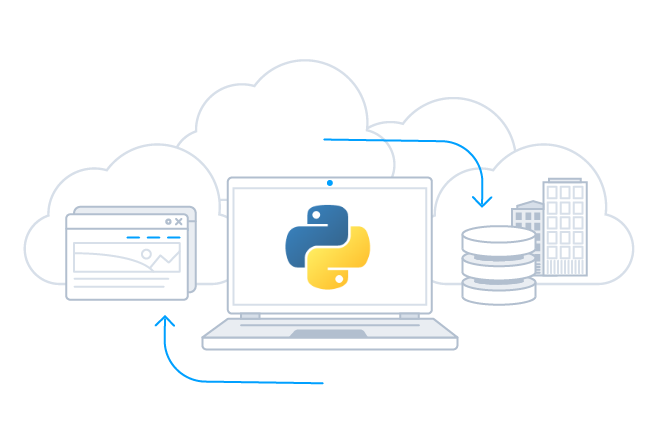
Connecting to Anaplan in Python
To connect to your data from Python, import the extension and create a connection:
Once you import the extension, you can work with all of your enterprise data using the python modules and toolkits that you already know and love, quickly building apps that help you drive business.
import cdata.anaplan as mod
conn = mod.connect("[email protected]; Password=password;")

#Create cursor and iterate over results
cur = conn.cursor()
cur.execute("SELECT * FROM Exports")

rs = cur.fetchall()

for row in rs:
print(row)
engine = create_engine("anaplan///Password=password&User=user")

df = pandas.read_sql("SELECT * FROM Exports", engine)

df.plot()
plt.show()
Visualize Anaplan Data with pandas
The data-centric interfaces of the Anaplan Python Connector make it easy to integrate with popular tools like pandas and SQLAlchemy to visualize data in real-time.
AI-assisted development with CData CLI
Build Anaplan integrations faster with AI that understands your schema
Schema-aware AI
CData CLI gives AI coding tools access to your Anaplan schema. No more guessing table names or column types—AI sees the same metadata in your Python Connectors.
Your AI Knows SQL
How to find table names, column names, and how to generate SQL syntax are things that AI knows well from millions of training data. No need for customization, no hallucinations. Your AI acts like a domain specialist to Anaplan.
More Accurate, More Token-Efficient
With CData CLI's queryable schema detection and highly efficient queries with filters, aggregation, joins with correct pushdown, your AI will achieve more accuracy with less token usage.
Popular Python Videos:
