




Live data access from Jira Assets to Google Sheets
Unlock your data initiatives with live access to the data users need within any app or platform.
Provide safe, governed access to the data your teams need in a no/low-code interface, so they can access live data within the app, tool, or spreadsheet of their choice, accelerating analytics, business intelligence, and reporting.




Jira Assets:
Jira Assets is a robust asset and configuration management tool designed to help teams efficiently track, organize, and manage their assets. It provides a centralized repository for IT and non-IT assets, enabling detailed asset categorization and relationship mapping. Teams can monitor asset lifecycles, manage dependencies, and gain insights through powerful reporting and analytics tools. With customizable workflows, automated asset tracking, and integrations with Jira Service Management, Jira Assets streamlines asset management, supports effective incident resolution, and improves overall IT operations management.

Google Sheets:
Google Sheets is a cloud-based spreadsheet program that allows users to create, edit, and collaborate on spreadsheets online. It offers a wide range of features, including formulas, charts, and conditional formatting. Users can access their spreadsheets from any device with an internet connection and easily share them with others for real-time collaboration.
Discover, blend, and access data from Jira Assets in Google Sheets
No more downloading, wrangling, and uploading spreadsheets ever again! Connect Spreadsheets is the easiest way to get all your live data in your spreadsheets. Just connect to Jira Assets, select the dataset you'd like to see, and import it into your spreadsheet. Schedule data refreshes, or click “Refresh” at any time to always get the latest version of data available.
- Work with live Jira Assets data in spreadsheets that updates as soon as the source system does, no data movement required
- Consolidate from many sources into a single source-of-truth dashboard that others can view, collaborate on, and use in spreadsheet form
- Create no/low-code queries to filter and find the Jira Assets data you want in your spreadsheet without ever leaving the app.
- Set a schedule for Connect Spreadsheets to update the data in your spreadsheet at certain times, so you know your data is always complete and accurate without needing to download, manipulate, and reupload every time you want to check a dashboard.
Access Jira Assets in Google Sheets
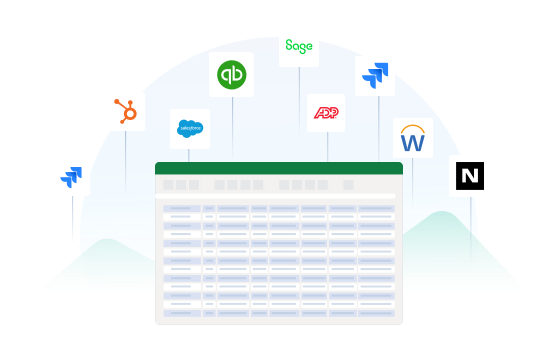
Jira Assets to Google Sheets Features

1. Install the add-in
Available in the Google Workspace Marketplace and Microsoft AppSource.

2. Create a free account
Get started in minutes — no credit card required.

3. Connect to your data
Set up your connections to more than 250 sources, powered by CData.

4. Get your data
Select your data and see it in your spreadsheet at the click of a button.
Access live Jira Assets data in other popular tools
No complicated data movement, ETL, or data integration required. Enable access to data directly from the data systems you already use. Select your preferred tool below to learn more.


