





Google Drive to Databricks Data Integration
The leading hybrid-cloud solution for Databricks integration. Automated continuous ETL/ELT data replication from Google Drive to Databricks.
Whether you're managing operational reporting, connecting data for analytics, or ensuring disaster recovery, CData Sync's no-code approach to data integration simplifies the process of putting Google Drive data to work.



Google Drive:
Google Drive is a cloud storage service that allows users to store and access files from any device with an internet connection. Users can upload, share, and collaborate on documents, spreadsheets, presentations, and more. With generous storage space and seamless integration with other Google services, Google Drive is a versatile tool for productivity.

Databricks:
Databricks is a unified data analytics platform that allows organizations to easily process, analyze, and visualize large amounts of data. It combines data engineering, data science, and machine learning capabilities in a single platform, making it easier for teams to collaborate and derive insights from their data.
Integrate Google Drive and Databricks with CData Sync
CData Sync provides a straightforward way to continuously pipeline your Google Drive data to any database, data lake, or data warehouse, making it easily available to analytics, reporting, AI, and machine learning.
- Synchronize data with a wide range of traditional and emerging databases including Databricks.
- Replicate Google Drive data to database's and data warehouse systems to facilitate operational reporting, BI, and analytics.
- Offload queries from Google Drive to reduce load and increase performance.
- Connect Google Drive to business analytics for BI and decision support.
- Archive Google Drive data for disaster recovery.
Learn more about CData Sync
Google Drive Data Integration Features
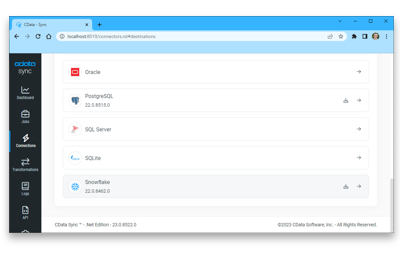
Ditch the code and complex setups to move more data in less time. Connect Google Drive to any destination with drag-and-drop ease.
Incremental updates and automatic schema replication eliminate the headaches of Google Drive data integration, ensuring Databricks always has the latest data.
Replicate all the data that matters with predictable, transparent pricing. Unlimited replication between Google Drive and Databricks.
Other Google Drive Data Integration Tools
Easily create data pipelines that integrate and replicate data from Google Drive to any supported data store, including:


