





Connect AI to live QuickBooks Online data, securely
Give your AI assistants, copilots, and agents direct access to your QuickBooks Online data—no exports, no ETL, no waiting.
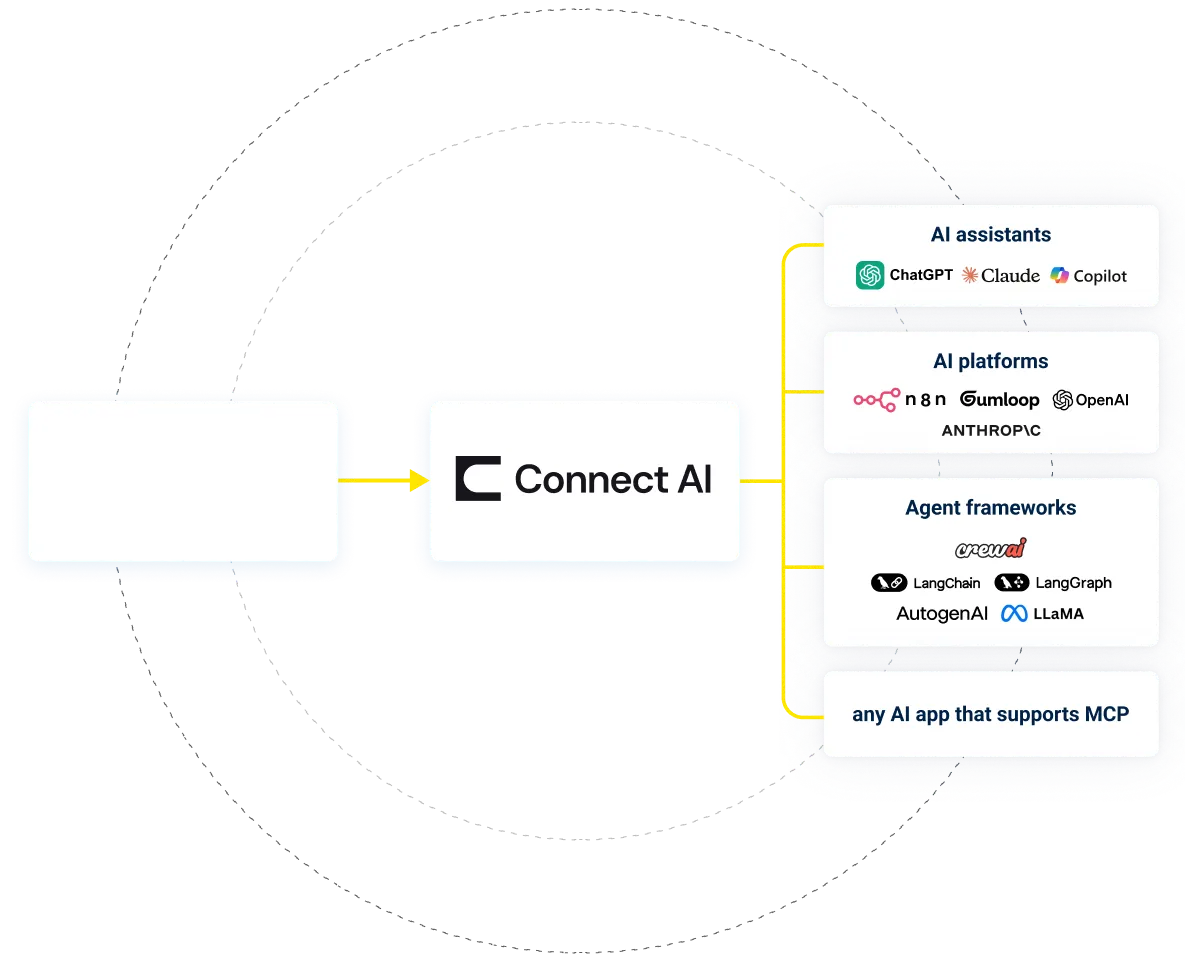

Using Connect AI for AI-powered QuickBooks Online analytics, reporting, & actions
You have the data. It's accurate. It's valuable. But asking a simple question like "What's driving churn in Q2?" — still takes dashboards, analysts, and days. Connect AI changes that.
Natural Language Querying for Real Enterprise Data
-
Query QuickBooks Online naturally. Answer precisely.
Let executives, PMs, and analysts use natural language to query live QuickBooks Online data—without needing SQL, BI tools, or training.
Those questions you've avoided asking because the answer would require yet another reporting request? Ask them, and let AI help you explore your QuickBooks Online data.
- Ask questions that combine data across sources
- Secure data controls
- Built for performance at scale
View result from QuickBooks OnlineMCP_run_query from QuickBooks OnlineMCP (local)
…
AI that knows your data—and respects your rules
-
Connectivity—One endpoint. Every AI tool.
A single MCP endpoint connects your AI tools to live QuickBooks Online data—no ETL, no replication, no custom code. -
Context—Not just data. Business meaning.
Connect AI surfaces business meaning behind your QuickBooks Online data, so agents reason more accurately at a fraction of the token cost. - Control—Your
permissions. Your rules.
Your existing QuickBooks Online permissions and RBAC rules follow your data into AI—with full query logging for IT visibility.
Use cases for QuickBooks Online + Connect AI
Connect AI doesn't replace your data tools. It turns them into something everyone can use.
- Your leadership asks better questions.
- Your teams get faster insights.
- Your org gets compound leverage.
That's what great software should do!
Make AI Actually Work with QuickBooks Online
No complicated data movement, ETL, or data integration required. Securely connect live QuickBooks Online data with any AI tool that supports MCP. Select your preferred tool below to learn more.


Working with Connect AI + QuickBooks Online
Getting started with Connect AI in four simple steps:
Sign up for a free trial
Sign up for (or sign into) Connect AI and start the experience.
Configure your QuickBooks Online Connection
Configure your connection to QuickBooks Online by securely authenticating.
Connect AI to your data
Connect your AI client, LLM, or agent to Connect AI with the remote MCP server endpoint.
Stay connected
Source tools map directly to approved system actions for predictable execution in production.


Ready to get started? Try Connect AI + QuickBooks Online today!
Turn questions into answers — with the infrastructure you already trust.