





Use Grok to Talk to Your Odoo Data via CData Connect AI

Grok AI is a large language model developed by xAI for real-time reasoning, tool invocation, and agentic workflows. It enables developers to build AI agents that can reason over live data, discover tools dynamically, and take intelligent actions.
CData Connect AI provides a secure cloud-to-cloud interface for integrating 350+ enterprise data sources with Grok AI. Using Connect AI, live Odoo data is exposed through a remote MCP endpoint without replication, allowing Grok AI agents to securely query and analyze governed enterprise data in real time.
About Odoo Data Integration
Accessing and integrating live data from Odoo has never been easier with CData. Customers rely on CData connectivity to:
- Access live data from both Odoo API 8.0+ and Odoo.sh Cloud ERP.
-
Extend the native Odoo features with intelligent handling of many-to-one, one-to-many, and many-to-many data properties. CData's connectivity solutions also intelligently handle complex data properties within Odoo. In addition to columns with simple values like text and dates, there are also columns that contain multiple values on each row. The driver decodes these kinds of values differently, depending upon the type of column the value comes from:
- Many-to-one columns are references to a single row within another model. Within CData solutions, many-to-one columns are represented as integers, whose value is the ID to which they refer in the other model.
- Many-to-many columns are references to many rows within another model. Within CData solutions, many-to-many columns are represented as text containing a comma-separated list of integers. Each value in that list is the ID of a row that is being referenced.
- One-to-many columns are references to many rows within another model - they are similar to many-to-many columns (comma-separated lists of integers), except that each row in the referenced model must belong to only one in the main model.
- Use SQL stored procedures to call server-side RFCs within Odoo.
Users frequently integrate Odoo with analytics tools such as Power BI and Qlik Sense, and leverage our tools to replicate Odoo data to databases or data warehouses.
Getting Started
Step 1: Configure Odoo in CData Connect AI
To enable Grok to query live Odoo data, first create a Odoo connection in CData Connect AI. This connection is exposed through the CData Remote MCP Server.
-
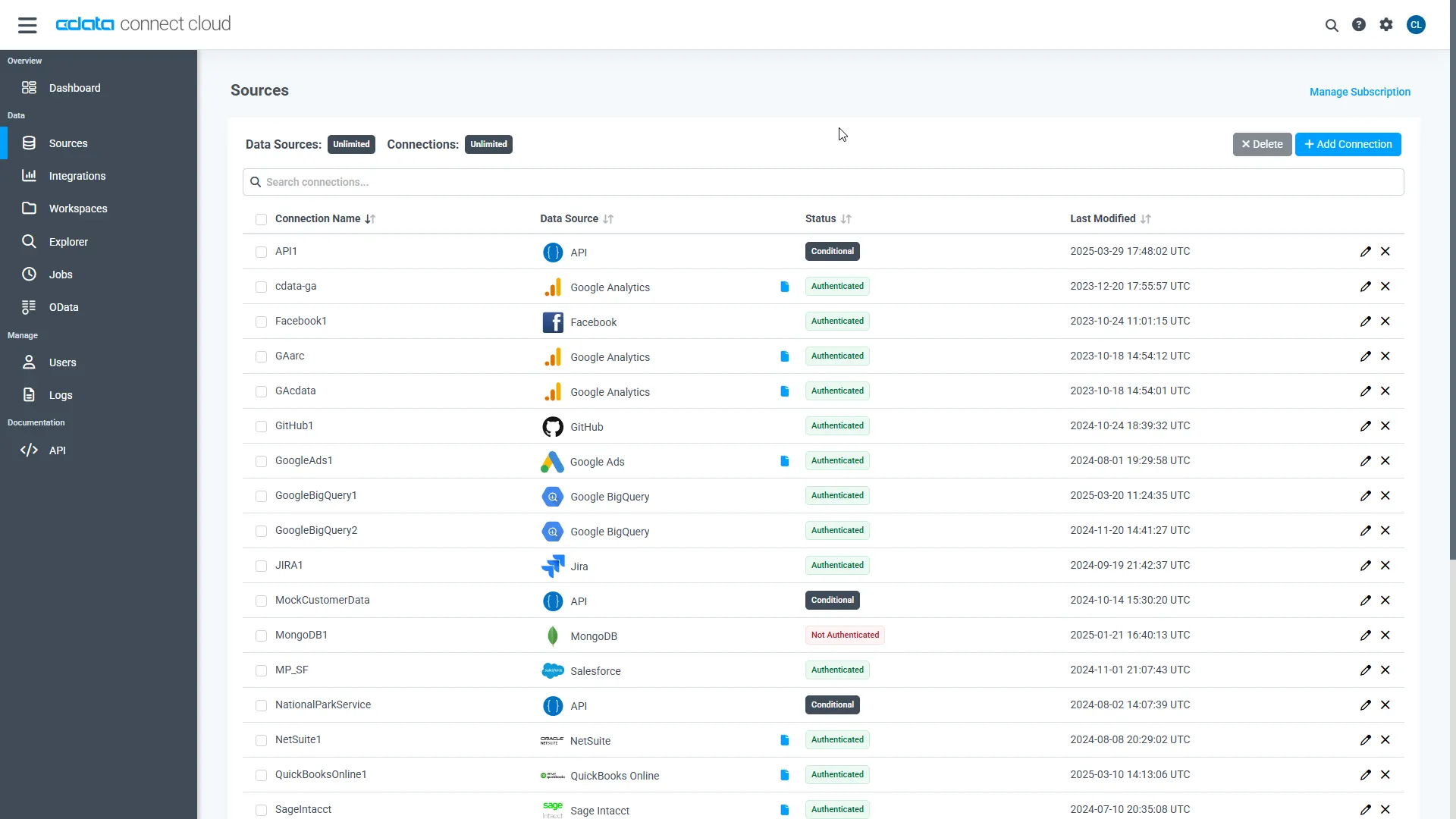
Log into Connect AI, click Sources, and then click Add Connection.
-
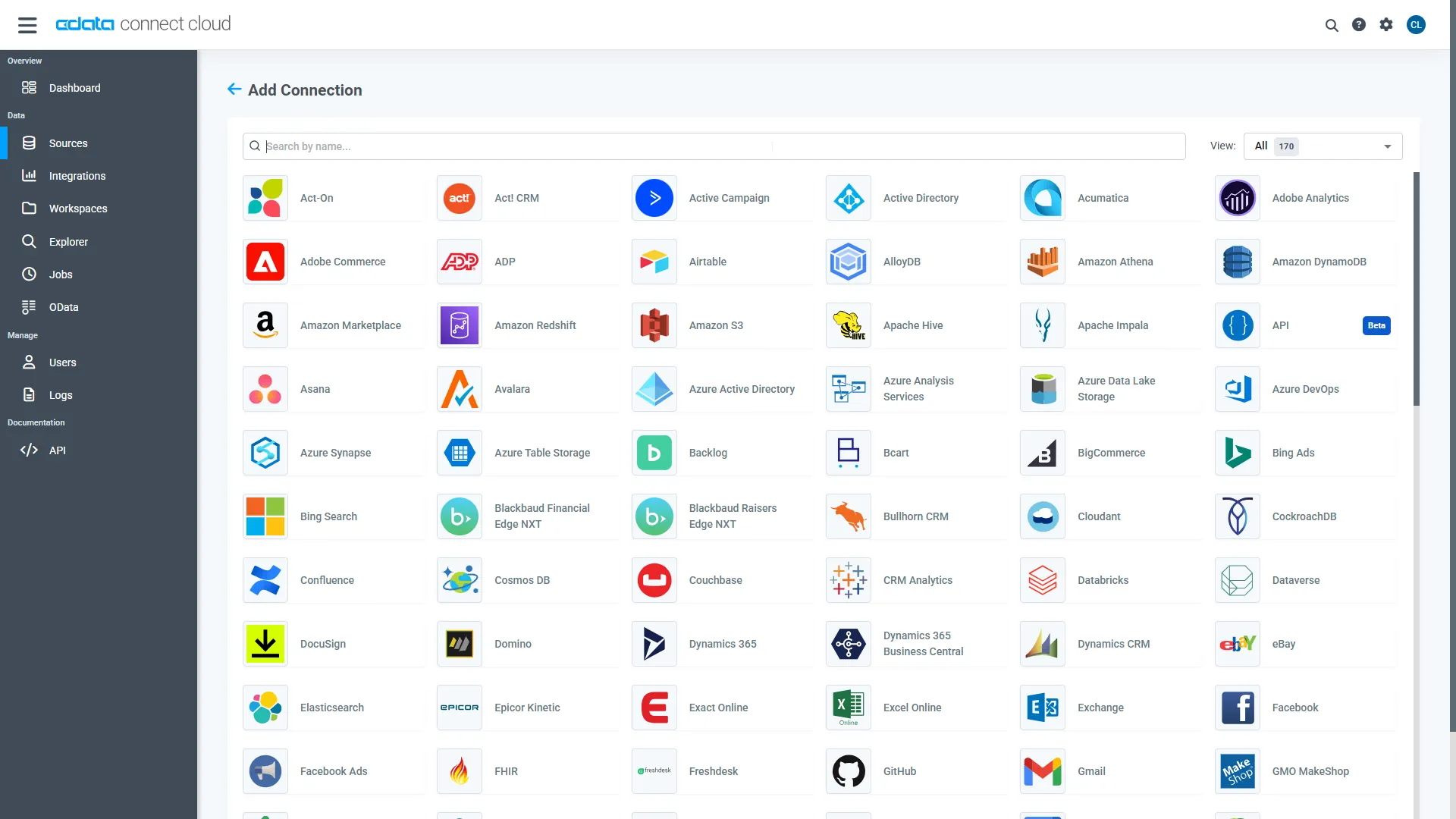
Select "Odoo" from the Add Connection panel.
-
Enter the required authentication properties.
To connect, set the Url to a valid Odoo site, User and Password to the connection details of the user you are connecting with, and Database to the Odoo database.
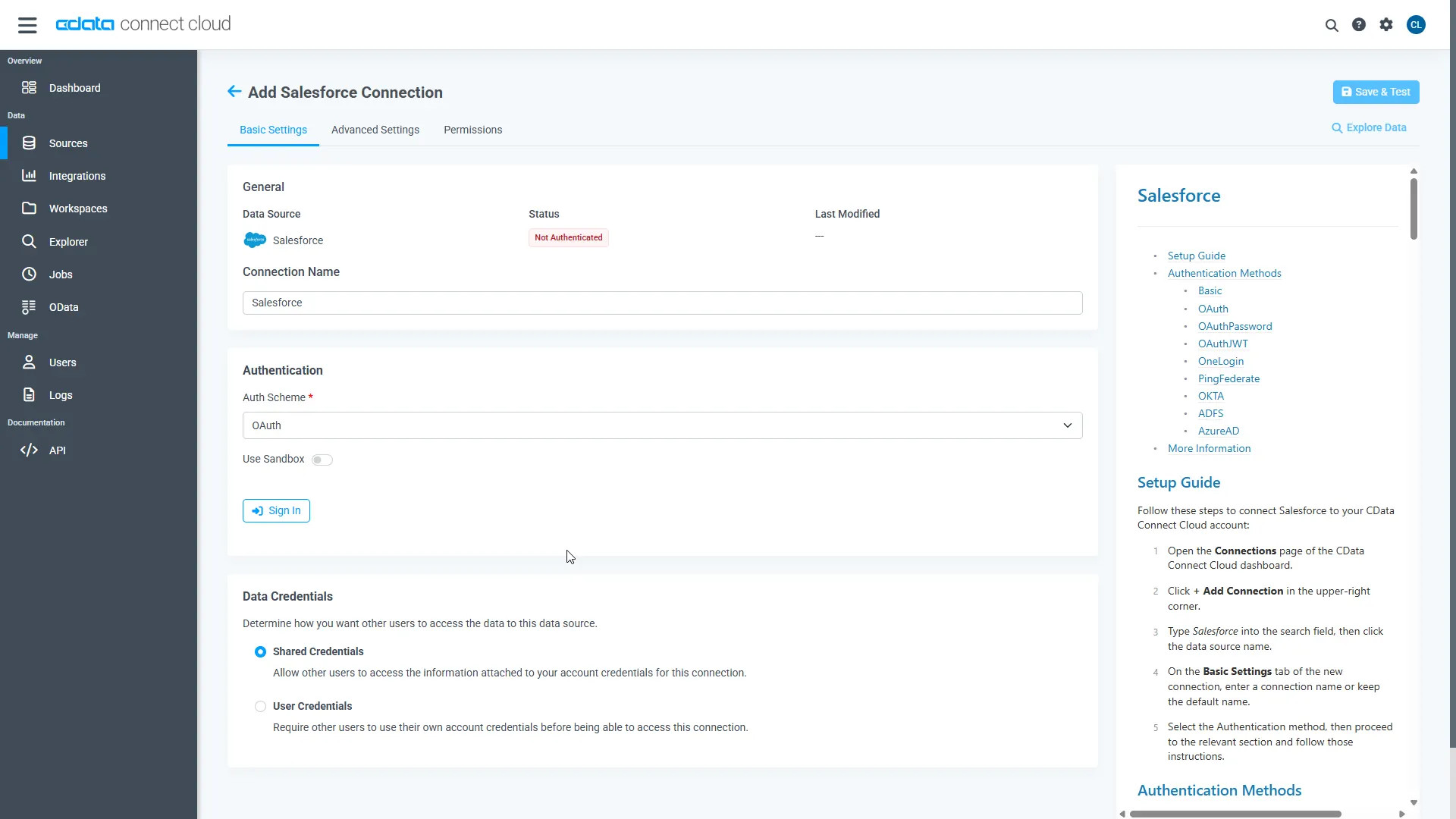 Click Create & Test.
-
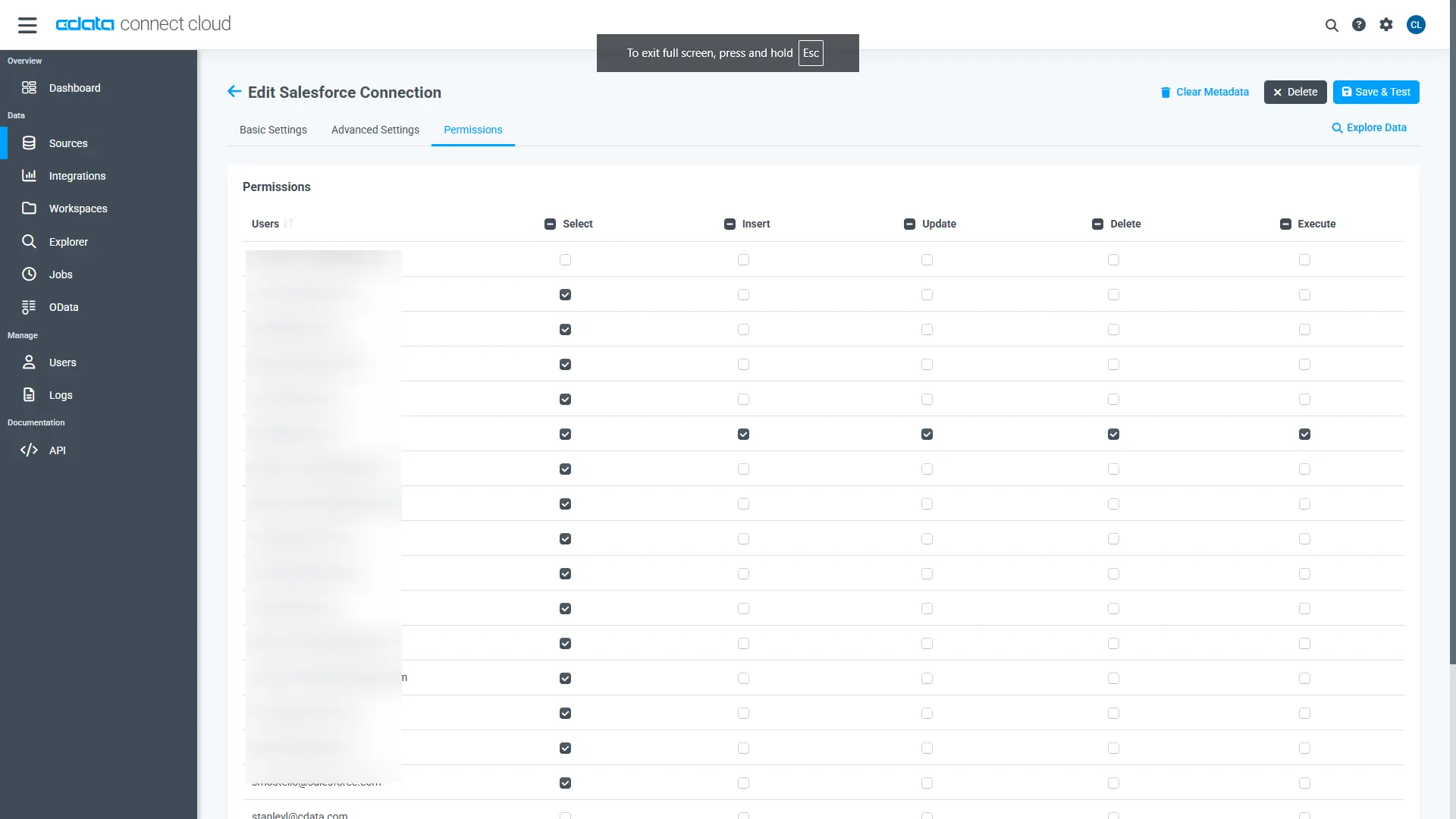
Open the Permissions tab and configure user access.
Add a Personal Access Token
A Personal Access Token (PAT) authenticates MCP requests from Agno to CData Connect AI.
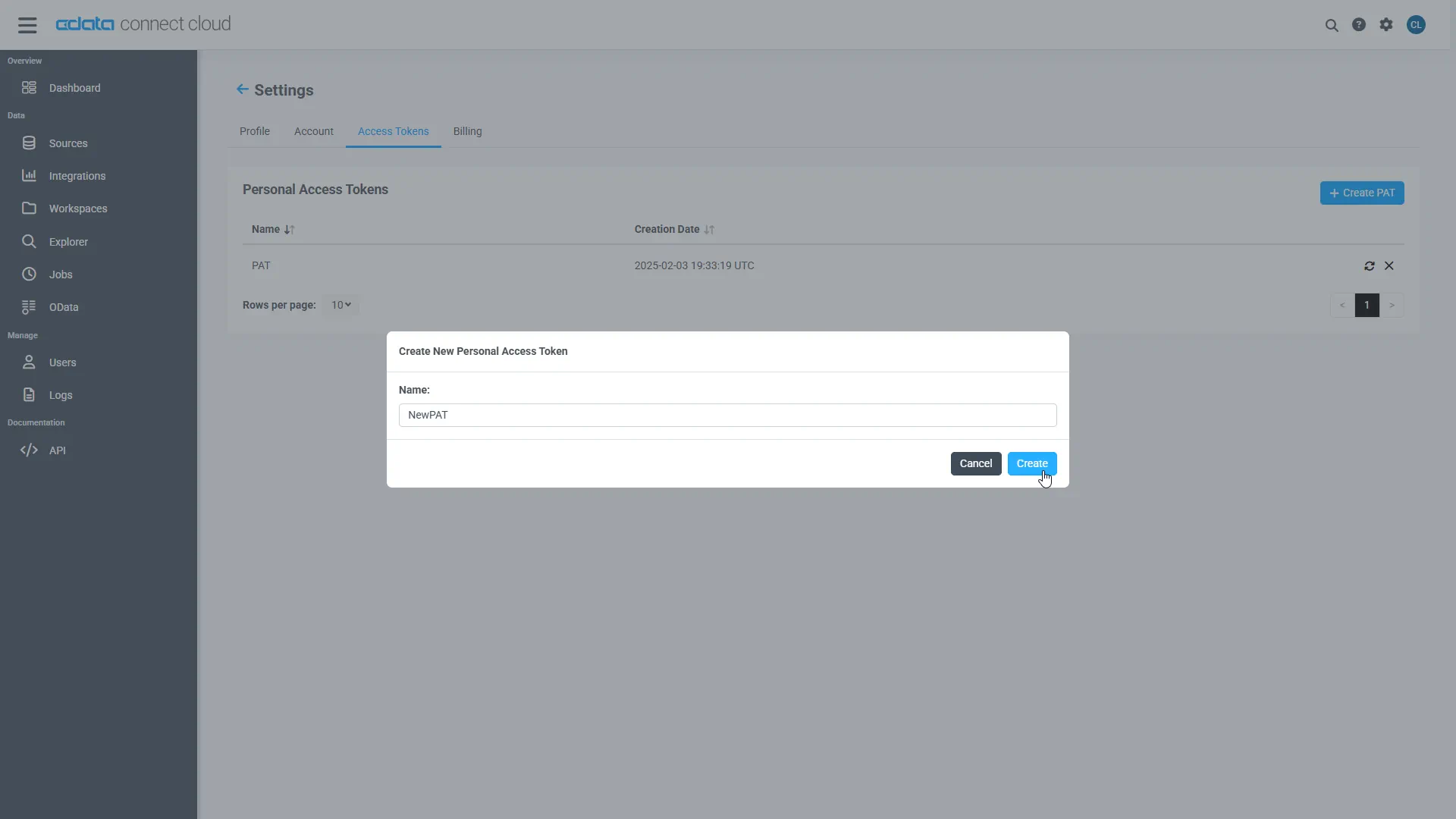
- Open Settings and navigate to Access Tokens.
- Click Create PAT.
-
Save the generated token securely.
Step 2: Install required dependencies
Remote MCP Tools allow Grok to connect to external MCP (Model Context Protocol) servers, extending its capabilities with custom tools from third parties or your own implementations. Simply specify a server URL and optional configuration xAI manages the MCP server connection and interaction on your behalf.
Open the terminal and install the required dependencies for the MCP integration using pip.
pip install xai-sdk==1.4.0
The xai-sdk (v1.4.0) enables Remote MCP tools, and python-dotenv is used to securely load environment variables.
pip install python-dotenv
Step 3: Generate an xAI API key
- Create or login to xAI account
- Open xAI API console
- Navigate to API Keys
- Click on create API key
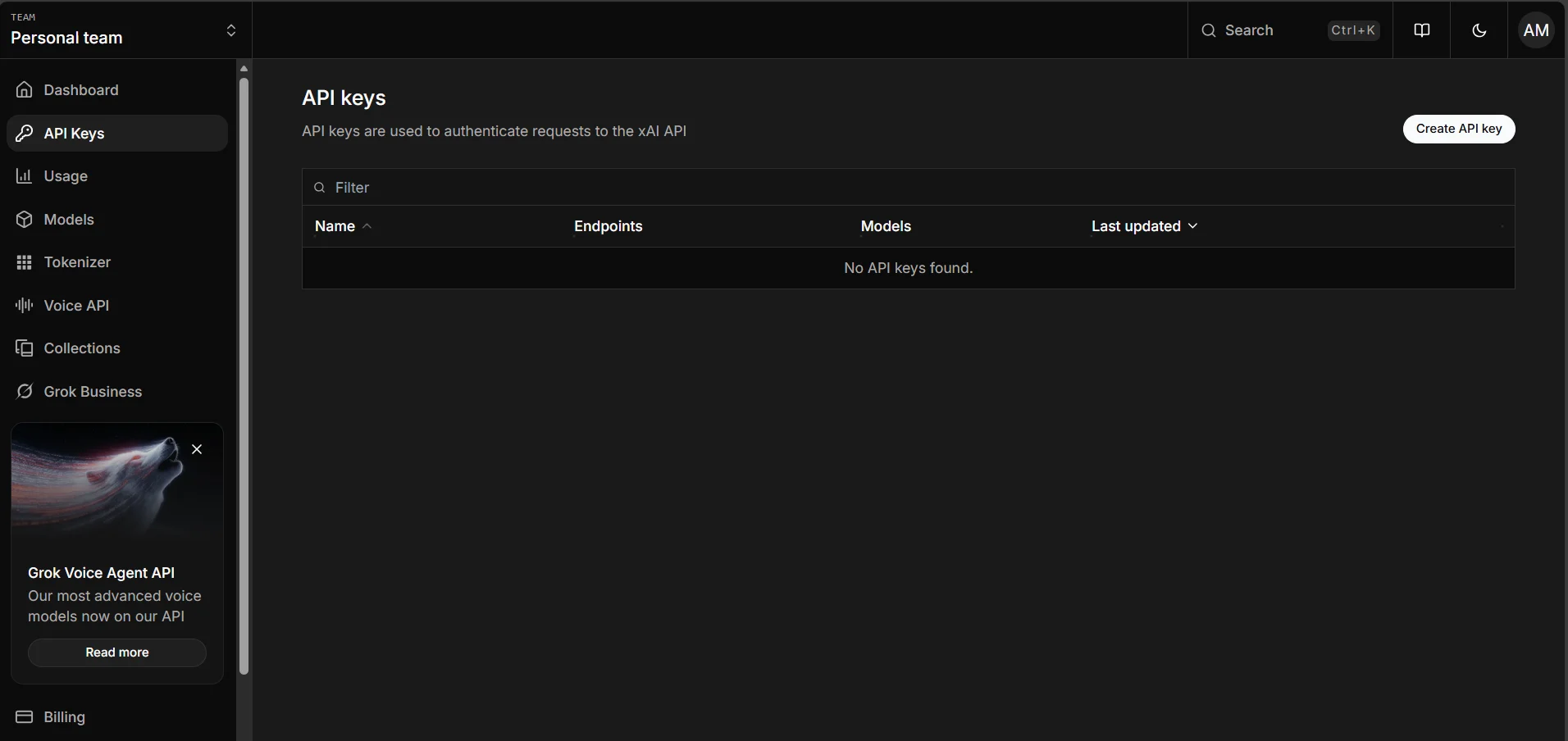
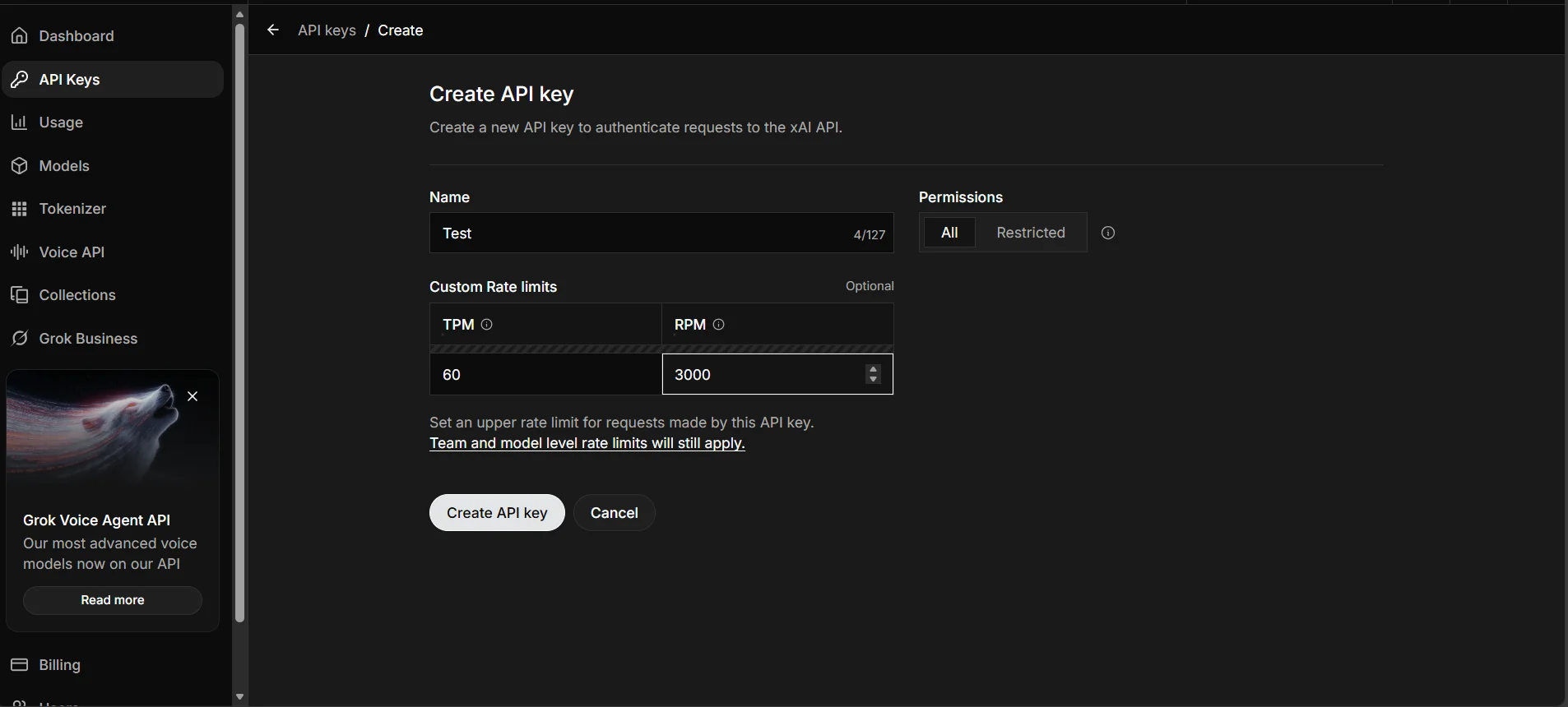
After generating an API key, user need to save it somewhere safe. Recommended option is to export it as an environment variable in your terminal or save it to a .env file.
Step 4: Connect to CData Connect AI
Initialize the Grok client and configure the MCP connection to CData Connect AI. The code below establishes a secure connection and sends a natural language query to your data source.
import os

from xai_sdk import Client
from xai_sdk.chat import user
from xai_sdk.tools import mcp

client = Client(api_key="Your_xAI-API_KEY")
chat = client.chat.create(
	model="grok-4-1-fast-non-reasoning",
	tools=[
		mcp(
			server_url="https://mcp.cloud.cdata.com/mcp",
			extra_headers={"Authorization": "Basic Username:PAT"} #Base64 Encoded Username:PAT
		)
		],
	include=["verbose_streaming"],
)

chat.append(user("List the top two catalogs for me please"))

is_thinking = True
for response, chunk in chat.stream():
	# View the server-side tool calls as they are being made in real-time
	for tool_call in chunk.tool_calls:
		print(f"
Calling tool: {tool_call.function.name} with arguments: {tool_call.function.arguments}")
	if response.usage.reasoning_tokens and is_thinking:
		print(f"
Thinking... ({response.usage.reasoning_tokens} tokens)", end="", flush=True)
	if chunk.content and is_thinking:
		print("

Final Response:")
		is_thinking = False
	if chunk.content and not is_thinking:
		print(chunk.content, end="", flush=True)

print("

Usage:")
print(response.usage)
print(response.server_side_tool_usage)
print("

Server Side Tool Calls:")
print(response.tool_calls)
This code initializes the Grok AI client, connects to CData Connect AI via MCP using Basic Authentication, and streams the response in real-time. The agent automatically discovers available tools, invokes them to query your live data, and displays both the tool calls and final results.
Run the script to see Grok query your connected data source.
Query Results
The output shows Grok invoking MCP tools through CData Connect AI and returning live data from your connected source.
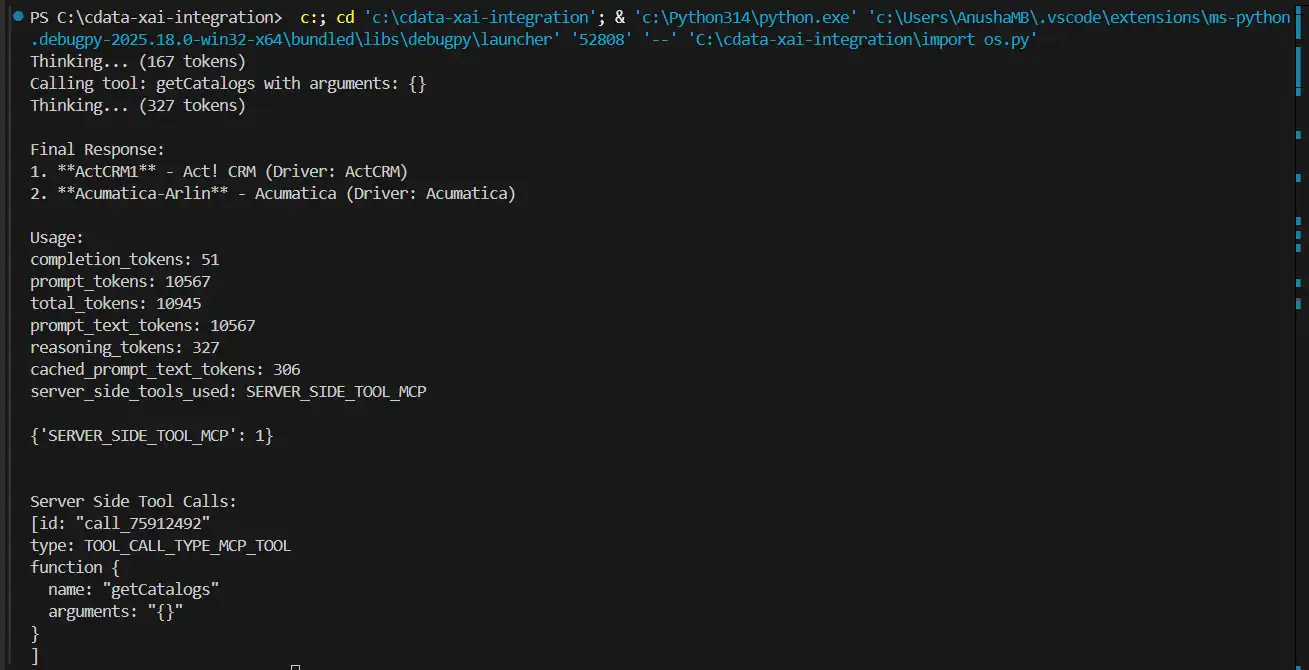
User can now query live data using natural language through Grok AI.
Build agentic workflows with Grok and CData Connect AI
Combining Grok AI with CData Connect AI delivers AI-powered data access without pipelines or custom integrations. Start your free trial today to see how CData can empower Grok with live, secure access to 350+ external systems.