




Integrate Live Printful Data into Custom Business Apps Built in Power Apps

Power Apps is a service for building and using custom business apps that connect to your data and work across the web and mobile — without the time and expense of custom software development. When paired with CData Connect AI, you get instant, cloud-to-cloud access to Printful data from the apps you build using Power Apps. This article shows how to connect to Connect AI from Power Apps and build an app based on live Printful data.
CData Connect AI provides a pure SQL, cloud-to-cloud interface for Printful, allowing you to easily integrate with live Printful data in Power Apps — without replicating the data. CData Connect AI looks exactly like a SQL Server database to Power Apps and uses optimized data processing out of the box to push all supported SQL operations (filters, JOINs, etc) directly to Printful, leveraging server-side processing to quickly return Printful data.
Configure Printful Connectivity for Power Apps
Connectivity to Printful from Power Apps is made possible through CData Connect AI. To work with Printful data from Power Apps, we start by creating and configuring a Printful connection.
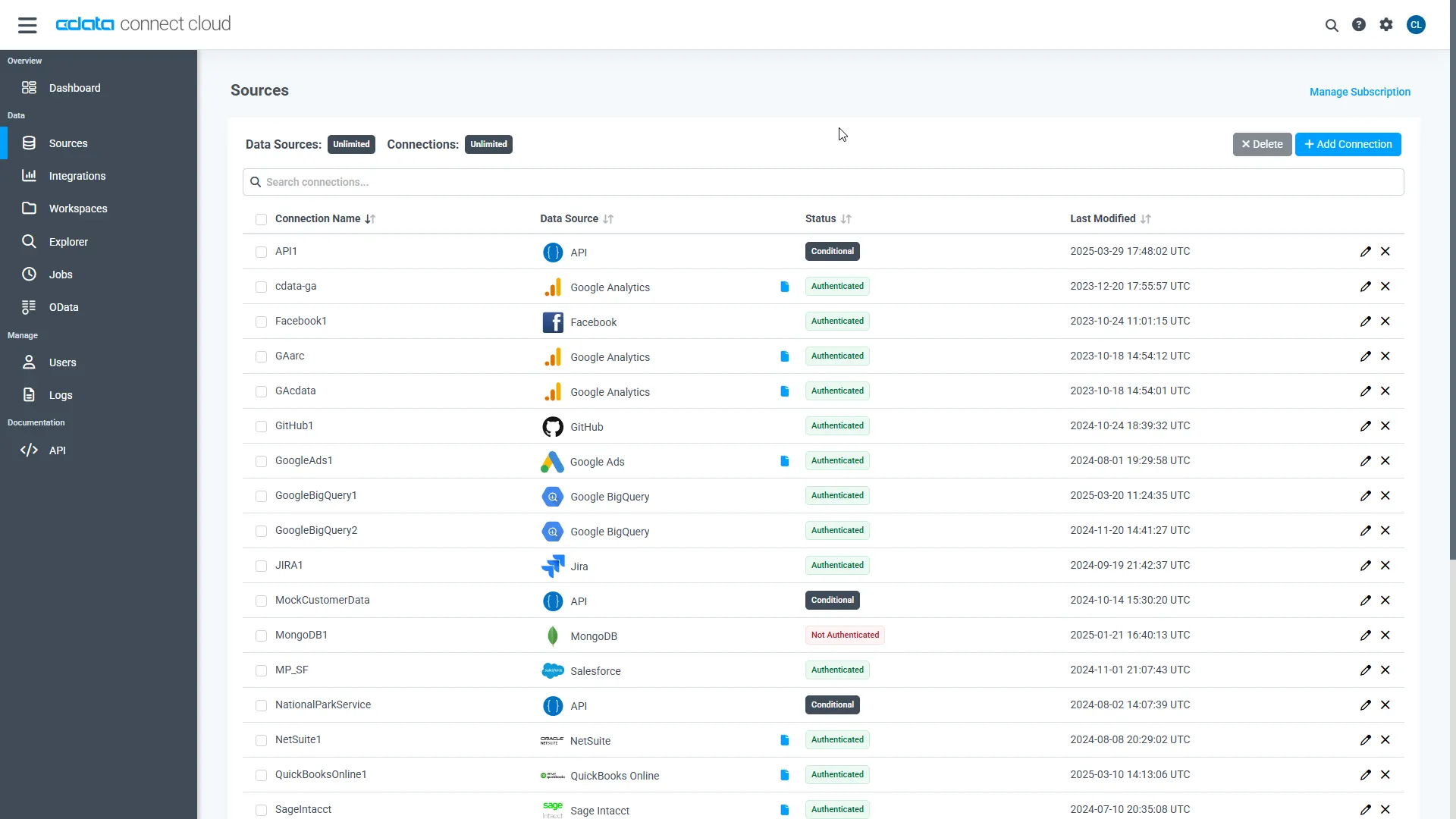
- Log into Connect AI, click Sources, and then click Add Connection
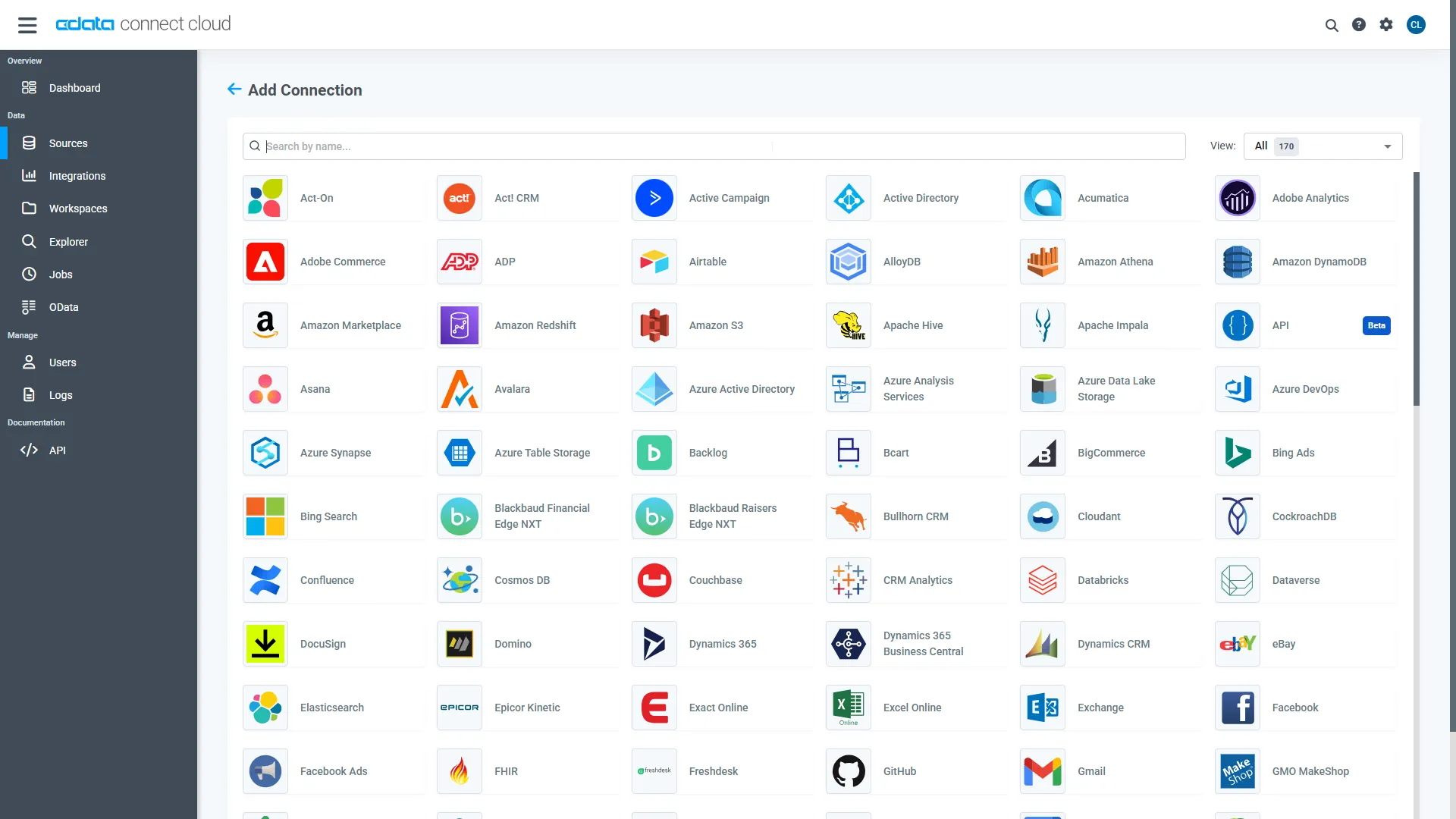
- Select "Printful" from the Add Connection panel
-
Enter the necessary authentication properties to connect to Printful.
Start by setting the Profile connection property to the location of the Printful Profile on disk (e.g. C:\profiles\Printful.apip). Next, set the ProfileSettings connection property to the connection string for Printful (see below).
Printful API Profile Settings
In order to authenticate to Printful, you'll need to provide your API Key. To get your API Key, first go to 'Settings' then 'Stores'. Select the Store you would like to connect to, then click the 'Add API Access' button to generate an API Key. Set the API Key in the ProfileSettings property to connect.
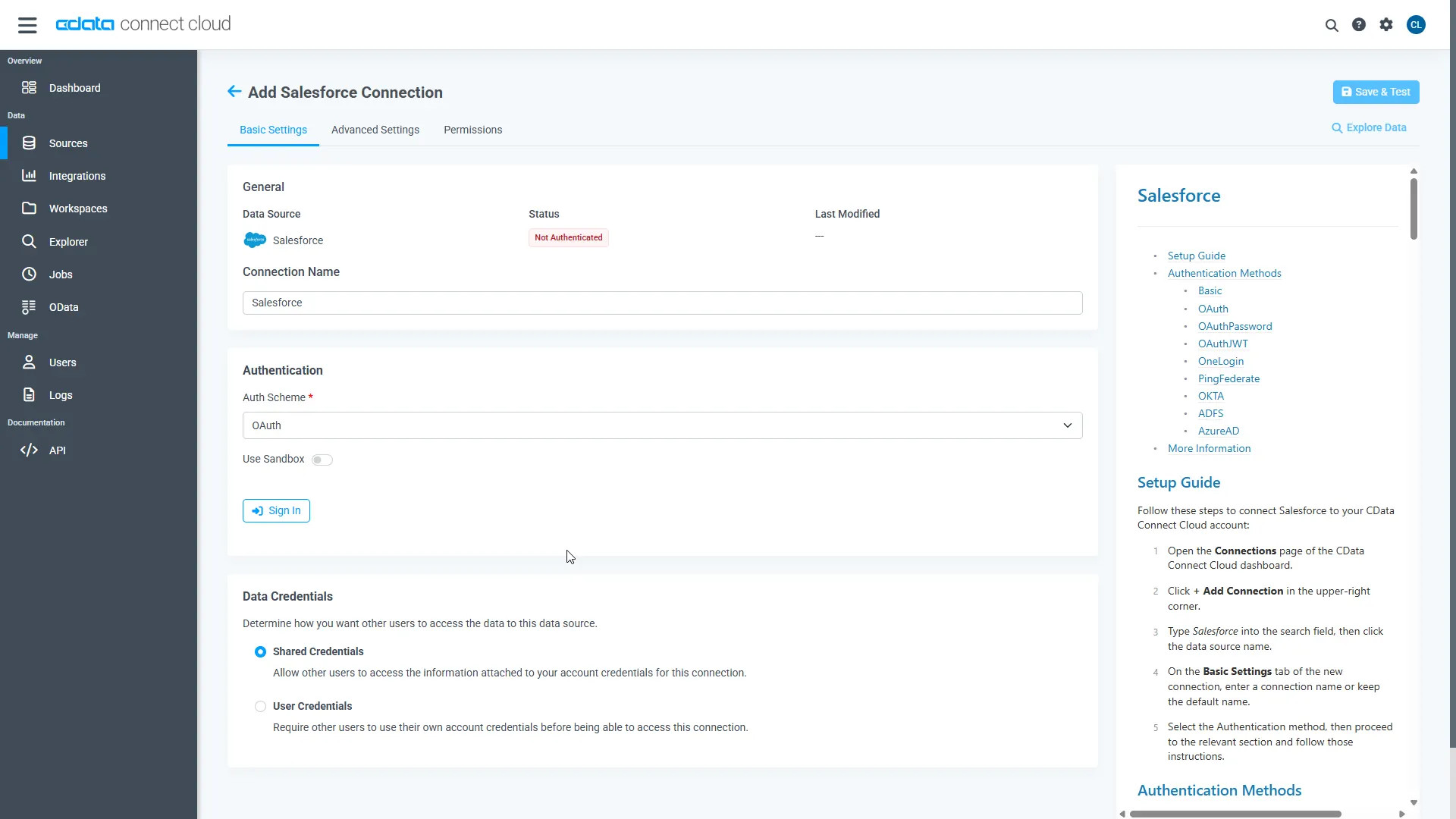
- Click Save & Test
-
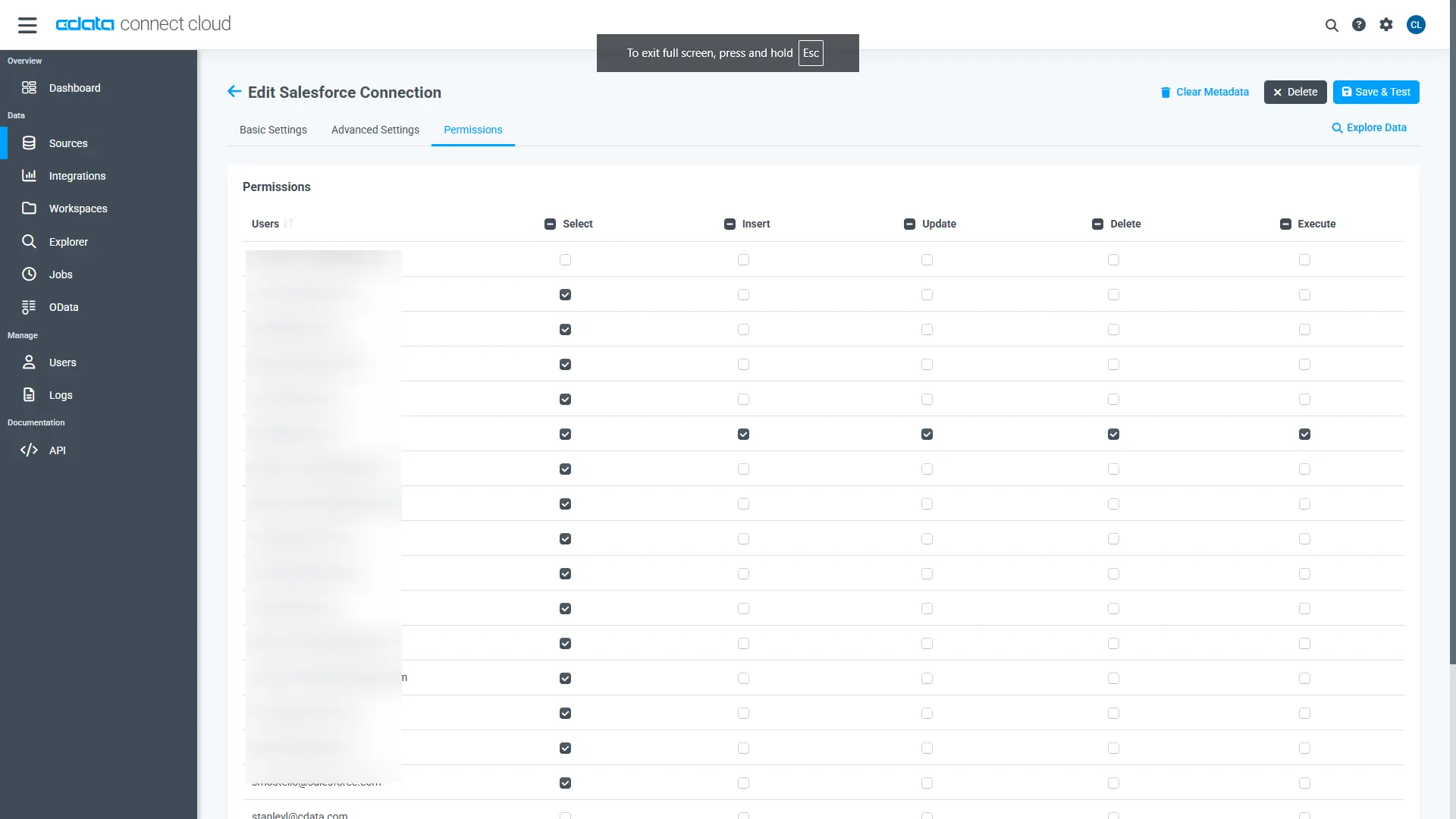
Navigate to the Permissions tab in the Add Printful Connection page and update the User-based permissions.
Add a Personal Access Token
When connecting to Connect AI through the REST API, the OData API, or the Virtual SQL Server, a Personal Access Token (PAT) is used to authenticate the connection to Connect AI. It is best practice to create a separate PAT for each service to maintain granularity of access.
- Click on the Gear icon () at the top right of the Connect AI app to open the settings page.
- On the Settings page, go to the Access Tokens section and click Create PAT.
-
Give the PAT a name and click Create.
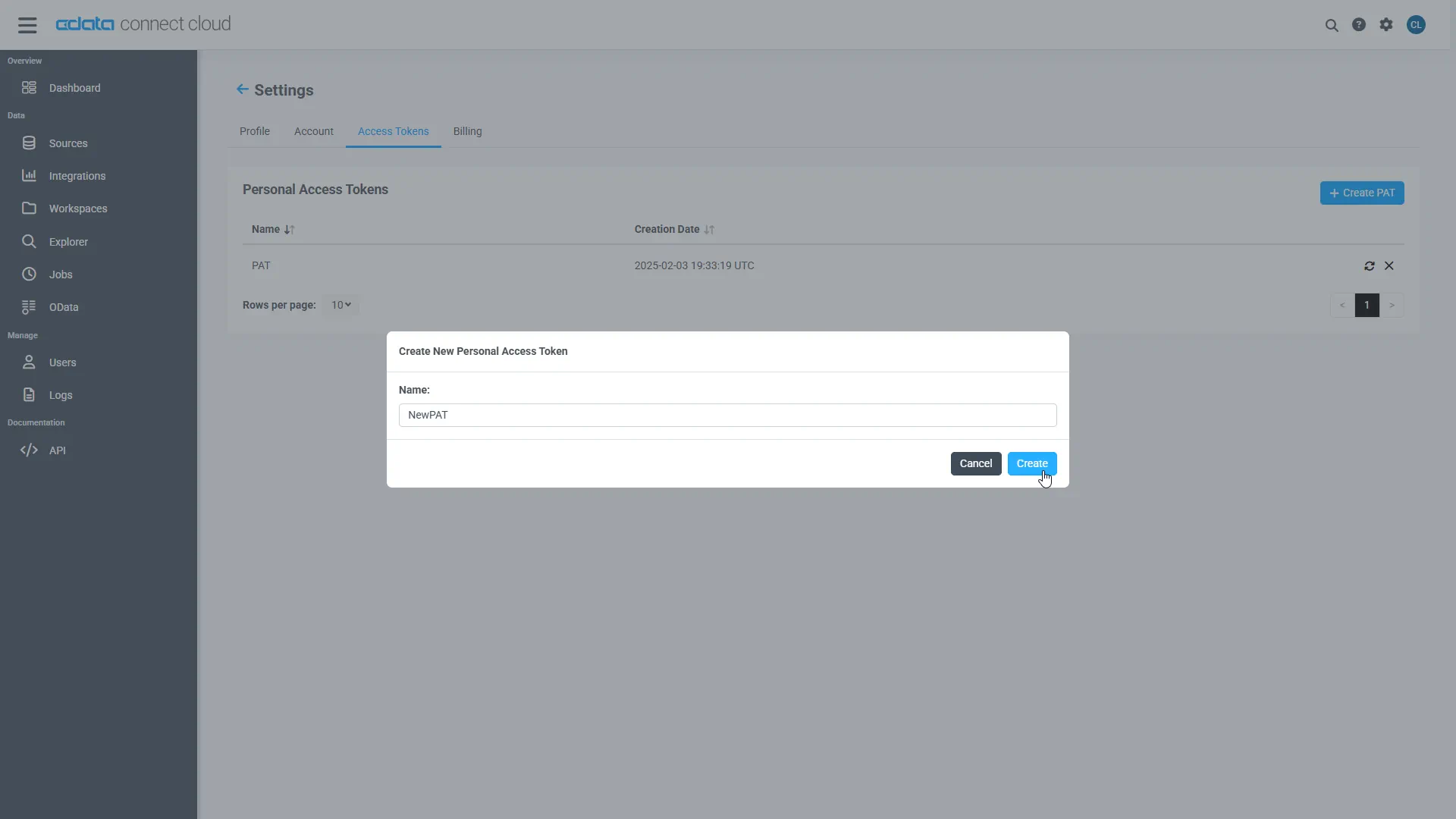
- The personal access token is only visible at creation, so be sure to copy it and store it securely for future use.
With the connection configured and a PAT generated, you are ready to connect to Printful data from Power Apps.
Connecting to CData Connect AI
To use Connect AI to integrate Printful data into your Power Apps, you need a new SQL Server connection:
- Log in to Power Apps
- Click Dataverse -> Connections -> New connection
- Select SQL Server
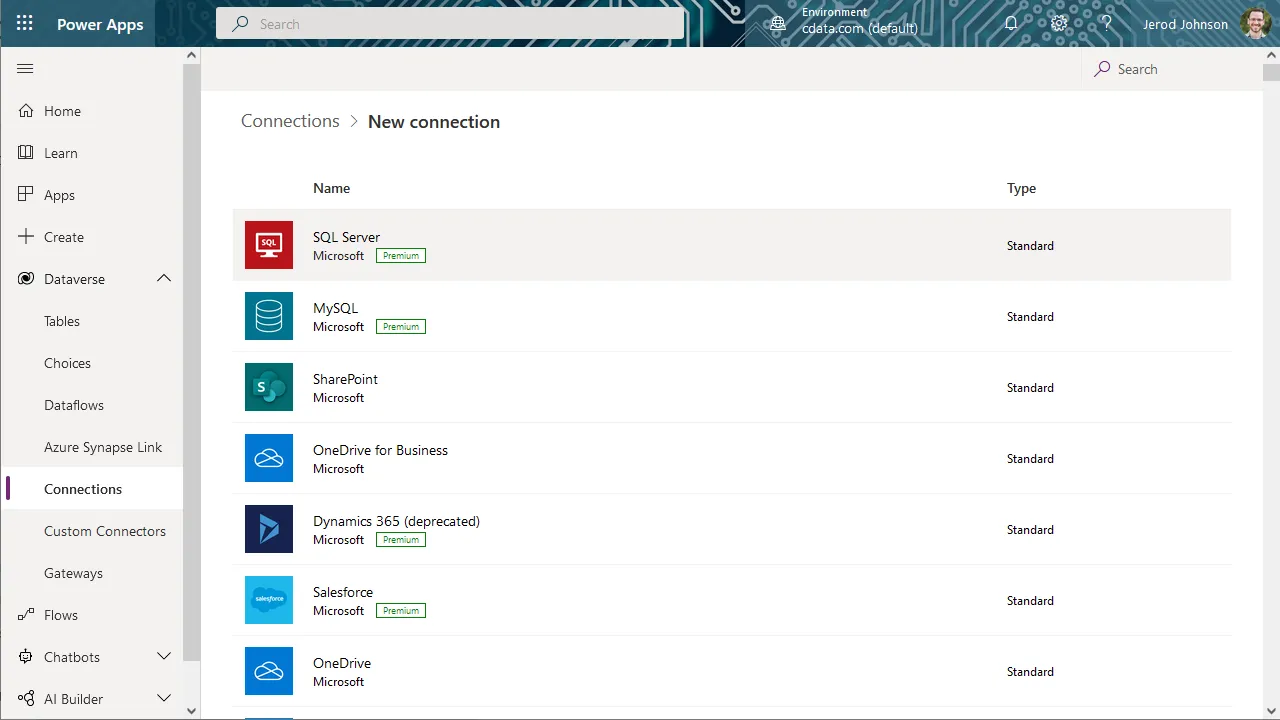
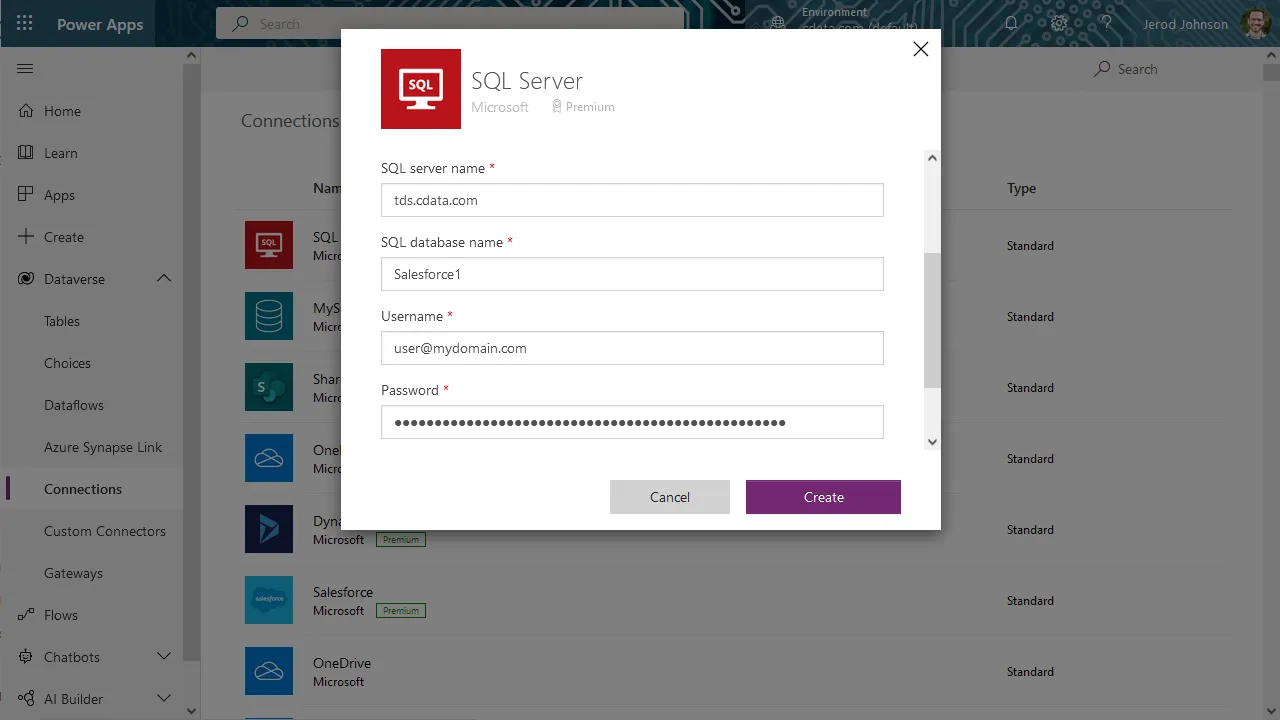
- In the connection wizard:
- Choose to connect directly
- Set SQL server name to tds.cdata.com,14333
- Set SQL database name to the name of the Printful connection (e.g. API1)
- Set Username to a Connect AI user (e.g. [email protected])
- Set Password to the PAT for the above user
- Click Create
Building a Data-Centric App for Printful Data
With the connection to Connect AI configured, you are ready to integrate live Printful data into the apps you build in Power Apps.
- Log in to Power Apps
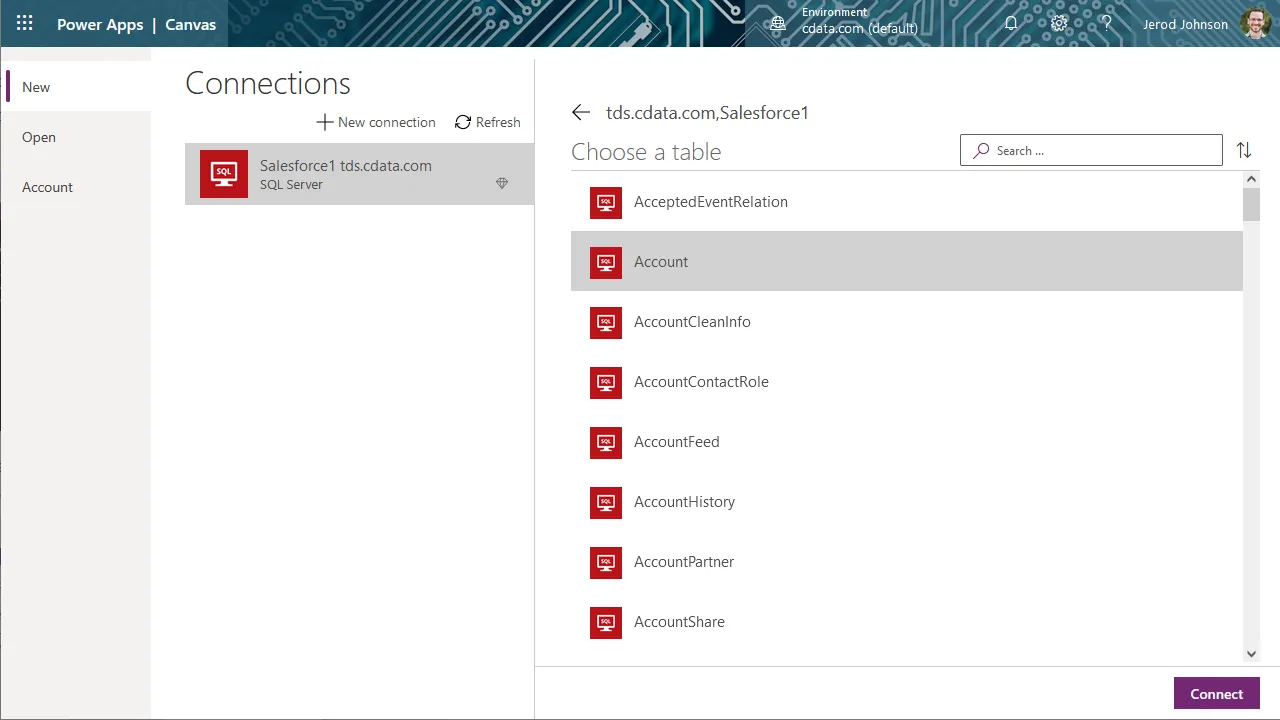
- Click Create and select "SQL"
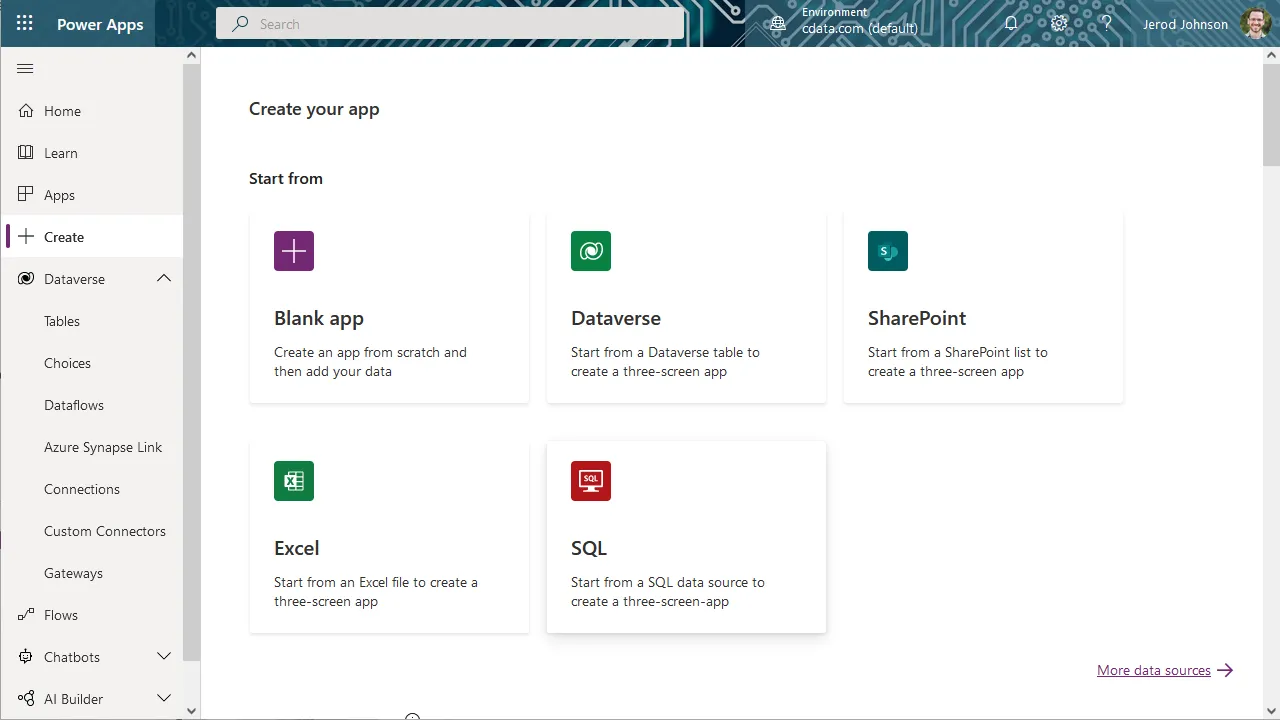
- Select the SQL Server connection you created
- Search for or choose a table to work with
- Click Connect
- Customize the newly created app just like you would any other, including changing the layout and setting the fields exposed in BrowseScreen, DetailScreen, and EditScreen
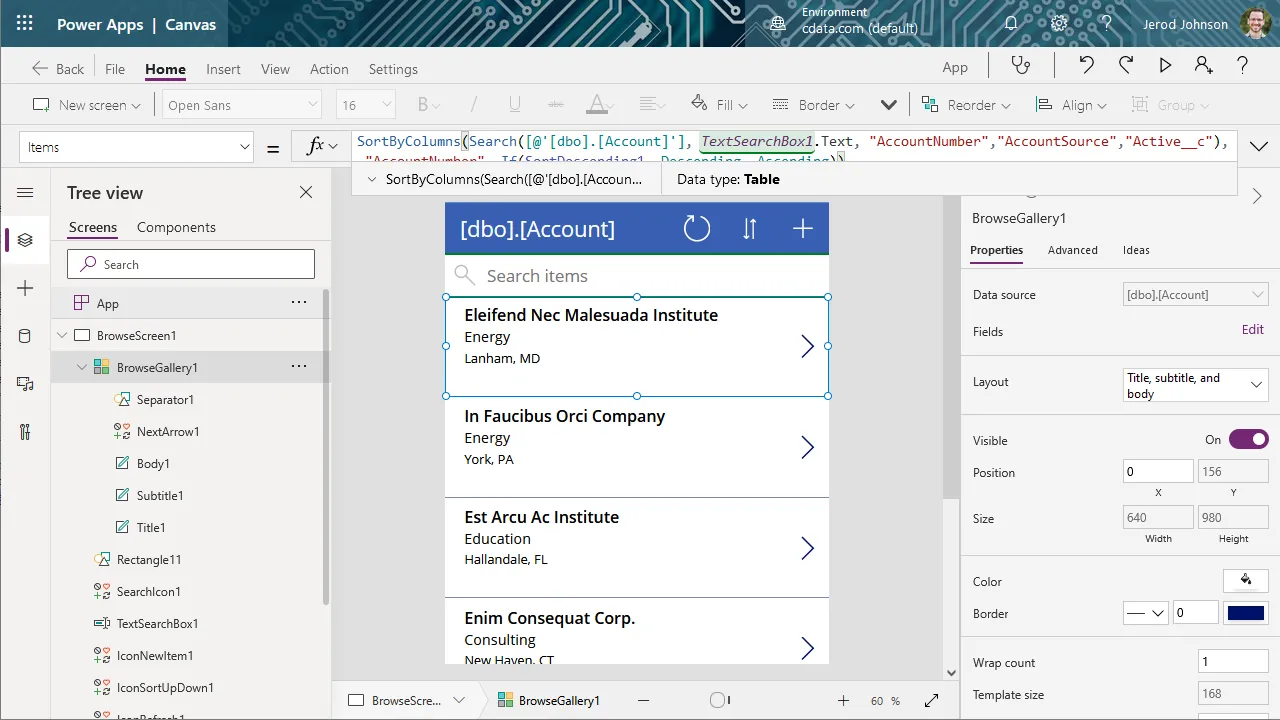
At this point, you have an app with read access to live Printful data that you can save and publish for use within your organization.
SQL Access to Printful Data from Cloud Applications
Now you have a direct connection to live Printful data from Microsoft Power Apps. You can create more connections and apps to drive business — all without replicating Printful data.
To get real-time data access to hundreds of SaaS, Big Data, and NoSQL sources directly from your cloud applications, sign up for a free trial of CData Connect AI.