






Build ServiceNow-Powered Applications in Gemini Code Assist with CData Code Assist MCP

Gemini Code Assist is an AI-powered coding companion that integrates intelligent code generation into everyday development workflows. With support for MCP, Gemini Code Assist can connect to live enterprise data sources directly from Visual Studio Code, enabling natural language interaction with structured data without switching context or manually writing data access code.
Model Context Protocol (MCP) is an open standard for connecting LLM clients to external services through structured tool interfaces. MCP servers expose capabilities such as schema discovery and live querying, allowing AI agents to retrieve and reason over real-time data safely and consistently.
This guide walks through installing the CData Code Assist MCP for ServiceNow, configuring the connection to ServiceNow, connecting the Code Assist MCP add-on to Gemini Code Assist, and querying live ServiceNow data from within the editor.
About ServiceNow Data Integration
CData simplifies access and integration of live ServiceNow data. Our customers leverage CData connectivity to:
- Get optimized performance since CData uses the REST API for data and the SOAP API for schema.
- Read, write, update, and delete ServiceNow objects like Schedules, Timelines, Questions, Syslogs and more.
- Use SQL stored procedures for actions like adding items to a cart, submitting orders, and downloading attachments.
- Securely authenticate with ServiceNow, including basic (username and password), OKTA, ADFS, OneLogin, and PingFederate authentication schemes.
Many users access live ServiceNow data from preferred analytics tools like Tableau, Power BI, and Excel, and use CData solutions to integrate ServiceNow data with their database or data warehouse.
Getting Started
Prerequisites
Before starting, ensure the following requirements are met:
- Visual Studio Code is installed on the machine
- Gemini Code Assist extension is enabled in Visual Studio Code
- CData Code Assist MCP for ServiceNow has been installed
- Access to ServiceNow
Note: Gemini Code Assist must already be set up and functional in Visual Studio Code before configuring MCP servers. MCP servers are accessed when Gemini Code Assist is running in Agent mode.
Step 1: Download and install the CData Code Assist MCP for ServiceNow
-
To begin, download the CData Code Assist MCP for ServiceNow
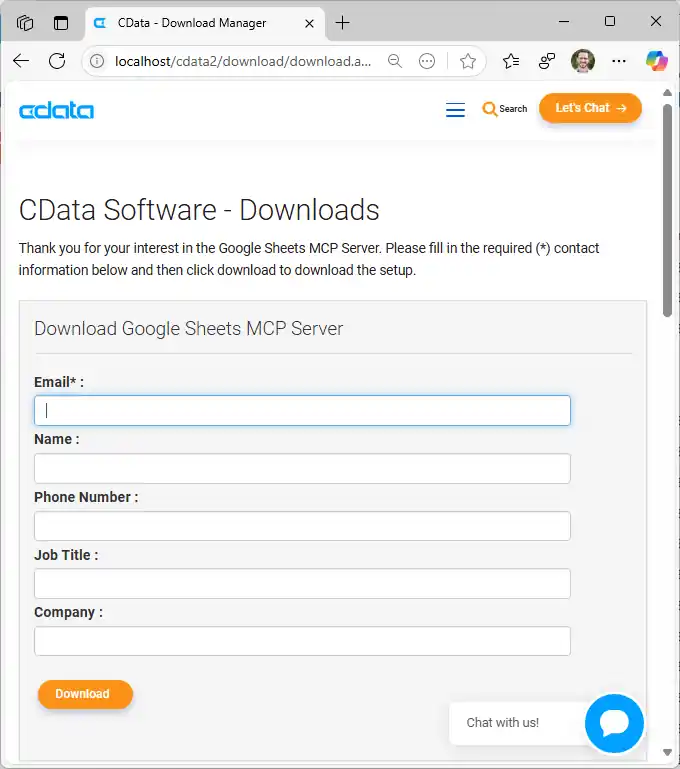
- Find and double-click the installer to begin the installation
-
Run the installer and follow the prompts to complete the installation
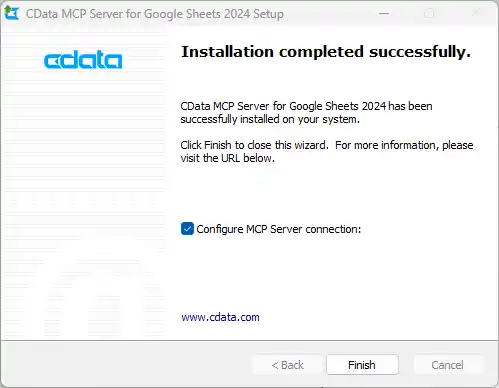
When the installation is complete, the Code Assist MCP add-on is ready for configuration by connecting to ServiceNow.
Step 2: Configure the connection to ServiceNow
-
After installation, open the CData Code Assist MCP for ServiceNow configuration wizard
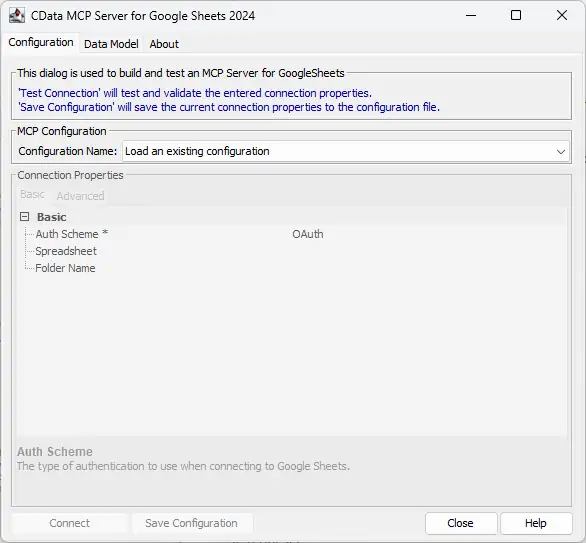
NOTE: If the wizard does not open automatically, search for "CData Code Assist MCP for ServiceNow" in the Windows search bar and open the application.
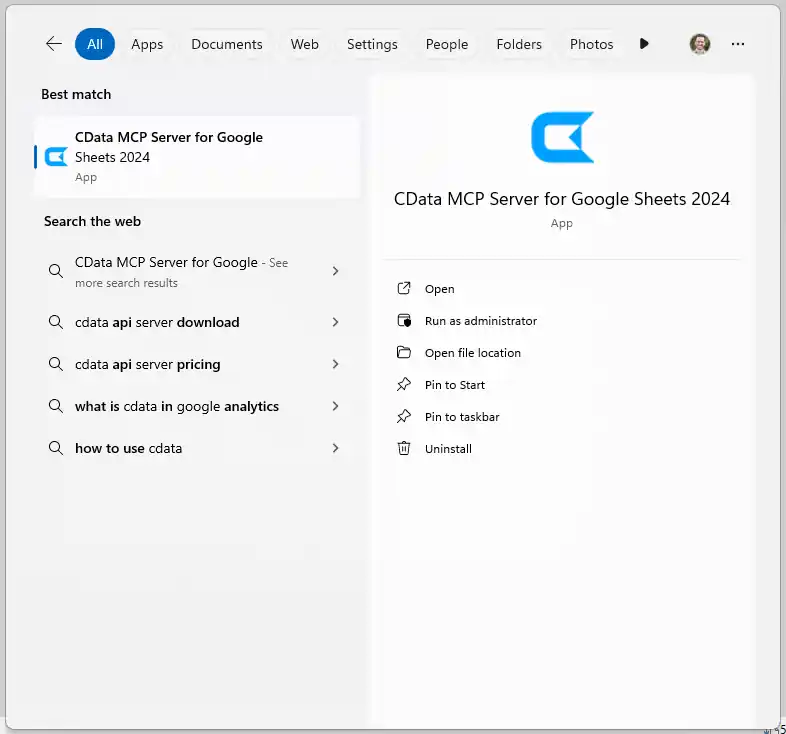
-
In MCP Configuration > Configuration Name, either select an existing configuration or choose
to create a new one 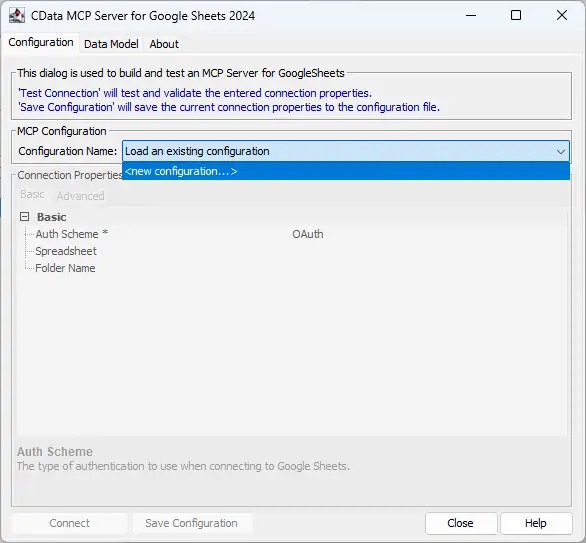
-
Name the configuration (e.g. "cdata_servicenow") and click OK
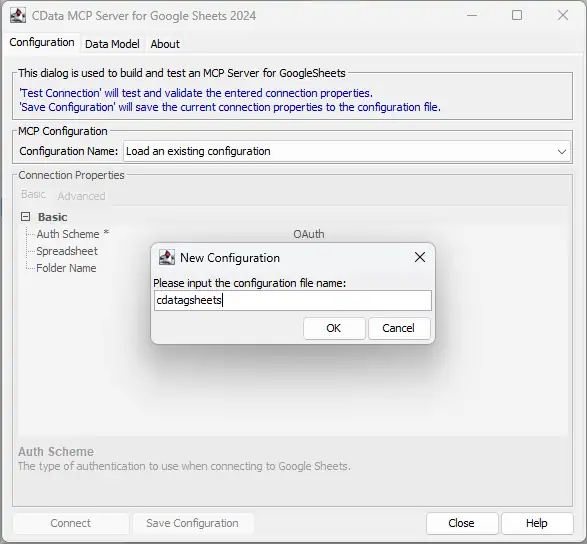
-
Enter the appropriate connection properties in the configuration wizard
ServiceNow uses the OAuth 2.0 authentication standard. To authenticate using OAuth, register an OAuth app with ServiceNow to obtain the OAuthClientId and OAuthClientSecret connection properties. In addition to the OAuth values, specify the Instance, Username, and Password connection properties.
See the "Getting Started" chapter in the help documentation for a guide on connecting to ServiceNow.
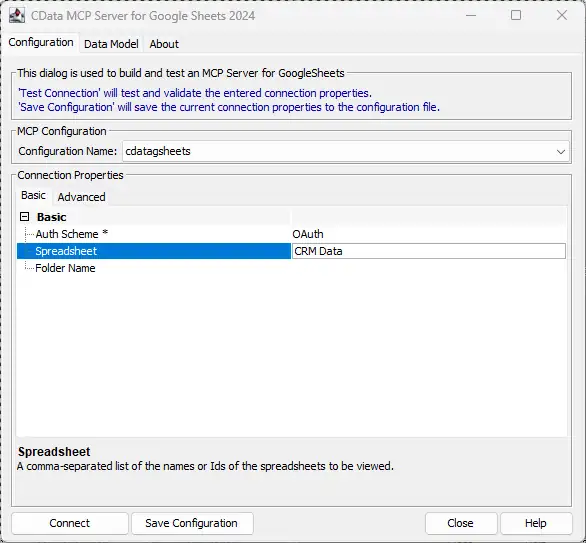
- Click Connect to authenticate with ServiceNow through OAuth
-
Then, click Save Configuration to save the Code Assist MCP add-on
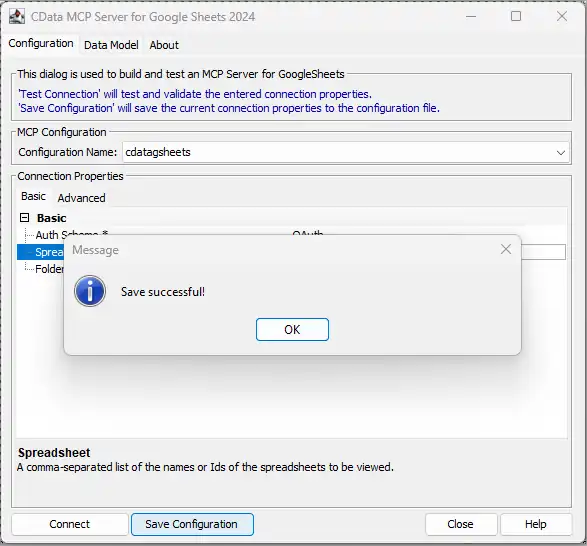
This process creates a .mcp configuration file that Gemini Code Assist will reference when launching the Code Assist MCP add-on. With the Code Assist MCP add-on configured, it is ready to connect to Gemini Code Assist.
Step 3: Connect the Code Assist MCP add-on to Gemini Code Assist
- Ensure Visual Studio Code is installed and the Gemini Code Assist extension is enabled
-
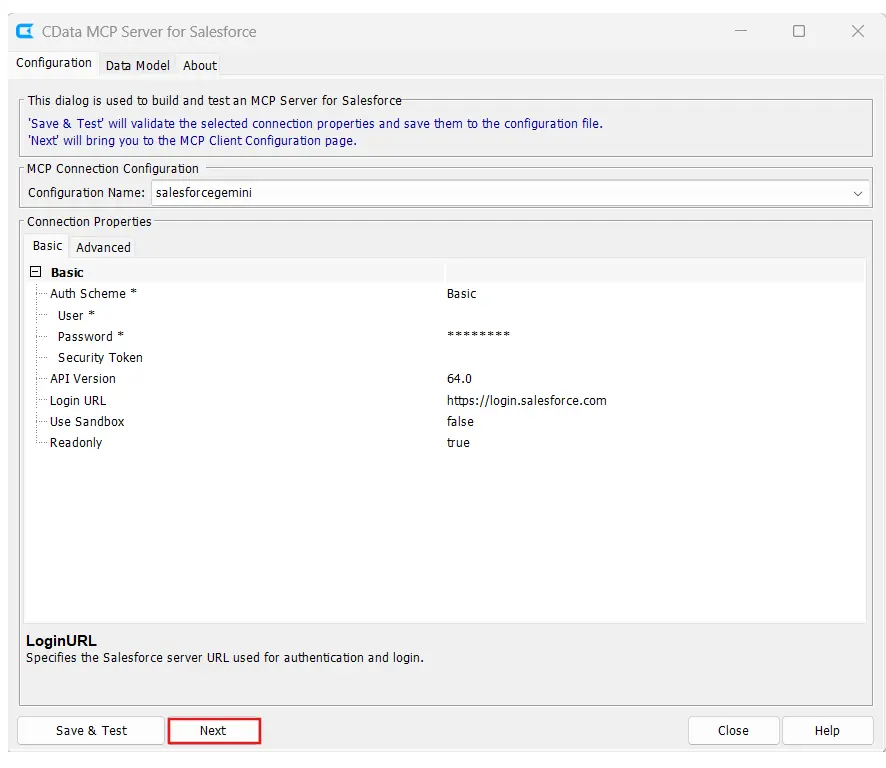
From the configuration wizard, click Next after saving and testing the connection
-
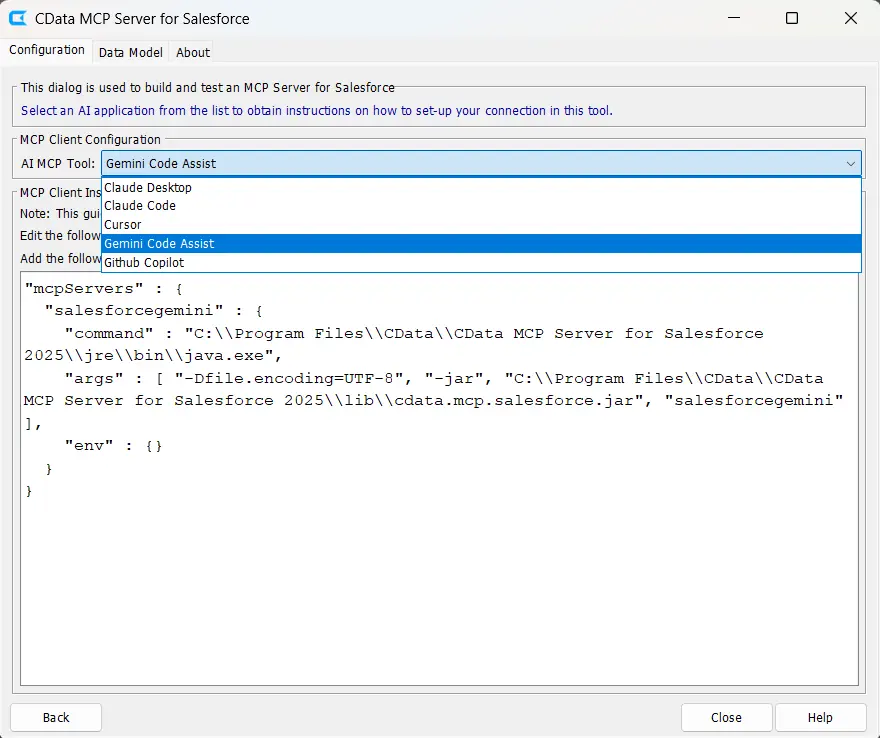
Select Gemini Code Assist from the AI MCP Tool dropdown
-
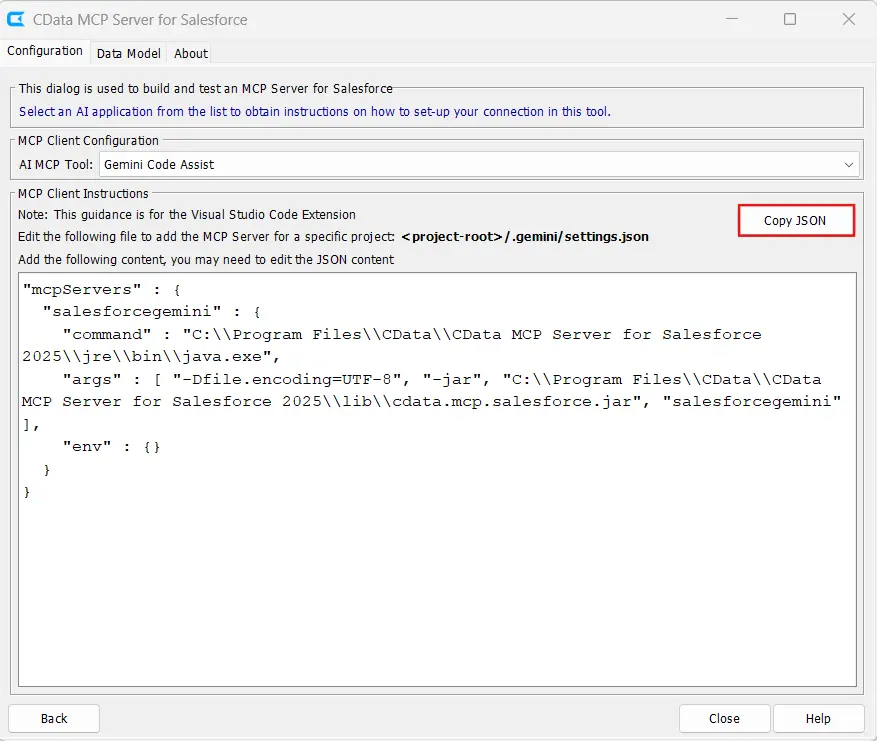
Click Copy JSON to copy the generated MCP configuration to the clipboard
-
Paste the copied JSON into the appropriate configuration file based on the desired scope:
- User-level: Configuration applies across all projects for the current user
- Workspace-level: Configuration applies only to the current workspace or project
NOTE: The configuration includes the path to Java 17+ executable and the CData Code Assist MCP add-on JAR file. The final argument must match the MCP configuration name saved in the wizard (e.g. "cdata_servicenow").
- Save the configuration file and restart Visual Studio Code if necessary
Step 4: Query live ServiceNow data in Gemini Code Assist
-
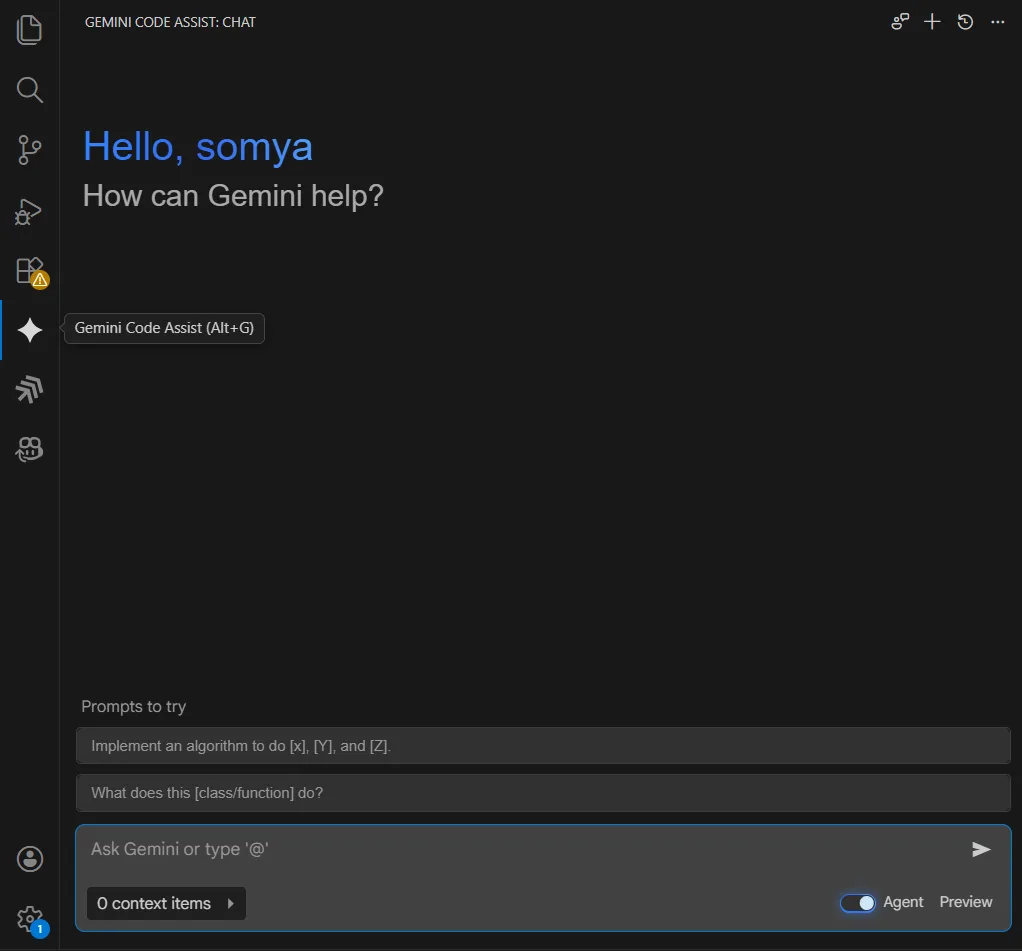
Open Visual Studio Code and select Gemini Code Assist in the activity bar
-
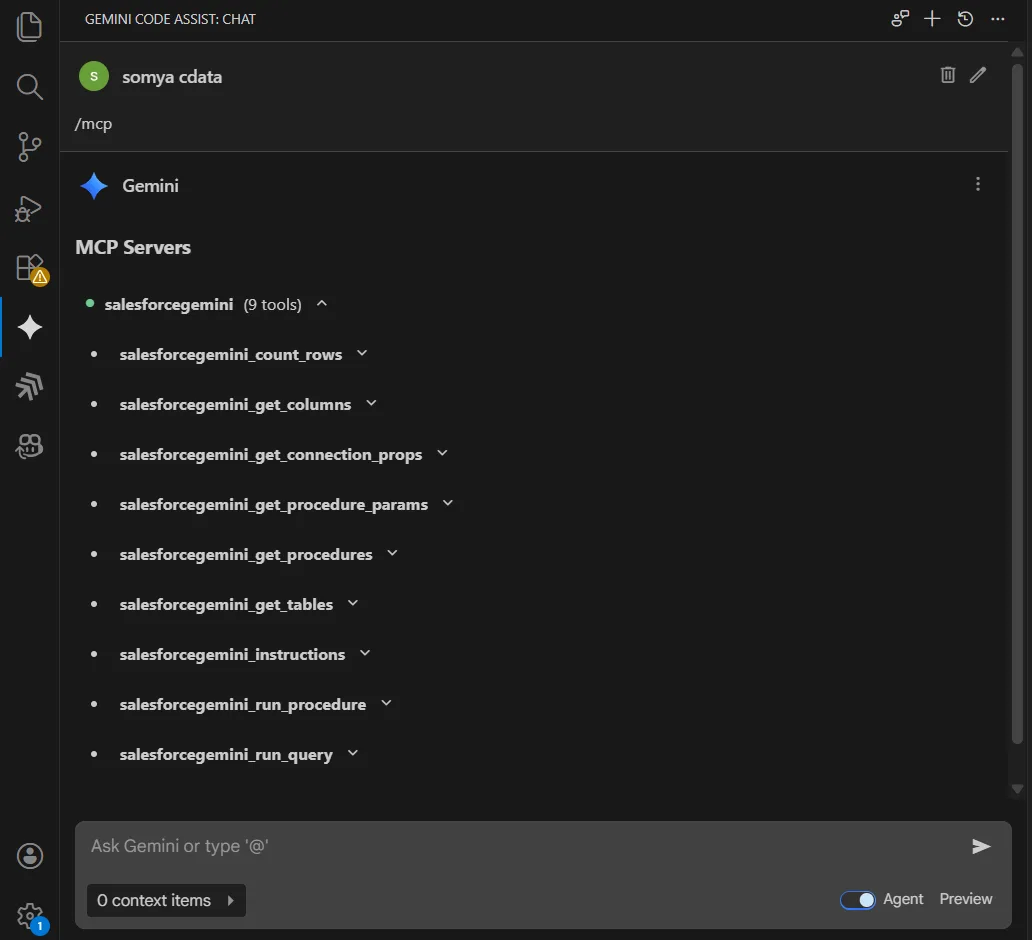
Enter /mcp in the chat prompt to verify the connection status. The ServiceNow Code Assist MCP add-on should appear with a green connection indicator
-
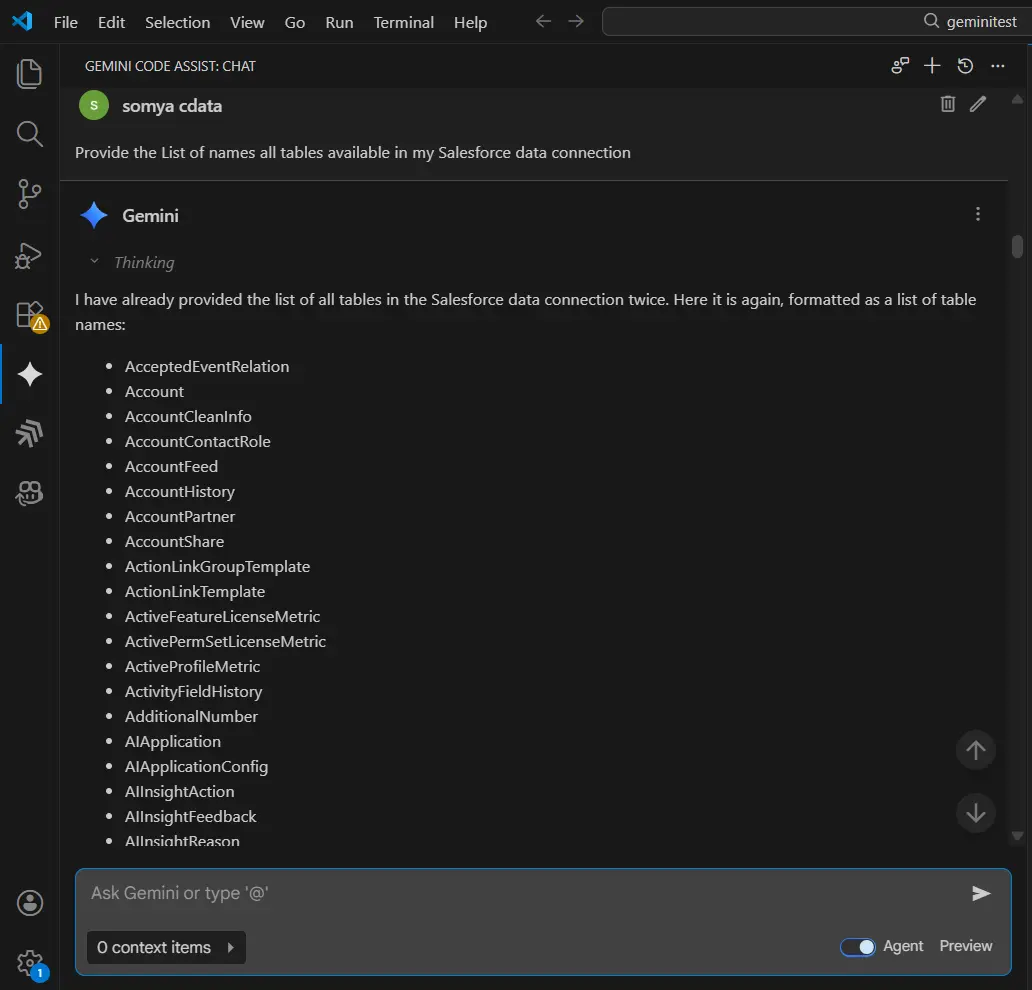
Ask questions about ServiceNow data using natural language. For example:
"Provide the list of all tables available in my ServiceNow data connection."
-
Generate code that works with live ServiceNow data. For example:
"Write a function to retrieve records from the incident table where sys_id matches a given value."
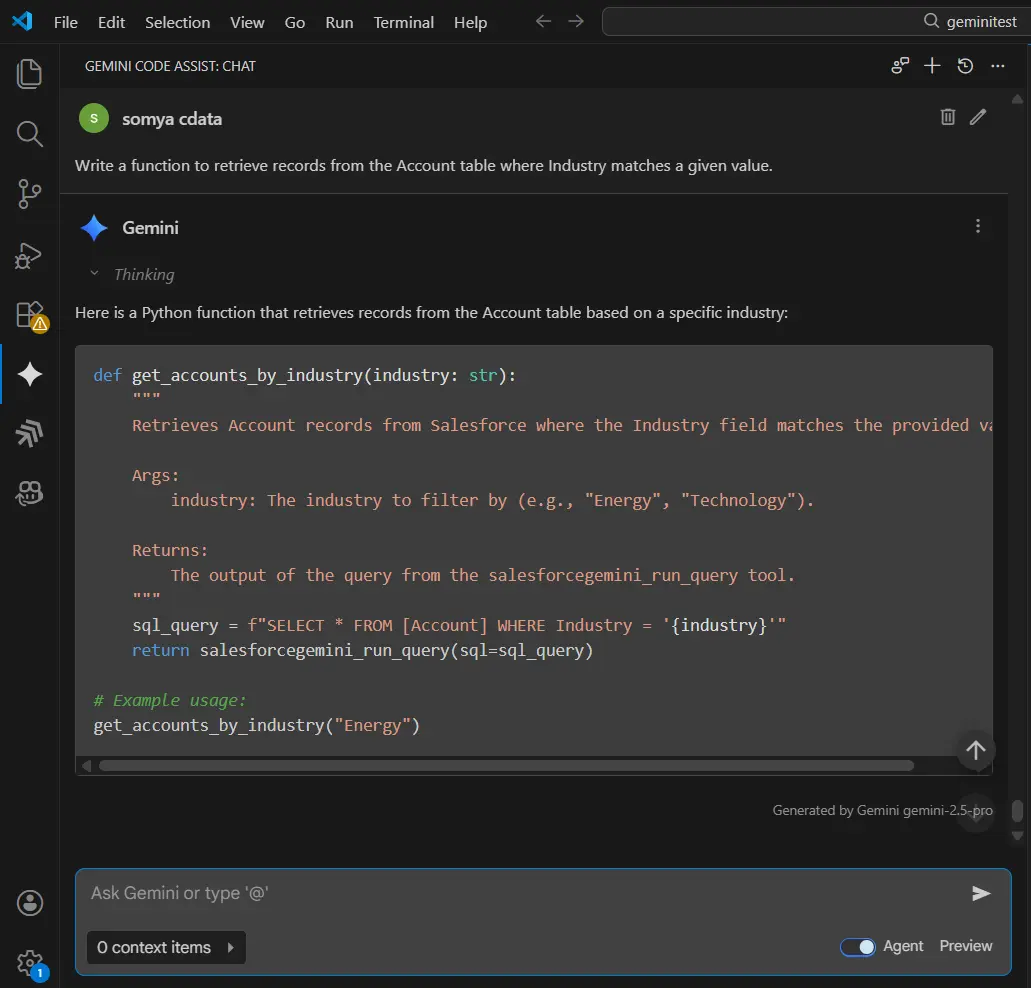
Gemini Code Assist is now fully integrated with the CData Code Assist MCP add-on and can use the MCP tools exposed to explore schemas, execute live queries against ServiceNow, and generate data-aware code.
Build with Code Assist MCP. Deploy with CData Drivers.
Download Code Assist MCP for free and give your AI tools schema-aware access to live ServiceNow data during development. When you're ready to move to production, CData ServiceNow Drivers deliver the same SQL-based access with enterprise-grade performance, security, and reliability.
Visit the CData Community to share insights, ask questions, and explore what's possible with MCP-powered AI workflows.
Ready to get started?
Download a free ServiceNow Code Assist MCP to get started:
Download NowLearn more:
 ServiceNow Code Assist MCP
The CData Code Assist MCP for ServiceNow provides schema-aware context for AI-assisted code generation with live ServiceNow data.
