






Snowflake bills for the compute your queries use, and a spreadsheet that refreshes itself is a query running on a schedule you don't control. That makes connecting Excel to Snowflake a question of how you connect as much as whether you can, so this guide covers both.
The connection, step by step
Install the CData ODBC Driver for Snowflake, then create a System DSN and set these properties:
- AuthScheme to PASSWORD or OKTA.
- User and Password to your Snowflake credentials.
- URL to your instance, for example https://myaccount.snowflakecomputing.com.
- Warehouse to the warehouse that should run the queries.
- Account, only if your URL doesn't follow that format.
- Database and Schema, optionally, to limit which tables and views the driver shows.
The equivalent connection string:
AuthScheme=Password;URL=https://myaccount.snowflakecomputing.com;User=Admin;Password=test123;Warehouse=TestWarehouse;Database=Northwind;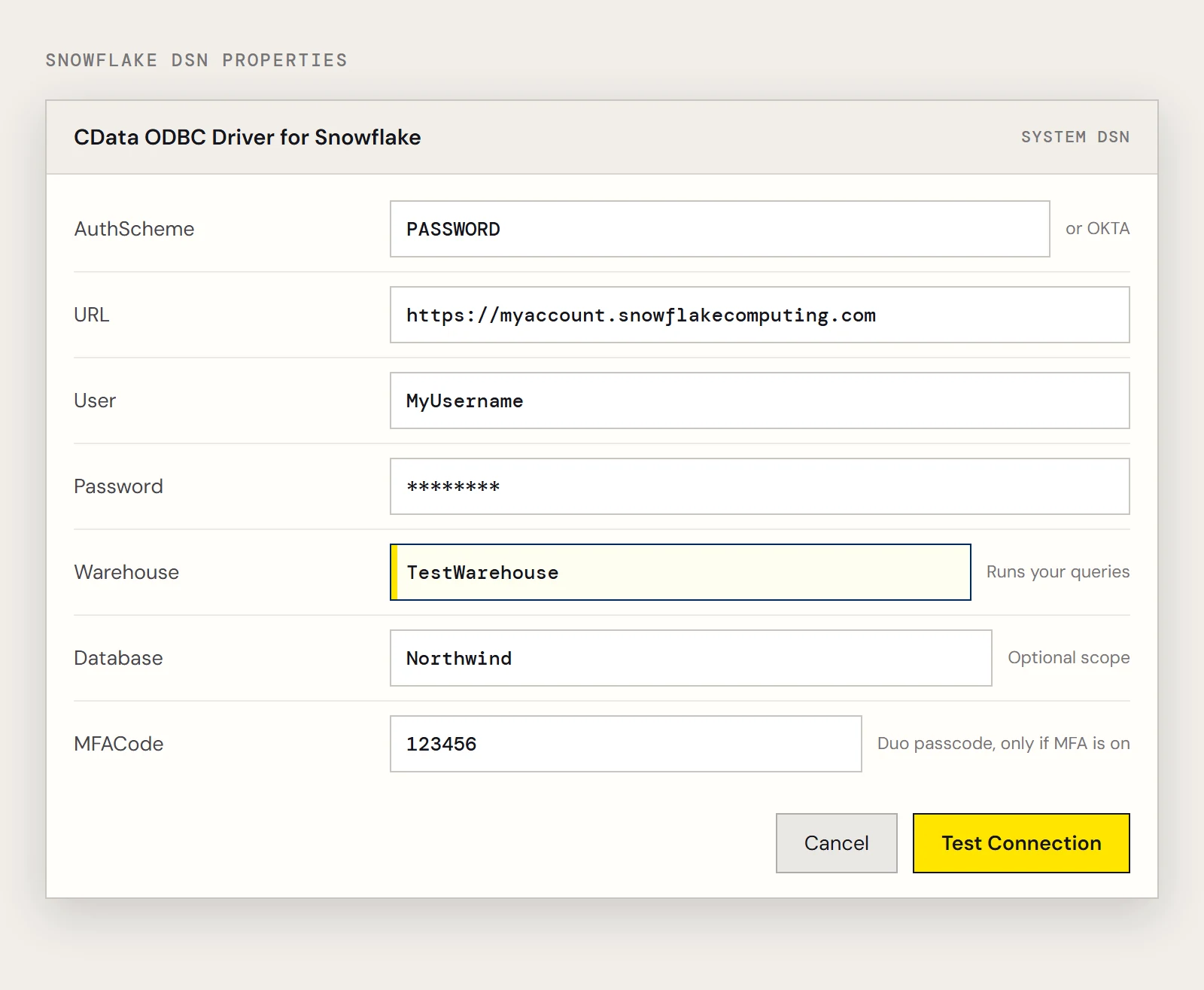
If your account uses MFA
When multi-factor authentication is enabled through Duo Security, also set MFACode to the passcode your Duo authenticator app shows.
Passcodes change, so expect to enter a fresh one each time you create or test the connection.
Pull a table into Excel
- In Excel choose Data > Get Data > Legacy Wizards > From Microsoft Query (Legacy). If it isn't listed, enable it under File > Options > Data.
- Pick the Snowflake DSN.
- Expand a table such as Products and add Id and ProductName.
- Return the data to the worksheet.
If you'd rather use the Power Query route, Data > Get Data > From Other Sources > From ODBC works with the same DSN.
Four habits that keep warehouse usage down
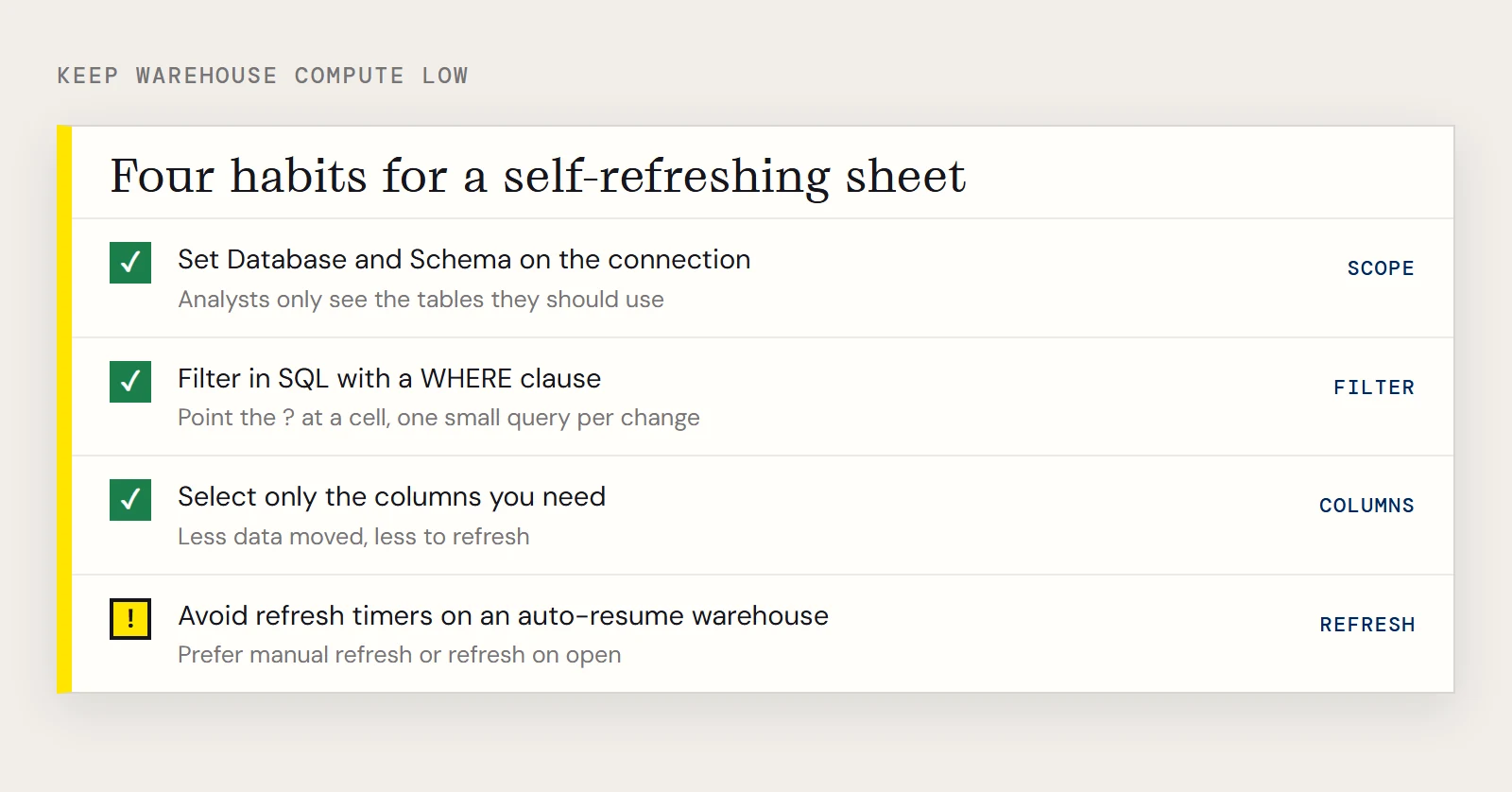
Start by scoping the connection. Setting Database and Schema means analysts only see the tables they're meant to use, which cuts down accidental queries against huge tables.
Next, do the filtering in SQL. If you pull a whole table and filter it in the worksheet, Snowflake does the maximum work. Add a WHERE clause in Microsoft Query's SQL view instead:
SELECT Id, ProductName
FROM Products
WHERE Id = ?
Point the ? at a cell and choose to refresh when it changes. Each change then runs one small query instead of a full scan. Selecting only the columns you need helps in the same way: less data moved, and less to refresh.
Finally, be deliberate about auto-refresh. External Data Properties lets you refresh on open or on a timer. If your warehouse resumes automatically when it's queried, a refresh timer can keep it awake, so prefer manual refresh or refresh on open unless you really need constant updates.
To set this up yourself, download a free trial of the ODBC Driver for Snowflake and point a System DSN at your warehouse.
Troubleshooting
- If login fails with MFA on, check that MFACode holds the current Duo passcode and hasn't expired.
- If Excel shows no tables, confirm Warehouse is set and that the account has access to the database and schema you chose.
- If the URL doesn't match the usual pattern, set Account explicitly.
Ready to get started?
Download a free trial of the Snowflake ODBC Driver to get started:
Download NowLearn more:
 Snowflake ODBC Driver
The Snowflake ODBC Driver is a powerful tool that allows you to connect with live data from Snowflake, directly from any applications that support ODBC connectivity.
Access Snowflake data like you would a database - read, write, and update Snowflake data through a standard ODBC Driver interface.