






Reference for reading Microsoft Dataverse from an Azure Databricks notebook with the CData JDBC Driver for Dataverse. Everything below is meant to be copied.
Identifiers
| Item | Value |
|---|---|
| Driver class | cdata.jdbc.cds.CDSDriver |
| URL prefix | jdbc:cds: |
| JAR | cdata.jdbc.cds.jar |
| Connection string designer | java -jar cdata.jdbc.cds.jar |
| Example table | Accounts (columns AccountId, Name) |
JDBC properties for Dataverse
| Property | Value | Notes |
|---|---|---|
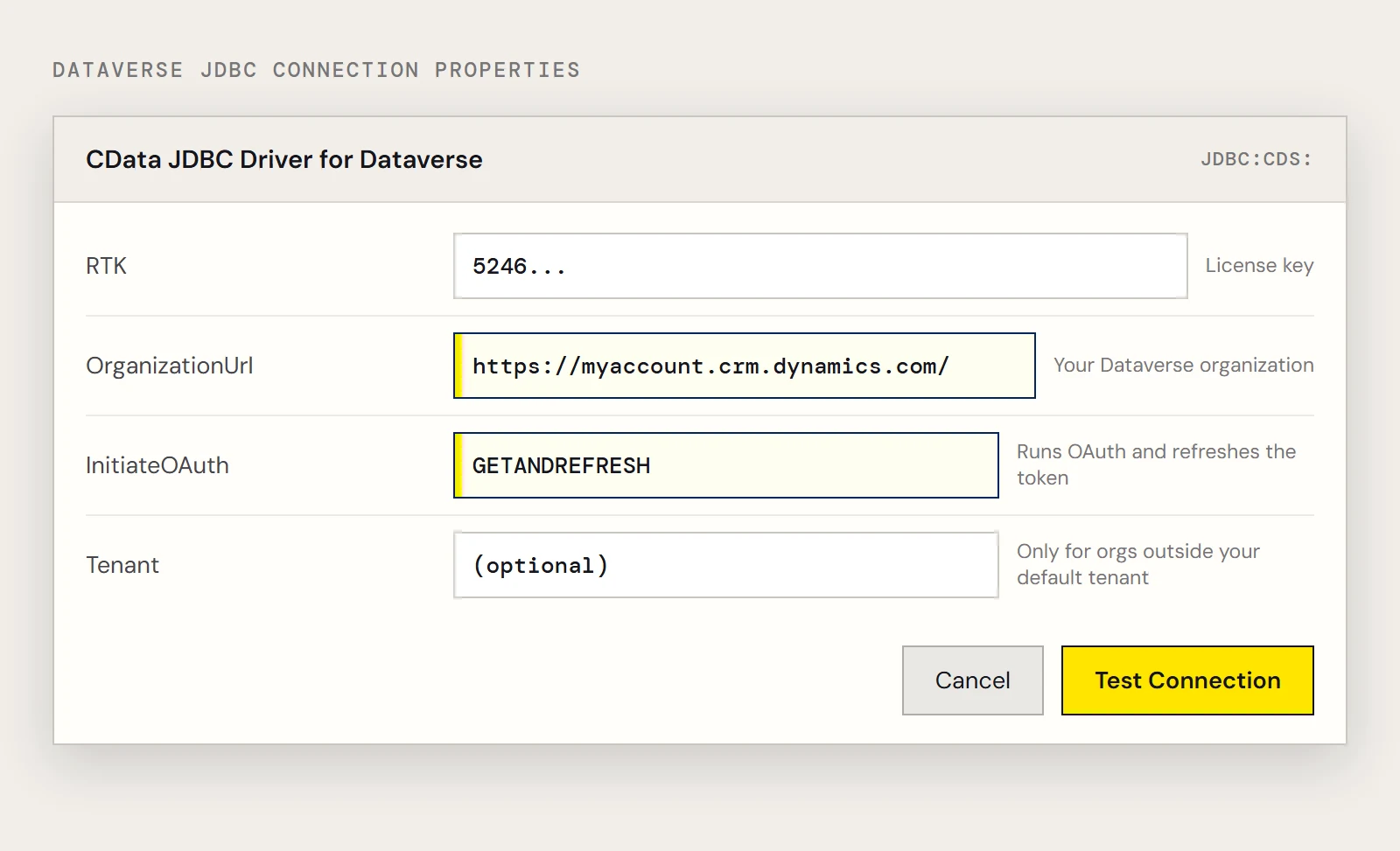
| RTK | License key | Required unless you use a beta driver |
| OrganizationUrl | https://myorganization.crm.dynamics.com | Your Dataverse organization |
| InitiateOAuth | GETANDREFRESH | Runs the OAuth exchange and refreshes the token, so you don't set OAuthAccessToken by hand |
| Tenant | Your tenant | Optional; needed for an organization outside your default tenant |
A full string looks like this.
jdbc:cds:RTK=5246...;OrganizationUrl=https://myaccount.crm.dynamics.com/;InitiateOAuth=GETANDREFRESH;The driver also supports Microsoft Entra ID, Azure managed identity and an Azure service principal (client secret or certificate), if interactive sign-in doesn't suit your cluster.
Install on the cluster
- Upload the JAR to a blob container in your storage account.
- Copy an access key from the storage account under Security + networking > Access keys.
- In the cluster configuration, add the Spark option spark.hadoop.fs.azure.account.key.<storage account>.blob.core.windows.net with that key as the value.
- On the Libraries tab choose Install new, pick ADLS, and enter the abfss:// URL of the JAR.
The older DBFS install is deprecated; no end-of-life date has been published.
Notebook snippets
Load a table.
driver = "cdata.jdbc.cds.CDSDriver"
url = "jdbc:cds:RTK=5246...;OrganizationUrl=https://myaccount.crm.dynamics.com/;InitiateOAuth=GETANDREFRESH;"
remote_table = (spark.read.format("jdbc")
    .option("driver", driver)
    .option("url", url)
    .option("dbtable", "Accounts")
    .load())
Look at a column.
display(remote_table.select("AccountId"))Query with SparkSQL.
remote_table.createOrReplaceTempView("accounts_view")
result = spark.sql("SELECT AccountId, Name FROM accounts_view WHERE Name = 'MyAccount'")
Keep a shared copy.
remote_table.write.format("parquet").saveAsTable("dataverse_accounts")When the notebook errors
| Symptom | Likely cause |
|---|---|
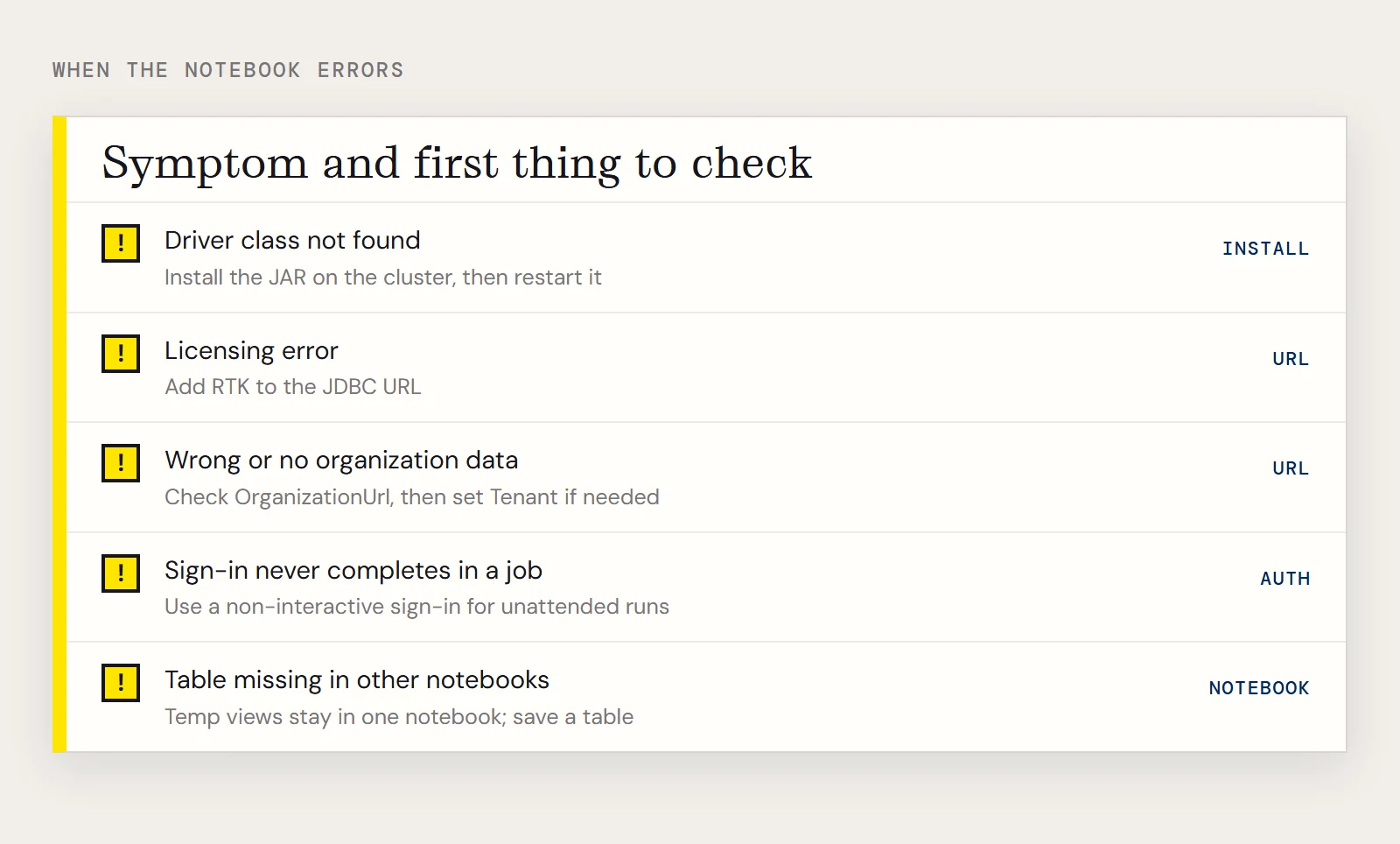
| Driver class not found | JAR not installed on the cluster, or the cluster wasn't restarted after installing |
| Licensing error | RTK missing from the URL |
| Wrong or no organization data | OrganizationUrl points at a different environment, or the organization sits outside your default tenant and Tenant isn't set |
| Sign-in never completes in a job | The OAuth step opens a browser; use a non-interactive sign-in for unattended runs |
| Table missing in other notebooks | Temp views exist only in their own notebook; save a table |
The causes are drawn from the property descriptions, so confirm them against the driver help for your version. For scheduled copies into a warehouse instead of live reads, see CData Sync.
To try these snippets, download the CData JDBC Driver for Dataverse.
Ready to get started?
Download a free trial of the Microsoft Dataverse Driver to get started:
Download NowLearn more:
 Microsoft Dataverse JDBC Driver
Rapidly create and deploy powerful Java applications that integrate with Microsoft Dataverse data including Accounts, Entities, and more!