






Everything here uses the System.Data.CData.MongoDB classes from the CData ADO.NET Provider for MongoDB, which works with MongoDB 2.6 and above. The examples use a restaurants collection, exposed as a table, with _id as its key.
Connection strings by setup
| Setup | Connection string |
|---|---|
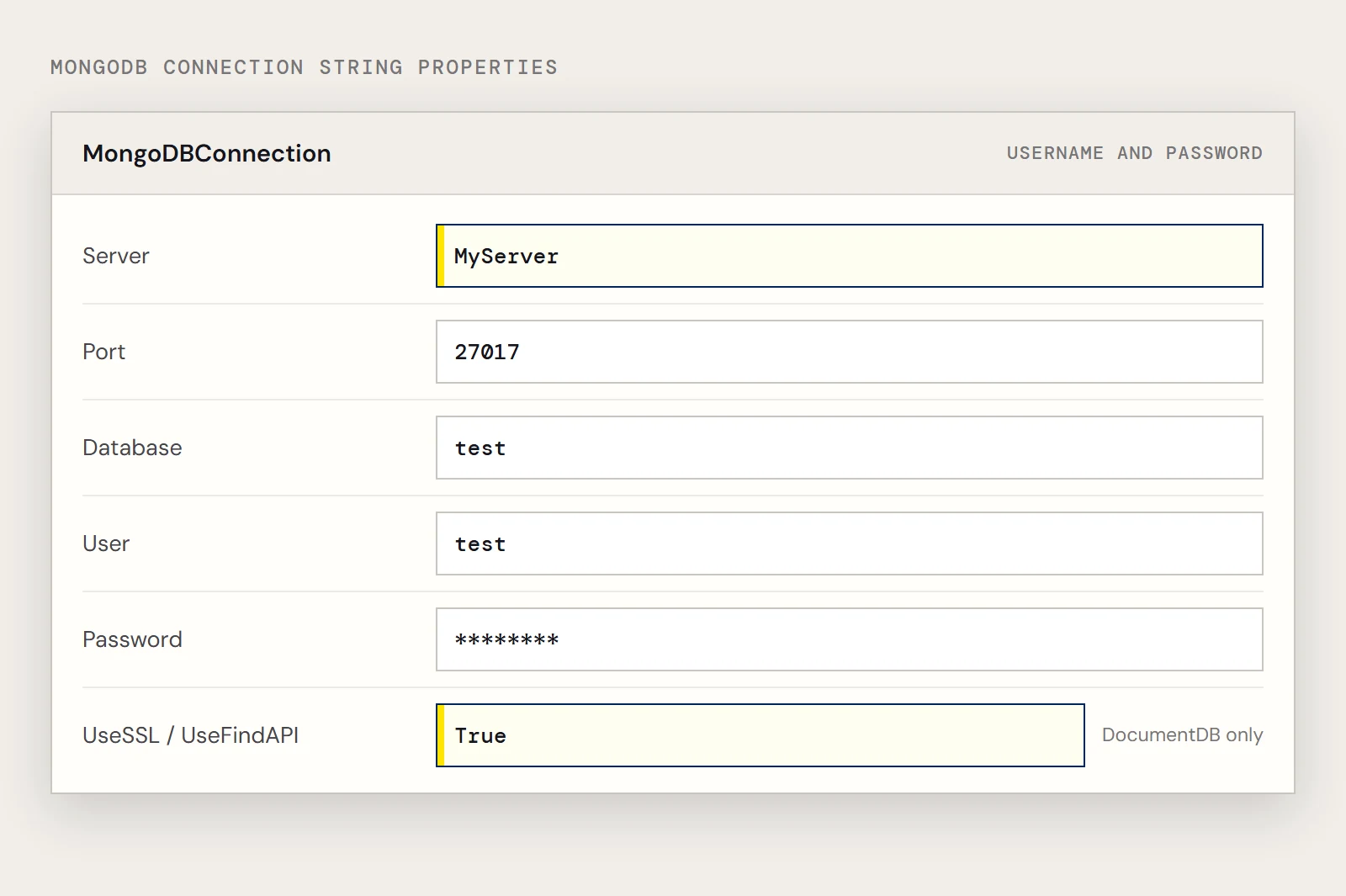
| Username and password | Server=MyServer;Port=27017;Database=test;User=test;Password=Password; |
| No authentication | Server=MyServer;Port=27017; |
| DocumentDB | Server=MyServer;Port=27017;User=test;Password=Password;UseSSL=True;UseFindAPI=True; |
Which class does what
| Task | Class | Method |
|---|---|---|
| Open a session | MongoDBConnection | Open() |
| Read rows into a table | MongoDBDataAdapter | Fill($dt) |
| Run a write | MongoDBCommand | ExecuteNonQuery() |
| Bind a value | MongoDBParameter | Parameters.Add(...) |
The assembly is System.Data.CData.MongoDB.dll, in the lib folder of the provider's install directory. Load it once at the top of the script, before any New-Object call that uses these classes.
Load, connect, read
[Reflection.Assembly]::LoadFile("C:\Program Files\CData\CData ADO.NET Provider for MongoDB\lib\System.Data.CData.MongoDB.dll")
$conn = New-Object System.Data.CData.MongoDB.MongoDBConnection("Server=MyServer;Port=27017;Database=test;User=test;Password=Password;")
$conn.Open()
$sql = "SELECT borough, cuisine FROM restaurants"
$da  = New-Object System.Data.CData.MongoDB.MongoDBDataAdapter($sql, $conn)
$dt  = New-Object System.Data.DataTable
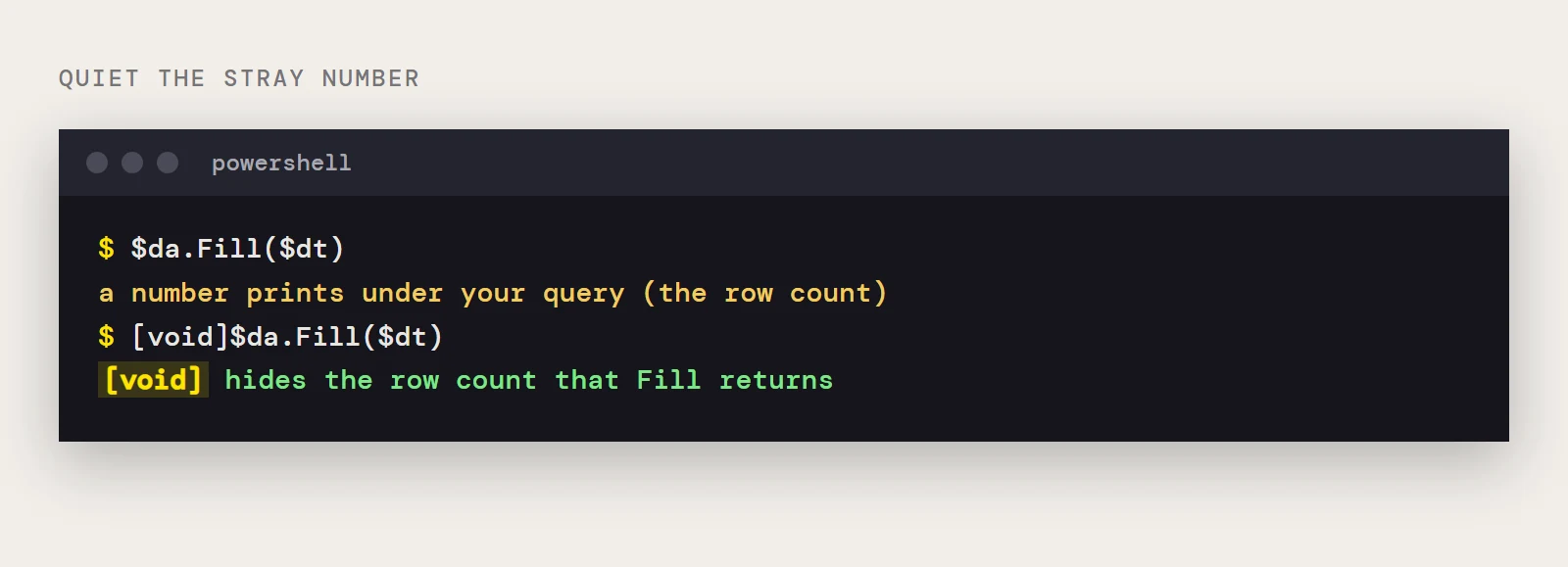
[void]$da.Fill($dt)
$dt.Rows | foreach { Write-Host $_.borough $_.cuisine }
Each document becomes a row, and the fields you name in the SELECT become columns on the DataTable. Because it's SQL, a WHERE clause narrows the result the way you'd expect:
SELECT borough, cuisine FROM restaurants WHERE borough = 'Manhattan'Pipe the rows into Export-Csv or Where-Object when you need a file or a second pass, and call $conn.Close() when the script is done with the connection.
Write: update, insert, delete
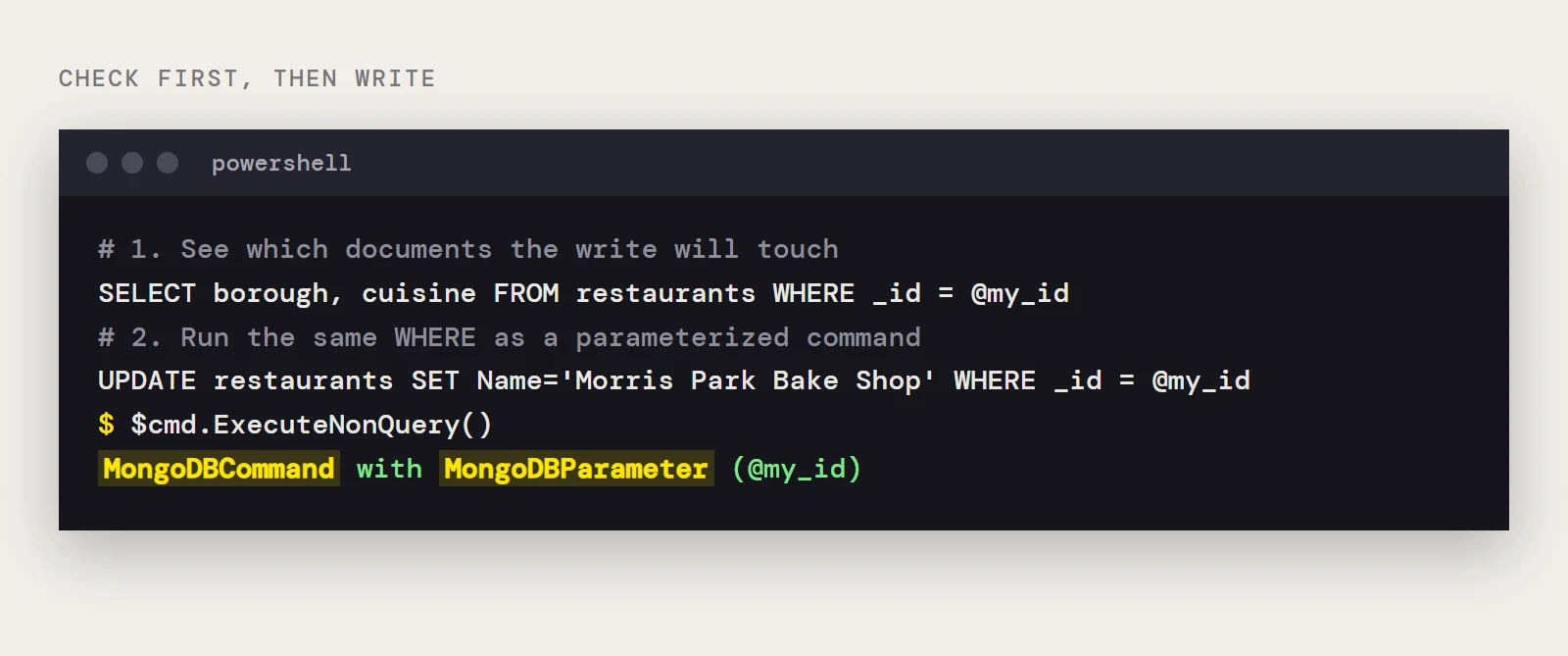
All three are a MongoDBCommand with a MongoDBParameter, run with ExecuteNonQuery(). Update one document by _id:
$cmd = New-Object System.Data.CData.MongoDB.MongoDBCommand("UPDATE restaurants SET Name='Morris Park Bake Shop' WHERE _id = @my_id", $conn)
$cmd.Parameters.Add((New-Object System.Data.CData.MongoDB.MongoDBParameter("@my_id", "your-document-id")))
$cmd.ExecuteNonQuery()
Insert a document:
$cmd = New-Object System.Data.CData.MongoDB.MongoDBCommand("INSERT INTO restaurants (Name) VALUES (@myName)", $conn)
$cmd.Parameters.Add((New-Object System.Data.CData.MongoDB.MongoDBParameter("@myName", "Morris Park Bake Shop")))
$cmd.ExecuteNonQuery()
Delete one document by _id:
$cmd = New-Object System.Data.CData.MongoDB.MongoDBCommand("DELETE FROM restaurants WHERE _id=@my_id", $conn)
$cmd.Parameters.Add((New-Object System.Data.CData.MongoDB.MongoDBParameter("@my_id", "your-document-id")))
$cmd.ExecuteNonQuery()
Habits worth keeping
Pass values as parameters instead of building SQL strings, which also keeps quotes in names from breaking the statement. Run a SELECT with the same WHERE clause before any UPDATE or DELETE to see which documents the write will touch. If the script lives in source control, read credentials from an environment variable or a secret store.
Collections, schemas and free-form queries
Collections show up as tables through automatic schema discovery. If discovery doesn't give you the shape you want, you can write your own schema definitions in .rsd files, which have a simple format. Free-form queries that aren't tied to a schema are also supported.
Error lookup
| Symptom | Cause | Fix |
|---|---|---|
| Could not load file or assembly System.Data.CData.MongoDB | LoadFile points to the wrong folder, or the assembly isn't referenced | Use the lib folder of your installation |
| A number prints under your query | Fill returns the row count | Write [void]$da.Fill($dt) |
| A collection's fields don't match what you expect | Schema discovery or a custom .rsd schema is shaping the table | Review the schema, or define one yourself |
| Connection fails against DocumentDB | The DocumentDB properties are missing | Compare your string with the DocumentDB row in the table above |
Want to run these against your own MongoDB? Download a free trial of the ADO.NET Provider for MongoDB.
Ready to get started?
Download a free trial of the MongoDB Data Provider to get started:
Download NowLearn more:
 MongoDB ADO.NET Provider
Rapidly create and deploy powerful .NET applications that integrate with MongoDB.