






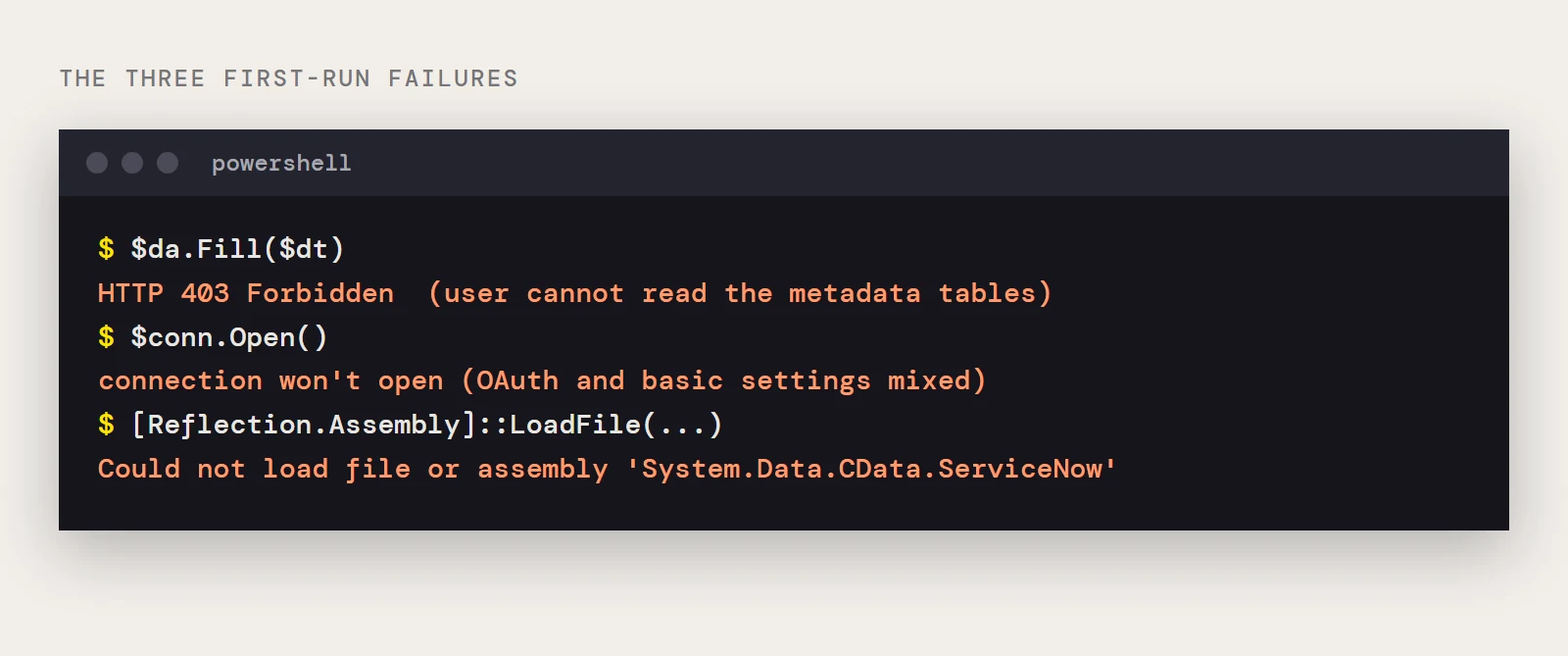
You wrote the script, the credentials are right, and the first query against ServiceNow comes back with HTTP 403 Forbidden. Or the connection never opens, or PowerShell can't find the provider at all. All three happen on a first run with the CData ADO.NET Provider for ServiceNow, and each has a short list of causes.
| What you see | Jump to |
|---|---|
| 403 Forbidden on the first query | The 403 on discovery |
| The connection won't open or sign-in fails | OAuth or basic, pick one deliberately |
| Could not load file or assembly | The assembly can't be found |
| None of the above and you want a known-good script | A baseline that works |
The 403 on discovery
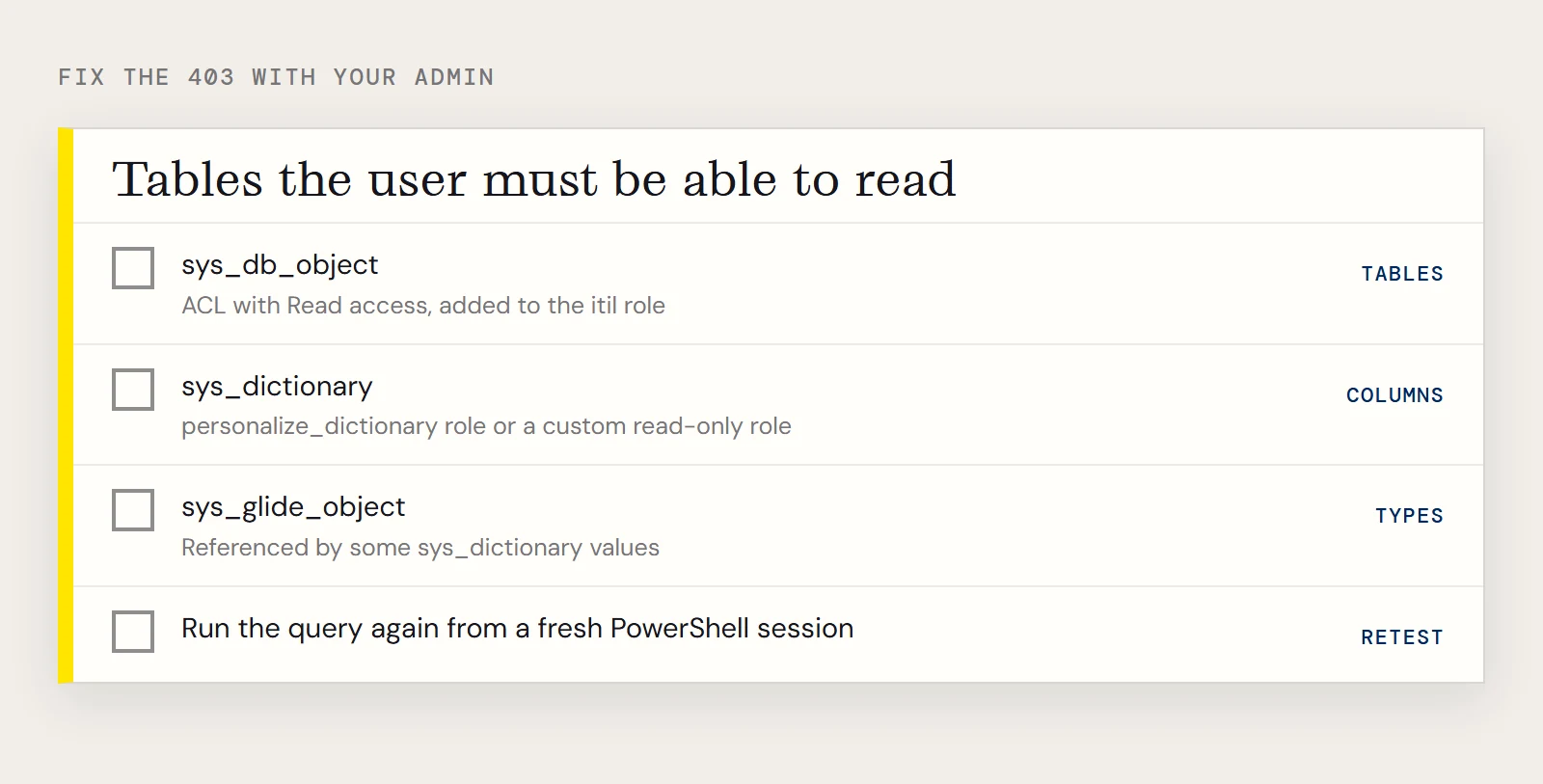
On first use the driver looks up your instance's tables and columns, and the ServiceNow REST API answers 403 when the authenticated user lacks permission to read the tables that hold that metadata. Your credentials can be valid and still fail, because the problem is the user's roles. Three tables are involved, and an admin has to open them up:
- sys_db_object lists the resources the driver can model as tables. The admin creates an ACL object with Read access for it, adds that object to the itil role, and delegates the role to the user the driver signs in as.
- sys_dictionary holds the column definitions. Give the user the personalize_dictionary role, or build a custom role with read-only access to this table.
- sys_glide_object is rarely requested directly, but some sys_dictionary values refer to it, so the user needs read access here as well, using steps similar to sys_db_object.
This guidance dates from an older ServiceNow release, so check the current role and ACL screens with your admin. After the admin changes the roles, run the query again from a fresh PowerShell session. A 403 that survives means one of the three tables is still unreadable for that user, so go back through the list and confirm each one.
OAuth or basic, pick one deliberately
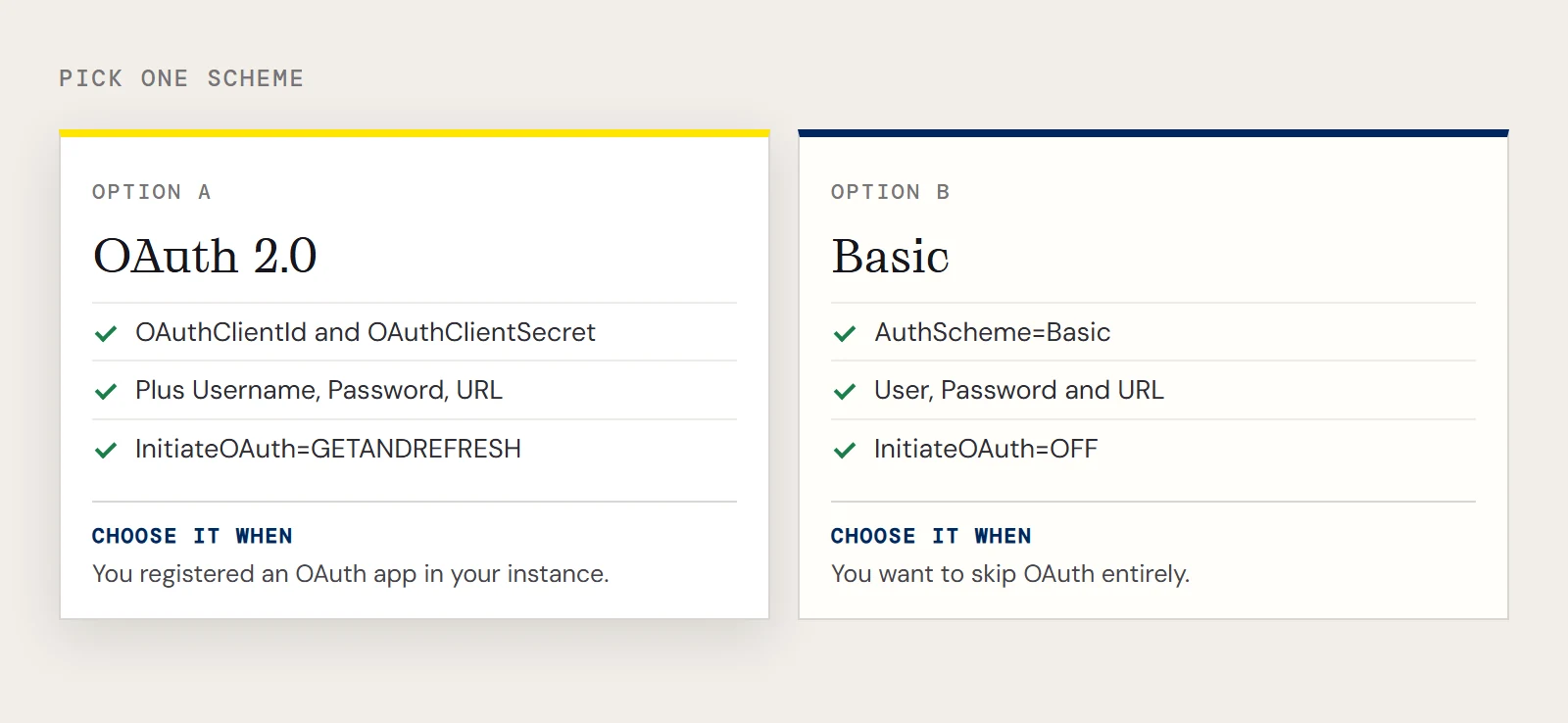
ServiceNow uses OAuth 2.0. Register an OAuth app in your instance to get the values for OAuthClientId and OAuthClientSecret, then add Username, Password and the instance URL. Setting InitiateOAuth to GETANDREFRESH makes the driver run the sign-in and refresh the token for you:
OAuthClientId=MyOAuthClientId;OAuthClientSecret=MyOAuthClientSecret;Username=MyUsername;Password=MyPassword;URL=https://myinstance12345.service-now.com;InitiateOAuth=GETANDREFRESH;If you'd rather skip OAuth, basic authentication uses AuthScheme=Basic with User, Password and URL, and InitiateOAuth=OFF so the driver doesn't start an OAuth flow you didn't intend. When a connection won't open, check first that the string matches one scheme or the other and not a blend of both. The driver's help describes OAuth app registration in its Getting Started chapter, and the product overview lists OKTA, ADFS, OneLogin and PingFederate among the supported schemes.
The assembly can't be found
Could not load file or assembly 'System.Data.CData.ServiceNow' means the file named in LoadFile isn't where you said. The assembly sits in the lib folder of the provider's install directory, so copy the path from there. Install the provider on the machine that runs the script, because the path in a colleague's example won't exist on yours.
A baseline that works
Once the three problems above are cleared, this is the smallest script that proves the connection, reading the incident table:
[Reflection.Assembly]::LoadFile("C:\Program Files\CData\CData ADO.NET Provider for ServiceNow\lib\System.Data.CData.ServiceNow.dll")
$conn = New-Object System.Data.CData.ServiceNow.ServiceNowConnection("OAuthClientId=MyOAuthClientId;OAuthClientSecret=MyOAuthClientSecret;Username=MyUsername;Password=MyPassword;URL=https://myinstance12345.service-now.com;InitiateOAuth=GETANDREFRESH;")
$conn.Open()
$sql = "SELECT sys_id, priority FROM incident WHERE category = 'request'"
$da  = New-Object System.Data.CData.ServiceNow.ServiceNowDataAdapter($sql, $conn)
$dt  = New-Object System.Data.DataTable
[void]$da.Fill($dt)
$dt.Rows | foreach { Write-Host $_.sys_id $_.priority }
The walkthrough for this provider covers reading data only, so write operations aren't part of this baseline.
If you haven't installed the provider yet, download a free trial of the ADO.NET Provider for ServiceNow.
Ready to get started?
Download a free trial of the ServiceNow Data Provider to get started:
Download NowLearn more:
 ServiceNow ADO.NET Provider
Rapidly create and deploy powerful .NET applications that integrate with ServiceNow data including Schedules, Timelines, Questions, Syslogs, and more!