






Active Directory holds identities, group memberships and logon data, which is why a security reviewer asks hard questions the moment an application wants to read it. Spring Boot can query the directory with plain SQL through the CData JDBC Driver for Active Directory, but how safe that connection is depends on how you configure the account and the scope. This guide is organized around the questions a review will ask.
Which account will the app run as?
Create a dedicated service account for the application and give it only the read access the queries need. This is general good practice, not a driver requirement, and it matters here because the driver supports full create, read, update and delete operations on directory objects. Whatever the account is allowed to change, the application's SQL can change, so if the app only reads, make sure the account can only read.
The User property accepts either Domain\BobF style or a distinguished name such as cn=Bob F,ou=Employees,dc=Domain. The driver's product page also lists Windows authentication, which uses the current user's context, so a service that runs under a managed Windows identity can use that instead of a stored password if your environment allows it.
How is the search scoped?
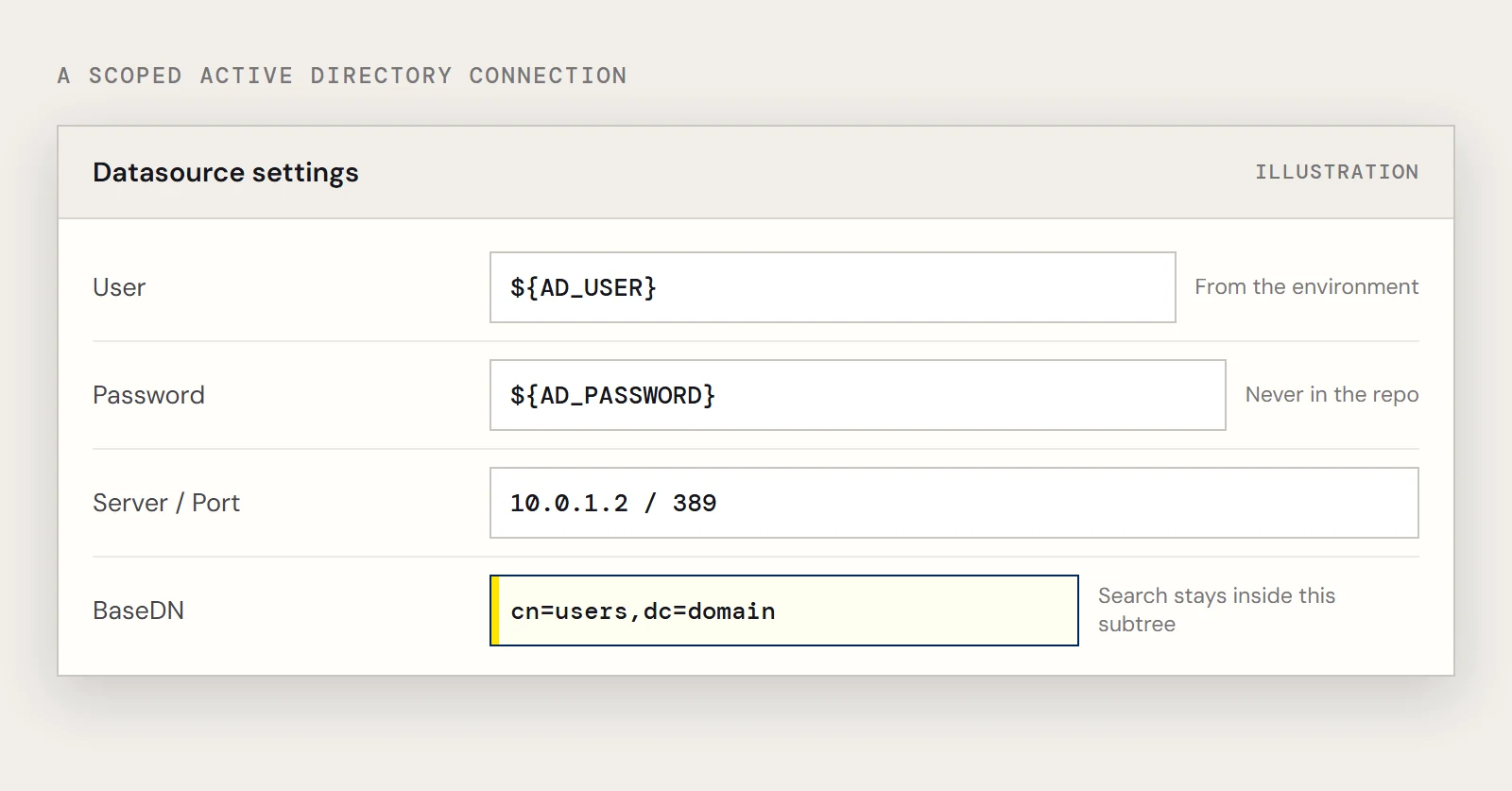
Set BaseDN so that the app can only search the part of the tree it needs. The driver limits LDAP searches to the distinguished name you give it and its children, so cn=users,dc=domain returns only objects inside cn=users. The driver documentation notes that a narrow BaseDN can also improve performance.
How do the connection details get into the app?
Keep the password out of the repository. Spring resolves ${...} placeholders from environment variables, so the file can hold the shape of the connection and the secret can come from the deployment.
spring.datasource.driver-class-name=cdata.jdbc.activedirectory.ActiveDirectoryDriver
spring.datasource.url=jdbc:activedirectory:User=${AD_USER};Password=${AD_PASSWORD};Server=10.0.1.2;Port=389;BaseDN=cn=users,dc=domain;
Install the driver jar into Maven first, using the group org.cdata.connectors and the artifact cdata-activedirectory-connector. Port 389 is the usual plain LDAP port and appears in the driver's example. The product page says the driver can connect to domain controllers over LDAP or LDAPS, and that it supports TLS. Check the driver help for the properties that turn encryption on, and use them if credentials cross a network you don't fully control.
What does the application actually read?
Write the query so that it names its columns and filters, which also gives a reviewer something concrete to read. The driver exposes each object class as a table, and the User table has Id, LogonCount and CN columns.
public List<Map<String, Object>> logonCount(String commonName) {
    return jdbc.queryForList(
        "SELECT Id, LogonCount FROM User WHERE CN = ?", commonName);
}
Binding the common name as a parameter keeps user input from becoming part of the query. Avoid SELECT * against directory tables, since it pulls attributes the feature never uses. It also helps to put the lookup behind one service class instead of letting controllers build SQL. A reviewer then has a single place to read, and any change to what the application reads becomes a visible change in code review. Keep write statements out of that class entirely, even though the driver would accept them, so the code and the account's rights tell the same story.
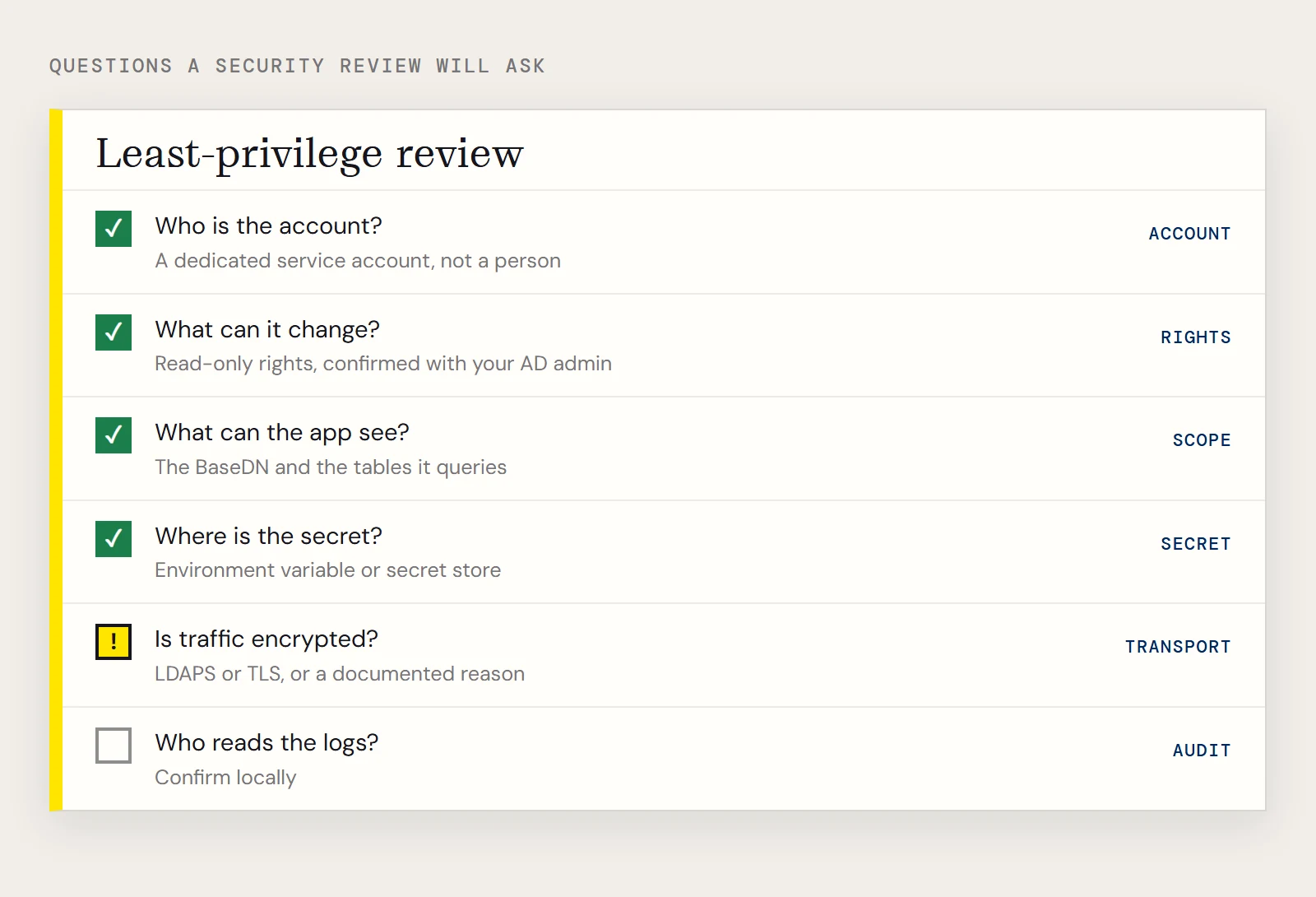
A review checklist
| Question | What to have ready |
|---|---|
| Who is the account? | A dedicated service account, not a person's login |
| What can it change? | Read-only rights in the directory, confirmed with your AD administrator |
| What can the app see? | The BaseDN it uses and the tables it queries |
| Where is the secret? | An environment variable or secret store, not application.properties |
| Is traffic encrypted? | LDAPS or TLS configured, or a documented reason it isn't needed |
| Who reads the logs? | Whether your app or directory logs record these queries is something to confirm locally |
If you want to try this against your own directory, download the CData JDBC Driver for Active Directory.
Ready to get started?
Download a free trial of the Active Directory Driver to get started:
Download NowLearn more:
 Active Directory JDBC Driver
Rapidly create and deploy powerful Java applications that integrate with Active Directory data including Users, Groups, Roles, Contacts, and more!