






A short reference for querying Snowflake through SQLAlchemy with the CData Python Connector for Snowflake.
Install
The connector supports Python 3.8 through 3.12. Install SQLAlchemy from PyPI and the connector from the .whl file in the download that matches your Python version and architecture, then confirm with pip list.
pip install sqlalchemy
pip install path/to/the-connector-wheel-for-your-python.whl
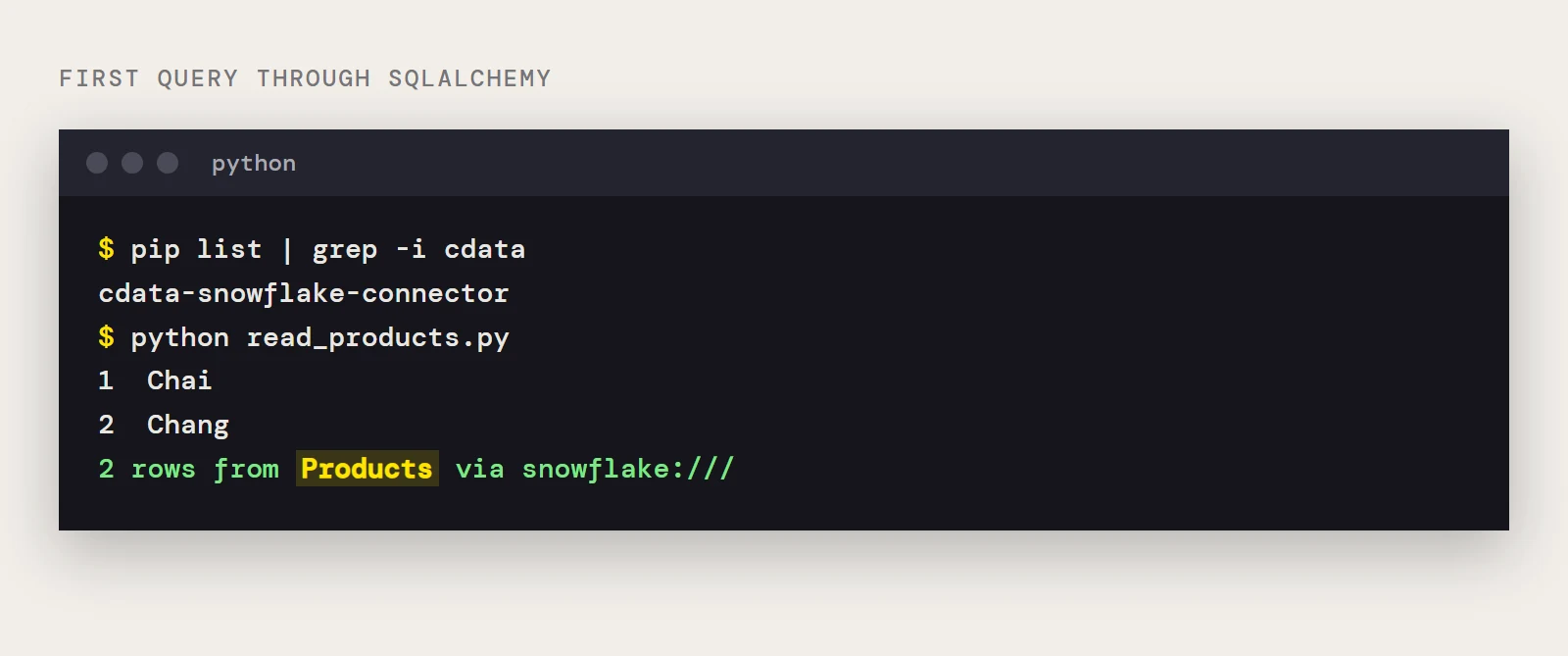
pip list
cdata-snowflake-connector should appear in the list. The license installer sits in the cdata folder under your site-packages directory, and it takes the 25-character key from your order email.
Properties for the Snowflake connection string
| Property | Needed | What to put in it |
|---|---|---|
| User and Password | Yes | Your Snowflake credentials |
| AuthScheme | Yes | PASSWORD or OKTA for the login covered here |
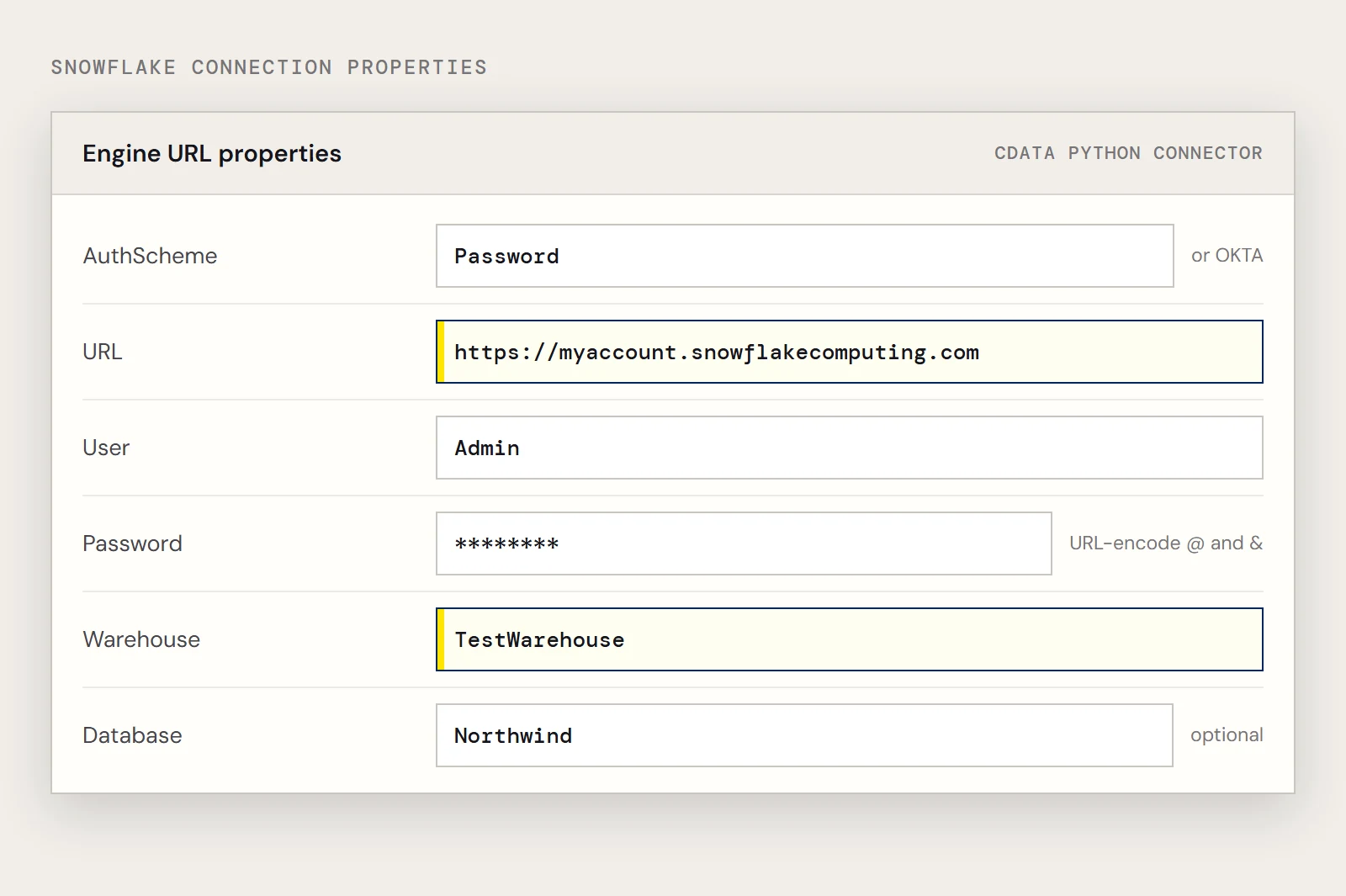
| URL | Yes | Your instance, such as https://myaccount.snowflakecomputing.com |
| Warehouse | Yes | The Snowflake warehouse that runs the queries |
| Account | If the URL is not in the format above | Your Snowflake account |
| Database and Schema | No | Restricts which tables and views are exposed |
| MFACode | If Duo MFA is on | The passcode from your Duo authenticator app |
OAuth, Azure AD, Azure Managed Service Identity, PingFederate and private key authentication are also supported. The driver's Getting Started guide covers each one.
Engine URL
snowflake:///?AuthScheme=Password&URL=https://myaccount.snowflakecomputing.com&User=Admin&Password=YourPassword&Warehouse=TestWarehouse&Database=NorthwindProperties are joined with &. URL-encode any value with special characters, such as a password containing @ or &.
Map, read and change
The examples use the Products table with its Id and ProductName columns.
from sqlalchemy import create_engine, String, Column
from sqlalchemy.ext.declarative import declarative_base
from sqlalchemy.orm import sessionmaker
base = declarative_base()
class Products(base):
    __tablename__ = "Products"
    Id = Column(String, primary_key=True)
    ProductName = Column(String)
engine = create_engine("snowflake:///?AuthScheme=Password&URL=https://myaccount.snowflakecomputing.com&User=Admin&Password=YourPassword&Warehouse=TestWarehouse&Database=Northwind")
session = sessionmaker(bind=engine)()
Read with the ORM, or with the table object when you want plain rows.
for p in session.query(Products).filter_by(Id="1"):
    print(p.Id, p.ProductName)
table = Products.metadata.tables["Products"]
for row in session.execute(table.select().where(table.c.Id == "1")):
    print(row.Id, row.ProductName)
Write by changing the session and committing.
session.add(Products(Id="1001", ProductName="Test product"))
session.commit()
item = session.query(Products).filter_by(Id="1001").first()
item.ProductName = "Renamed product"
session.commit()
session.delete(item)
session.commit()
Pandas can use the same engine, for example pandas.read_sql("SELECT Id, ProductName FROM Products", engine).
Read less
Select the columns you need and cap the rows while you explore. Filtering in the query keeps the work on the Snowflake side where the connector can push it down.
rows = session.query(Products.Id, Products.ProductName).filter_by(Id="1").limit(50).all()Without SQLAlchemy
The same connector also works through the Python DB-API, which is handy for a quick check that credentials and warehouse are right before you debug ORM code.
import cdata.snowflake as mod
conn = mod.connect("AuthScheme=Password;URL=https://myaccount.snowflakecomputing.com;User=Admin;Password=YourPassword;Warehouse=TestWarehouse;")
cur = conn.cursor()
cur.execute("SELECT Id, ProductName FROM Products")
print(cur.fetchall())
Common mistakes and fixes
| What you see | Likely cause | Fix |
|---|---|---|
| SyntaxError: keyword argument repeated: Id | An object was built with the same column twice, as some older samples do when the key and the filter column are the same | Pass each column once |
| An error about Name or another column not being a property | filter_by only sees columns declared on the class | Add the column to the mapped class |
| Mapper error about a primary key | No column has primary_key=True | Mark the table's identifier column |
| Login fails with MFA on | The Duo passcode in MFACode has been used or has expired | Generate a new one and retry |
| Few or unexpected tables | Database and Schema not set, or set to the wrong ones | Set them to the objects you want exposed |
| Import error after installing | The wheel does not match your Python version or architecture | Reinstall the matching .whl |
If you have not installed it yet, you can download the CData Python Connector for Snowflake and try it with a free trial.
Ready to get started?
Download a Community License of the Snowflake Connector to get started:
Download NowLearn more:
 Snowflake Python Connector
Python Connector Libraries for Snowflake Data Connectivity. Integrate Snowflake with popular Python tools like Pandas, SQLAlchemy, Dash & petl.