






An Entity Framework app that feels slow against Snowflake is usually doing one of two things: asking the warehouse for more than it needs, or pulling more into memory than the screen will ever show. Both are fixable in the code you already own. This guide assumes an EF6 Code First project on the CData ADO.NET Provider for Snowflake and goes through the fixes in the order they tend to pay off.
Start with what the connection exposes
The connection string decides how much Snowflake metadata the provider has to deal with. Set Warehouse to the warehouse that should run the queries, and set Database and Schema so only the tables and views you need are exposed. The provider obtains metadata dynamically for the warehouse, database and schema you point it at, so a narrower scope is less to look through.
<add name="SnowflakeContext"
     connectionString="Offline=False;AuthScheme=Password;URL=https://myaccount.snowflakecomputing.com;User=Admin;Password=test123;Warehouse=TestWarehouse;Database=Northwind;"
     providerName="System.Data.CData.Snowflake" />
Use Account only if your URL doesn't follow the myaccount.snowflakecomputing.com form. If the account uses Duo for MFA, MFACode takes the current passcode. Authentication can also be OKTA in place of PASSWORD.
Keep the model small and quiet
Every entity you map is a table the context knows about, so map the ones the application really uses. The context from the standard setup also does two things that save round trips, and you should keep them: Database.SetInitializer<SnowflakeContext>(null) stops requests to the migration history table, and removing PluralizingTableNameConvention keeps the table names Entity Framework sends identical to the ones in Snowflake.
protected override void OnModelCreating(DbModelBuilder modelBuilder)
{
  Database.SetInitializer<SnowflakeContext>(null);
  modelBuilder.Conventions.Remove<PluralizingTableNameConvention>();
}
The entity for this walkthrough is a Products table with Id and ProductName:
[System.ComponentModel.DataAnnotations.Schema.Table("Products")]
public class Products {
  [System.ComponentModel.DataAnnotations.Key]
  public System.String Id { get; set; }
  public System.String ProductName { get; set; }
}
Filter and project in the query
Snowflake bills for the compute a warehouse uses while it runs your statements, so the cheapest query asks for the least. A LINQ query that ends with ToList() on the whole DbSet is a full read. Add a Where before you materialize, and select only the columns you'll use:
SnowflakeContext context = new SnowflakeContext();
context.Configuration.UseDatabaseNullSemantics = true;
var names = context.Products
    .Where(p => p.Id == "1")
    .Select(p => p.ProductName)
    .ToList();
Order matters because Entity Framework translates the expression tree into SQL only when you enumerate it. Filtering after ToList() filters in memory, after the warehouse has done the work.
Look at what was sent
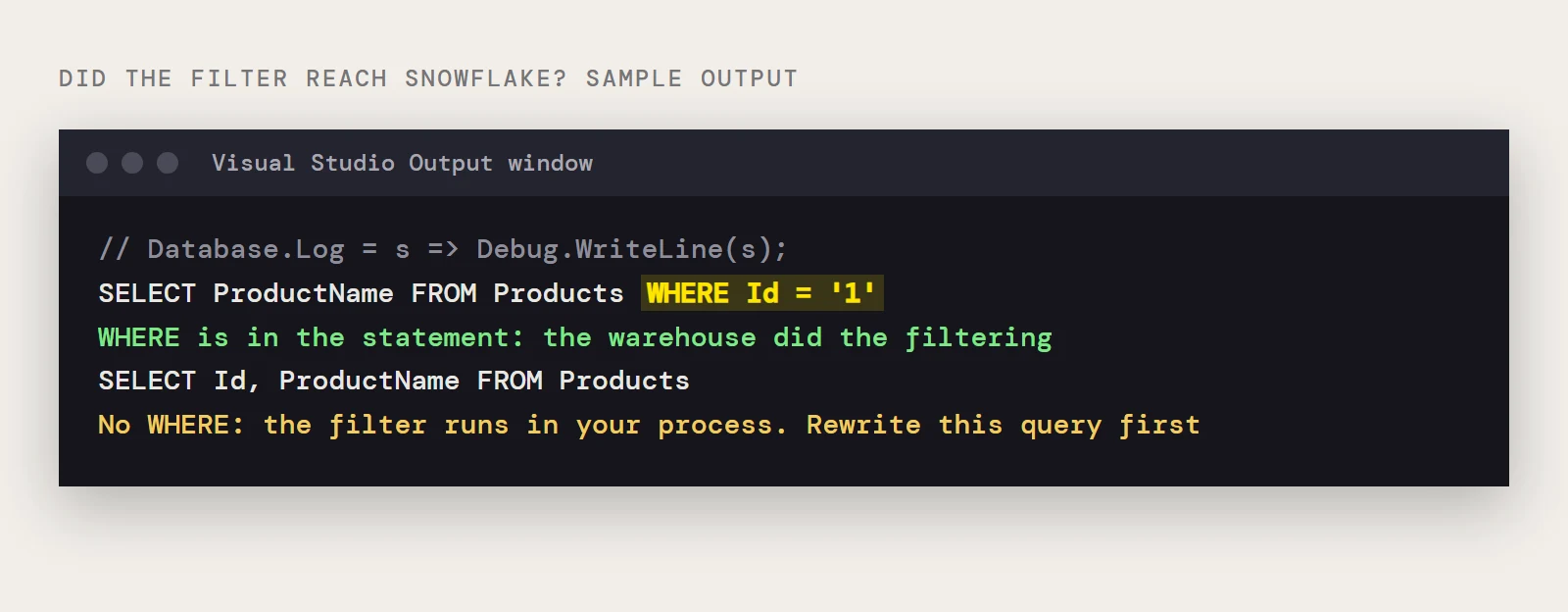
Don't guess whether a filter reached Snowflake. Entity Framework 6 can write the SQL it generates to a delegate, and one line in your context's constructor is enough while you're tuning:
Database.Log = s => System.Diagnostics.Debug.WriteLine(s);If a WHERE you wrote doesn't appear in the logged statement, the filter is running in your process, and that's the query to rewrite first. If your queries are read-only, calling AsNoTracking() on them can also save memory, since the context doesn't need to track results it will never save.
Watch the refresh pattern
How often you run a query matters as much as how it's written. A page that loads on every request, a timer that polls, or a background job that re-reads the same table each minute all keep a warehouse working. If several parts of the app need the same slow-changing list, read it once and reuse it. The cache belongs in your application, since Snowflake only sees the queries you send.
A short tuning order
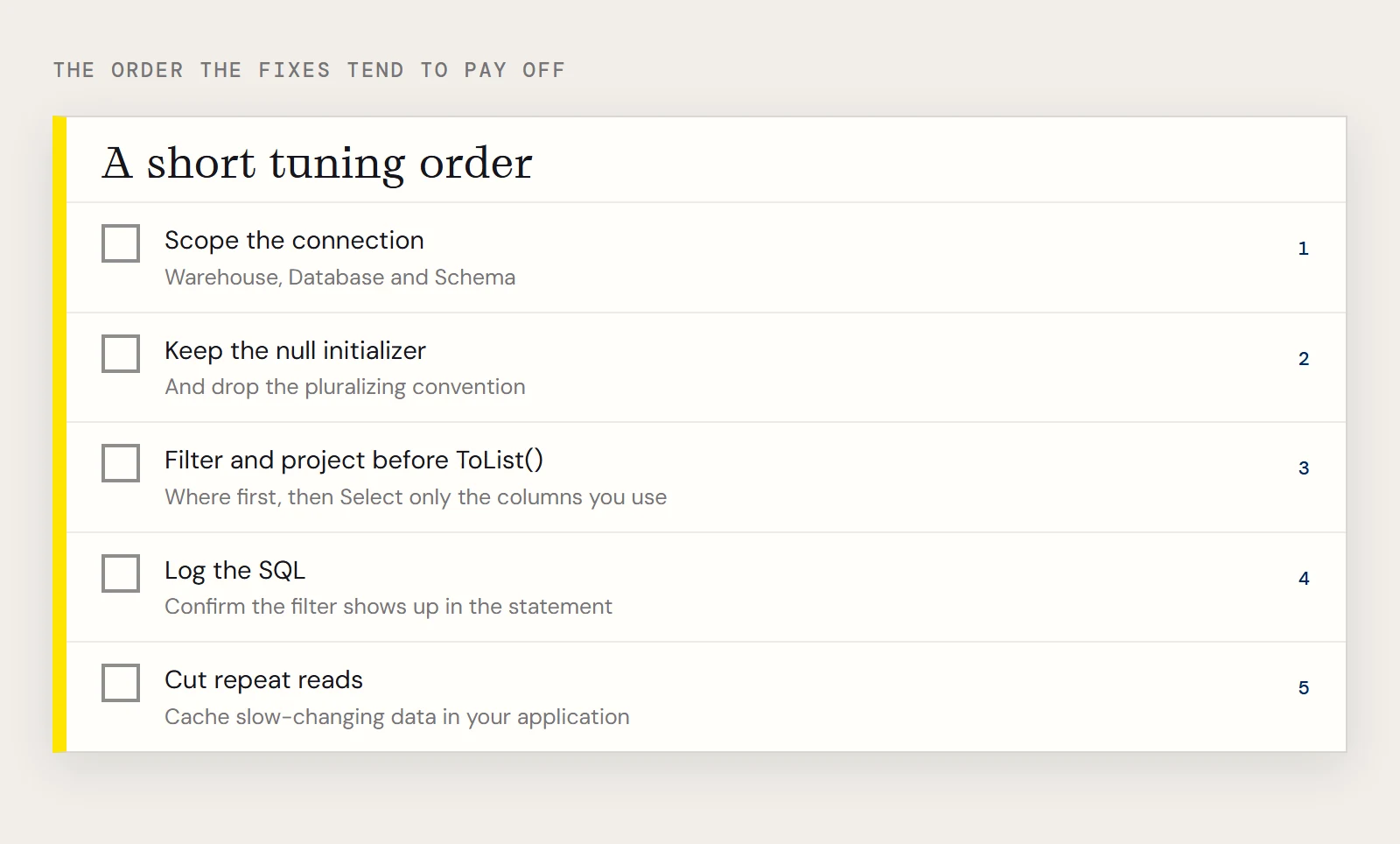
- Scope the connection with Warehouse, Database and Schema.
- Keep the null initializer and drop the pluralizing convention.
- Filter and project before ToList().
- Log the SQL and confirm the filter shows up.
- Cut repeat reads of data that rarely changes.
To tune against your own warehouse, download a free trial of the ADO.NET Provider for Snowflake.
Ready to get started?
Download a free trial of the Snowflake Data Provider to get started:
Download NowLearn more:
 Snowflake ADO.NET Provider
Rapidly create and deploy powerful .NET applications that integrate with Snowflake.