Azure Active Directory SSIS Components
SSIS Data Flow Source & Destination for Microsoft Entra ID
Powerful SSIS Source & Destination Components that allow you to easily connect SQL Server with Microsoft Entra ID through SSIS Workflows.
Use the Microsoft Entra ID Data Flow Components to synchronize with Microsoft Entra ID Devices, Groups, Organizations, Users, and more. Perfect for data synchronization, local back-ups, workflow automation, and more!




Extend SQL SSIS with unrivaled data connectivity!
Microsoft Entra ID SSIS components included in our comprehensive professional SSIS subscriptions
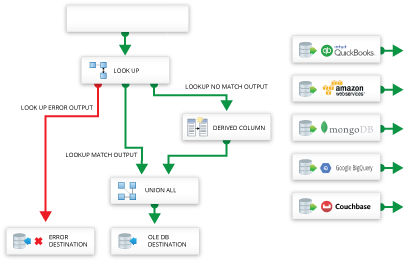

Get the Microsoft Entra ID SSIS Components together with 175+ SSIS Data Flow Components & Tasks! Our Professional SSIS Subscriptions combinean unprecedented collection of Enterprise-class SSIS data flow components, with the leading SSIS Tasks for Communications, Security, and File Transfer, into one easy-to-manage MSDN-style subscription.
- 175+ Enterprise SSIS Data Flow Sources & Destinations
- Includes SSIS Tasks for Communications, Security, and File Transfer.
- Supports Microsoft SQL Server and Azure Data Factory
- One year of free updates, upgrades, new releases, and support.
Use Azure Active Directory SSIS Components to:
- Synchronize SQL Server and Microsoft Entra ID for seamless back-office integration.
- Automate integration processes like mass imports / updates, data cleansing, and de-duplication.
- Offload queries from operational systems to reduce load and increase performance.
- Connect Microsoft Entra ID to analytics for BI and decision support.
- Archive business data for disaster recovery.
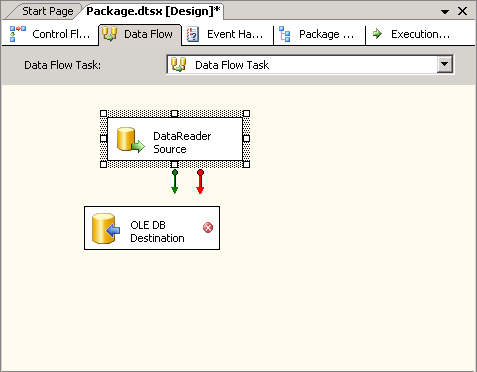
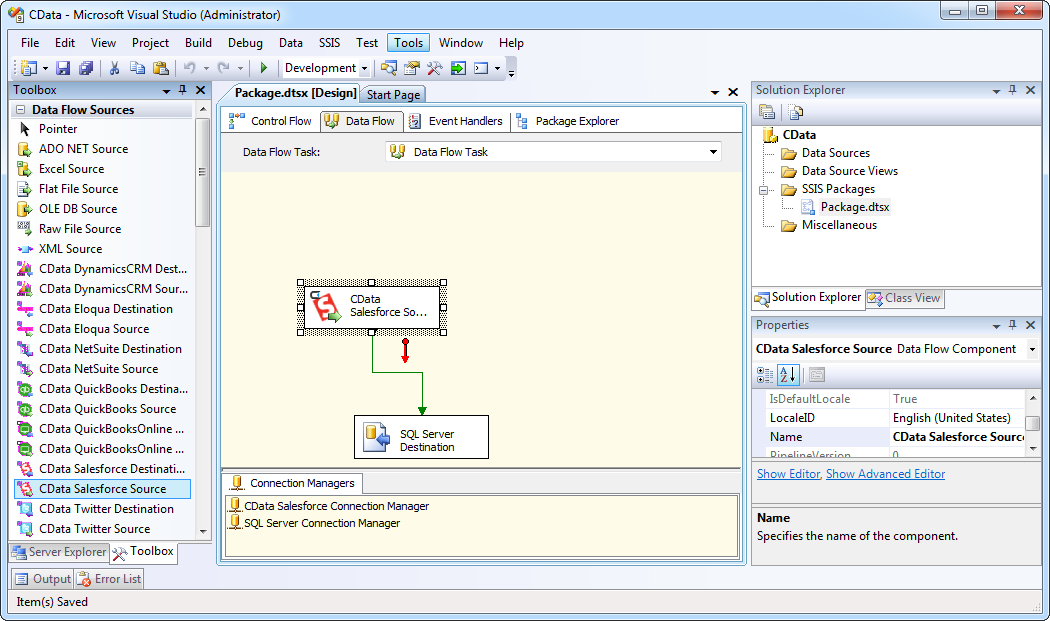
Straightforward SQL Server integration
Use CData Data Flow Tasks to connect SQL Server with Microsoft Entra ID without expensive custom integration or application development.
- Use SQL Server Integration Services and Azure Active Directory SSIS Components to easily connect and synchronize SQL Server with Microsoft Entra ID data.
- Full Create, Read, Update, and Delete (CRUD) support.
- Straightforward integration, no custom development required!
Popular SSIS Videos: