





Connect Excel to Facebook Ads
Read, Write, and Update Facebook Ads Data from Excel
Connect with live Facebook Ads data directly from Microsoft Excel. The free Excel Add-In for CData Connect AI for Spreadsheets gives you real-time access to Facebook Ads data, right from the Excel tool bar.
Install the Add-In, configure your Facebook Ads connection, and go!
Get The Excel Add-In Now
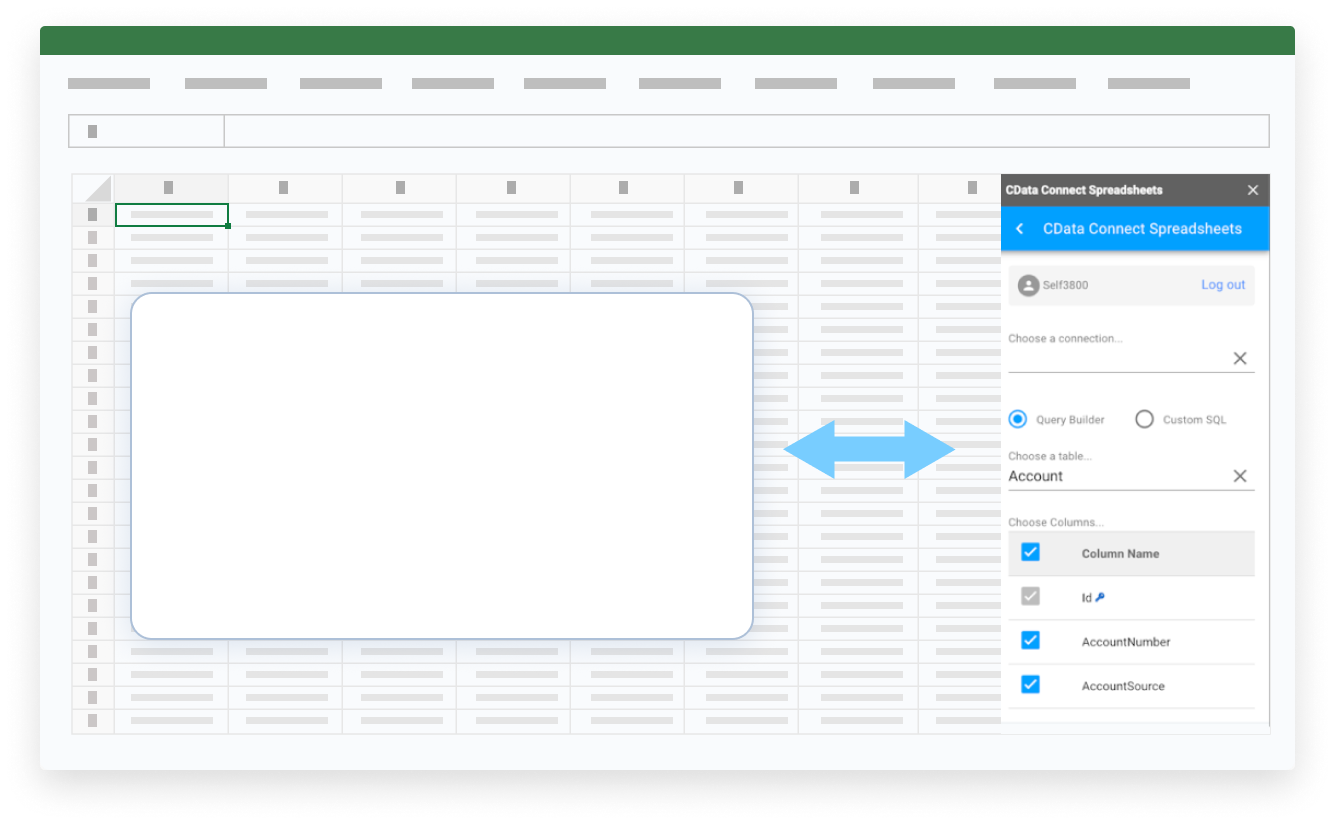

Discover What's Possible with Your Facebook Ads Data in Excel

Say Farewell to Copy/Paste
Real-time, seamless access to data removes the burden of manual data entry in Excel.
Never Rely on Stale Data
Work with live data in Online, Windows, and Mac editions of Excel to create up-to-date reports.

Point and Click Configuration
Integrate data and manage connections with no code or special skills required.

Secure Access and Encryption
Securely govern your data with specific user permissions and built-in TLS / SSL data encryption.
Real-Time Access to Facebook Ads Data from Excel
Get Started with Facebook Ads in 3 Simple Steps:
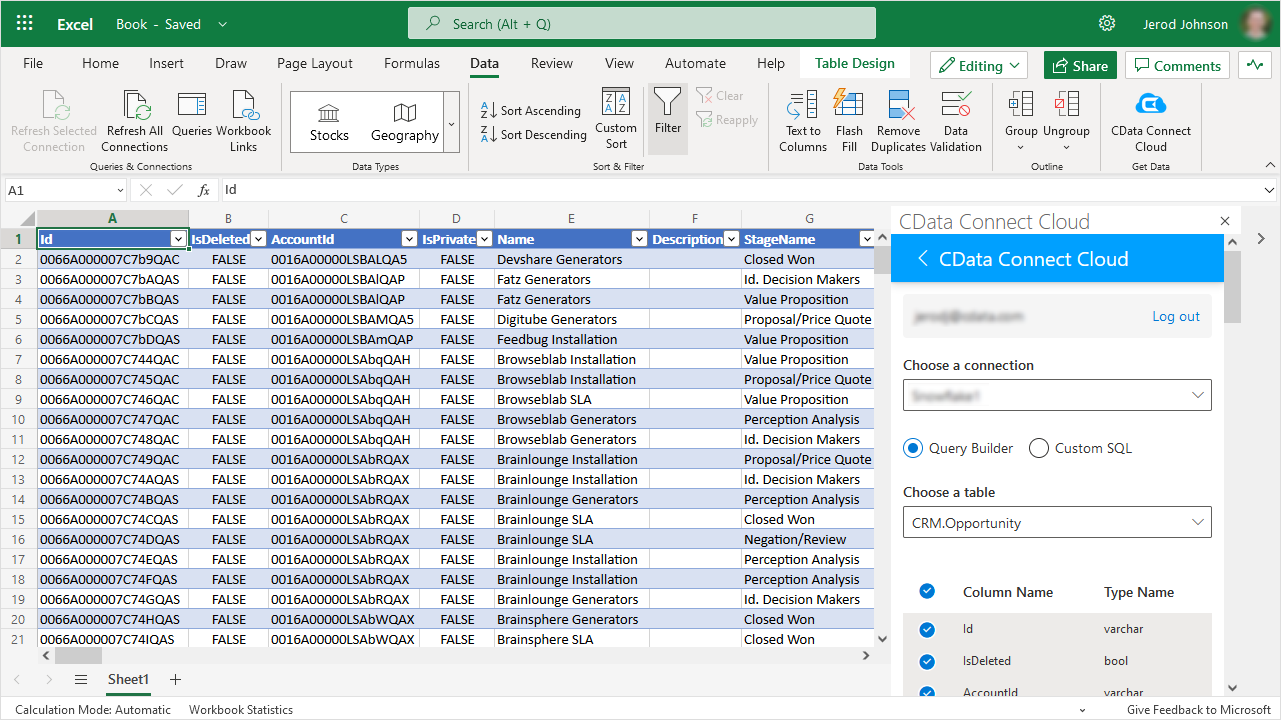
- Install the Excel Add-In - After installation look for the CData Connect AI for Spreadsheets button on the Excel Ribbon.
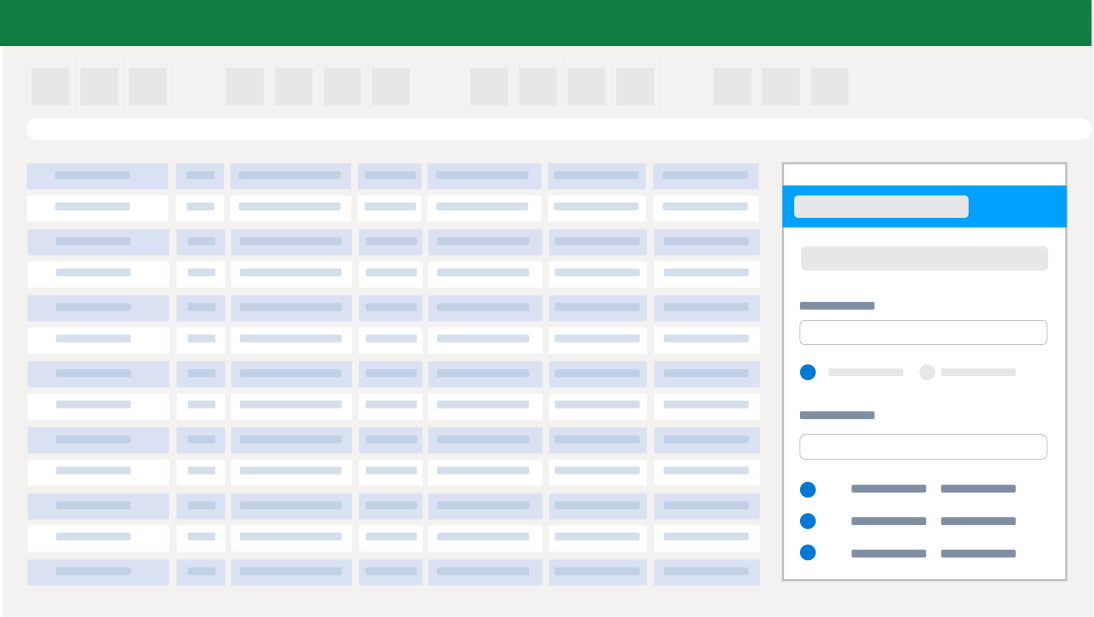
- Configure your Facebook Ads Connection - Click on the Connect Spreadsheets add-in from within Excel to setup an account and configure a connection to Facebook Ads.
- Run your first query - Select any Facebook Ads data that you want to access. All data is exposed as standard tables and data views. You can even write custom queries with SQL to filter and join data.
Automate Your Workflow
Spend less time copying, pasting, and importing data. Build custom reports and dashboards with automatic refreshes (hourly, daily, weekly, monthly) for real-time insights.
Bring Data to Life in Excel
Bring your Facebook Ads data into Excel for up-to-date insights with Connect Spreadsheets. Easily combine that information with data from other sources in Excel to form a complete picture of the customer journey.
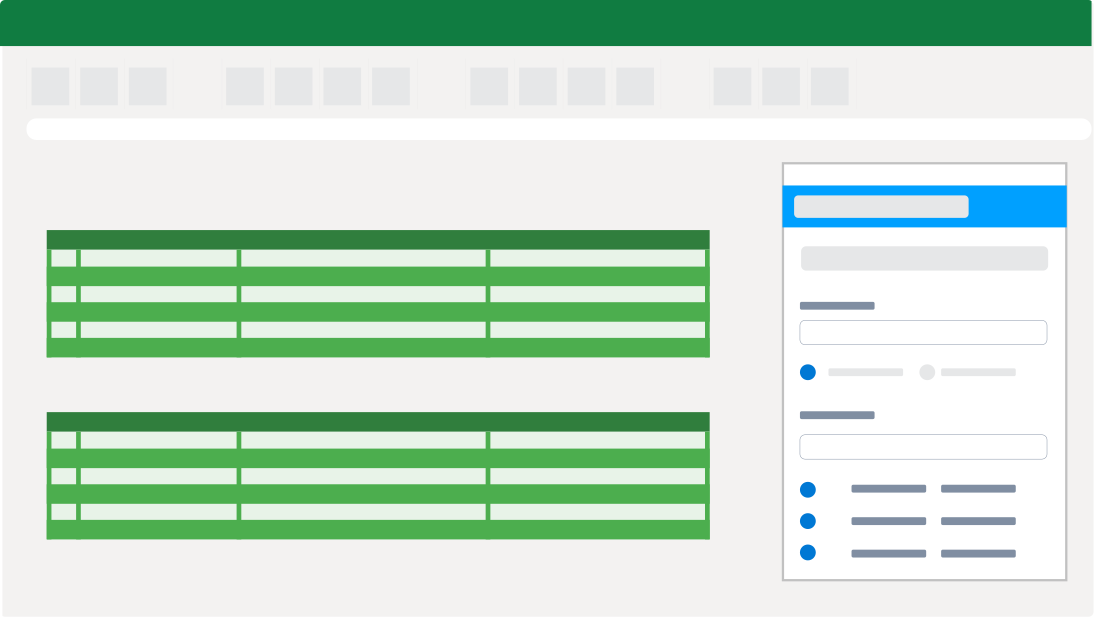
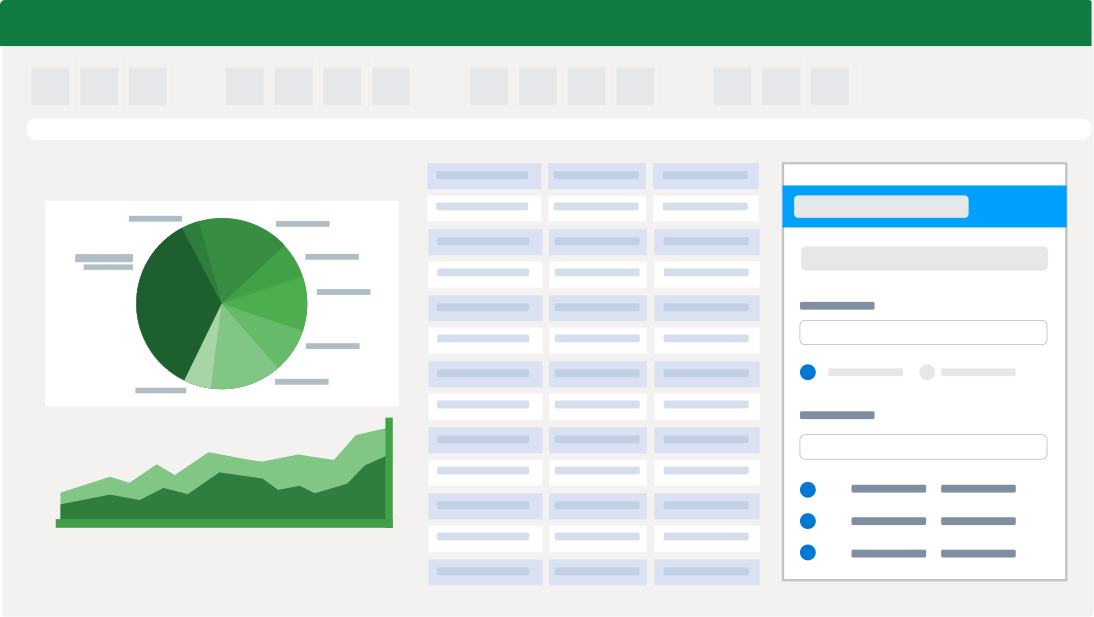
Facebook Ads Reporting, Analysis, & Data Manipulation
Perfect for mass imports / exports / updates, data cleansing & de-duplication, Excel based data analysis, and more!
- Modify and delete records and push updates back to Facebook Ads
- Quickly export and backup data.
- Operate on data with Charts and Pivot Tables.
Frequent Facebook Ads Excel Connectivity questions
Common questions about integrating Facebook Ads with Microsoft Excel.
How do I connect Facebook Ads to Excel?
The best way to integrate Facebook Ads with Excel is by using the CData Connect AI for Spreadsheets Excel Add-In. The Facebook Ads Excel Connector provides easy Facebook Ads Excel integration directly from Desktop, Mac, or Web (Excel 365). Simply configure your connection to Facebook Ads from the easy-to-use cloud interface, and access Facebook Ads just like you would another native Excel data source.
Can I export Facebook Ads to Excel?
Configuring a Facebook Ads export to Excel is a thing of the past — no more downloading or copying & pasting to make sure you have the freshest data. CData Connect AI for Spreadsheets Excel Add-In provides live direct connectivity to Facebook Ads and does not require a Facebook Ads Excel export. Instead, simply click the Refresh button from the Excel Facebook Ads plugin toolbar and the tool will download Facebook Ads to excel instantly. You can even schedule refreshes to export from Facebook Ads to Excel automatically, so your Excel reporting is always fresh and up to date when you need it.
Is it possible to edit Facebook Ads data from Excel?
Our integration enables live, bi-directional access to Facebook Ads data directly from Excel. Easily pull live data into your spreadsheet, make changes, and push updates back to Facebook Ads — all without leaving Excel. Edited cells are automatically highlighted to show differences from the source data. When ready, click the Update Rows button in the CData Add-In toolbar to sync your changes.
Is there a free trial available?
Absolutely. Free trials are available for all CData products. For the CData Connect AI for Spreadsheets Excel Add-In all accounts start on a 15-day free trial of the unlimited Pro plan. The Pro plan includes unlimited access to all of the powerful features and capabilities of the platform. After the 15-day trial period, you have the option to purchase the product and continue at the Pro level, or your account will be automatically downgraded to the Forever-Free plan. You can continue to use the free plan indefinitely, but wou will be limited to 5,000 records per query, 1 user, 3 data sources, and 50 total queries per month.
Start your trial today: Facebook Ads Excel Add-In free download.
Popular Excel Videos:

Get the Excel Add-In for Facebook Ads
Building custom dashboards & reports that connect with live Facebook Ads data has never been easier. Get the CData Excel Add-In for Facebook Ads now, and get connected.