





Connect SAP SuccessFactors LMS to Power BI Enterprise Data Analytics & Real-time Insights

 Certified Data Connectivity
Why CData for SAP SuccessFactors LMS Power BI Connectivity
Break free from data loading limitations of SAP SuccessFactors LMS reporting in Power BI. Easily connect Microsoft Power BI with live SAP SuccessFactors LMS data for up-to-date visual analysis and reporting.
High-performance SAP SuccessFactors LMS Connectivity
Eliminate SAP SuccessFactors LMS performance & query speed issues in minutes
Large datasets often slow down reports and dashboards in Power BI due to its in-memory model. However, CData's Power BI Connector for SAP SuccessFactors LMS overcomes these challenges with advanced query optimization and Direct Query support. By leveraging Direct Query, you can avoid loading your entire SAP SuccessFactors LMS dataset into local memory and instead benefit from efficient server-side processing.
Breakthrough Power BI data volume and storage limits
Power BI Pro imposes a 1GB dataset size limit, and even Premium workspaces have constraints on query performance. The CData Power BI Connector supports Direct Query, reducing the amount of data retrieved when analyzing SAP SuccessFactors LMS data. Instead of loading the entire SAP SuccessFactors LMS dataset, only the necessary subset of query results is returned for your reports, optimizing performance and efficiency.

Microsoft Power BI
Comprehensive SAP SuccessFactors LMS data and metadata discovery
Find the SAP SuccessFactors LMS data you need for reports — fast and easy.
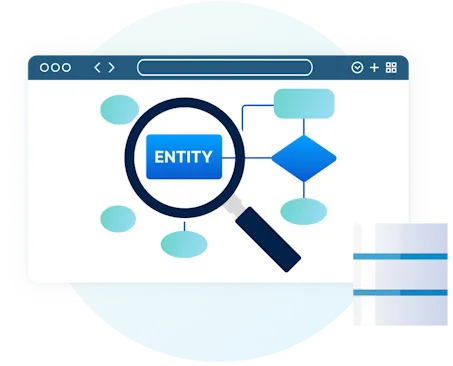
The SAP SuccessFactors LMS Connector provides full access to both data and metadata, enabling efficient automated data exploration and discovery. It features intelligent row scanning, type detection, relationship mapping, and support for unstructured data. These capabilities allow Power BI to recognize data fields without the need for casting or conversion, making it easier and faster for users to create meaningful reports.
Simplify report development with SQL-like querying
Certain data sources, such as SAP SuccessFactors LMS and other NoSQL databases, lack native support for SQL-like queries, often requiring data transformation before use in Power BI. CData simplifies this process with a built-in SQL transformation layer that automatically translates SQL queries into real-time data source calls. This enables seamless SAP SuccessFactors LMS integration, making it as straightforward as connecting to a traditional relational database.
Live SAP SuccessFactors LMS reporting. No ETL Required
Mitigate security & compliance risks vs. other integrations
CData's live Power BI connectivity for SAP SuccessFactors LMS overcomes the challenges associated with traditional integration methods like ETL and local data replication. Unlike data replication, live querying enhances security and compliance by eliminating risks such as data staleness, inconsistency, and corruption. It also reduces exposure from overprivileged access and delayed revocation while minimizing the attack surface created by duplicate copies. Additionally, live connectivity simplifies regulatory compliance by ensuring better adherence to data residency, retention policies, and auditability requirements.
Native Power BI Gateway and Power Platform support
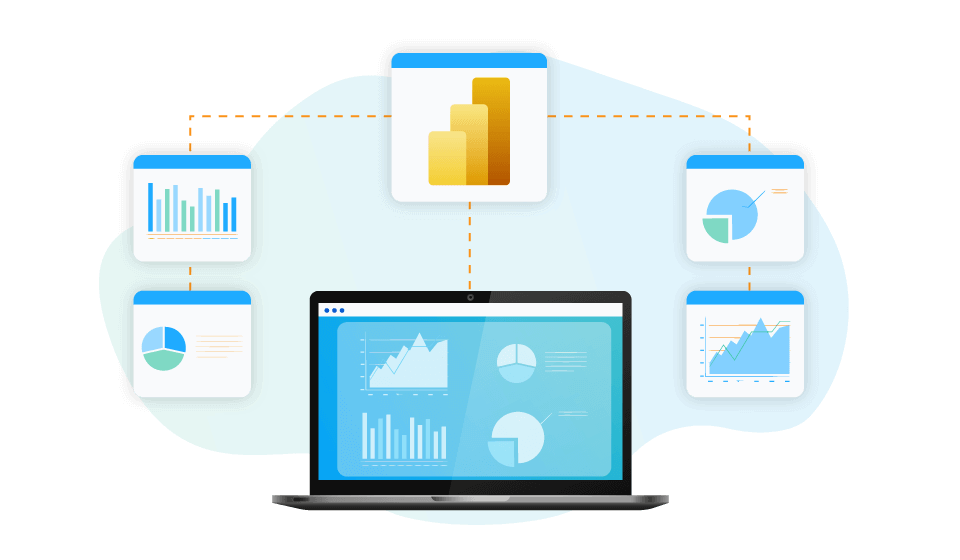
SAP SuccessFactors LMS Power BI Connector supports the use from Power BI Gateway. Power BI on-premises gateway allows publish and auto-refresh the data set in your Power BI Desktop to Power BI cloud and other Microsoft Power Platform services such as Power Apps and Power Automate.
Connect Power BI to SAP SuccessFactors LMS
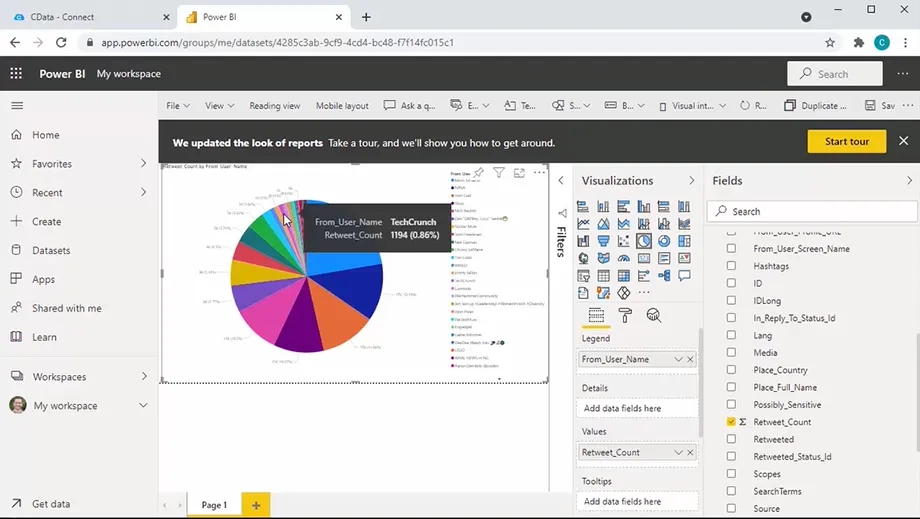
Watch the video overview for a first hand look at how easy it is to connect Power BI to live data from SAP SuccessFactors LMS with CData.
- Leverage Direct Query capabilities to enhance analytics performance for large SAP SuccessFactors LMS data sets.
- Extensive schema discovery capabilities for every data source. Explore tables, columns, keys, and other data constructs based on user identity.
- Easily connect Power BI directly with complex data structures through flexible and extensible flattening.
- Deploy Power BI reports that automatically refresh on-prem or to the cloud.
- And more!
Frequent SAP SuccessFactors LMS Power BI Connectivity questions
Common questions about integrating SAP SuccessFactors LMS with Microsoft Power BI.
Does SAP SuccessFactors LMS support Power BI?
SAP SuccessFactors LMS doesn't natively integrate with Power BI, but CData Power BI Connectors for SAP SuccessFactors LMS enable seamless SAP SuccessFactors LMS analytics and reporting. Our connectors provide real-time, direct access to SAP SuccessFactors LMS data in Power BI, allowing you to build dynamic dashboards without complex ETL processes. With CData, you get secure, high-performance connectivity for better insights.
How do I connect to SAP SuccessFactors LMS from Power BI?
Moving data from SAP SuccessFactors LMS to Power BI doesn't have to be difficult. The SAP SuccessFactors LMS Power BI Connector enables real-time, direct Power BI SAP SuccessFactors LMS connectivity, eliminating complex ETL.
How It Works
- Install the PowerBI SAP SuccessFactors LMS connector and open Power BI Desktop.
- Connect via Get Data > More > CData SAP SuccessFactors LMS using your credentials to connect SAP SuccessFactors LMS and Power BI.
- Access live data, run SQL queries, and build dynamic dashboards.
- Publish reports to Power BI Service for seamless sharing.
That's all there is to it. With secure, high-performance Power BI SAP SuccessFactors LMS integration, CData simplifies SAP SuccessFactors LMS bi, analytics and reporting. For more information, read the Power BI SAP SuccessFactors LMS Connector getting started guide.
What are the advantages of using the CData SAP SuccessFactors LMS data Connector for Power BI?
The CData SAP SuccessFactors LMS Connector offers key advantages for seamless SAP SuccessFactors LMS Power BI integration:
- SAP SuccessFactors LMS Real-Time Analytics (DirectQuery): Live, direct query access to SAP SuccessFactors LMS data in Power BI eliminates extracts and refreshes. This is especially powerful for working with large SAP SuccessFactors LMS datasets, as it allows you to analyze massive amounts of data without the limitations of in-memory processing. DirectQuery ensures your reports always reflect the latest SAP SuccessFactors LMS information.
- Performance & Scalability: Optimized queries ensure fast data retrieval and handle growing data volumes efficiently. Even with massive datasets, the CData connectors make SAP SuccessFactors LMS PowerBI integration fast and reliable.
- Comprehensive Data Access: The SAP SuccessFactors LMS BI connector provides comprehensive access to SAP SuccessFactors LMS Data and SAP SuccessFactors LMS metadata, empowering you to understand the structure of your data and build more robust and accurate reports. This deep SAP SuccessFactors LMS metadata integration simplifies data discovery and ensures your Power BI reports accurately reflect the meaning and context of your SAP SuccessFactors LMS data.
- Enterprise-Grade Security: The SAP SuccessFactors LMS PowerBI connector supports modern security standards and enterprise authentication methods, making it easier to comply with security policies.
Ultimately, the SAP SuccessFactors LMS to Power BI connector delivers fast, secure, and customizable access to SAP SuccessFactors LMS in Power BI for analytics and reporting.
How does the CData SAP SuccessFactors LMS connector work with Power BI Service?
Yes, all of our connectors support connecting Microsoft Power BI and SAP SuccessFactors LMS integration from Power BI Service by using the Microsoft Power BI Gateway. Instructions for installing and configuring the Power BI Gateway are available in the online SAP SuccessFactors LMS help file.
Where can I download the SAP SuccessFactors LMS Connector for Power BI?
All of the CData Power BI Connectors for PowerBI SAP SuccessFactors LMS integration are freely available for download online. A 30-day trial of the SAP SuccessFactors LMS Connector download can be found alongside other supported SAP SuccessFactors LMS integration technologies like ODBC, JDBC, ADO.NET, SQL Server SSIS, and more.
Does the Power BI connector support ARM64 devices?
Yes, our Power BI connector supports ARM64 Windows.
Popular Power BI Videos:

Ready to get started? Try CData for free today!
Do you want to learn more about how you can use CData to connect Microsoft Power BI with real-time data from anywhere? Contact us below, and let's talk.