





Connect Google Sheets to Workday
Read, write, and update Workday data from Google Sheets
Connect with live Workday data directly from Google Sheets. The free Google Sheets Add-On gives you real-time access to Workday data, right from your Google Spreadsheets.
Install the Add-On, configure your Workday connection, and go!


Discover what's possible with your Workday data in Google Sheets
Real-time, seamless access to data removes the burden of manual data entry in Google Sheets.
Work with live data in Google Sheets to create up-to-date reports.
Integrate data and manage connections with no code or special skills required.
Securely govern your data with specific user permissions and built-in TLS / SSL data encryption.
Real-time access to Workday data from Google Sheets
Get started
Get started in 3 simple steps
- Install the Google Sheets Add-On — After installation look for Connect Spreadsheets from the Extensions drop-down menu.
- Configure your Workday connection — Click on Open Connect Spreadsheets from within Google Sheets to setup an account and configure a connection to Workday.
- Run your first query — Select any Workday data that you want to access. All data is exposed as standard tables and data views. You can even write custom queries with SQL to filter and join data.
Automation
Automate your workflow
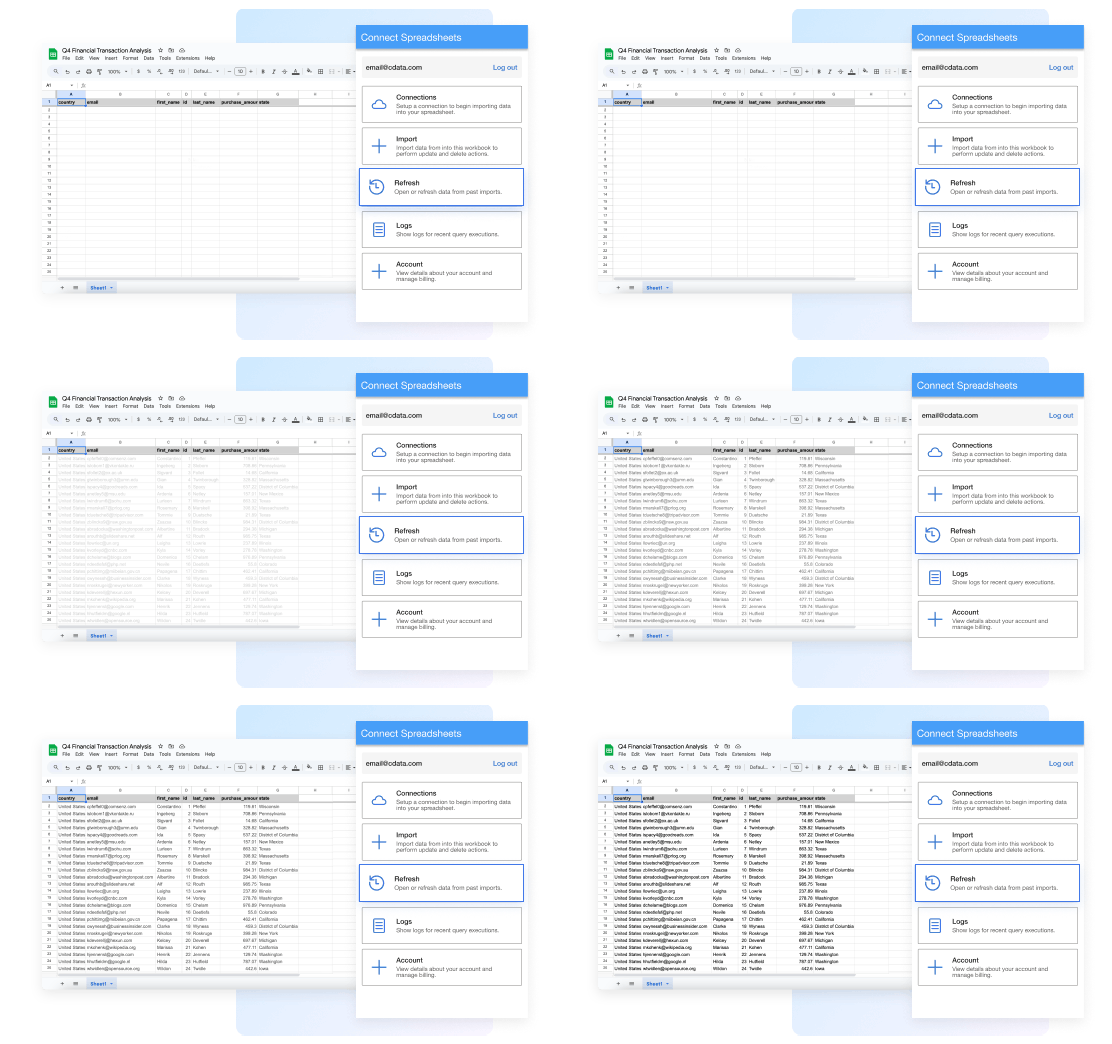
Spend less time copying, pasting, and importing data. Build custom reports and dashboards with automatic refreshes (hourly, daily, weekly, monthly) for real-time insights.
Insights
Bring data to life in Google Sheets
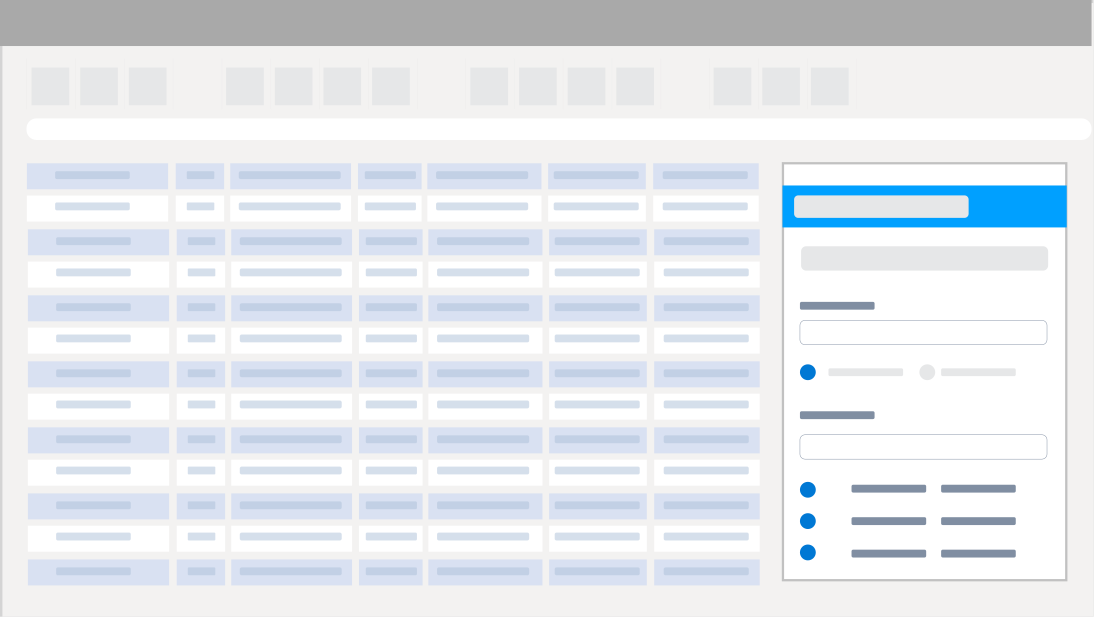
Bring your Workday data into Google Sheets for up-to-date insights with Connect Spreadsheets. Easily combine that information with data from other sources in Google Sheets to form a complete picture of the customer journey.

Analysis
Workday reporting, analysis, and data manipulation
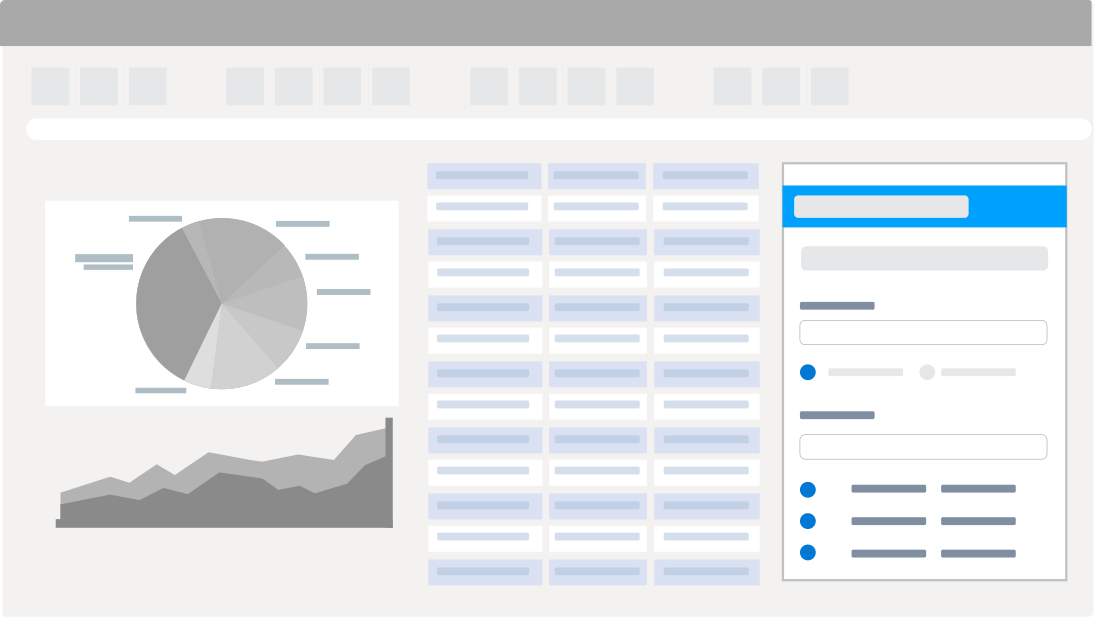
Perfect for mass imports / exports / updates, data cleansing & de-duplication, Google Sheets-based data analysis, and more!
- Modify and delete records and push updates back to Workday
- Quickly export and backup data.
- Operate on data with Charts and Pivot Tables.
FAQs
Frequent Workday Google Sheets connectivity questions
Common questions about integrating Workday with Microsoft Excel.
Get the Google Sheets Add-On for Workday
Building custom dashboards & reports that connect with live Workday data has never been easier. Get the now, and get connected.