






Analyze JDBC-ODBC Bridge Data in Infragistics Reveal

Reveal is a data visualization solution provided by Infragistics and can be paired with the CData API Server to build dynamic dashboards from live JDBC-ODBC Bridge data. The CData API Server generates an OData API for JDBC-ODBC Bridge, which is natively consumable in Reveal. In this article, we walk through connecting to JDBC-ODBC Bridge in API Server and connecting to the API Server from Infragistics Reveal to create a simple dashboard.
Connect to JDBC-ODBC Bridge from API Server
CData API Server uses a straightforward, point-and-click interface to connect to data sources and generate APIs.
- Open API Server and click Settings -> Connection -> Add Connection
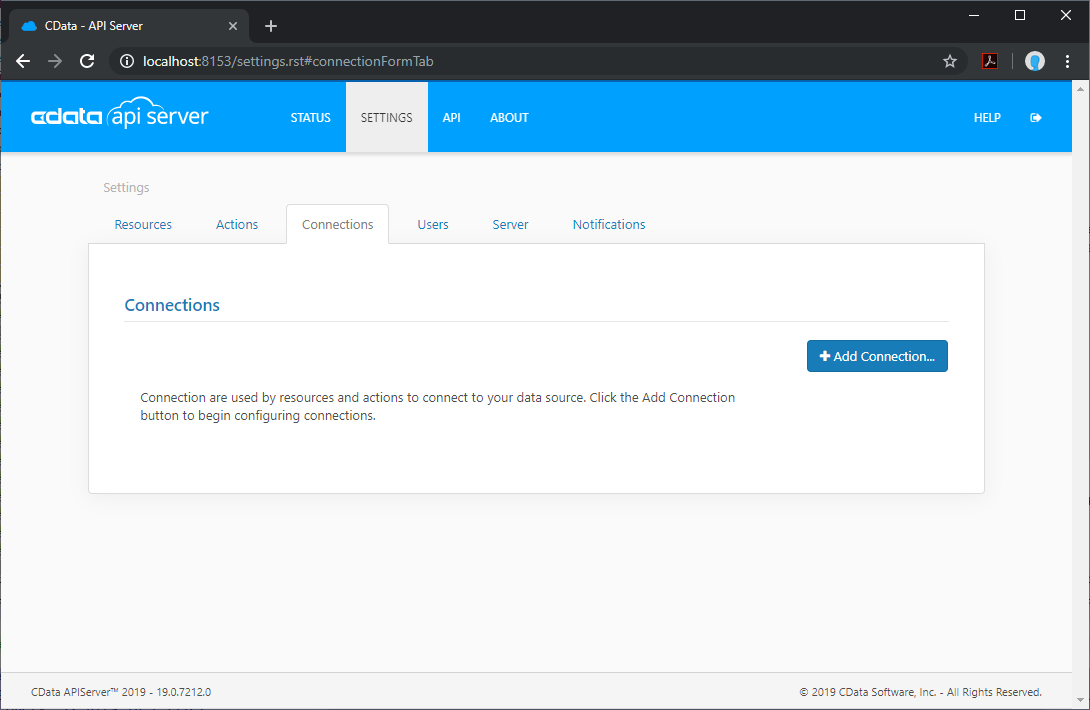
- Select "JDBC-ODBC Bridge"
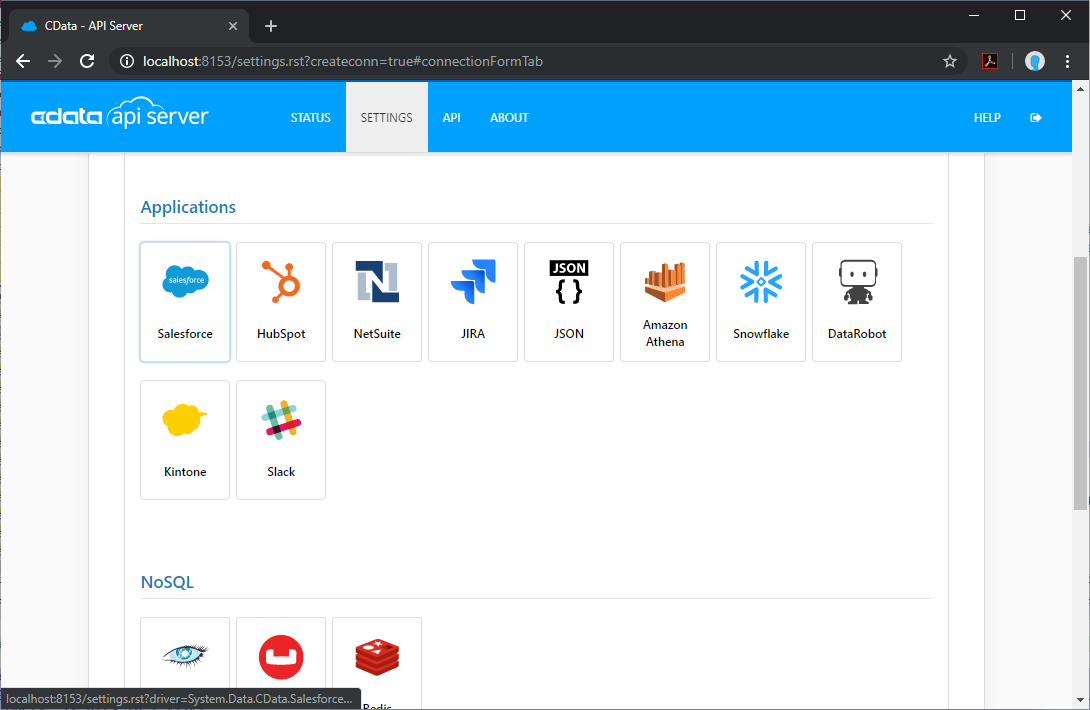
- Enter the necessary authentication properties to connect to JDBC-ODBC Bridge.
To connect to an ODBC data source, specify either the DSN (data source name) or specify an ODBC connection string: Set Driver and the connection properties for your ODBC driver.
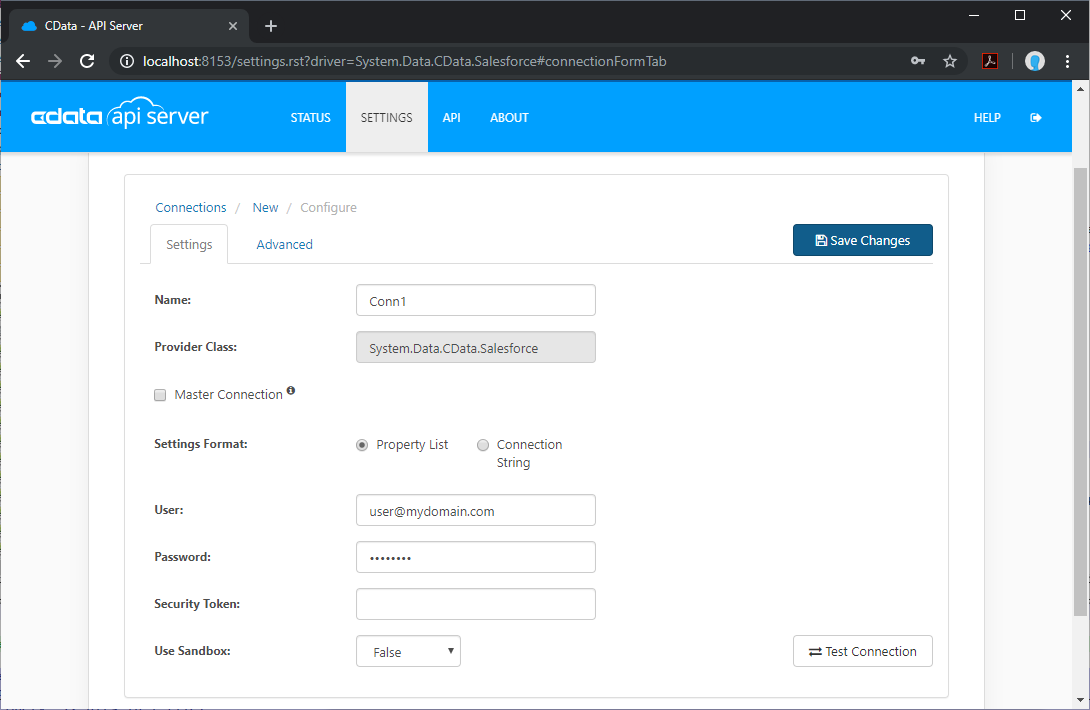
Add JDBC-ODBC Bridge Resource Definitions in API Server
After connecting to JDBC-ODBC Bridge, create Resources, which represent API endpoints for JDBC-ODBC Bridge data.
- Click Settings -> Resources -> Add Resource
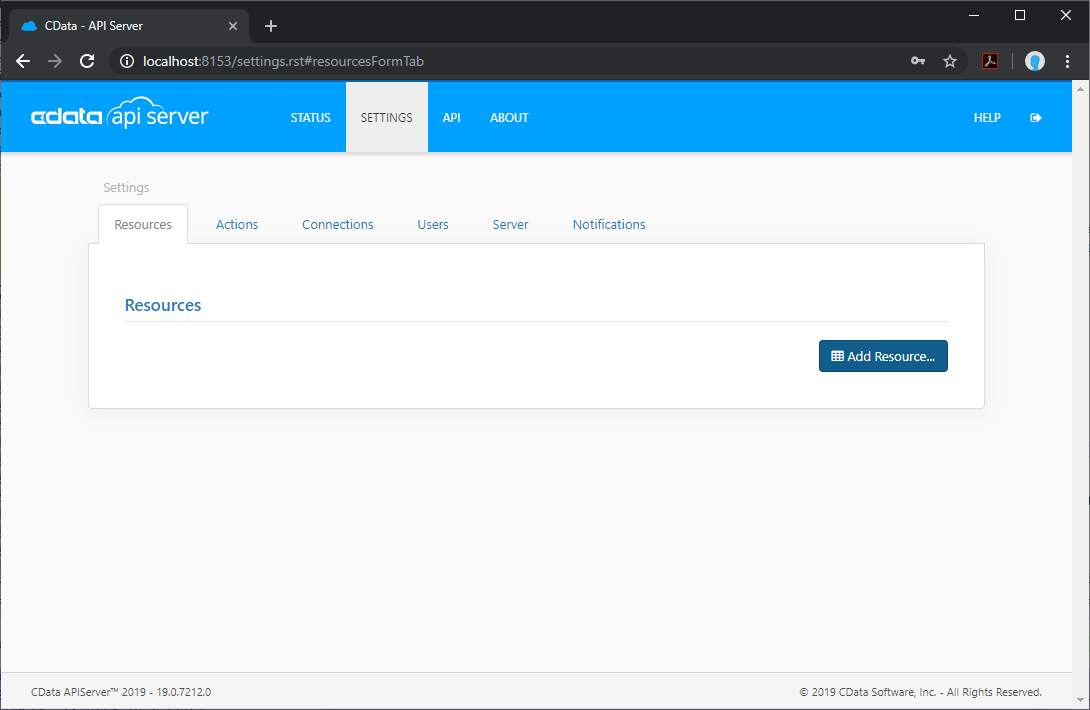
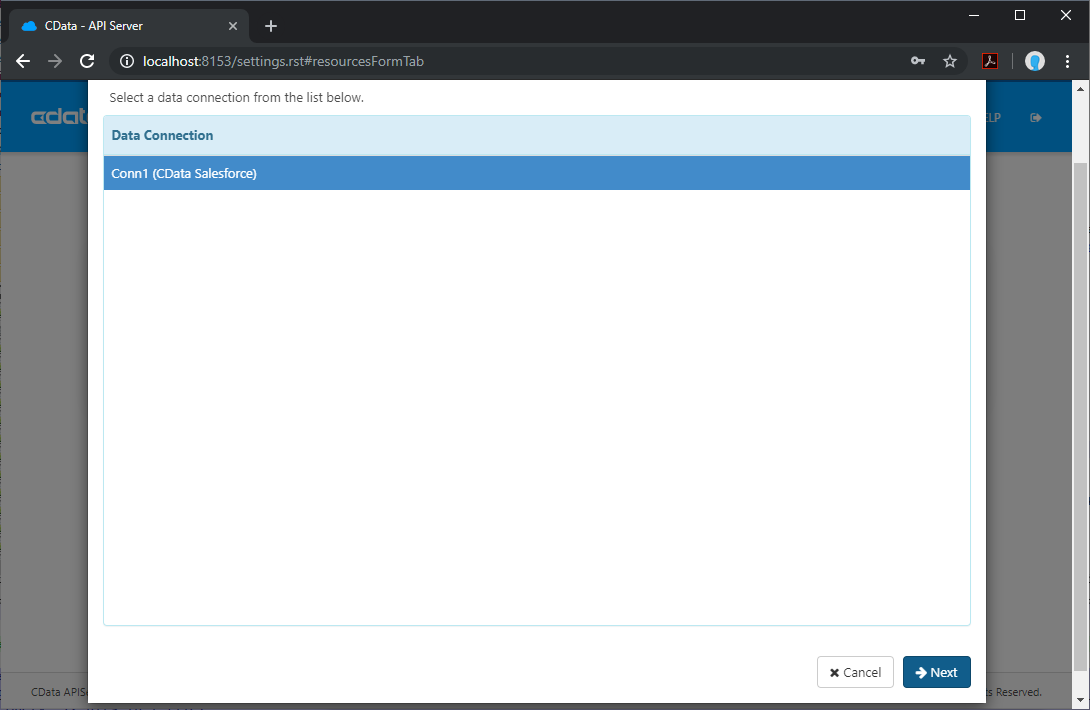
- Select the JDBC-ODBC Bridge connection
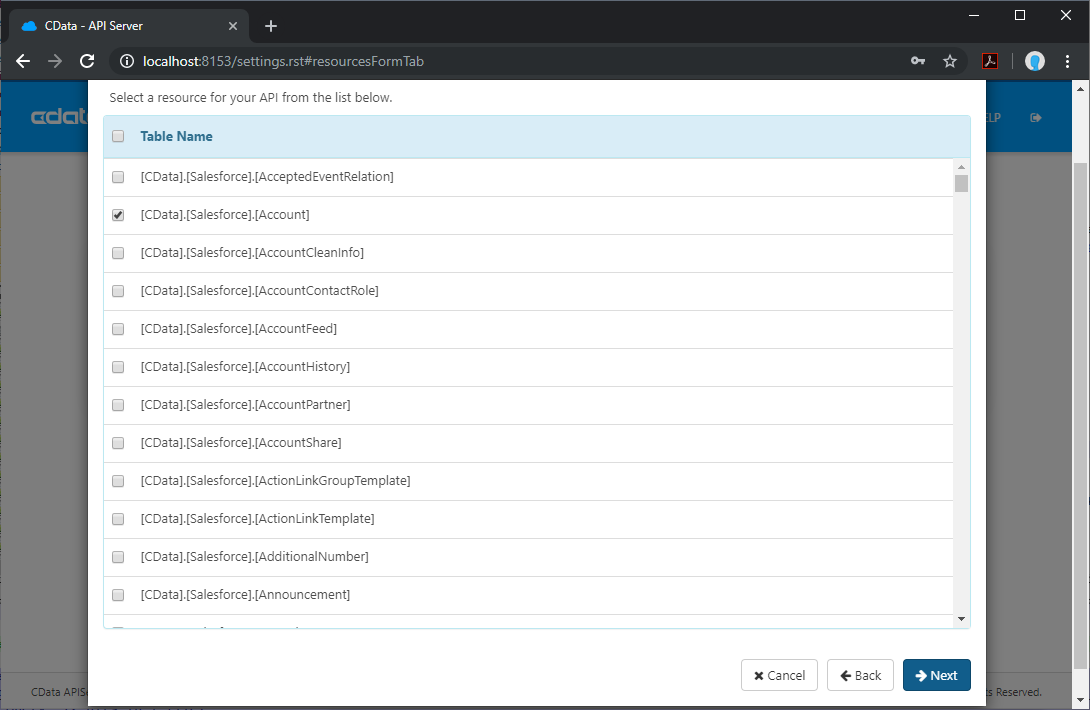
- Select the table you wish to retrieve and click Next
- (Optional) Edit the resource to select specific fields and more
- Save the settings
Add an API Server User
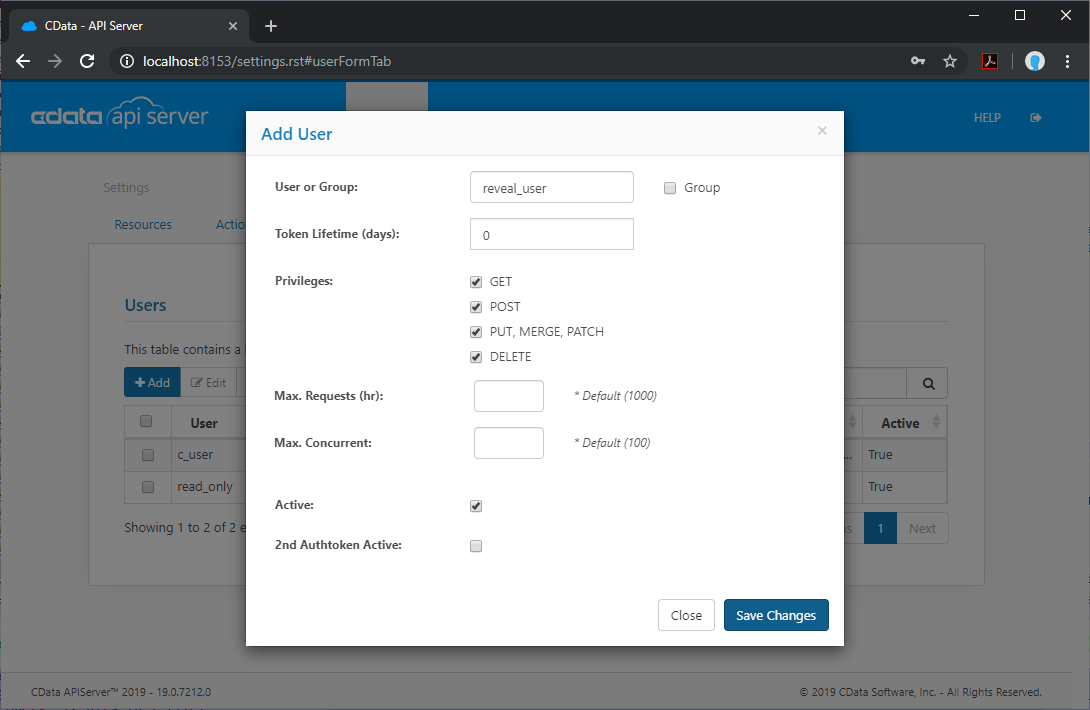
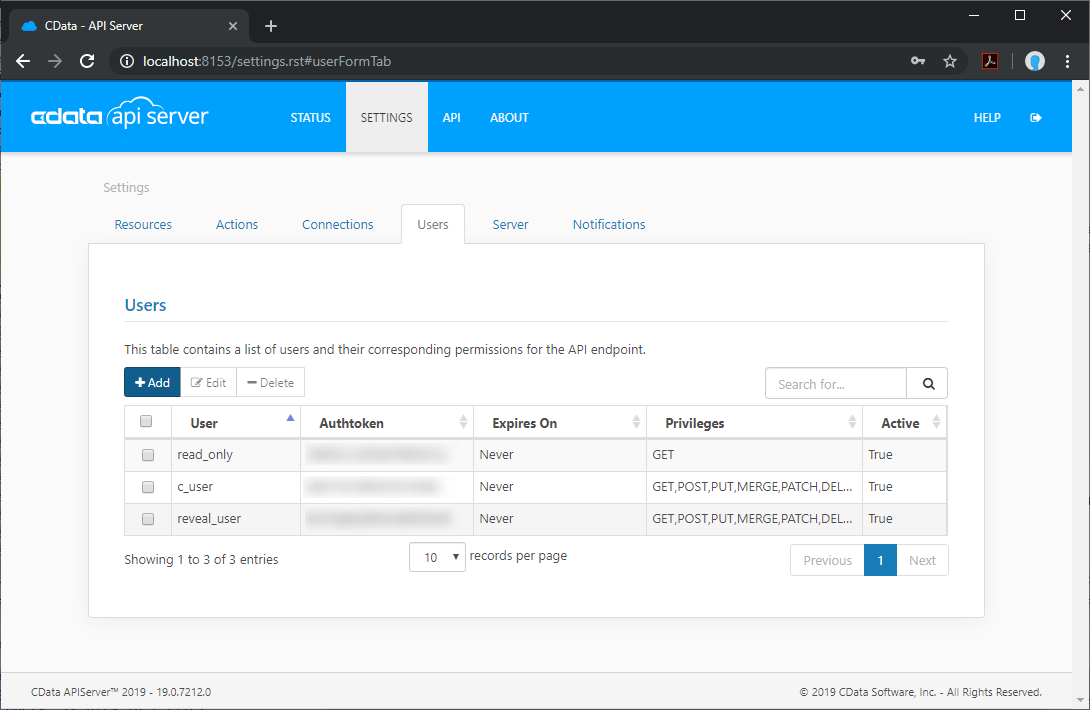
Create a User to connect to JDBC-ODBC Bridge from Reveal through API Server.
- Click Settings -> Users
- Click Add
- Configure a User with access to the JDBC-ODBC Bridge Connection and Resource(s)
(Optional) Configure Cross-Origin Resource Sharing (CORS)
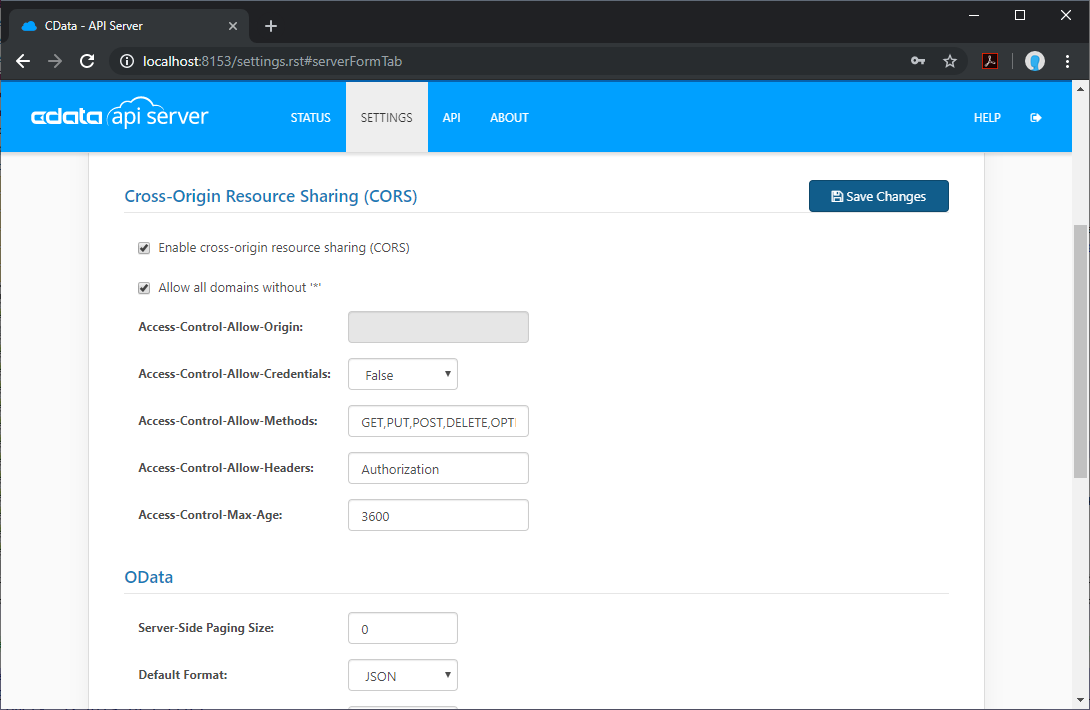
When accessing and connecting to multiple different domains from an application such as Ajax, there is a possibility of violating the limitations of cross-site scripting. In that case, configure the CORS settings in Settings -> Server.
- Enable cross-origin resource sharing (CORS): ON
- Allow all domains without '*': ON
- Access-Control-Allow-Methods: GET, PUT, POST, OPTIONS
- Access-Control-Allow-Headers: Authorization
Save the changes to the settings.
Create a Dashboard in Reveal
With the API Server configured, we can visualize JDBC-ODBC Bridge data in Reveal.
- Log into Reveal and click Dashboards -> New
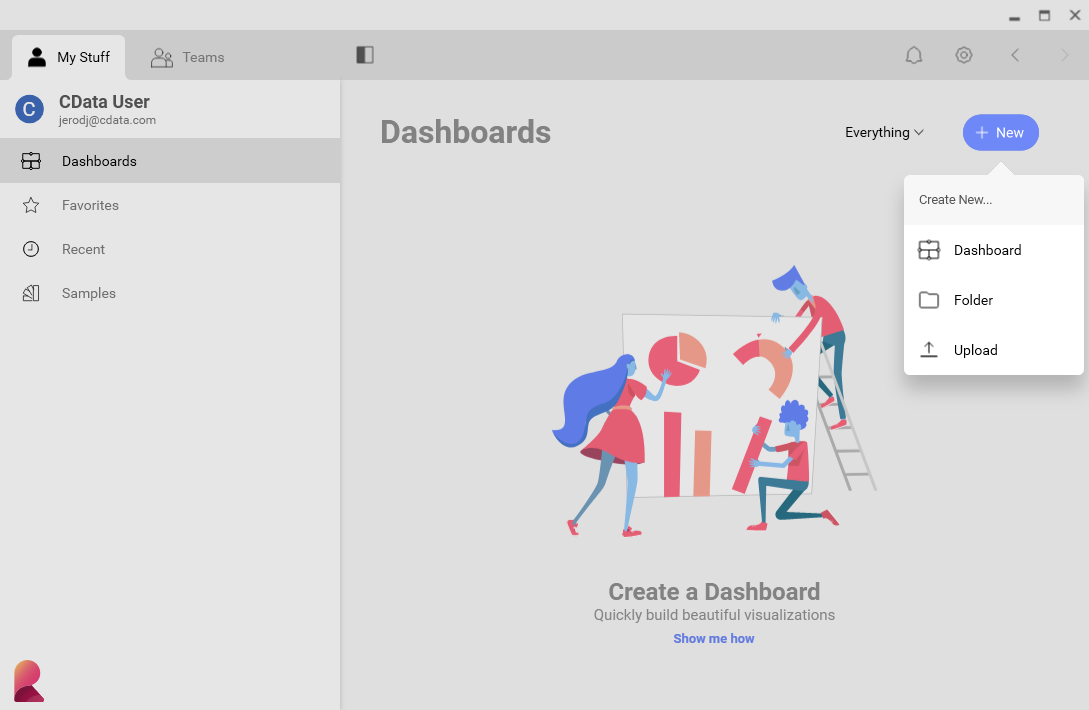
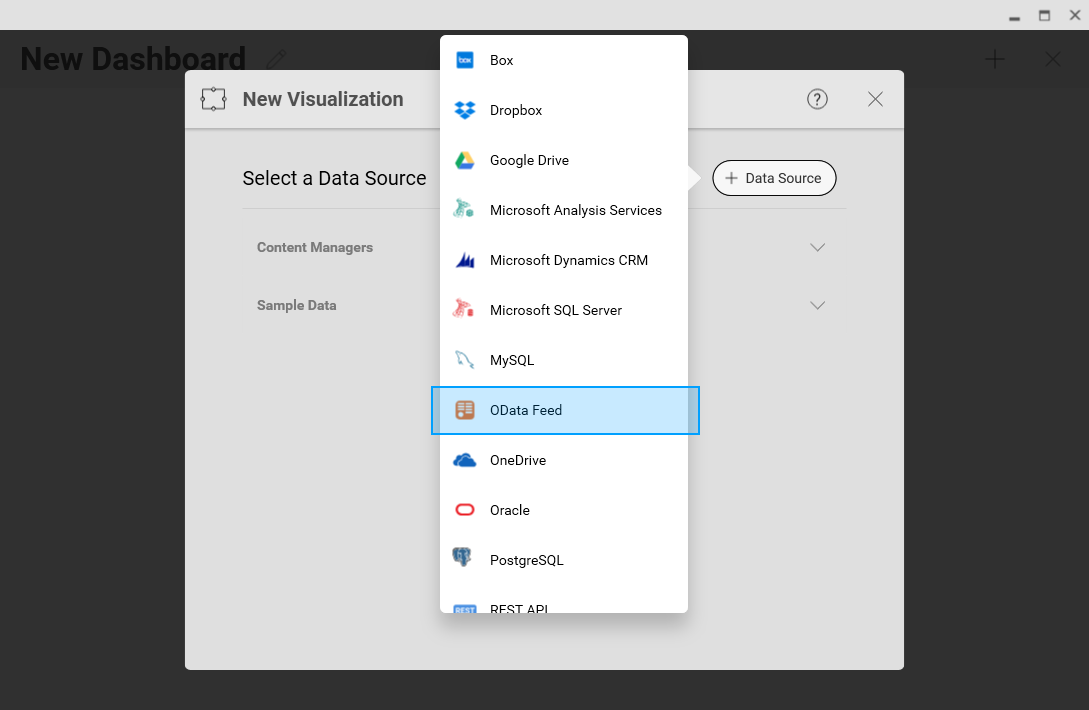
- Click Data Source -> OData Feed
- Specify the API Server API endpoint URL, for example: https://serverurl/api.rsc
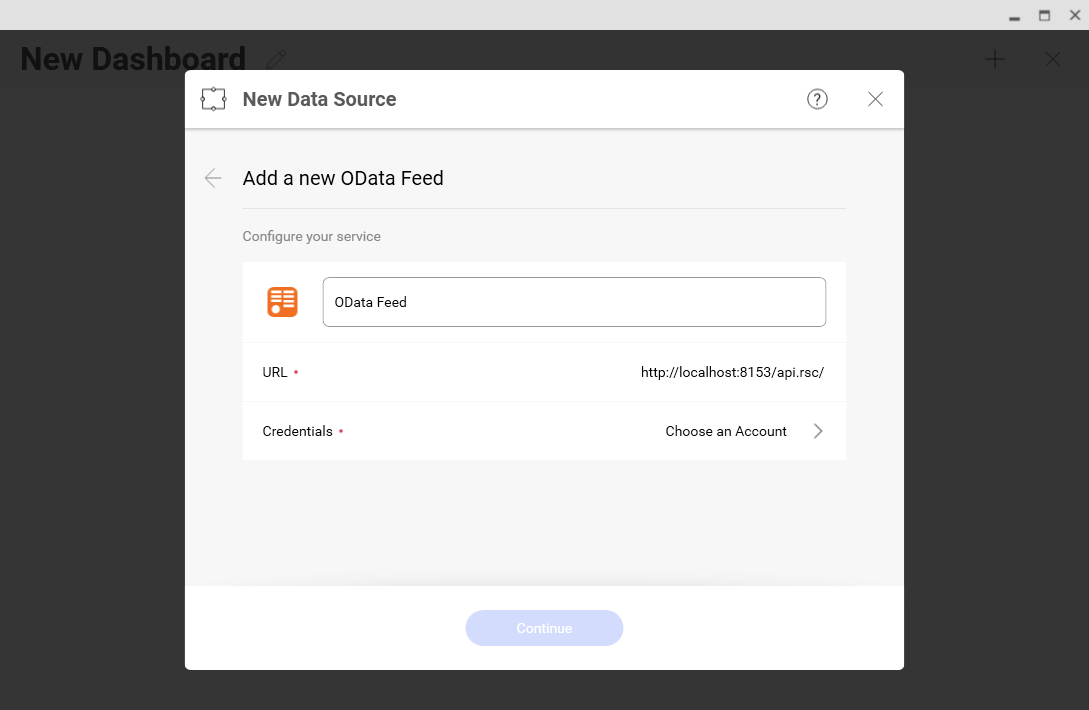
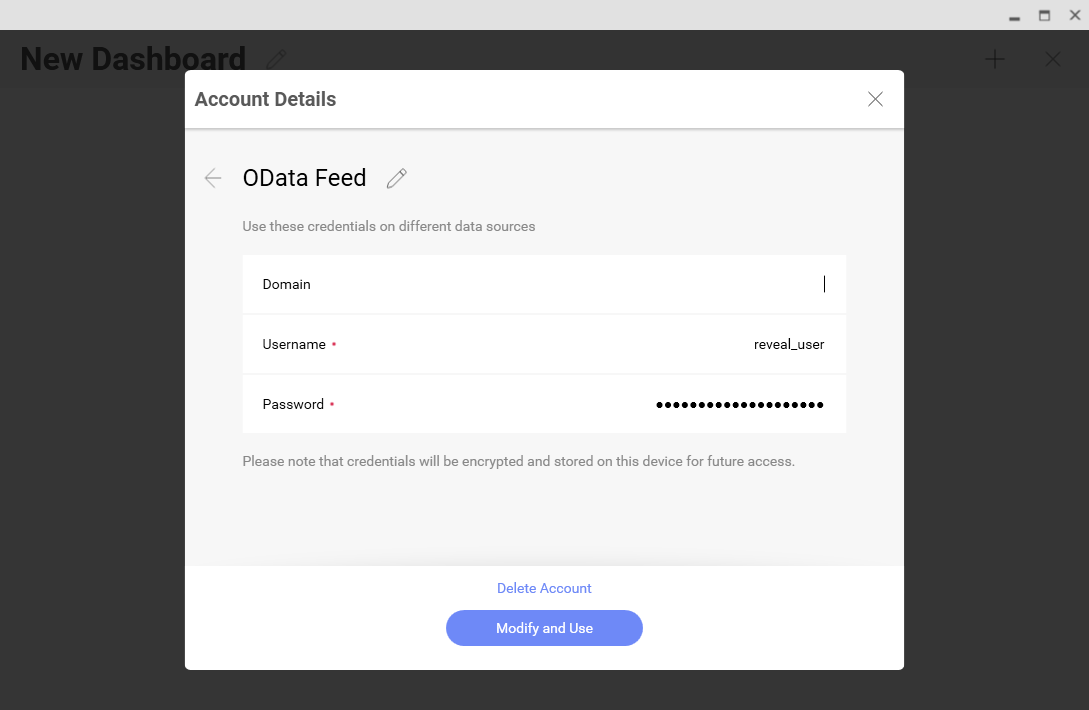
- Select Generic Credentials and specify the API Server username and authentication token
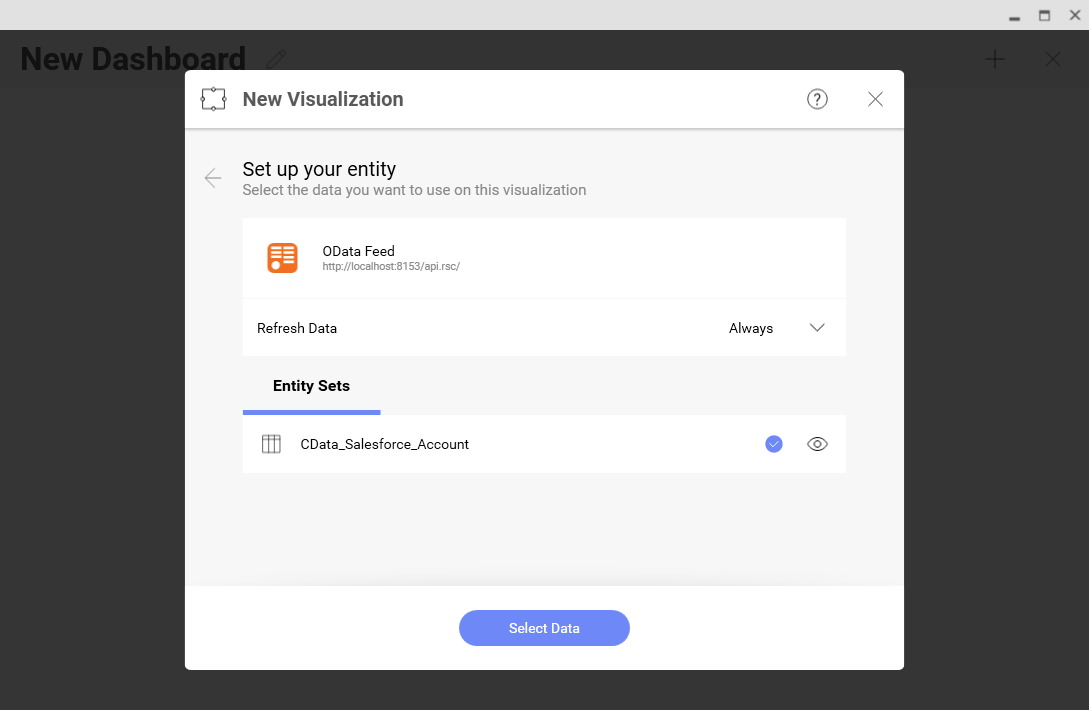
- Select the entity you wish to visualize
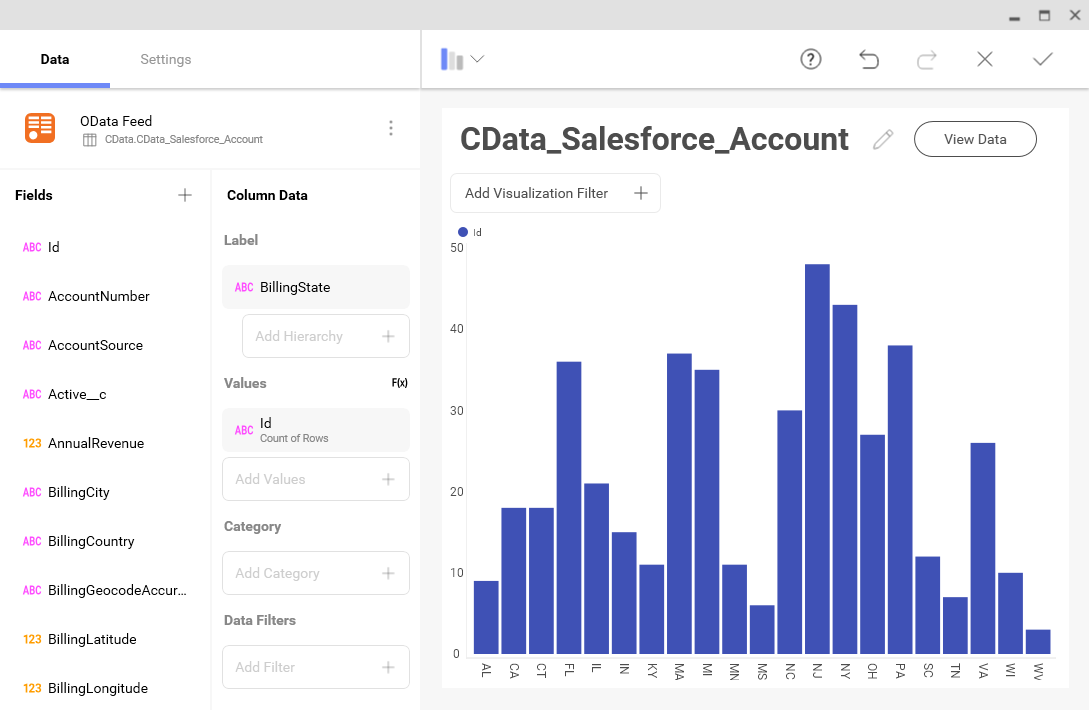
- Select fields and choose a chart type
More Information & Free Trial
At this point, you have created a simple dashboard from live JDBC-ODBC Bridge data. For more information on creating OData feeds from JDBC-ODBC Bridge (and more than 150 other sources), visit the API Server page. Download a free, 30-day trial and start working live JDBC-ODBC Bridge data in tools that consume OData APIs.