




Connect to Claude Compliance Data as an External Source in Dremio

The CData JDBC Driver for Claude Compliance implements JDBC Standards and allows various applications, including Dremio, to work with live Claude Compliance data. Dremio is a data lakehouse platform designed to empower self-service, interactive analytics on the data lake. With the CData JDBC driver, you can include live Claude Compliance data as a part of your enterprise data lake. This article describes how to connect to Claude Compliance data from Dremio as an External Source.
The CData JDBC Driver enables high-speed access to live Claude Compliance data in Dremio. Once you install the driver, authenticate with Claude Compliance and gain immediate access to Claude Compliance data within your data lake. By surfacing Claude Compliance data using native data types and handling complex filters, aggregations, & other operations automatically, the CData JDBC Driver grants seamless access to Claude Compliance data.
Prerequisites
This article assumes you are utilizing Docker to run Dremio. You can create a Docker container with the Dremio service using a command similar to the follow:
docker run -d --name dremio -p 9047:9047 -p 31010:31010 dremio/dremio-oss
Where dremio is the name of the container, 9047 is the container's port for the Dremio web interface and 31010 is the port that maps to the Dremio query service. dremio/dremio-oss specifies the image to use.
Build the ARP Connector
To use the CData JDBC Driver in Dremio, you need to build an Advanced Relation Pushdown (ARP) Connector. You can view the source code for the Connector on GitHub or download the ZIP file (GitHub.com) directly. Once you copy or extract the files, run the following command from the root directory of the connector (the directory containing the pom.xml file) to build the connector.
mvn clean install
NOTE: The CData ARP Connectors are build to be compiled with Java 11. Be sure to install Java 11 and use the correct version. You can update your Java version using a command similar to the following:
sudo update-alternatives --config java
Once the JAR file for the connector is built (in the target directory), you are ready to copy the ARP connector and JDBC Driver to your Dremio instance.
Installing the Connector and JDBC Driver
Install the ARP Connector to %DREMIO_HOME%/jars/ and the JDBC Driver for Claude Compliance to %DREMIO_HOME%/jars/3rdparty. You can use commands similar to the following:
ARP Connector
docker cp PATH\TO\dremio-claudecompliance-plugin-{DREMIO_VERSION}.jar dremio_image_name:/opt/dremio/jars/
JDBC Driver for Claude Compliance
docker cp PATH\TO\cdata.jdbc.claudecompliance.jar dremio_image_name:/opt/dremio/jars/3rdparty/
Connecting to Claude Compliance
Claude Compliance will now appear as an External Source option in Dremio. The ARP Connector built uses a JDBC URL to connect to Claude Compliance data. The JDBC Driver has a built-in connection string designer that you can use (see below).
Built-in Connection String Designer
For assistance in constructing the JDBC URL, use the connection string designer built into the Claude Compliance JDBC Driver. Double-click the JAR file or execute the jar file from the command line.
java -jar cdata.jdbc.claudecompliance.jar
Fill in the connection properties and copy the connection string to the clipboard.
The driver connects to Claude Compliance using a Compliance Access Key, the only supported authentication method. Set the following connection property:
- APIKey: The Compliance Access Key you created.
Creating a Compliance Access Key
- Enable the Compliance API for your organization.
- Sign in to claude.ai as a primary owner or organization owner and open Organization settings > API > Keys.
- Select Create Key and assign only the scopes your integration needs:
- read:compliance_activities for Activities and the typed activity views.
- read:compliance_org_data for organizations, roles, groups, and settings.
- read:compliance_user_data for users, chats, files, projects, and downloads.
- delete:compliance_user_data for the explicit Delete stored procedures.
- Create the key and copy it when it appears. The key starts with sk-ant-api01- and is shown only once.
Optionally, set OrganizationUUID to limit organization-scoped views (such as OrganizationUsers and ComplianceRoles) to a single linked organization. If it is left empty, those views default to the first available organization and do not include data from all linked organizations.

NOTE: To use the JDBC Driver in Dremio, you will need a license (full or trial) and a Runtime Key (RTK). For more information on obtaining this license (or a trial), contact our sales team.
Add the Runtime Key (RTK) to the JDBC URL. You will end up with a JDBC URL similar to the following:
jdbc:claudecompliance:RTK=5246...;APIKey=your_compliance_access_key;
Access Claude Compliance as an External Source
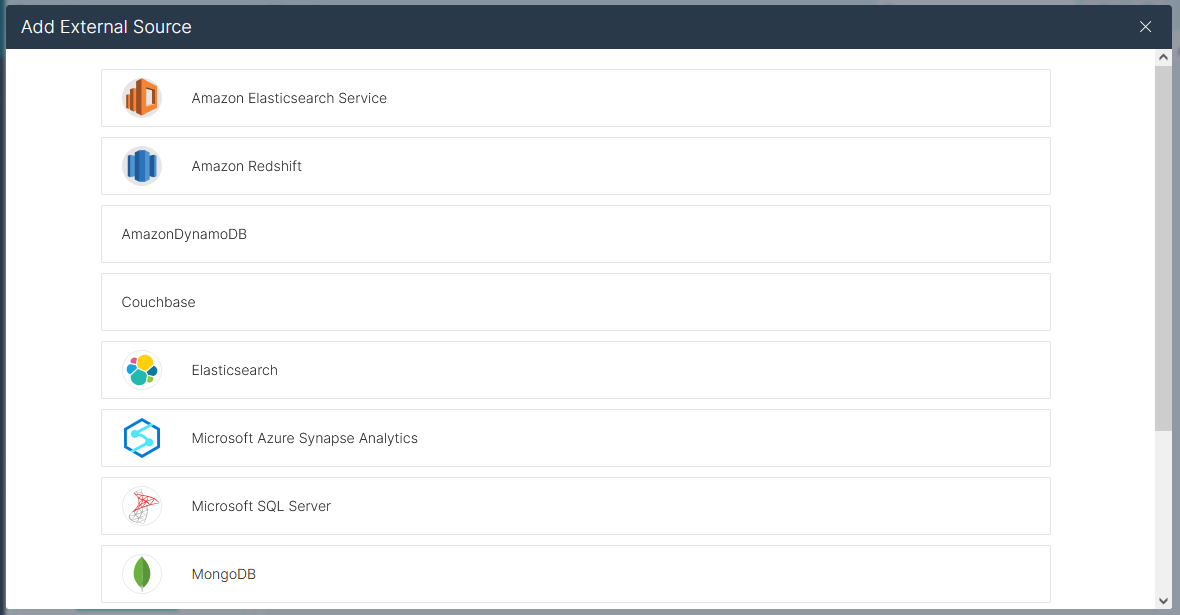
To add Claude Compliance as an External Source, click to add a new source and select ClaudeCompliance. Copy the JDBC URL and paste it into the New ClaudeCompliance Source wizard.
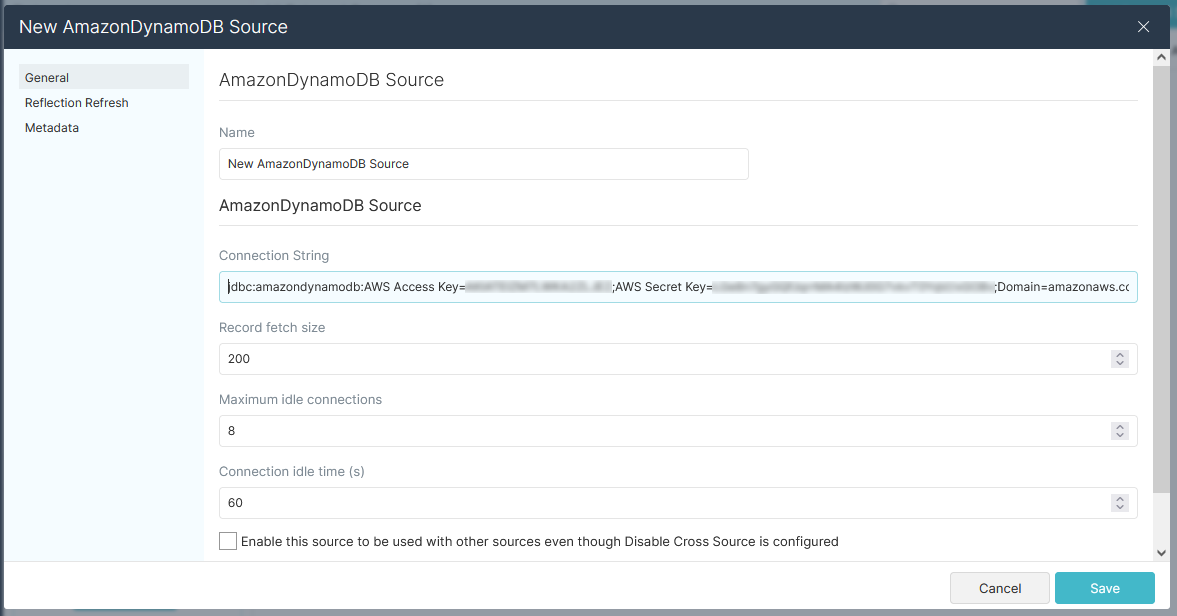
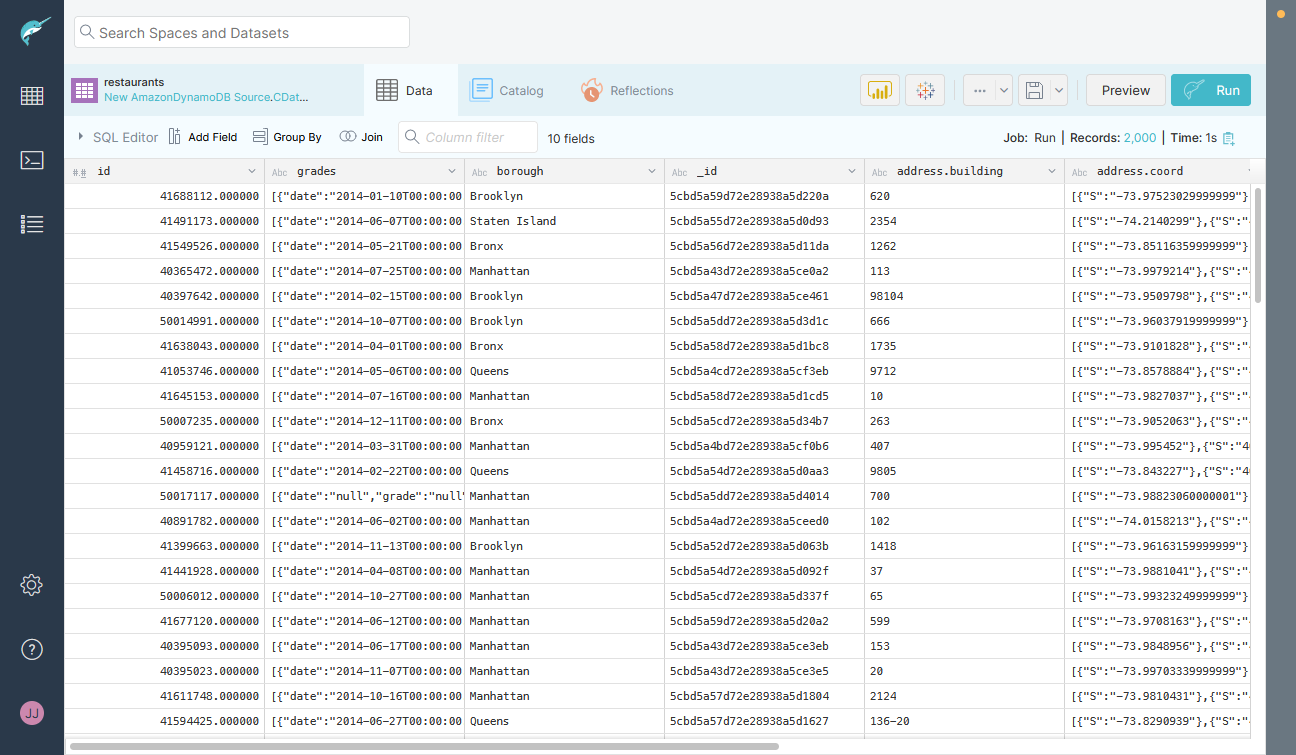
Save the connection and you are ready to query live Claude Compliance data in Dremio, easily incorporating Claude Compliance data into your data lake.
More Information & Free Trial
Using the CData JDBC Driver for Claude Compliance in Dremio, you can incorporate live Claude Compliance data into your data lake. Check out our CData JDBC Driver for Claude Compliance page for more information about connecting to Claude Compliance. Download a free, 30 day trial of the CData JDBC Driver for Claude Compliance and get started today.
Ready to get started?
Download a free trial of the Claude Compliance Driver to get started:
Download NowLearn more:
 Claude Compliance JDBC Driver
Rapidly create and deploy powerful Java applications that integrate with Claude Compliance data including Activities, Chats, ChatMessages, CodeArtifacts, ComplianceRoles, Organizations, OrganizationUsers, Projects, and more!