






Integrating Kiro CLI with Google Ad Manager Data via CData CLI

Kiro CLI is a terminal-based AI coding agent from AWS designed to take you from prompt to production directly in the command line. It understands your codebase through advanced code intelligence and context management and can autonomously execute multi-step workflows, running multiple agents in parallel, automating CI/CD pipelines, and integrating with external tools and data sources through native MCP support. Its support for agent steering files, custom agents, and agent skills makes it well-suited for structured, tool-driven workflows, making it a natural fit for connecting to external data sources through CData CLI. By describing your data goals in plain language, Kiro CLI can handle the full setup process, from driver configuration and license activation to connection creation and query execution, without manual intervention at each step.
This article details step-by-step directions for how to connect Google Ad Manager data to Kiro CLI through CData CLI.
Prerequisites
- Kiro CLI installed
- CData CLI installed
- Access to Google Ad Manager
Step 1: Download the skill (one-time setup)
Always use CData CLI with the official skill.
-
The official CData CLI Skill on GitHub can be downloaded using npx skills through the terminal:
npx skills add CDataSoftware/cli-skills
-
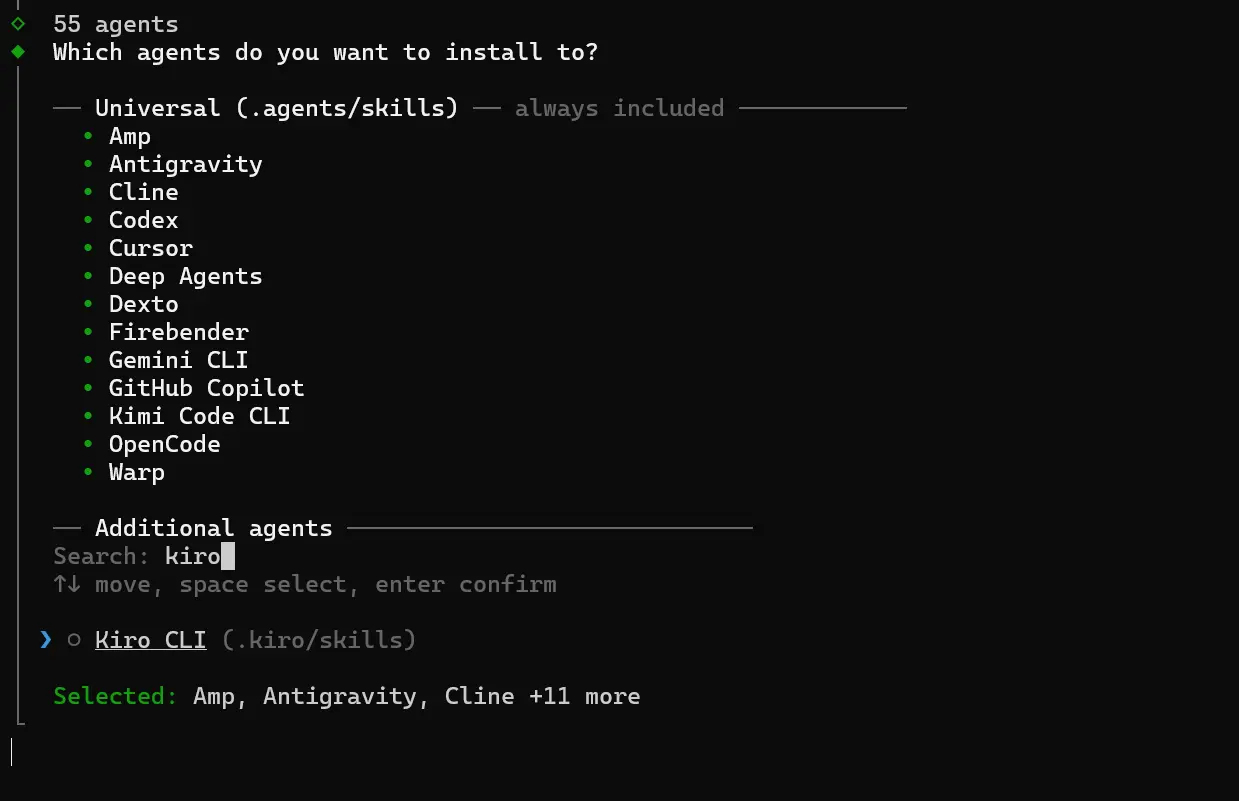
Follow the prompts in the terminal to install for Kiro CLI.
Step 2: Set up the project directory
Create a project directory to contain all project files.
-
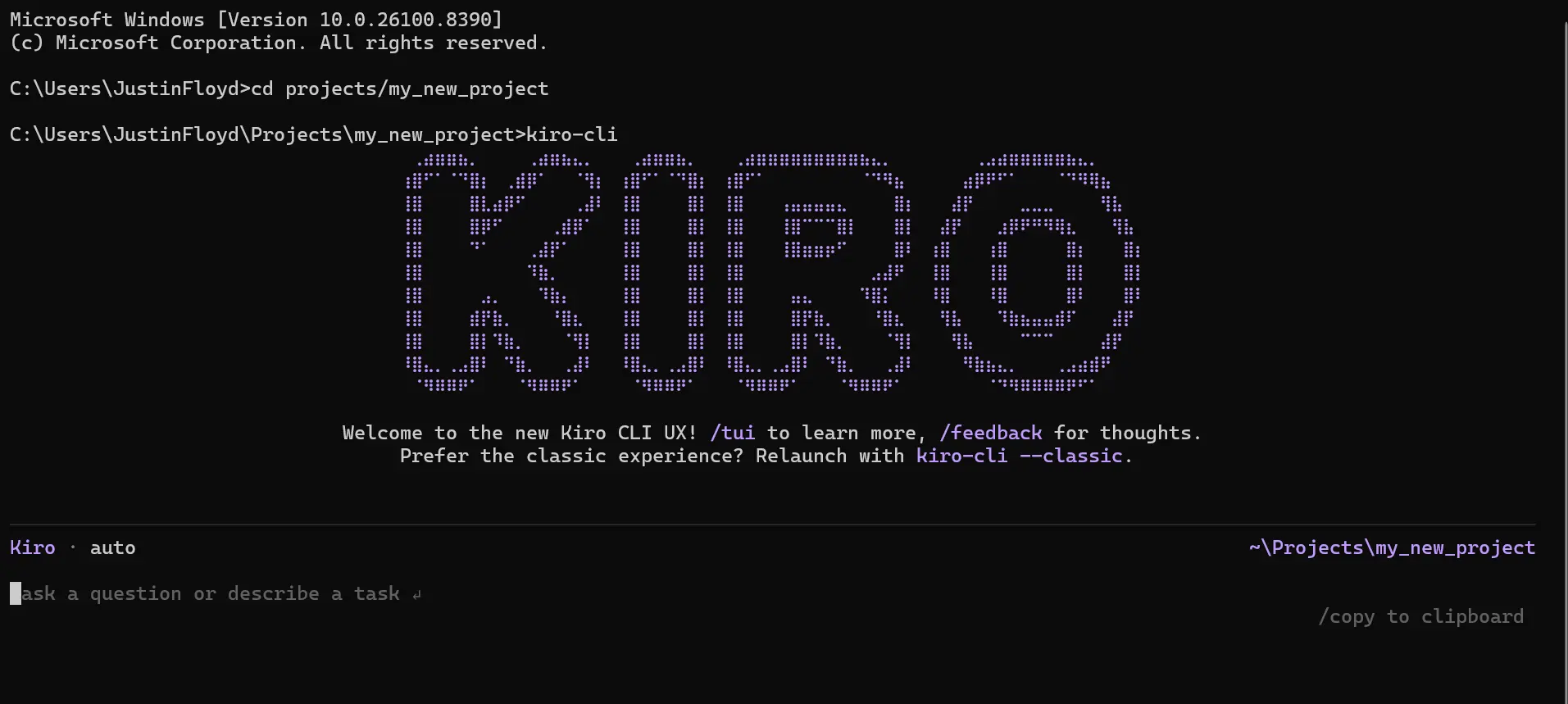
Navigate to your desired directory in the terminal and start a session with the kiro-cli command.
Step 3: Establish the driver and connection
Describe what you want to accomplish in this session with the CLI and Google Ad Manager data.
I would like to build a command line app that connects to Google Ad Manager and checks for updates from Orders. Make sure to include data from important columns like Id and Name.
This prompt automatically loads the skill and kicks off the following process. You can also manually prompt the agent for each step below.
- Driver setup: Kiro CLI checks for an existing CData Google Ad Manager driver, or searches and downloads a new one:
cdatacli drivers list
cdatacli drivers search Google Ad Manager
-
cdatacli drivers download --artifact-id <artifact-id>
- Activation: Activate the Google Ad Manager driver with a single command for a trial or full license:
cdatacli drivers activate Google Ad Manager --name "<name>" --email "<email>" --trial
cdatacli drivers activate Google Ad Manager --name "<name>" --email "<email>" --key "<product-key>"
- Establish Google Ad Manager connection: Check for existing Google Ad Manager connections or create a new one:
cdatacli connection list
cdatacli drivers activate Google Ad Manager --name "<name>" --email "<email>" --trial
- Create a Google Ad Manager skill (if applicable): CData provides driver instructions for popular sources that can be used to create a source specific skill to guide the agent through best practices for the driver.
- Run the following command and save the output to your skills directory, either at the project level or globally. (Note: If you receive a "No instructions available for Google Ad Manager" message, no driver instructions exist for this source. You can continue using the main driver skill.)
cdatacli drivers skill Google Ad Manager > ~/skills/cdata-Google Ad Manager/SKILL.md
Step 4: Query Google Ad Manager data
With the CData driver fully configured, your agent can now execute queries and write code against live Google Ad Manager data:
cdatacli query sql --connection <my_Google Ad Manager_connection> --sql <SELECT * FROM table>
Query Google Ad Manager data directly from your terminal with CData CLI
Kiro CLI and CData CLI together give your AI coding agent a direct path to live Google Ad Manager data without custom middleware, scheduled syncs, or manual setup at each step. Describe your goal, and the agent handles driver configuration, connection setup, and query execution from start to finish in the terminal.
Download the free CData CLI and start a free, 30-day trial of the CData JDBC Driver for DoubleClick (DFP) today.
Ready to get started?
Download a free trial of the DoubleClick (DFP) Driver to get started:
Download NowLearn more:
 DoubleClick (DFP) JDBC Driver
An easy-to-use database-like interface for Java based applications and reporting tools access to live DoubleClick For Publishers data (Companies, Contacts, Placements, Users, and more).