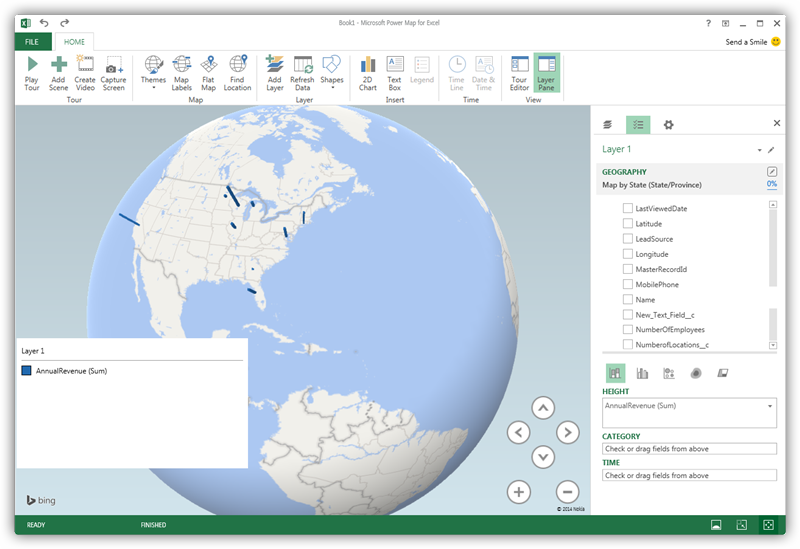
Explore Geographical Relationships in ElevenLabs Data with Power Map

The CData ODBC Driver for ElevenLabs is easy to set up and use with self-service analytics solutions like Power BI: Microsoft Excel provides built-in support for the ODBC standard. This article shows how to load the current ElevenLabs data into Excel and start generating location-based insights on ElevenLabs data in Power Map.
Create an ODBC Data Source for ElevenLabs
If you have not already, first specify connection properties in an ODBC DSN (data source name). This is the last step of the driver installation. You can use the Microsoft ODBC Data Source Administrator to create and configure ODBC DSNs.
To authenticate to ElevenLabs, and connect to your own data or to allow other users to connect to their data, you can use API Key authentication.
Authentication
To authenticate to ElevenLabs, and connect to your own data or to allow other users to connect to their data, you can use API Key authentication.
Using API Key Authentication
To authenticate using an API Key, you need to obtain your API Key from your ElevenLabs account settings.
You can then connect by setting the AuthScheme to APIKey and providing your API key:
- AuthScheme: Set this to APIKey.
- APIKey: Set this to your API key from ElevenLabs.
When you configure the DSN, you may also want to set the Max Rows connection property. This will limit the number of rows returned, which is especially helpful for improving performance when designing reports and visualizations.
When you configure the DSN, you may also want to set the Max Rows connection property. This will limit the number of rows returned, which is especially helpful for improving performance when designing reports and visualizations.
Import ElevenLabs Data into Excel
You can import data into Power Map either from an Excel spreadsheet or from Power Pivot. For a step-by-step guide to use either method to import ElevenLabs data, see the "Using the ODBC Driver" section in the help documentation.
Geocode ElevenLabs Data
After importing the ElevenLabs data into an Excel spreadsheet or into PowerPivot, you can drag and drop ElevenLabs entities in Power Map. To open Power Map, click any cell in the spreadsheet and click Insert -> Map.
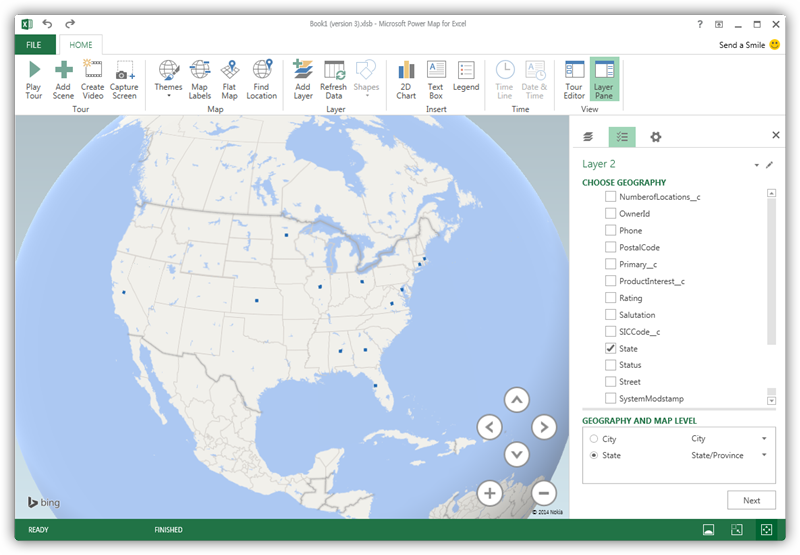
In the Choose Geography menu, Power Map detects the columns that have geographic information. In the Geography and Map Level menu in the Layer Pane, you can select the columns you want to work with. Power Map then plots the data. A dot represents a record that has this value. When you have selected the geographic columns you want, click Next.
Select Measures and Categories
You can then simply select columns: Measures and categories are automatically detected. The available chart types are Stacked Column, Clustered Column, Bubble, Heat Map, and Region.