Excel Spreadsheet Automation on FormSite Data with the QUERY Formula

The CData Excel Add-In for FormSite provides formulas that can query FormSite data. The following three steps show how you can automate the following task: Search FormSite data for a user-specified value and then organize the results into an Excel spreadsheet.
The syntax of the CDATAQUERY formula is the following:
=CDATAQUERY(Query, [Connection], [Parameters], [ResultLocation]);
This formula requires three inputs:
- Query: The declaration of the FormSite data records you want to retrieve, written in standard SQL.
Connection: Either the connection name, such as APIConnection1, or a connection string. The connection string consists of the required properties for connecting to FormSite data, separated by semicolons.
Start by setting the Profile connection property to the location of the FormSite Profile on disk (e.g. C:\profiles\FormSite.apip). Next, set the ProfileSettings connection property to the connection string for FormSite (see below).
FormSite API Profile Settings
Log into your Formsite account and visit the Admin Portal to generate or retrieve your API key. Your
ServerNumber
is the numeric part of your server URL andUserDirectory
is your account's directory path.- ResultLocation: The cell that the output of results should start from.
Pass Spreadsheet Cells as Inputs to the Query
The procedure below results in a spreadsheet that organizes all the formula inputs in the first column.
- Define cells for the formula inputs. In addition to the connection inputs, add another input to define a criterion for a filter to be used to search FormSite data, such as Position.
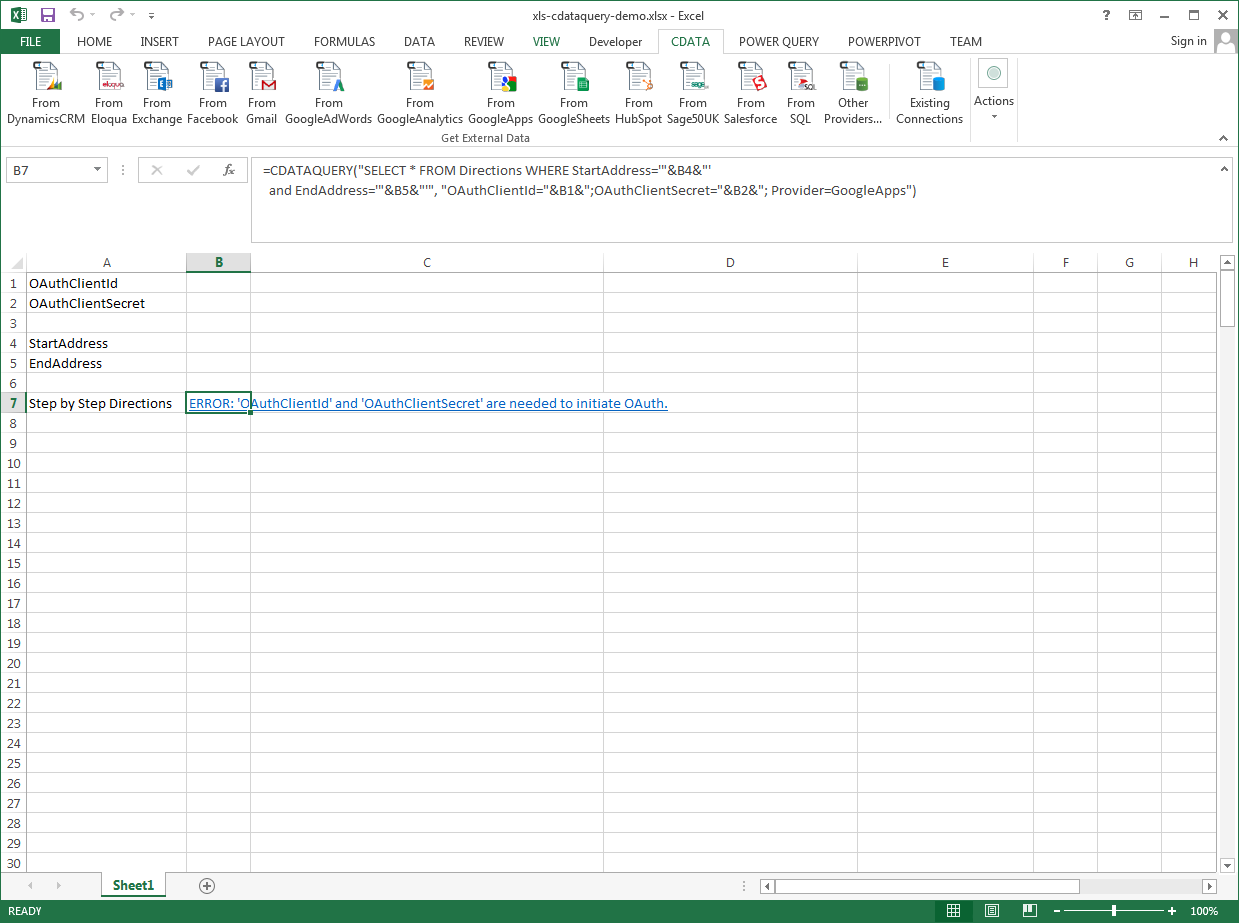
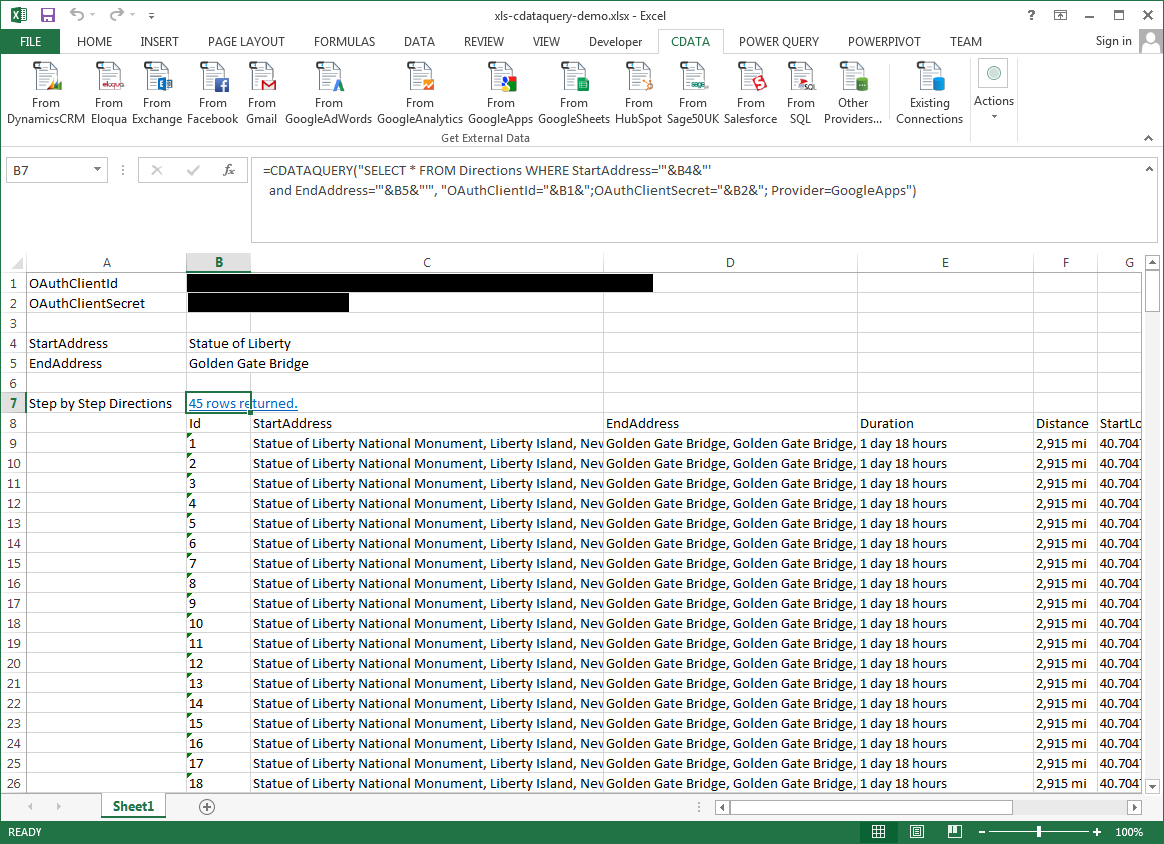
- In another cell, write the formula, referencing the cell values from the user input cells defined above. Single quotes are used to enclose values such as addresses that may contain spaces.
- Change the filter to change the data.
=CDATAQUERY("SELECT * FROM FormItems WHERE Position = '"&B6&"'","Profile="&B1&";ProfileSettings="&B2&";ServerNumber="&B3&";UserDirectory="&B4&";Provider=API",B7)