Excel Spreadsheet Automation on Hacker News Data with the QUERY Formula

The CData Excel Add-In for Hacker News provides formulas that can query Hacker News data. The following three steps show how you can automate the following task: Search Hacker News data for a user-specified value and then organize the results into an Excel spreadsheet.
The syntax of the CDATAQUERY formula is the following:
=CDATAQUERY(Query, [Connection], [Parameters], [ResultLocation]);
This formula requires three inputs:
- Query: The declaration of the Hacker News data records you want to retrieve, written in standard SQL.
Connection: Either the connection name, such as APIConnection1, or a connection string. The connection string consists of the required properties for connecting to Hacker News data, separated by semicolons.
Connecting to HackerNews
The HackerNews API (powered by Firebase) is a public API that requires no authentication. You can connect and query data immediately without any credentials.
After setting the following connection properties, you are ready to connect:
- AuthScheme: Set this to None.
Example connection string:
Profile=C:\profiles\HackerNews.apip;AuthScheme=None
- ResultLocation: The cell that the output of results should start from.
Pass Spreadsheet Cells as Inputs to the Query
The procedure below results in a spreadsheet that organizes all the formula inputs in the first column.
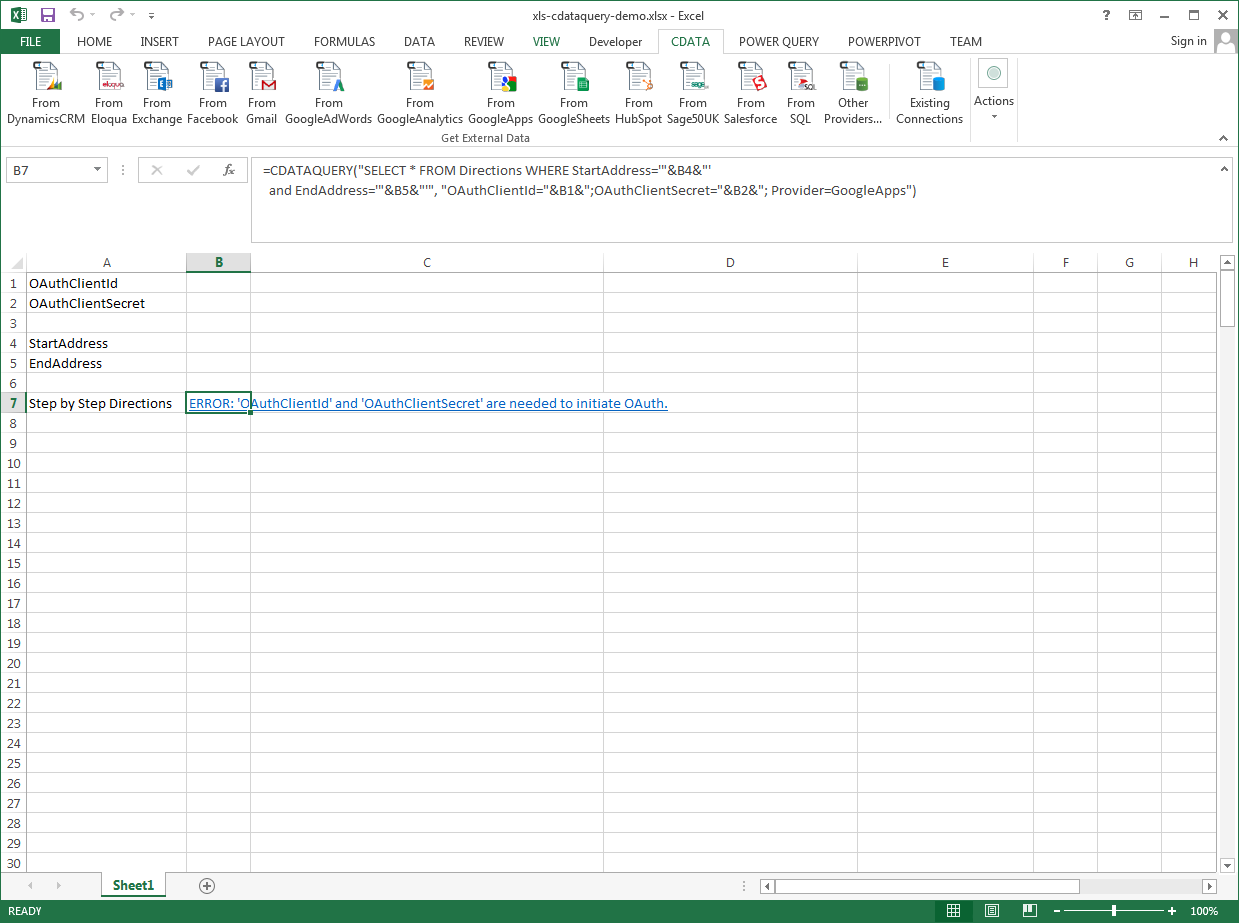
- Define cells for the formula inputs. In addition to the connection inputs, add another input to define a criterion for a filter to be used to search Hacker News data, such as .
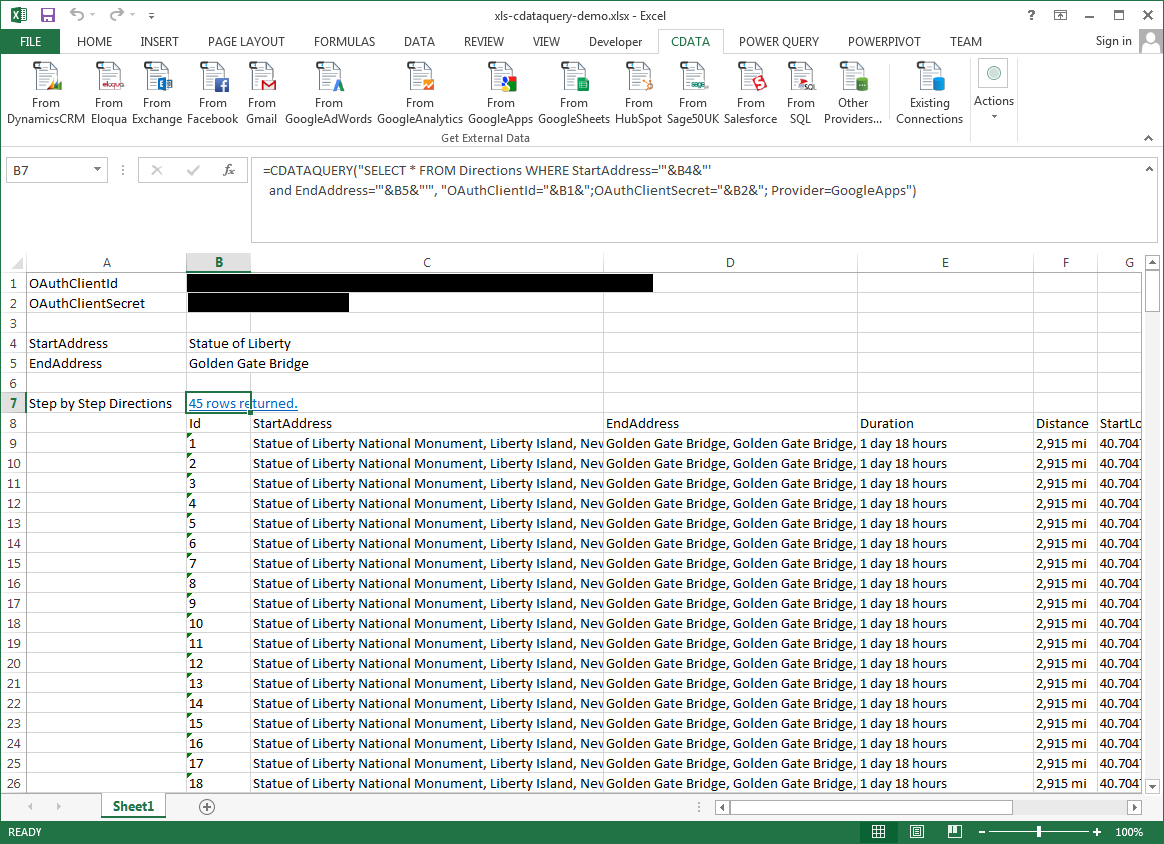
- In another cell, write the formula, referencing the cell values from the user input cells defined above. Single quotes are used to enclose values such as addresses that may contain spaces.
- Change the filter to change the data.
=CDATAQUERY("SELECT * FROM TopStories WHERE = '"&B3&"'","Profile="&B1&";AuthScheme="&B2&";Provider=API",B4)