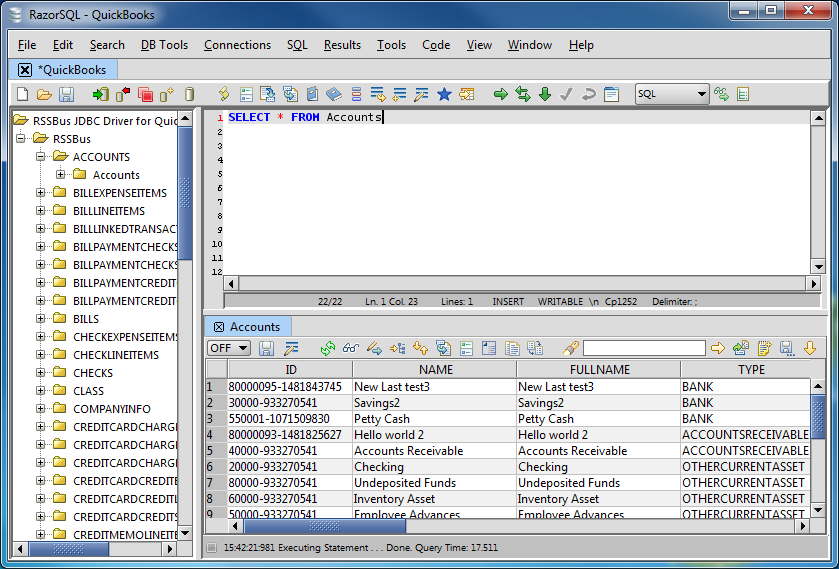
Connect to Halo Service Desk Data in RazorSQL

The CData JDBC Driver for Halo Service Desk enables standards-based access from third-party tools, from wizards in IDEs to data management and analysis tools. This article shows how to connect to Halo Service Desk using wizards in RazorSQL.
Create a JDBC Data Source for Halo Service Desk Data
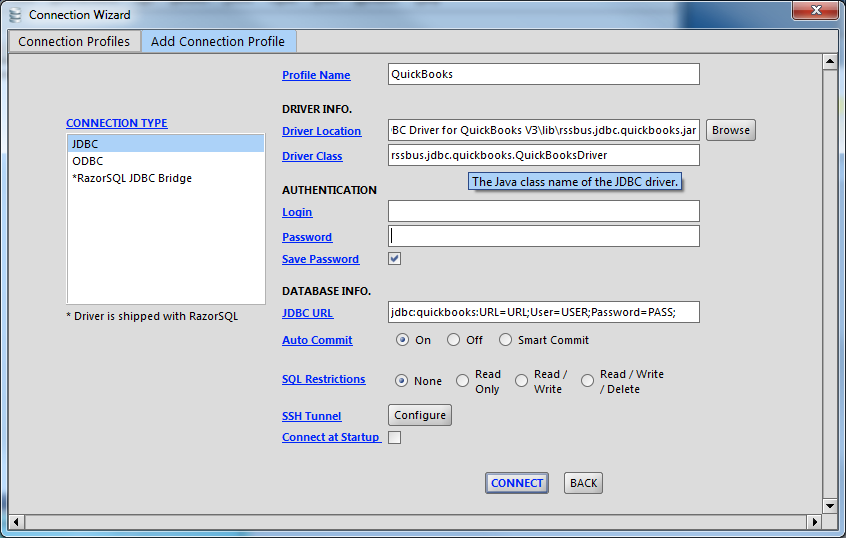
- Open the RazorSQL application and, in the Connections menu, select Add Connection Profile -> Other -> JDBC.
- In the Connection Wizard that appears, set the following properties:
- Driver Location: Set this property to the path to the lib subfolder in the installation directory.
- Driver Class: Set the driver class to cdata.jdbc.api.APIDriver.
- Username: Enter the username. (This property can also be set in the JDBC URL.)
- Password: Enter the password. (This property can also be set in the JDBC URL.)
JDBC URL: Enter connection parameters. The JDBC URL begins with jdbc:api: and is followed by a semicolon-separated list of connection properties.
Start by setting the Profile connection property to the location of the HaloServiceDesk Profile on disk (e.g. C:\profiles\HaloServiceDesk.apip). Next, set the ProfileSettings connection property to the connection string for HaloServiceDesk (see below).
HaloServiceDesk API Profile Settings
HaloServiceDesk uses API key authentication. You can find or create API keys in HaloServiceDesk under Administration > Integrations > Halo API.
Set the following connection properties to connect:
- AuthScheme: Set this to APIKey.
- APIKey: Set this to the API key from your HaloServiceDesk account.
- Domain: Set this to the hostname of your HaloServiceDesk instance (e.g. yourcompany.haloservicedesk.com).
Built-in Connection String Designer
For assistance in constructing the JDBC URL, use the connection string designer built into the Halo Service Desk JDBC Driver. Either double-click the JAR file or execute the jar file from the command-line.
java -jar cdata.jdbc.api.jarFill in the connection properties and copy the connection string to the clipboard.

A typical JDBC URL is the following:
jdbc:api:Profile=C:\profiles\HaloServiceDesk.apip;AuthScheme=APIKey;ProfileSettings='APIKey=your_api_key;Domain=yourcompany.haloservicedesk.com';
Query Halo Service Desk Data and Select Tables
After establishing a connection, the wizard will close and the connection will be available in the connections panel. You can then query the tables.