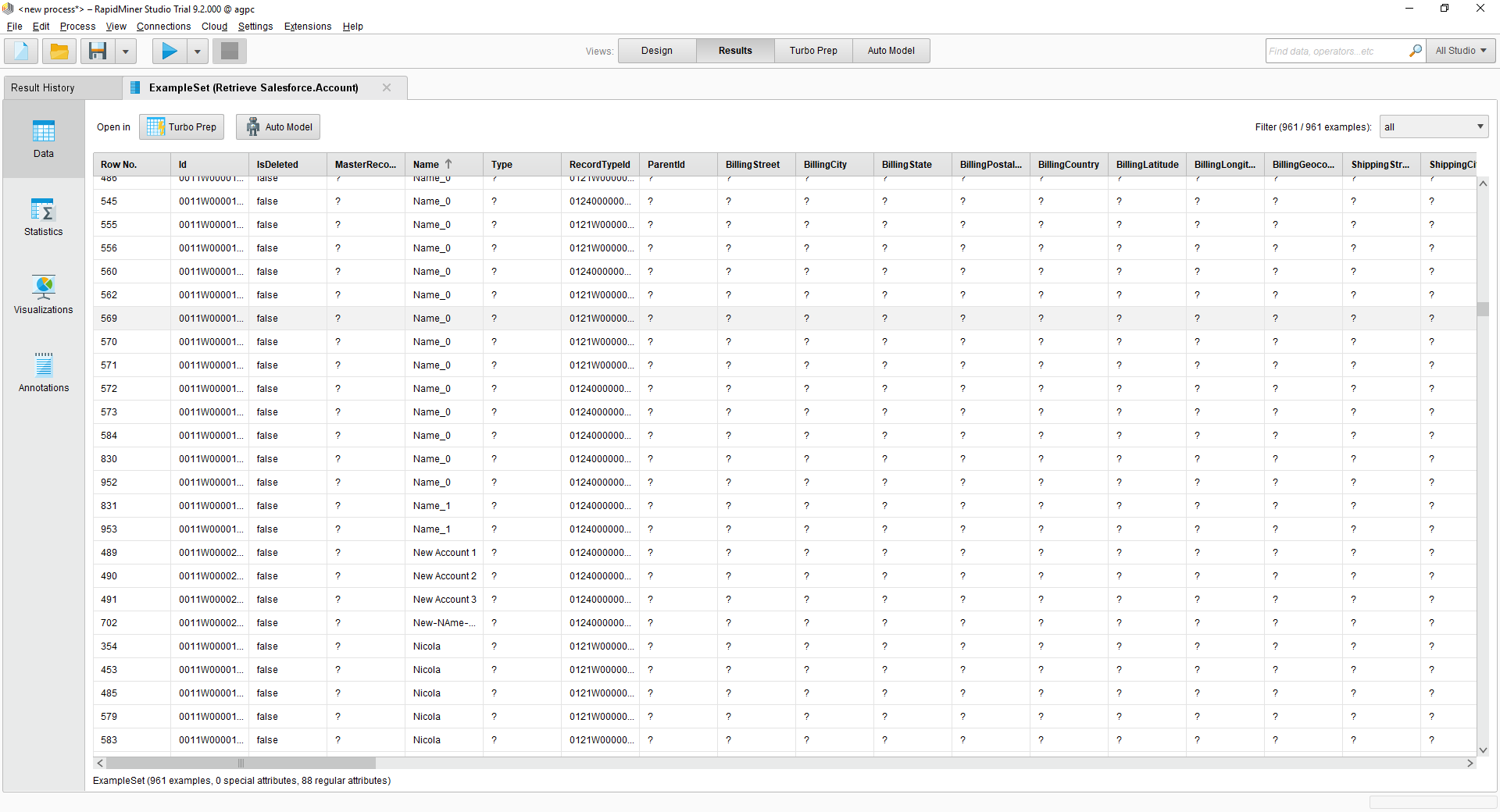
Connect to Instantly Data in RapidMiner

This article shows how you can easily integrate the CData JDBC driver for Instantly into your processes in RapidMiner. This article uses the CData JDBC Driver for Instantly to transfer Instantly data to a process in RapidMiner.
Connect to Instantly in RapidMiner as a JDBC Data Source
You can follow the procedure below to establish a JDBC connection to Instantly:
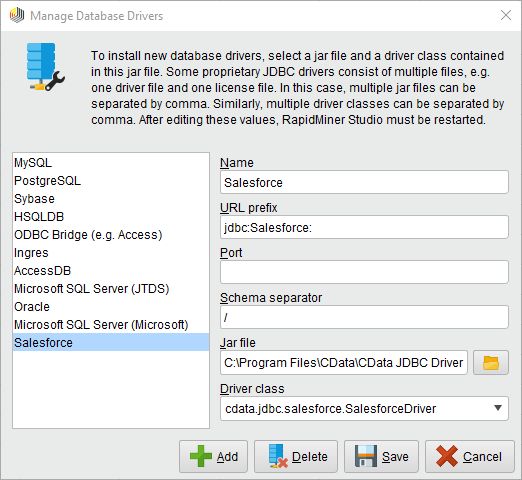
- Add a new database driver for Instantly: Click Connections -> Manage Database Drivers.
- In the resulting wizard, click the Add button and enter a name for the connection.
- Enter the prefix for the JDBC URL:
jdbc:api:
- Enter the path to the cdata.jdbc.api.jar file, located in the lib subfolder of the installation directory.
- Enter the driver class:
cdata.jdbc.api.APIDriver
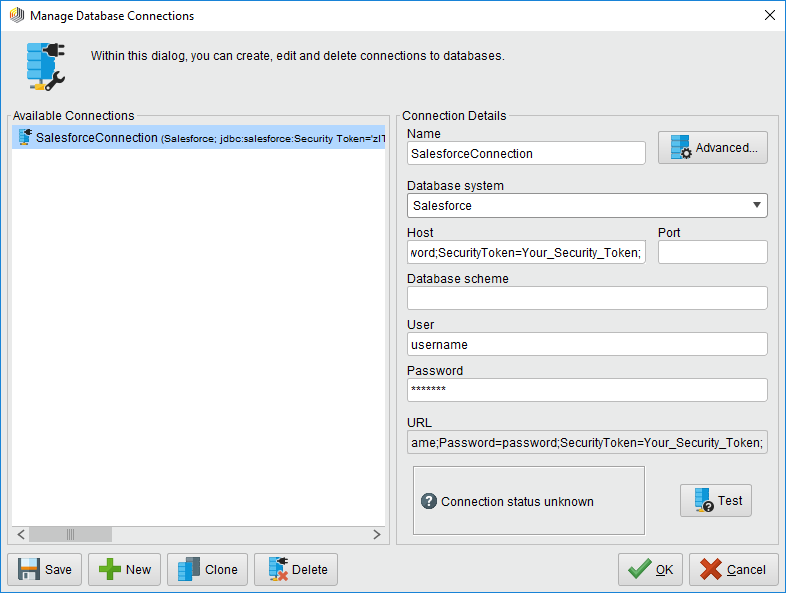
- Create a new Instantly connection: Click Connections -> Manage Database Connections.
- Enter a name for your connection.
- For Database System, select the Instantly driver you configured previously.
- Enter your connection string in the Host box.
Using API Key Authentication
Instantly uses API keys to authenticate requests. You can find or create your API key in the Instantly workspace settings under API & Webhooks.
After setting the following connection properties, you are ready to connect:
- AuthScheme: Set this to APIKey.
- APIKey: Set this to your Instantly API key (Bearer token for API v2).
Example connection string
Profile=C:\profiles\Instantly.apip;AuthScheme=APIKey;ProfileSettings="APIKey=your_api_key";
Built-in Connection String Designer
For assistance in constructing the JDBC URL, use the connection string designer built into the Instantly JDBC Driver. Either double-click the JAR file or execute the jar file from the command-line.
java -jar cdata.jdbc.api.jar
Fill in the connection properties and copy the connection string to the clipboard.
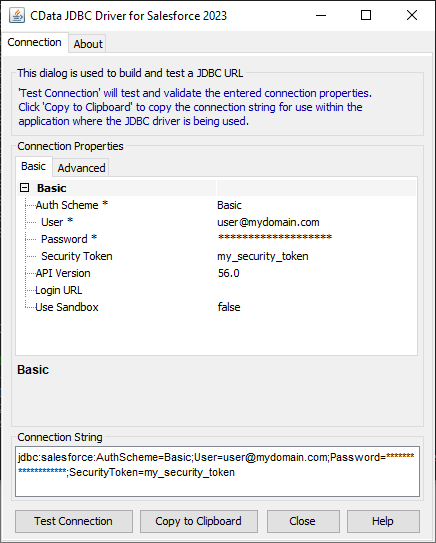
A typical connection string is below:
Profile=C:\profiles\Instantly.apip;AuthScheme=APIKey;ProfileSettings="APIKey=your_api_key";
- Enter your username and password if necessary.
You can now use your Instantly connection with the various RapidMiner operators in your process. To retrieve Instantly data, drag the Retrieve operator from the Operators view.
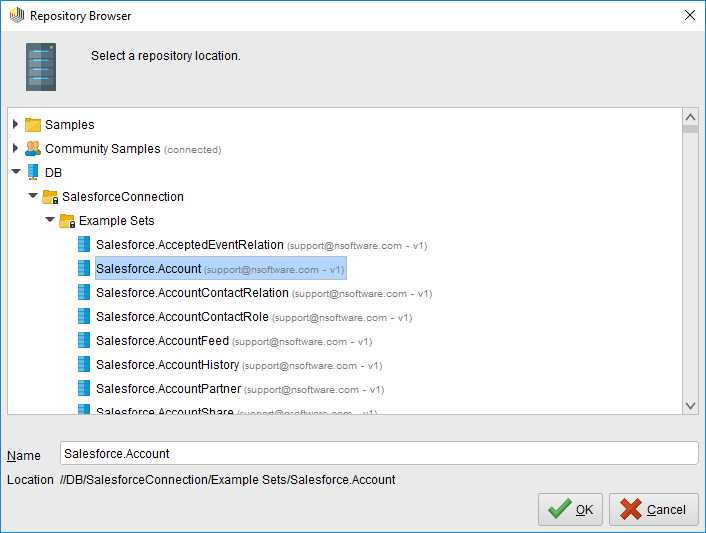 With the Retrieve operator selected, you can then define which table to retrieve in the Parameters view by clicking the folder icon next to the "repository entry." In the resulting Repository Browser, you can expand your connection node to select the desired example set.
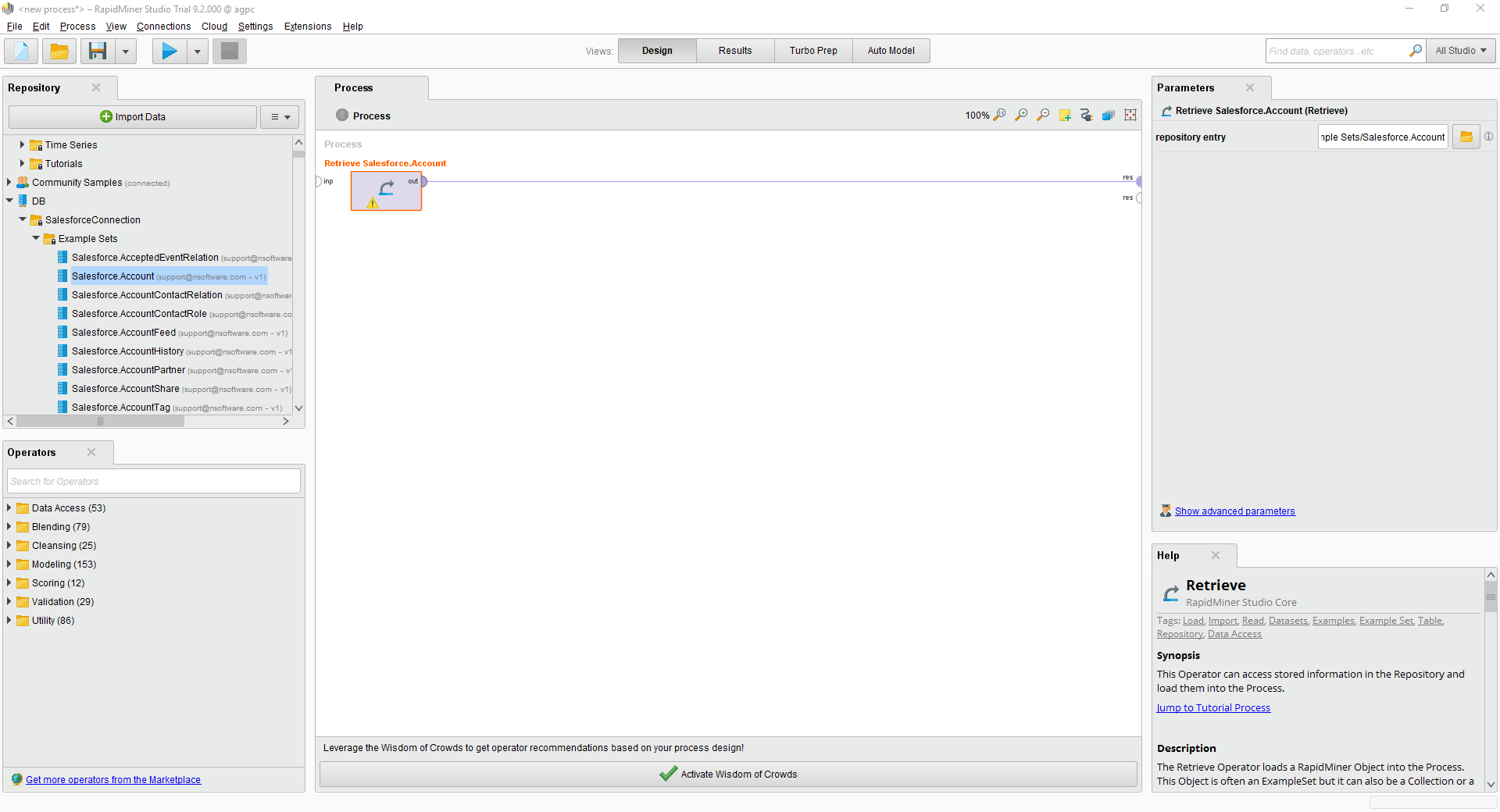
Finally, wire the output to the Retrieve process to a result, and run the process to see the Instantly data.