




Create Reports from JotForm Data in Looker Studio

Looker Studio, formerly known as Google Data Studio, empowers users to craft customized reports featuring data visualizations that can be shared with clients while reflecting your brand identity. When combined with CData Connect AI, you gain immediate cloud-to-cloud access to JotForm data to create visualizations, dashboards, and more. This article provides step-by-step instructions on establishing a virtual database for JotForm and generating reports from JotForm data within Looker Studio.
CData Connect AI offers a seamless cloud-to-cloud interface tailored for JotForm, making it straightforward to construct reports directly from live JotForm data within Looker Studio without the need for data replication. As you create visualizations, Looker Studio generates queries to retrieve data. With its inherent optimized data processing capabilities, CData Connect AI efficiently channels all supported query operations, including filters, JOINs, and more, directly to JotForm. This leverages server-side processing to swiftly provide the requested JotForm data.
This article requires a CData Connect AI instance and the CData Connect AI Connector for Looker Studio. Get more information on the CData Connect AI and sign up for a free trial at https://www.cdata.com/cloud.
Configure JotForm Connectivity for Looker Studio
Connectivity to JotForm from Looker Studio is made possible through CData Connect AI. To work with JotForm data from Looker Studio, we start by creating and configuring a JotForm connection.
- Log into Connect AI, click Sources, and then click Add Connection
- Select "JotForm" from the Add Connection panel
-
Enter the necessary authentication properties to connect to JotForm.
Start by setting the Profile connection property to the location of the JotForm Profile on disk (e.g. C:\profiles\JotForm.apip). Next, set the ProfileSettings connection property to the connection string for JotForm (see below).
JotForm API Profile Settings
Find your JotForm API Key in order to authenticate. To obtain an API Key, go to 'My Account' > 'API Section' > 'Create a New API Key'. Once you've created your new API Key, you can set it in the ProfileSettings connection property.
Custom Enterprise API Domains
Enterprise customers of JotForm are given custom API domains to connect to, rather than the default 'api.jotform.com' domain. If you are an enterprise JotForm customer, then set Domain to you custom API hostname, such as 'your-domain.com' or 'subdomain.jotform.com', inside the ProfileSettings connection property. Conversely, if you do not have a custom domain and still need to connect to 'api.jotform.com', then leave Domain undefined and set only APIKey.
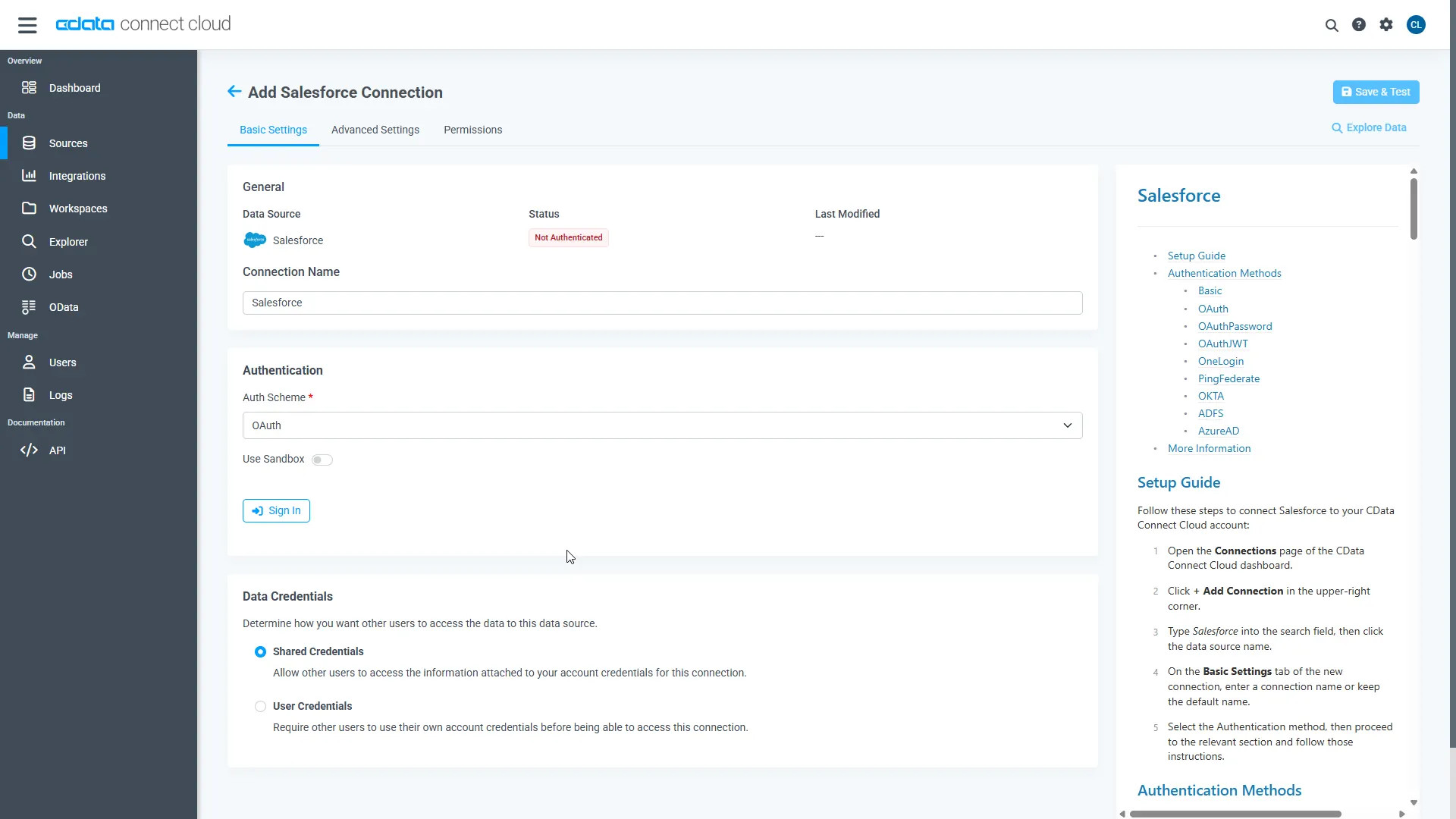
- Click Save & Test
-
Navigate to the Permissions tab in the Add JotForm Connection page and update the User-based permissions.
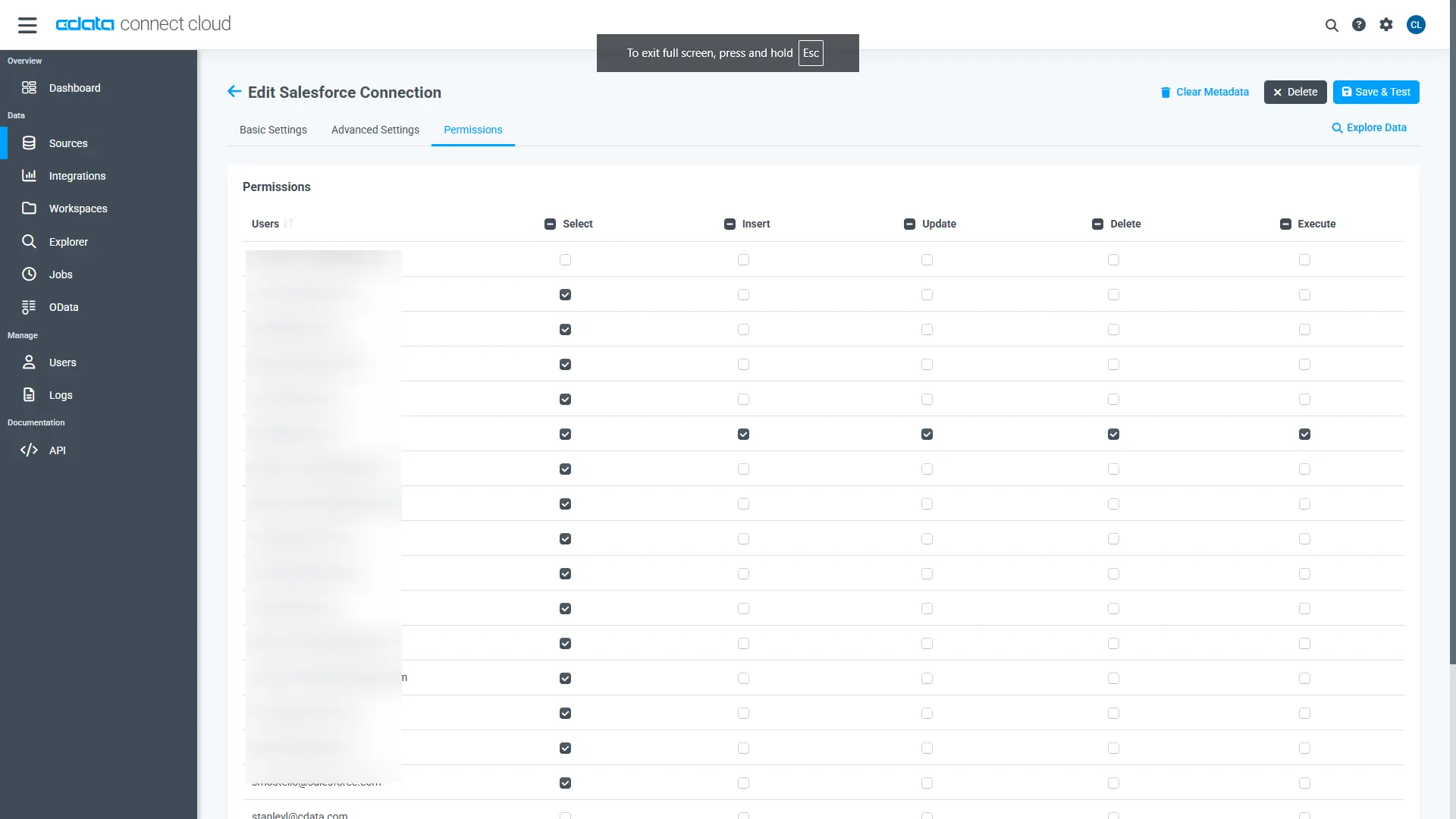
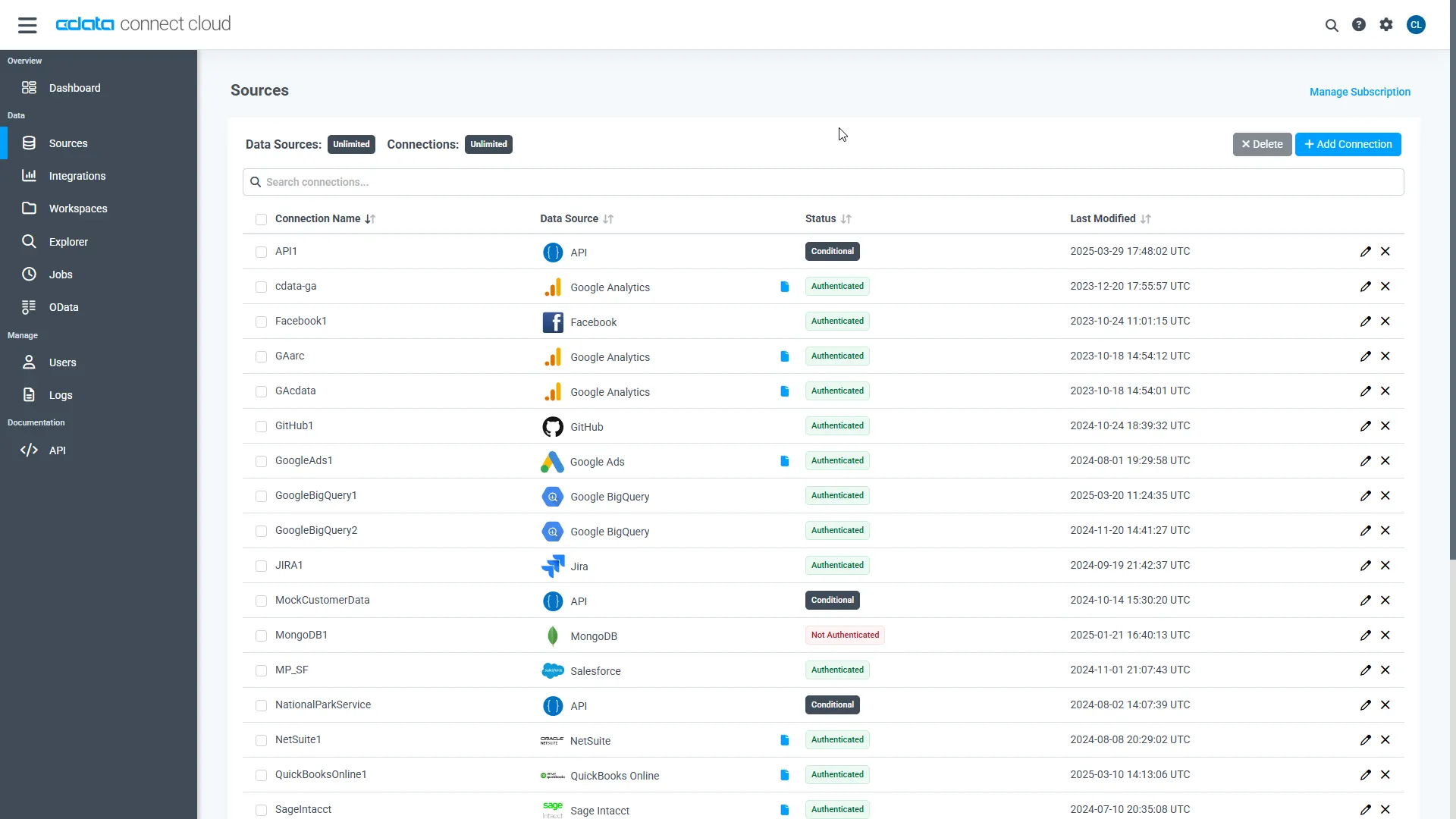
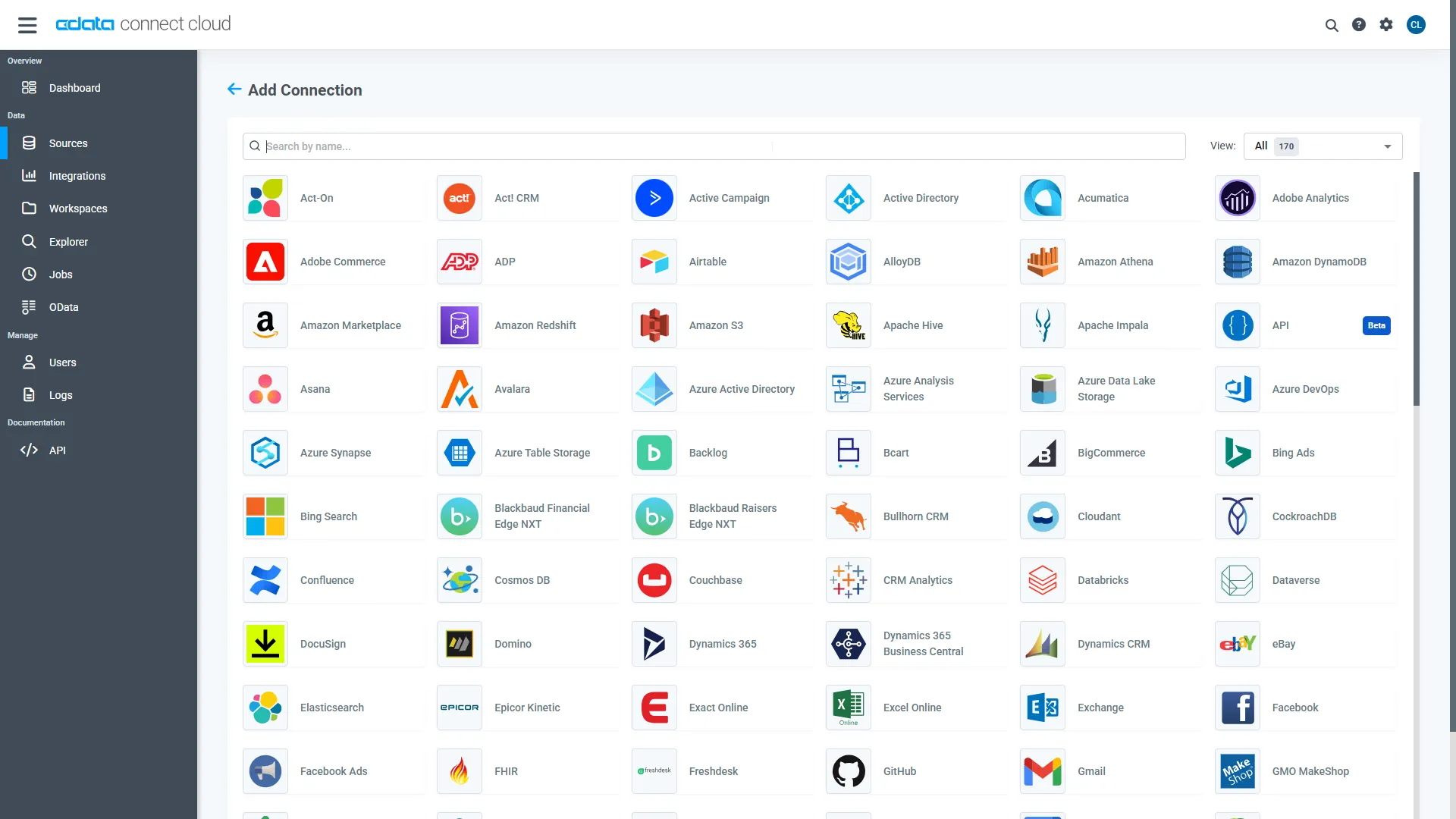
With the connection configured, you are ready to connect to JotForm data from Looker Studio.
Visualize Live JotForm Data from Looker Studio
The steps below outline connecting to CData Connect AI from Looker Studio to create a new JotForm data source and build a simple visualization from the data.
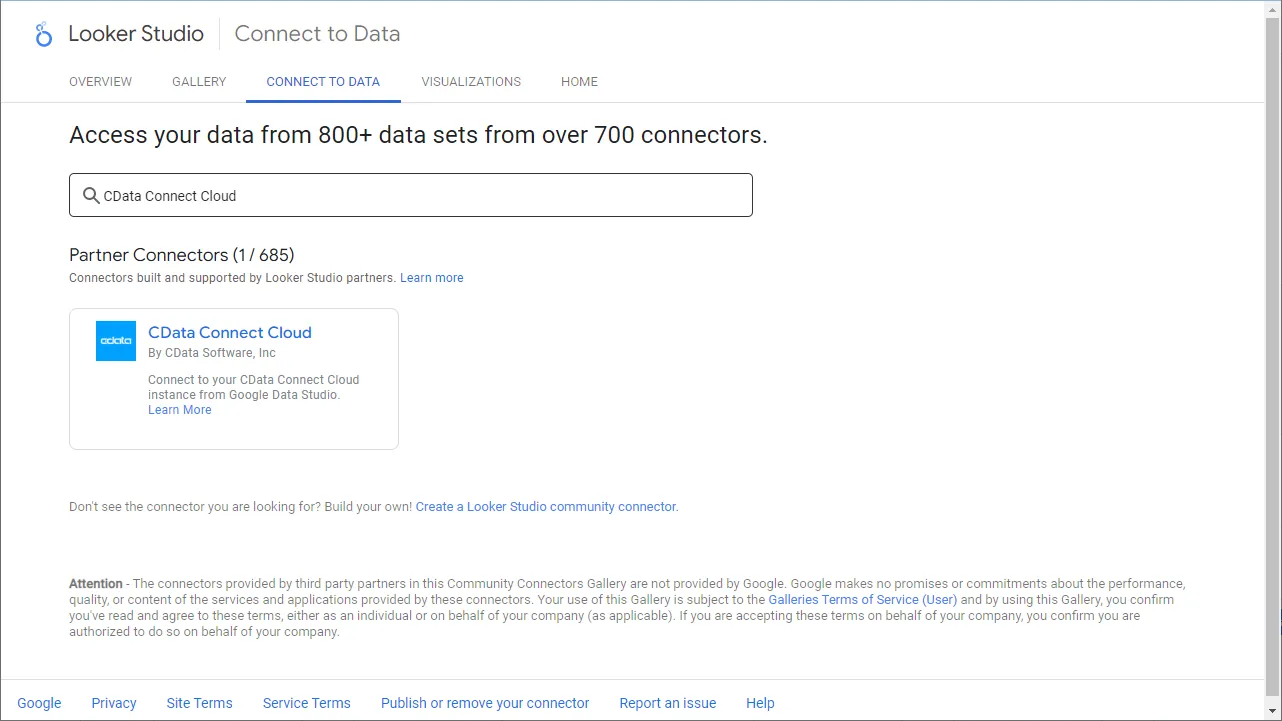
- Log into Looker Studio, click data sources, create a new data source, and choose CData Connect AI Connector.
- Click Authorize and allow access to your Google account.
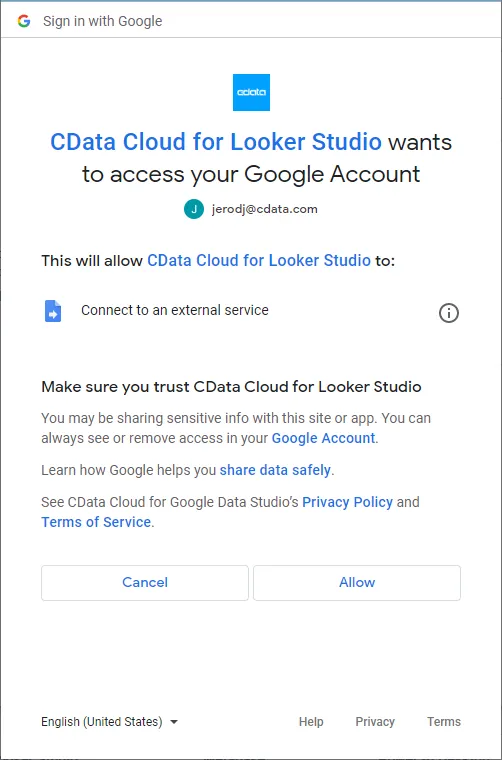
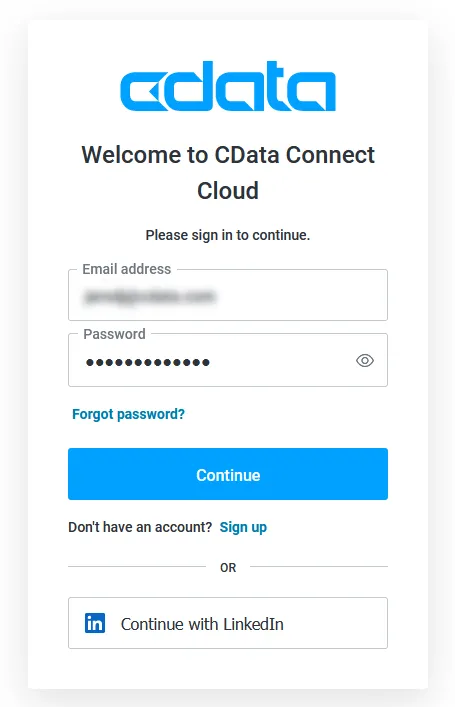
- Click Authorize to authenticate with your CData Connect AI instance
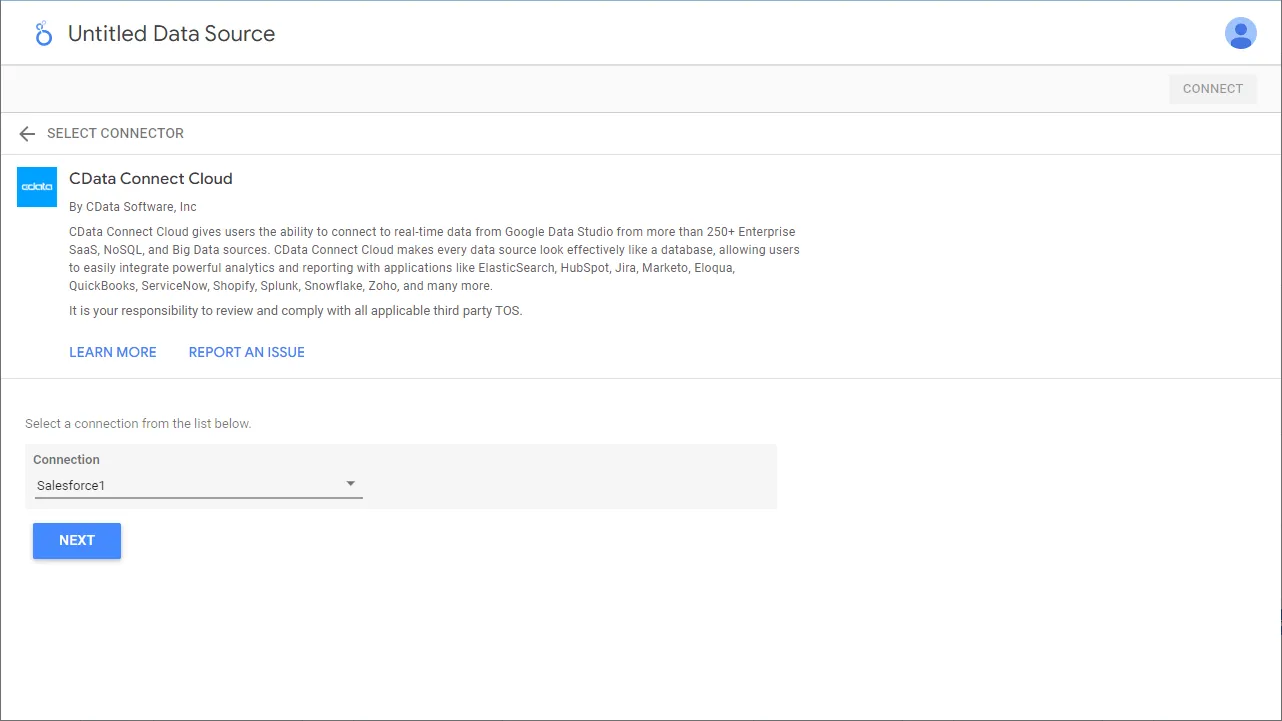
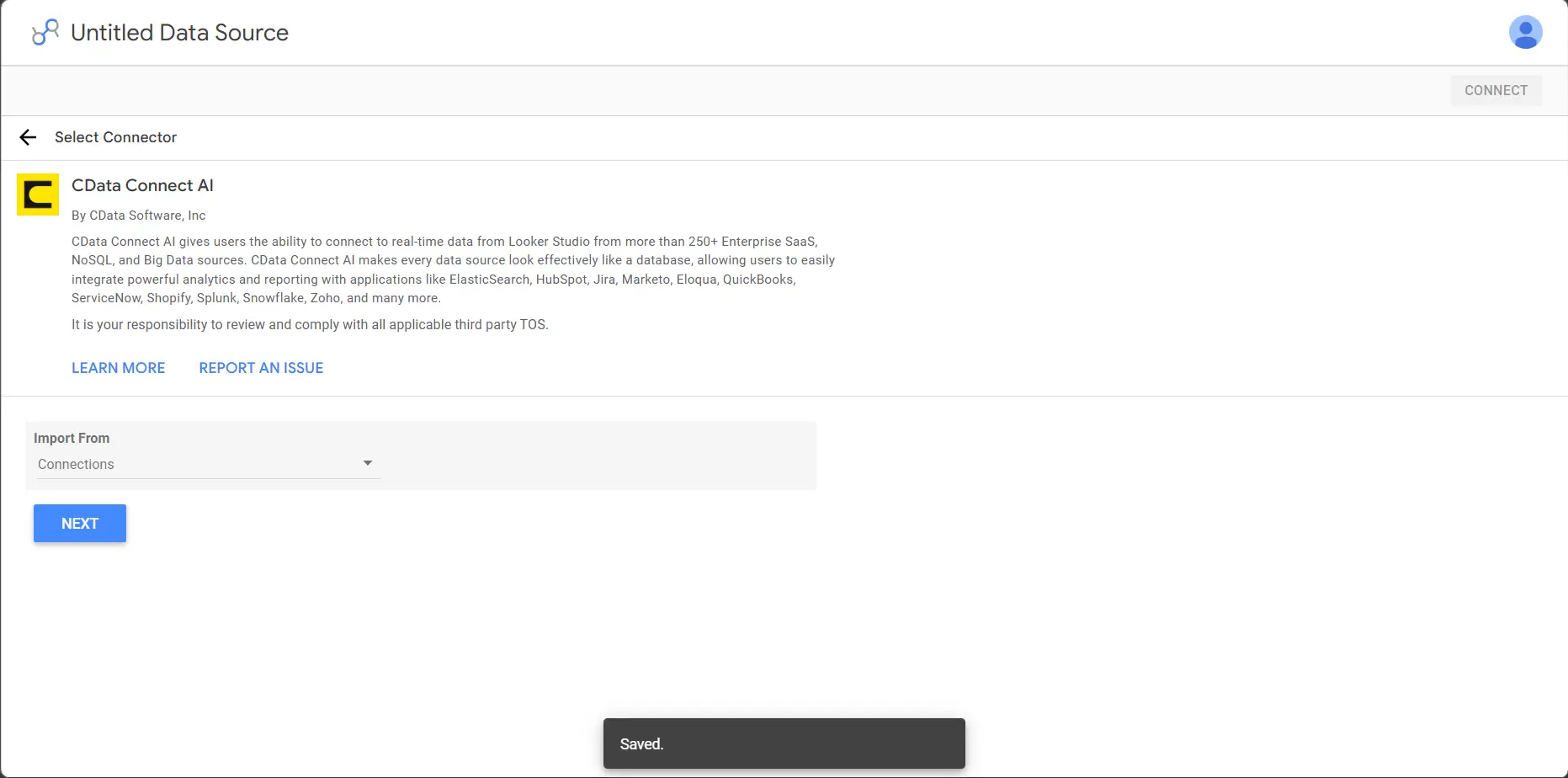
- In the CData Connect AI Connector in Looker Studio select Connections to import from the dropdown and click Next
- Now select a Connection (e.g. API1) and click Next
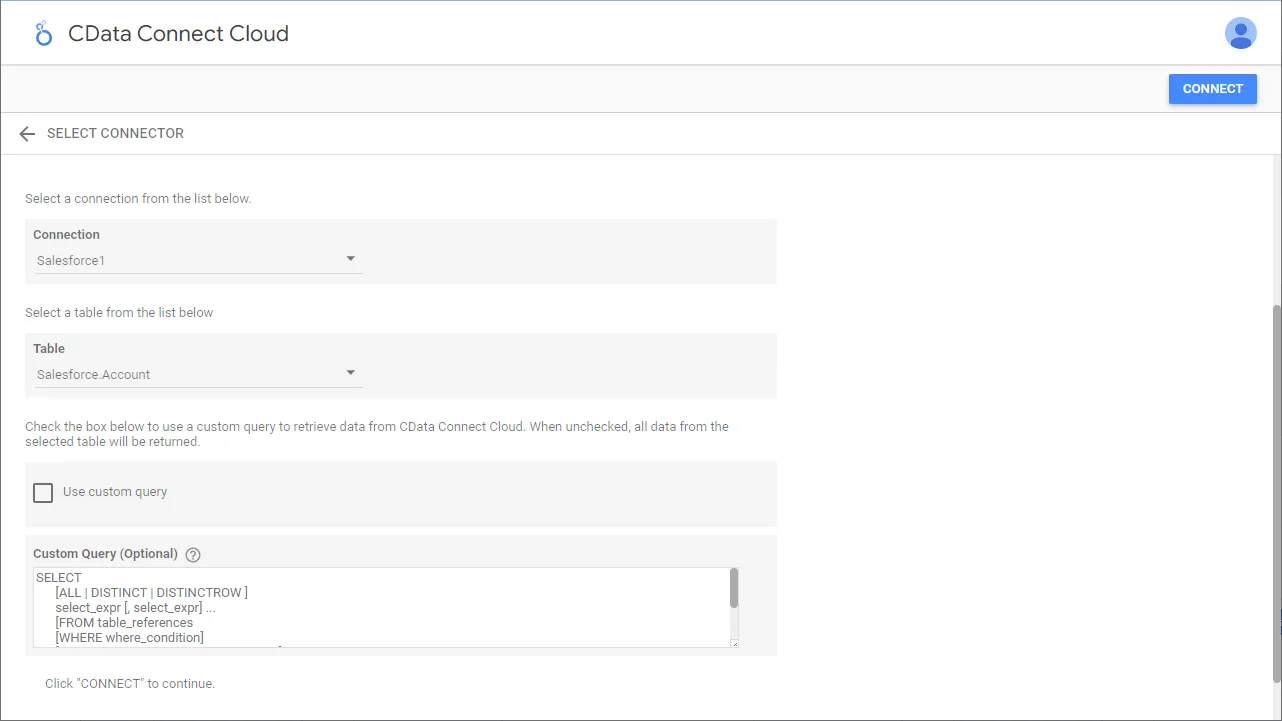
- Select a Table (e.g. Forms) or use a Custom Query and click Connect to continue
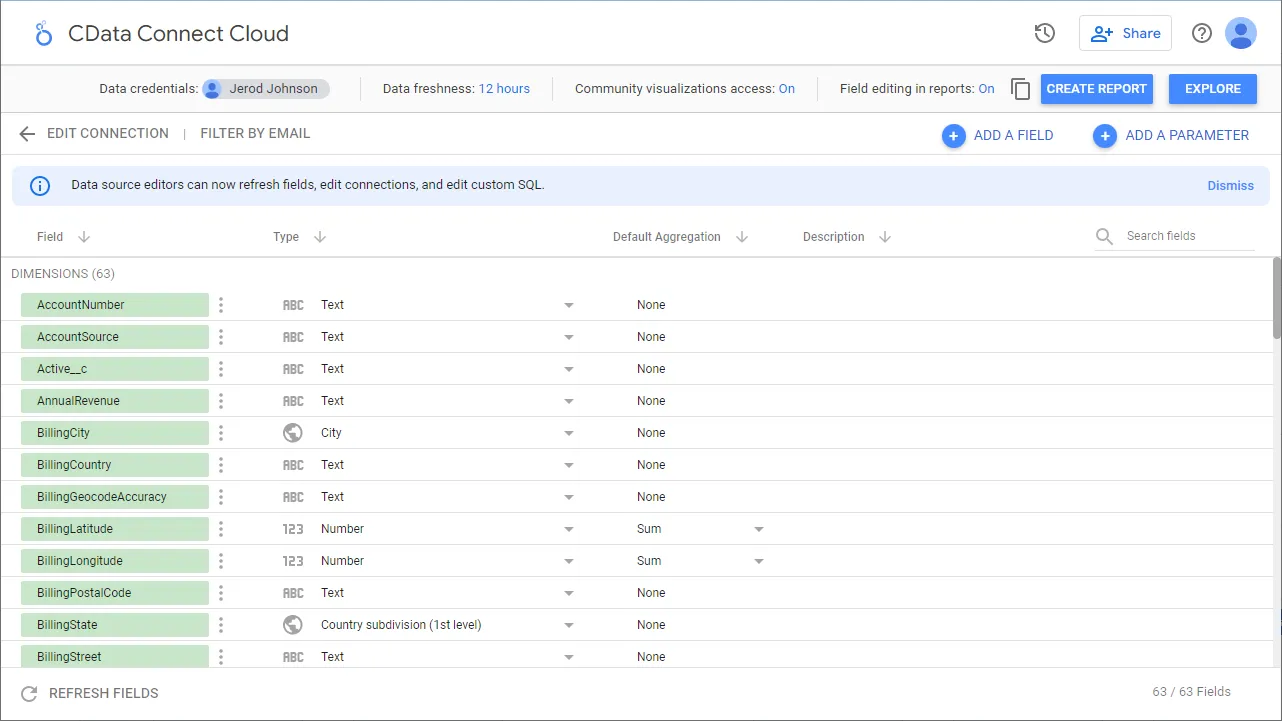
- If needed, modify columns, click Create Report, and add the data source to the report.
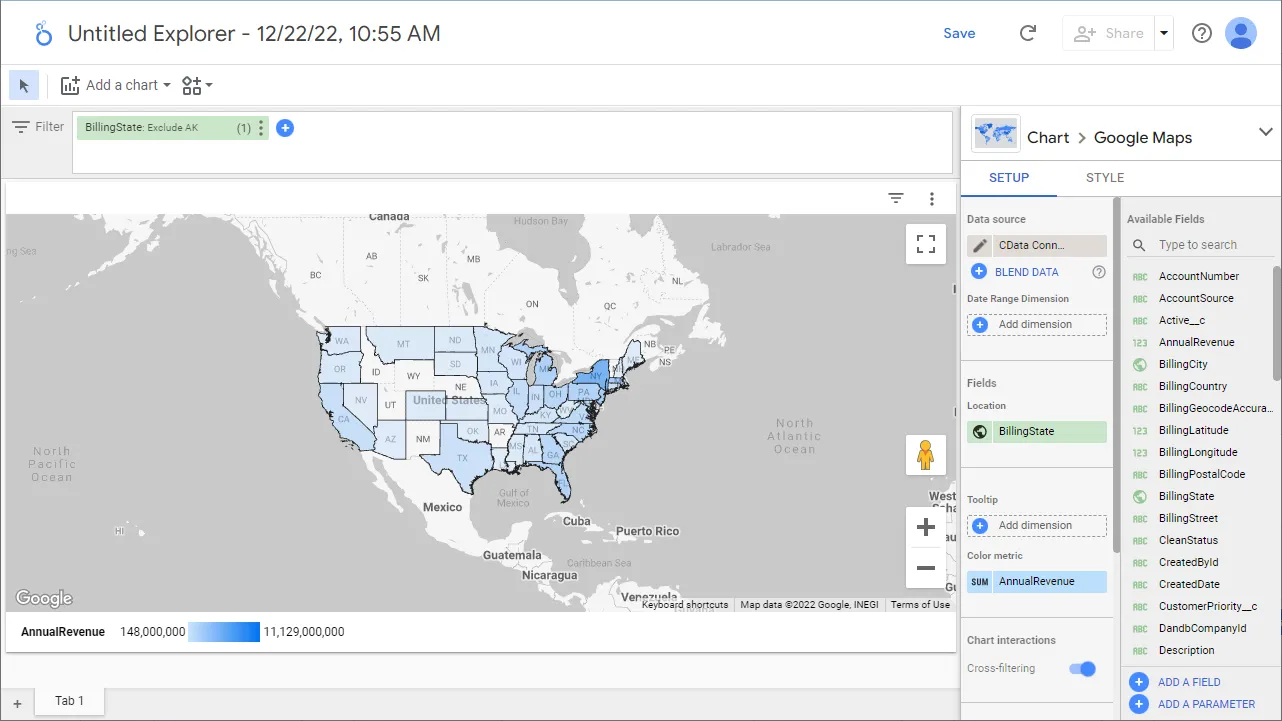
- Select a visualization style and add it to the report.
- Select Dimensions and Measures to customize your visualization.
Live Access to JotForm Data from Cloud Applications
Now you have a direct, cloud-to-cloud connection to live JotForm data from your Looker Studio workbook. You can create more data sources and new visualizations, build reports, and more — all without replicating JotForm data.
Try CData Connect AI and get real-time data access to hundreds of SaaS, Big Data, and NoSQL sources directly from your cloud applications.