




Rapidly Develop Linear-Driven Apps with Active Query Builder

Write standard .NET to expose Linear data through an SQL interface: Active Query Builder helps developers write SQL interfaces; the CData ODBC Driver for Linear enables standards-based access to Linear. This integration uses the Microsoft ADO.NET Provider for ODBC as a bridge between the ODBC Driver and the Active Query Builder objects to build a visual SQL composer.
Connect to Linear as an ODBC Data Source
If you have not already, first specify connection properties in an ODBC DSN (data source name). This is the last step of the driver installation. You can use the Microsoft ODBC Data Source Administrator to create and configure ODBC DSNs.
You can authenticate to Linear with a personal API key or with OAuth 2.0. The API key is the simplest option for connecting with your own Linear account.
Authenticating with an API Key
Set the following connection properties:
- AuthScheme: Set this to APIKey.
- APIKey: A Linear personal API key.
To create a personal API key, log in to Linear, open Settings > Security & access > Personal API keys, select New API key, and create it. Copy the key immediately, because Linear shows it only once.
Authenticating with OAuth
OAuth requires a custom OAuth application registered in Linear (Settings > API > OAuth applications), which provides the OAuthClientId and OAuthClientSecret. Two flows are supported:
- Authorization code: Set AuthScheme to OAuth, InitiateOAuth to GETANDREFRESH, and provide OAuthClientId, OAuthClientSecret, and the CallbackURL defined in your application (e.g., http://localhost:33333). The driver opens Linear in your browser so you can grant access.
- Client credentials: Set AuthScheme to OAuthClient and provide OAuthClientId and OAuthClientSecret. This authenticates the application itself, with no browser interaction, and suits machine-to-machine integrations.
By default, the driver requests the read,write scopes. The driver refreshes the access token automatically when it expires.
Use SQL to Interact with Linear
Follow the steps below to create a WinForms visual query builder.
- Open Active Query Builder for .NET WinForms.
- In the new Windows Forms project go to the "File" menu and click "Connect..."
- Under Database Connections, click "Add..."
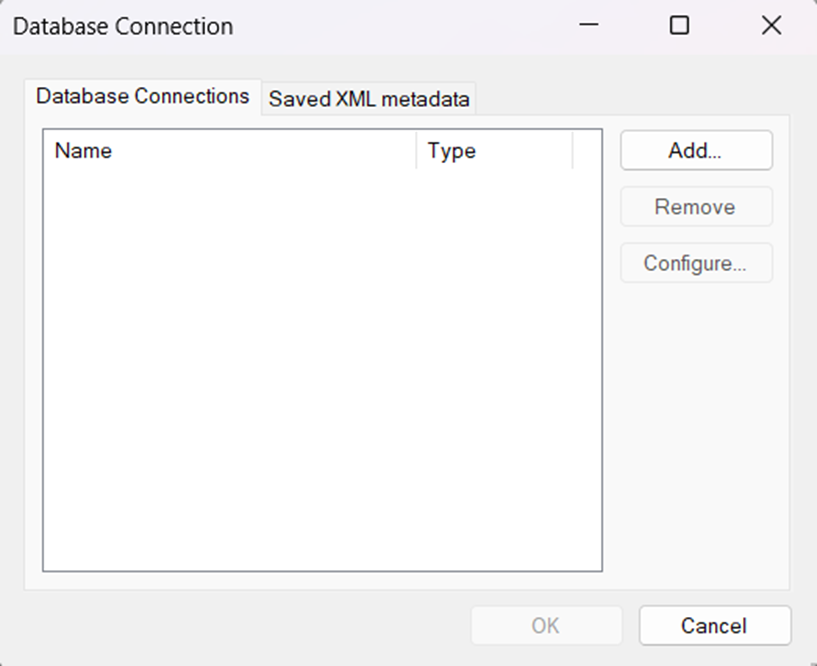
- Set your desired Connection Name (e.g. CData Linear), set Connection Type to "ODBC" and locate your previously configured DSN in the "User/System" DSN dropdown.
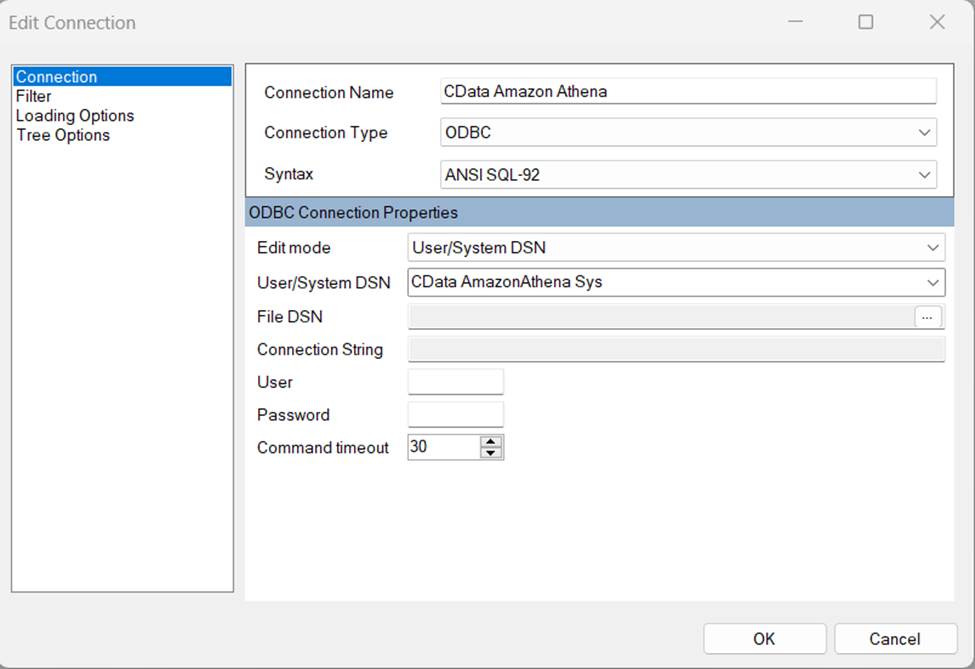
- Click "OK" to save the new connection.
- Back in the Database Connection wizard, select the newly created connection and click "OK."
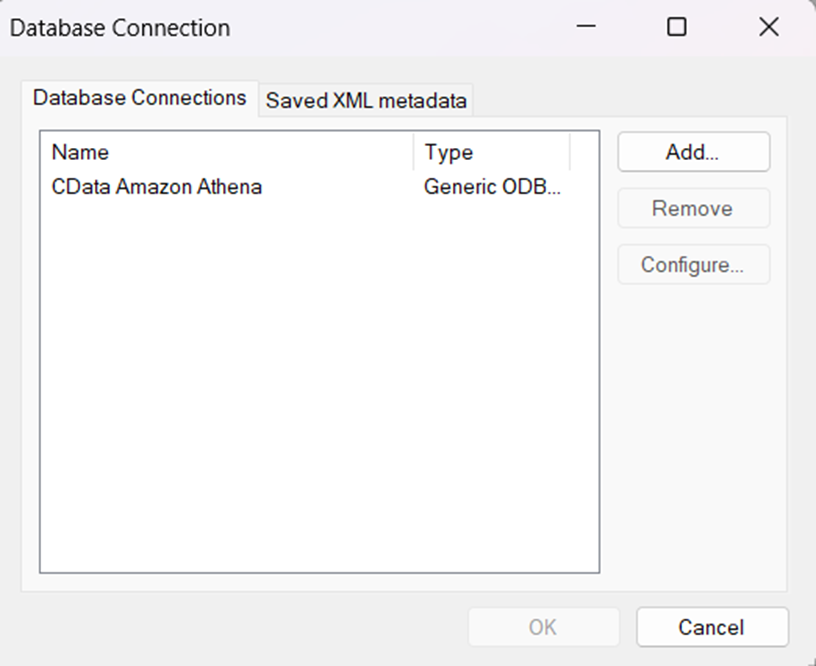
- Click "File" > "New Query" to create a QueryBuilder
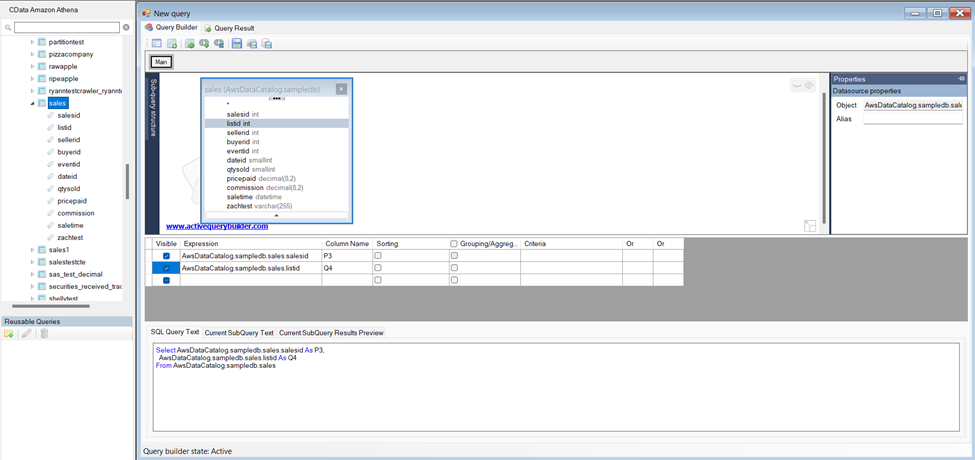
You can now build queries visually: Double-click a table in the Columns Pane Area and an entity/relationship diagram is displayed in the Query Building Area. Columns that you select in the diagram are added to the query.
Ready to get started?
Download a free trial of the Linear ODBC Driver to get started:
Download NowLearn more:
 Linear ODBC Driver
The Linear ODBC Driver is a powerful tool that allows you to connect with live data from Linear, directly from any applications that support ODBC connectivity.
Access Linear data like you would a database - read Linear AgentSession, Comment, Customer, Cycle, Initiative, Integration, Issue, ProjectStatus, Release, Team, User, etc. through a standard ODBC Driver interface.