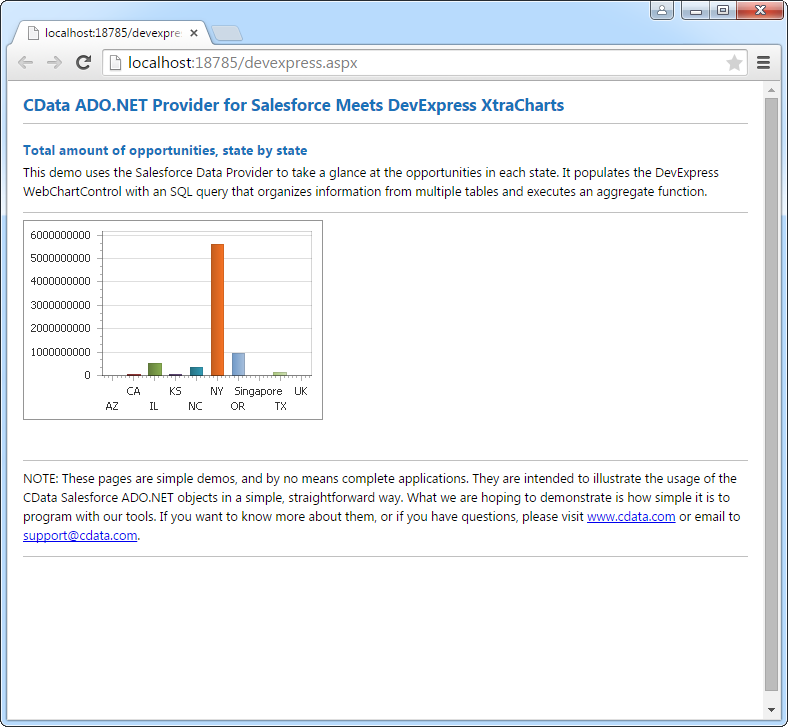
DataBind Mouseflow Data to the DevExpress Data Grid

The CData API Driver for ADO.NET incorporates conventional ADO.NET data access components compatible with third-party controls. You can adhere to the standard ADO.NET data binding procedures to establish two-way access to real-time data through UI controls. This article will demonstrate the utilization of CData components for data binding with DevExpress UI Controls (Windows Forms and Web controls), specifically binding to a chart that visualizes live data.
Start by setting the Profile connection property to the location of the Mouseflow Profile on disk (e.g. C:\profiles\Mouseflow.apip). Next, set the ProfileSettings connection property to the connection string for Mouseflow (see below).
Mouseflow API Profile Settings
Retrieve your API key from API > API Key within your Mouseflow account settings. Your region (us or eu) can be determined from your account URL.
Windows Forms Controls
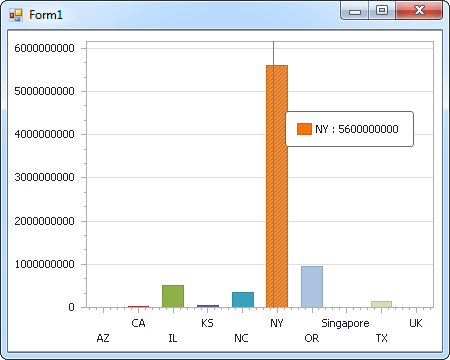
The code below shows how to populate a DevExpress chart with Mouseflow data. The APIDataAdapter binds to the Series property of the chart control. The Diagram property of the control defines the x- and y-axes as the column names.
using (APIConnection connection = new APIConnection(
"Profile=C:\profiles\Mouseflow.apip;ProfileSettings='User=your_email;Password=your_api_key;Region=us';")) {
  APIDataAdapter dataAdapter = new APIDataAdapter(
  "SELECT WebsiteId, CampaignId FROM FeedbackCampaigns WHERE Enabled = 'true'", connection);

  DataTable table = new DataTable();
  dataAdapter.Fill(table);
  DevExpress.XtraCharts.Series series = new DevExpress.XtraCharts.Series();
  chartControl1.Series.Add(series);
  series.DataSource = table;
  series.ValueDataMembers.AddRange(new string[] { "CampaignId" });
  series.ArgumentScaleType = DevExpress.XtraCharts.ScaleType.Qualitative;
  series.ArgumentDataMember = "WebsiteId";
  series.ValueScaleType = DevExpress.XtraCharts.ScaleType.Numerical;
  chartControl1.Legend.Visibility = DevExpress.Utils.DefaultBoolean.False;
  ((DevExpress.XtraCharts.SideBySideBarSeriesView)series.View).ColorEach = true;
}
Web Controls
The code below shows how to populate a DevExpress Web control with Mouseflow data. The APIDataAdapter binds to the Series property of the chart; the Diagram property defines the x- and y-axes as the column names.
using DevExpress.XtraCharts;

using (APIConnection connection = new APIConnection(
"Profile=C:\profiles\Mouseflow.apip;ProfileSettings='User=your_email;Password=your_api_key;Region=us';"))
{
  APIDataAdapter APIDataAdapter1 = new APIDataAdapter("SELECT WebsiteId, CampaignId FROM FeedbackCampaigns WHERE Enabled = 'true'", connection);
  DataTable table = new DataTable();
  APIDataAdapter1.Fill(table);
  DevExpress.XtraCharts.Series series = new Series("Series1", ViewType.Bar);
  WebChartControl1.Series.Add(series);
  series.DataSource = table;
  series.ValueDataMembers.AddRange(new string[] { "CampaignId" });
  series.ArgumentScaleType = ScaleType.Qualitative;
  series.ArgumentDataMember = "WebsiteId";
  series.ValueScaleType = ScaleType.Numerical;
  ((DevExpress.XtraCharts.SideBySideBarSeriesView)series.View).ColorEach = true;
}