Query Postmark Data in ColdFusion

The CData JDBC driver for Postmark seamlessly integrates connectivity to Postmark data with the rapid development tools in ColdFusion. This article shows how to connect to Postmark data in ColdFusion and query Postmark tables.
Create a JDBC Data Source for Postmark in ColdFusion
The JDBC data source enables you to execute SQL from standard ColdFusion tags like cfquery and CFScript like executeQuery.
-
Copy the driver JAR and .lic file from the installation directory onto the ColdFusion classpath. For example, copy the files into C:\MyColdFusionDirectory\cfusion\wwwroot\WEB-INF\lib. Or, open the Java and JVM page in the ColdFusion Administrator and enter the path to the files in the ColdFusion Class Path box.
The JAR and license for the driver are located in the lib subfolder of the installation directory.
Restart the server after this step.
-
Add the driver as a data source:
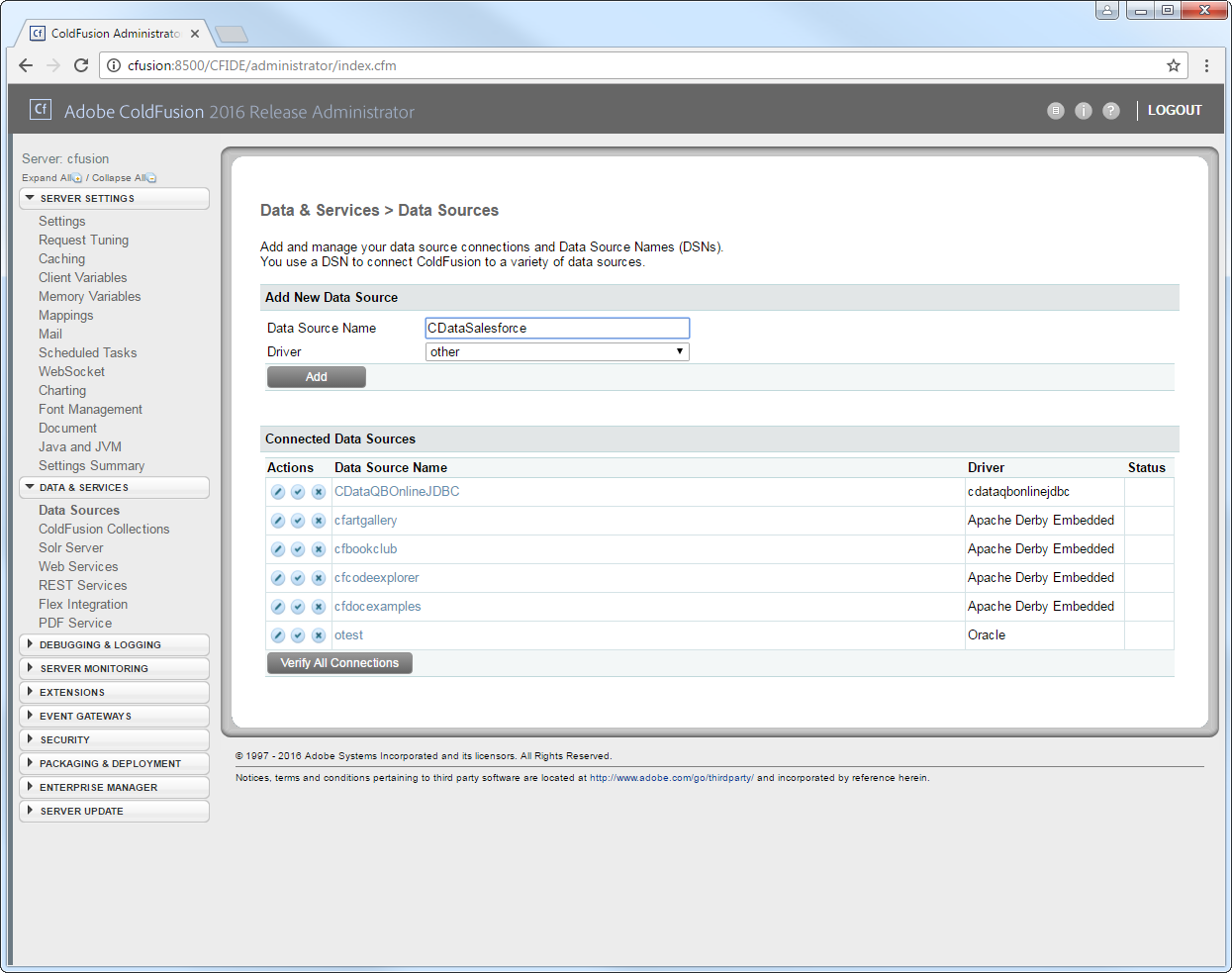
From the ColdFusion administrator interface, expand the Data & Services node and click Data Sources. In the Add New Data Source section, enter a name for the data source and select Other in the Driver menu.
-
Populate the driver properties:
JDBC URL: Enter connection properties in the JDBC URL. The JDBC URL begins with jdbc:api: and is followed by the connection properties in a semicolon-separated list of name=value pairs.
Using API Key Authentication
Postmark uses server API tokens to authenticate requests. Each Postmark server has its own API token, which controls access to messages, bounces, templates, and statistics associated with that server.
To obtain your Server API Token, log in to your Postmark account and navigate to the server you want to connect to. Go to API Tokens under the server settings and copy the token labeled Server API token.
After setting the following connection properties, you are ready to connect:
- AuthScheme: Set this to APIKey.
- APIKey: Set this to your Postmark Server API Token. This value is sent as the X-Postmark-Server-Token header on every request.
Example connection string:
Profile=C:\profiles\Postmark.apip;AuthScheme=APIKey;ProfileSettings="APIKey=your-server-api-token"
Connecting to Postmark
Once the authentication is configured, you can connect to Postmark and query data from any of the available tables such as OutboundMessages, Bounces, and Templates.
Built-in Connection String Designer
For assistance in constructing the JDBC URL, use the connection string designer built into the Postmark JDBC Driver. Either double-click the JAR file or execute the jar file from the command-line.
java -jar cdata.jdbc.api.jar
Fill in the connection properties and copy the connection string to the clipboard.
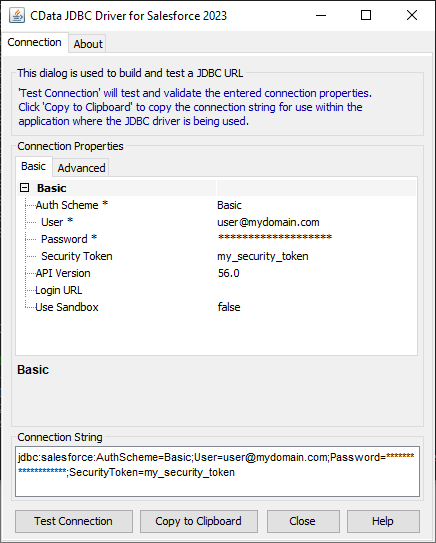
A typical JDBC URL is below:
jdbc:api:Profile=C:\profiles\Postmark.apip;AuthScheme=APIKey;ProfileSettings="APIKey=your-server-api-token"
- Driver Class: Enter the driver class. The driver class is cdata.jdbc.api.APIDriver.
- Driver Name: Enter a user-defined name for the driver.
- Username: Enter the username used to authenticate.
- Password: Enter the password used to authenticate.
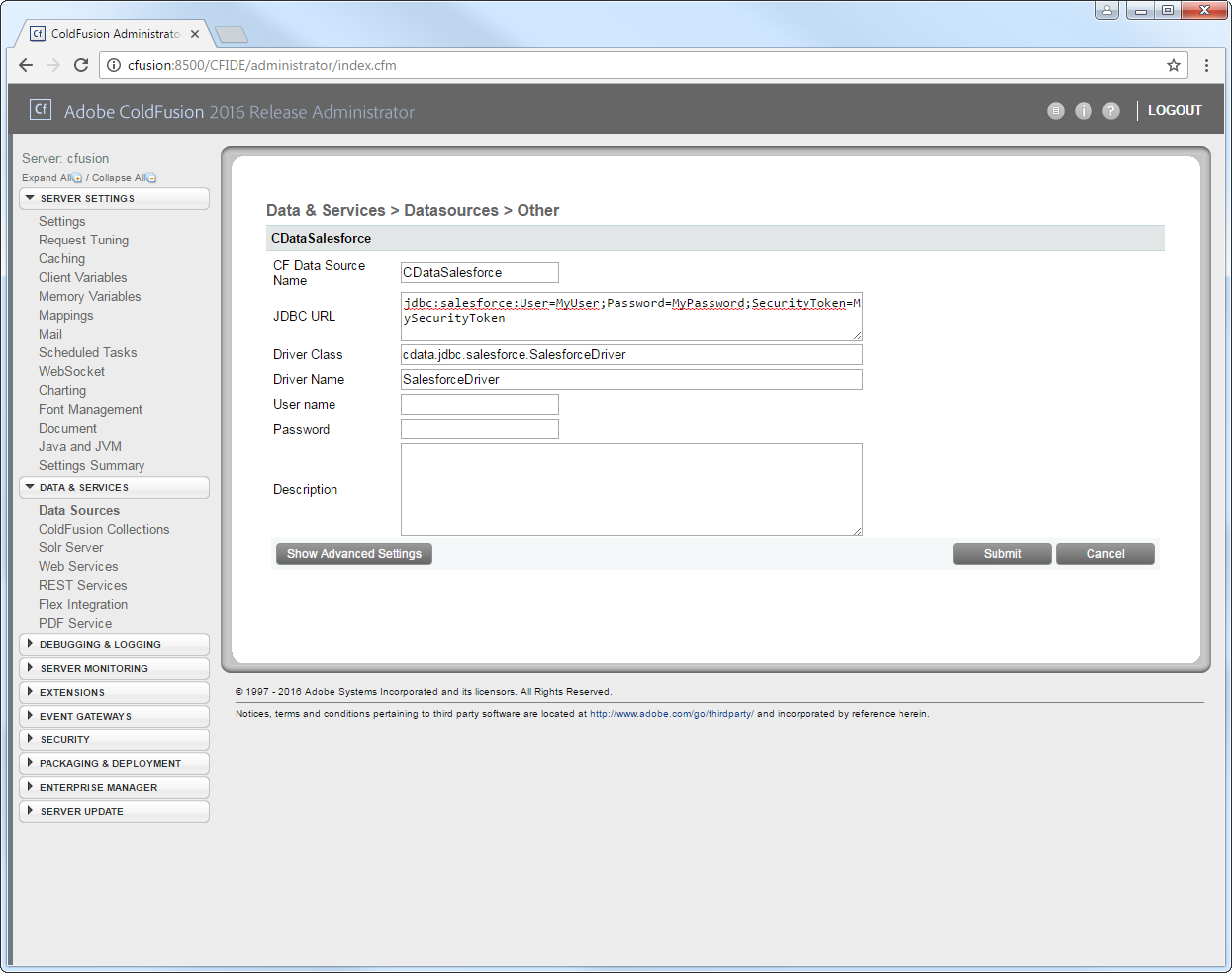
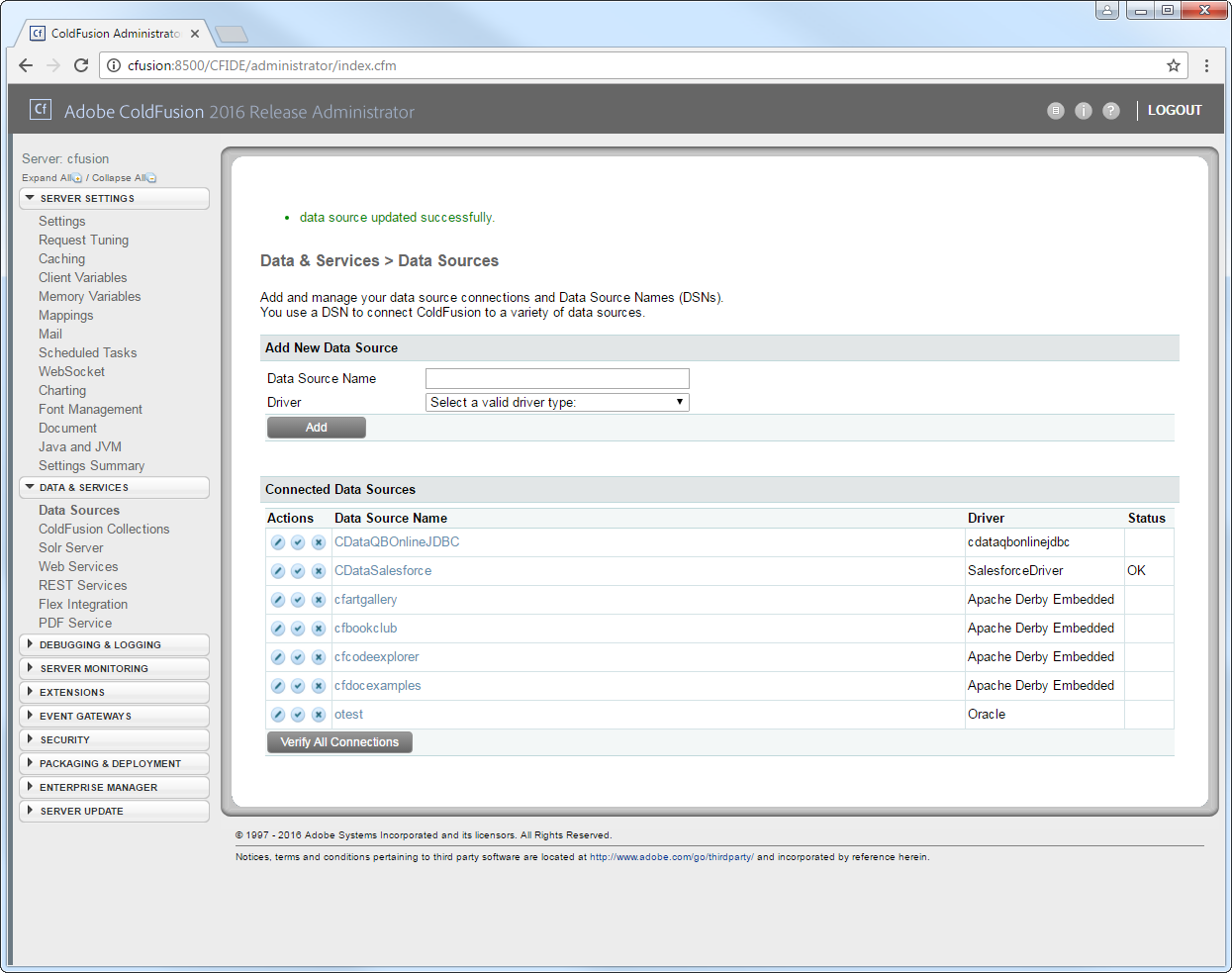
You can now test the connection by enabling the CData Postmark data source in the Actions column. After reporting a status of OK, the Postmark data source is ready for use.
Execute Queries
The cfquery tag can pass SQL statements to Postmark. Use the cfqueryparam tag to create parameterized queries and prevent SQL injection through the query string.
Note: To use the cfquery and cfscript, create a .cfm file. Inside the .cfm file, write the code to execute the query (see below). Place the file directly in the root directory of your web server (e.g., wwwroot in Adobe ColdFusion). Restart the service after placing the file for the changes to take effect.
<cfquery name="APIQuery" dataSource="CDataAPI">
  SELECT * FROM Bounces WHERE  = <cfqueryparam value="##" cfsqltype="cf_sql_varchar">
</cfquery>
<cfdump var="#APIQuery#">
Below is the equivalent in CFScript:
<cfscript>
result = queryExecute(
  "SELECT * FROM Bounces WHERE  = ?",
  [
    { value="", cfsqltype="cf_sql_varchar" }
  ],
  { datasource="CDataAPI" }
);

writeDump( var= result );
</cfscript>
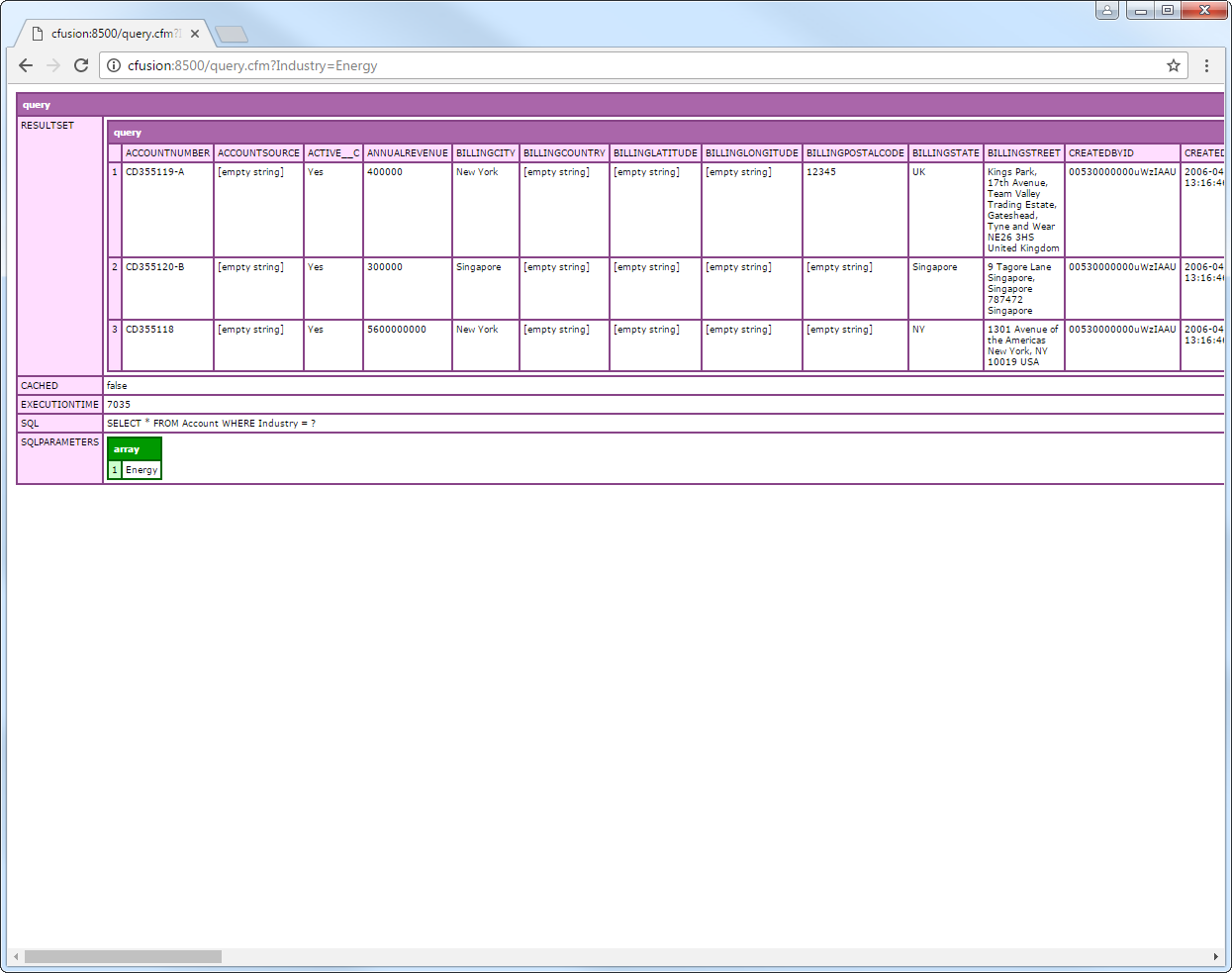
You can then make requests to your .cfm like the following:
http://MyServer:8500/query.cfm?=