






Build Agents in Relevance AI with Access to Live Sage 200 Data via CData Connect AI

Relevance AI is an AI automation and agent-building platform that enables organizations to create autonomous workflows powered by natural language reasoning. Users can visually design agents that interact with APIs, databases, and third-party systems to complete everyday business tasks or data operations.
By integrating Relevance AI with CData Connect AI through the built-in MCP (Model Context Protocol) Server, your agents can query, summarize, and act on live Sage 200 data in real time. This connection bridges Relevance AI intelligent workflow engine with the governed enterprise connectivity of CData Connect AI ensuring every query runs securely against authorized sources without manual data export.
This article outlines the steps to configure Sage 200 connectivity in Connect AI, register the CData MCP Server in Relevance AI, and build an agent that interacts with live Sage 200 data.
Step 1: Configure Sage 200 Connectivity for Relevance AI
Connectivity to Sage 200 from Relevance AI is made possible through CData Connect AI's Remote MCP Server. To interact with Sage 200 data from Relevance AI, we start by creating and configuring a Sage 200 connection in CData Connect AI.
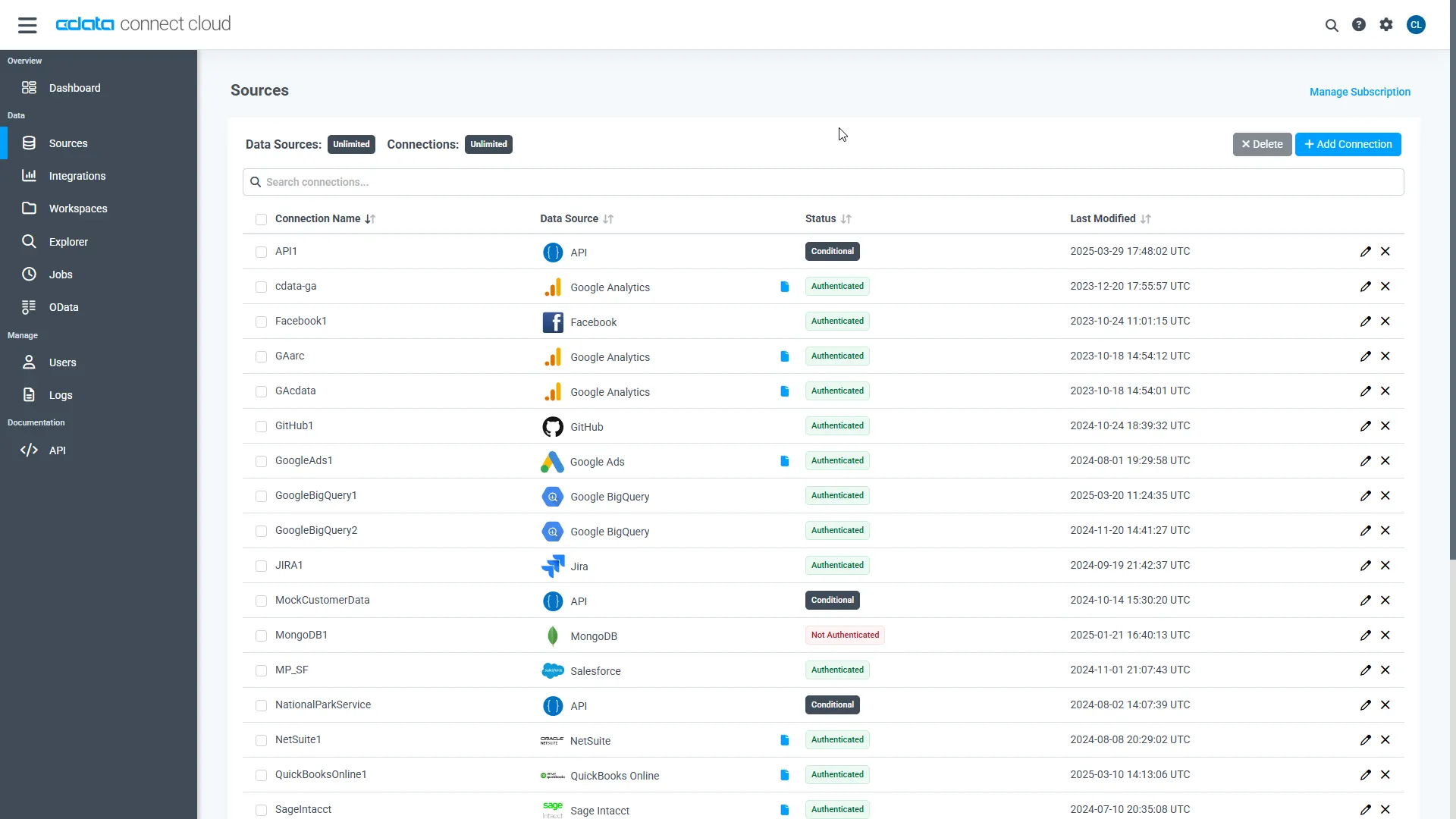
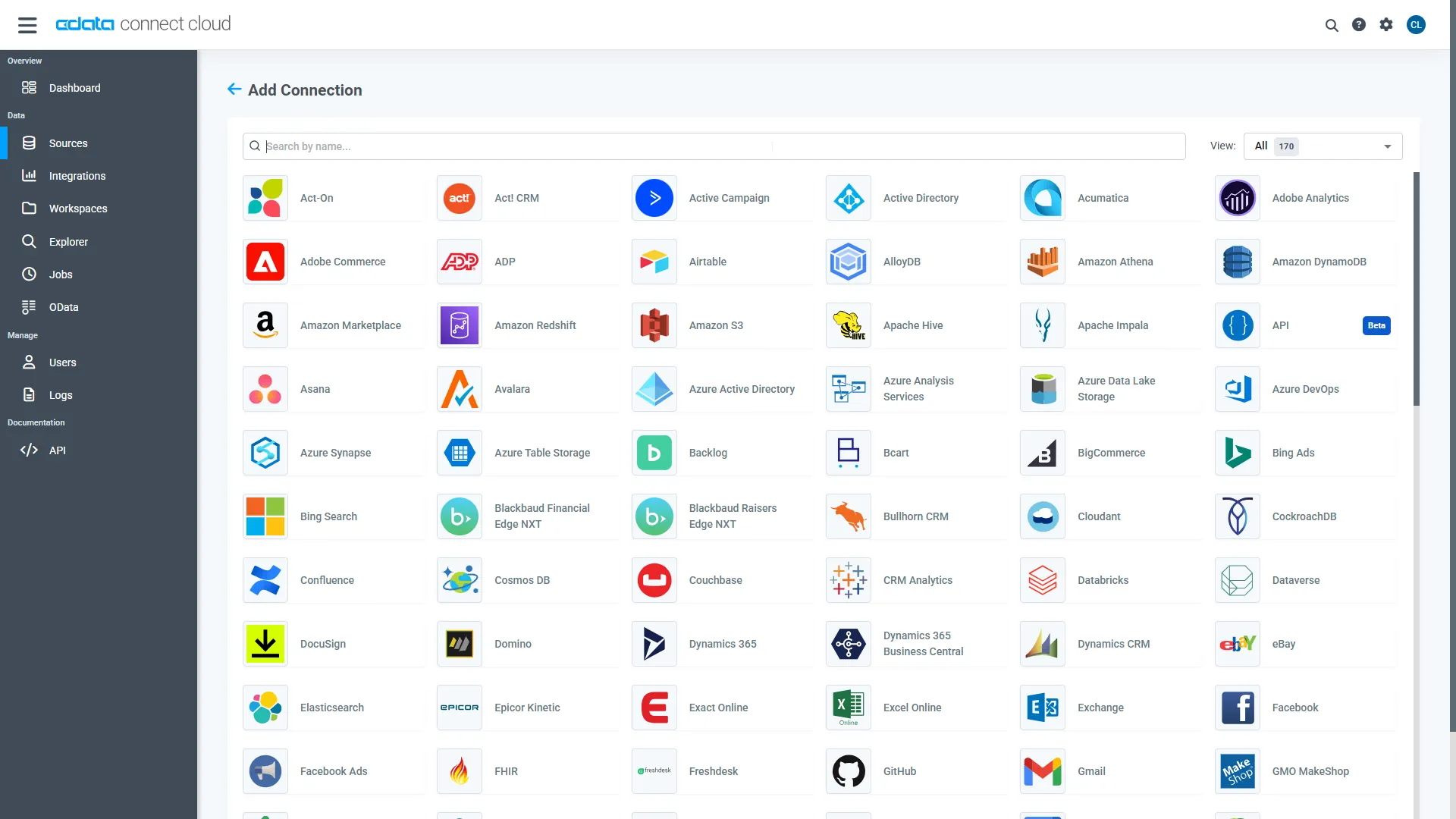
- Log into Connect AI, click Sources, and then click Add Connection
- Select Sage 200 from the Add Connection panel
-
Enter the necessary authentication properties to connect to Sage 200.
- Schema: Determines which Sage 200 edition you are connecting to. Specify either StandardUK or ProfessionalUK.
- Subscription Key: Provides access to the APIs that are used to establish a connection. You will first need to log into the Sage 200 API website and subscribe to the API edition that matches your account. You can do so here: https://developer.columbus.sage.com/docs/services/api/uk. Afterwards, the subscription key may be found in your profile after logging into Sage 200.
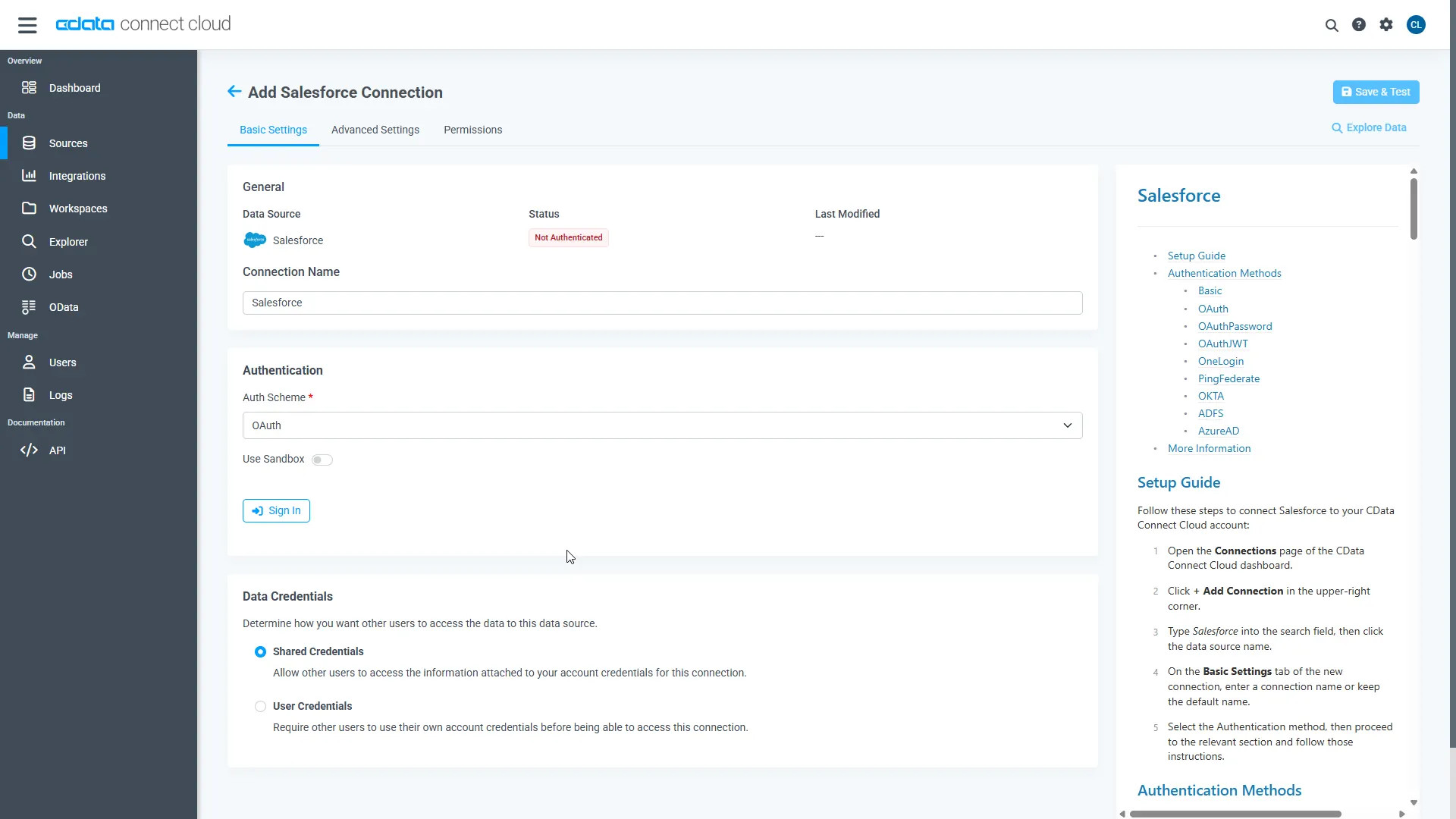
- Click Save & Test
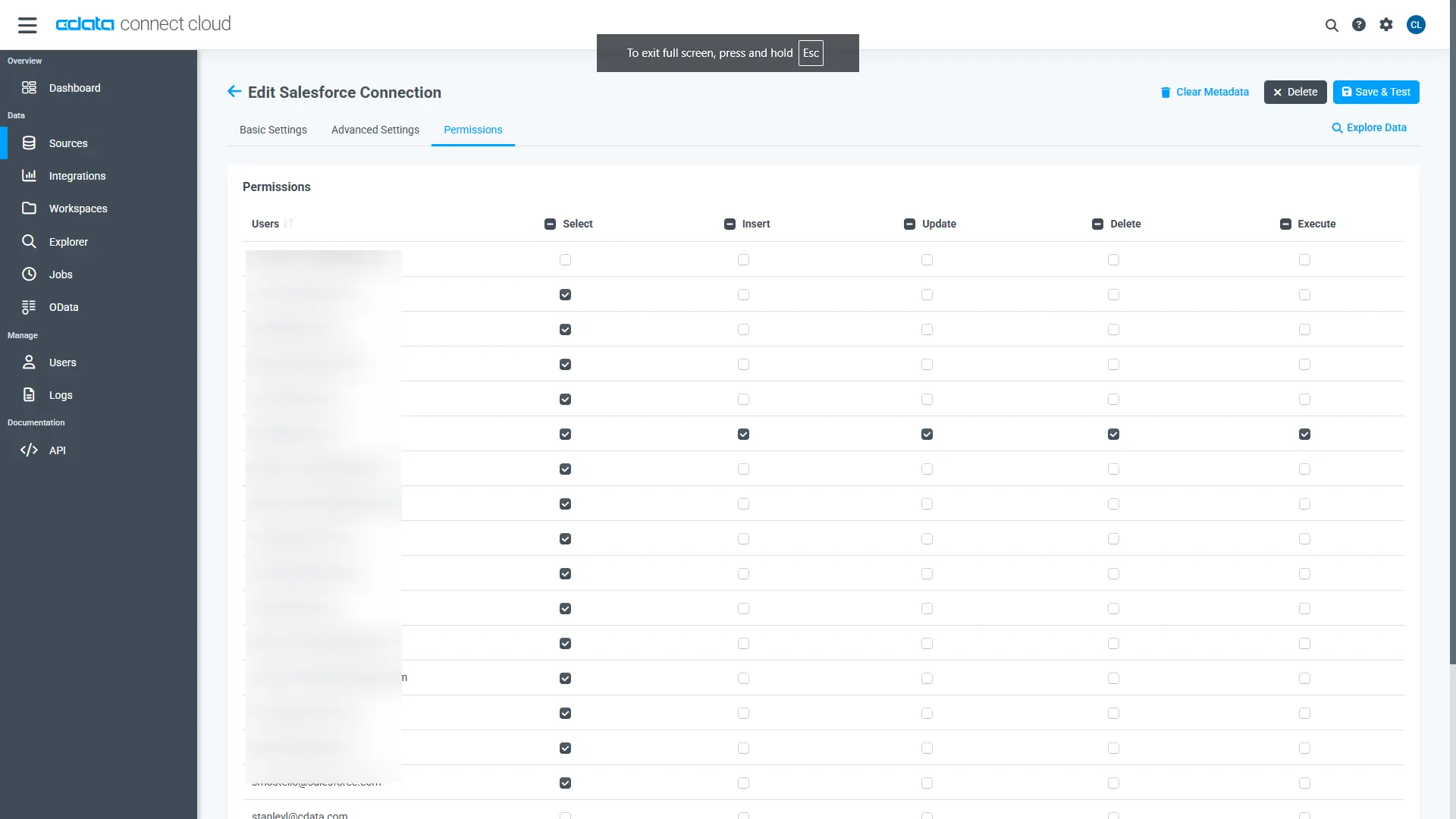
- Navigate to the Permissions tab and update user-based permissions
Add a Personal Access Token
A Personal Access Token (PAT) is used to authenticate the connection to Connect AI from Relevance AI. It is best practice to create a separate PAT for each integration to maintain granular access control.
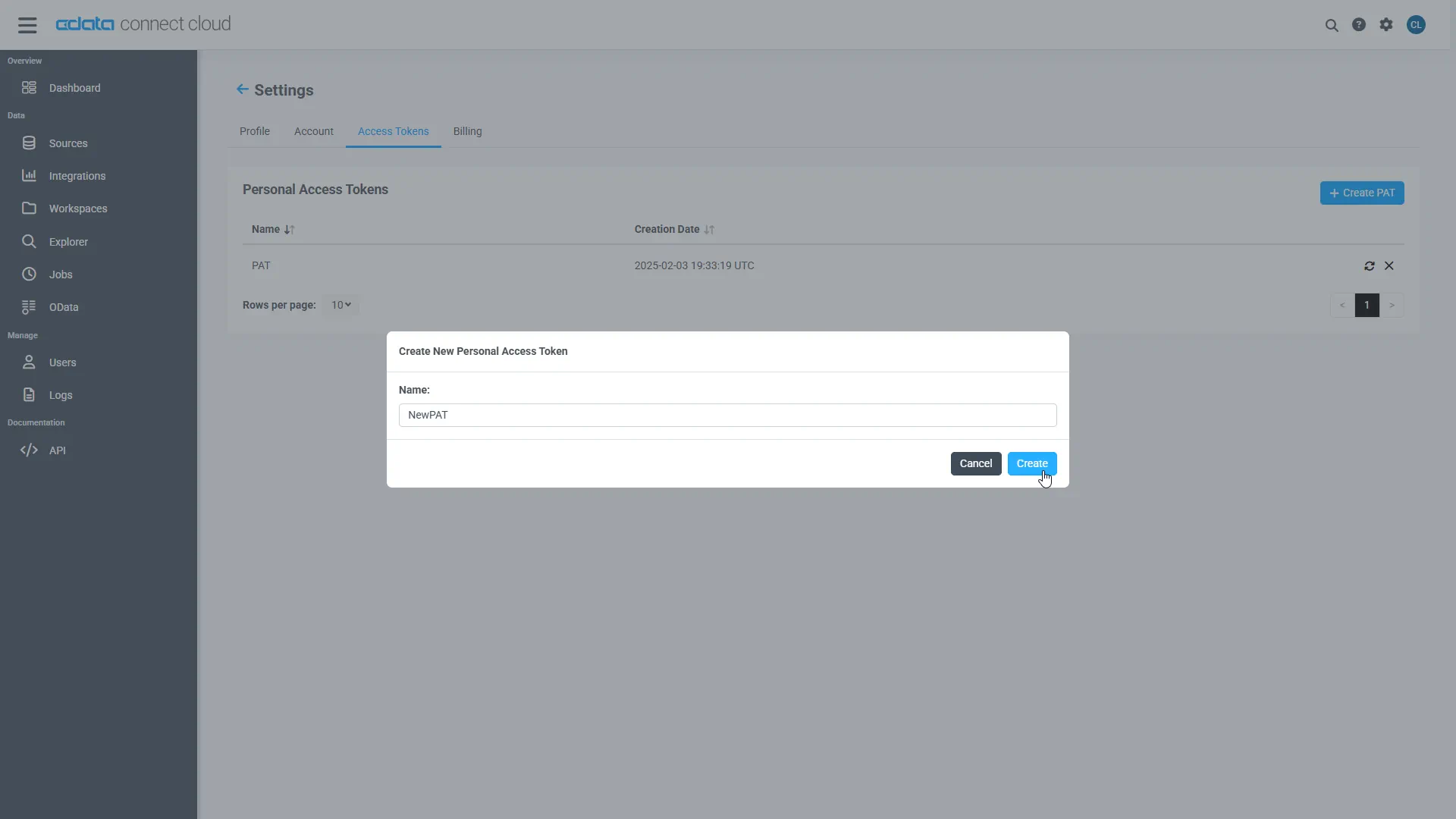
- Click the gear icon () at the top right of the Connect AI app to open Settings
- On the Settings page, go to the Access Tokens section and click Create PAT
- Give the PAT a descriptive name and click Create
- Copy the token when displayed and store it securely. It will not be shown again
With the Sage 200 connection configured and a PAT generated, Relevance AI can now connect to Sage 200 data through the CData MCP Server.
Step 2: Configure Connectivity in Relevance AI
The CData Connect AI MCP endpoint and authorization details are registered within Relevance AI so that agents can call live data from Connect AI.
- Sign in to Relevance AI and create an account if you do not already have one
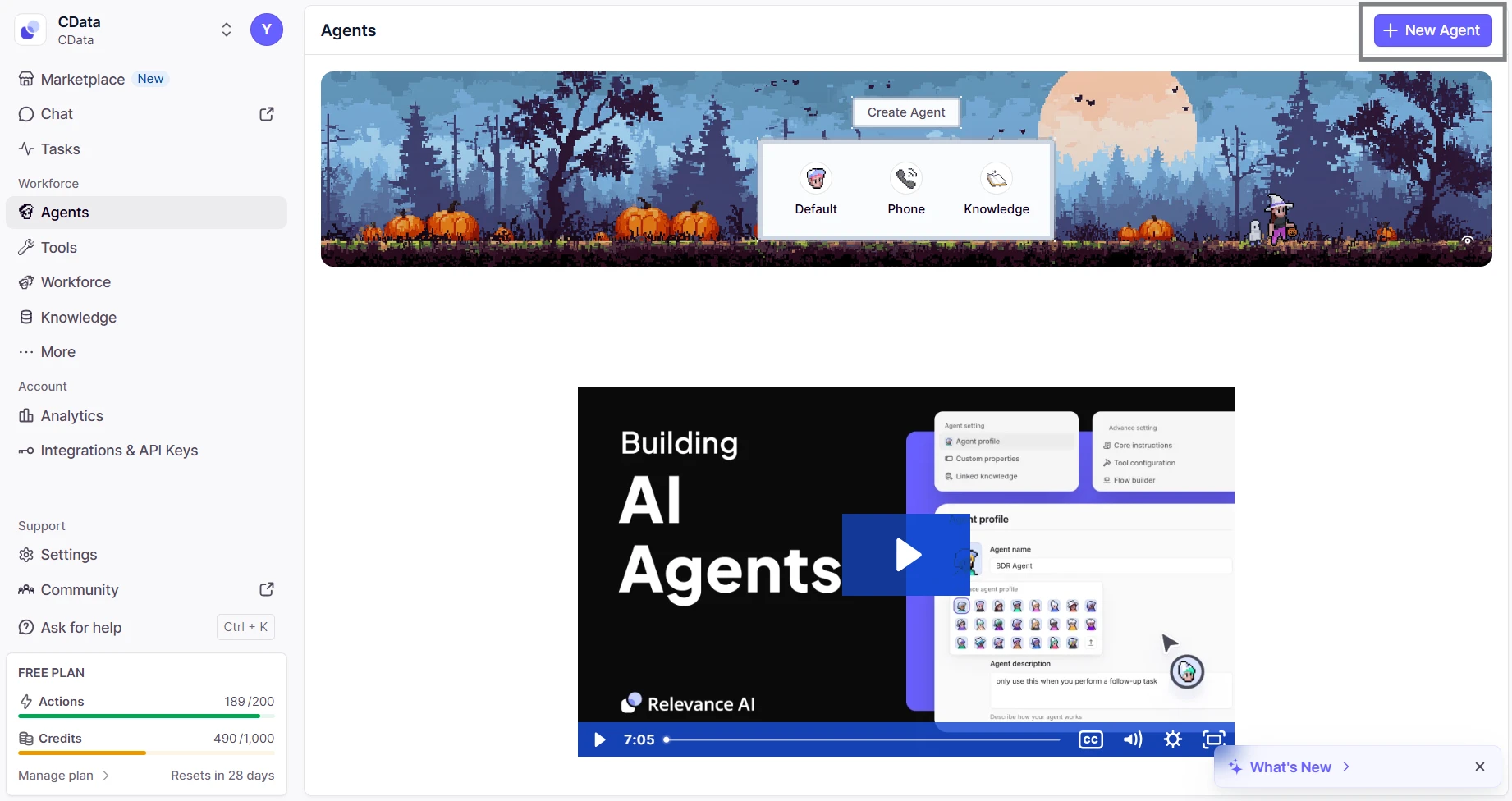
- From the sidebar, navigate to Agents and then click on New Agent
- Select Build from scratch and name the agent (eg; CData MCP Server)
- Inside the agent editor, select Advanced and then switch to the MCP Server tab
- Click + Add Remote MCP Tools
- In the dialog that appears, fill out the fields as follows:
- URL: https://mcp.cloud.cdata.com/mcp
- Label: Any custom label (eg; cdata_mcp_server)
- Authentication: Select Custom headers
- Add header key:value pair. Combine your email and PAT as email:PAT and encode that string in Base64 and then prefix with the word Basic
- Key: Authorization
- Value: Basic base64(email:PAT)


Click Connect to establish the connection. Relevance AI will verify your credentials and register the CData Connect AI MCP Server for use in agents.
Step 3: Build and Run a Relevance AI Agent with Live Sage 200 Data
- Switch to the Run tab for your agent
- Enter a task for example, "List the five most recent incidents from ServiceNow"
- The agent will query Connect AI via the MCP endpoint and display live results from Sage 200 data


With the connection complete, Relevance AI agents can now issue queries, retrieve records, and perform AI-driven tasks over live Sage 200 data through CData Connect AI MCP Server.
Get CData Connect AI
To access 300+ SaaS, Big Data, and NoSQL sources directly from your cloud applications, try CData Connect AI today!
