




Connect to Sage X3 Cloud Data from Blazor Apps

Blazor is a framework for developing modern, client-side web UIs using .NET technology. Instead of coding in JavaScript, developers can use the familiar C# language and .NET libraries to build app UIs.
The CData ADO.NET Provider for Sage X3 Cloud can be used with standard ADO.NET interfaces, such as LINQ and Entity Framework, to interact with live Sage X3 Cloud data. Since Blazor supports .NET Core, developers can use CData ADO.NET Providers in Blazor apps. In this article, we will guide you to build a simple Blazor app that talks to Sage X3 Cloud using standard SQL queries.
Install the CData ADO.NET Provider for Sage X3 Cloud
CData ADO.NET Providers allow users to access Sage X3 Cloud just like they would access SQL Server, using simple SQL queries.
Install the Sage X3 Cloud ADO.NET Data Provider from the CData website or from NuGet. Search NuGet for "Sage X3 Cloud ADO.NET Data Provider."
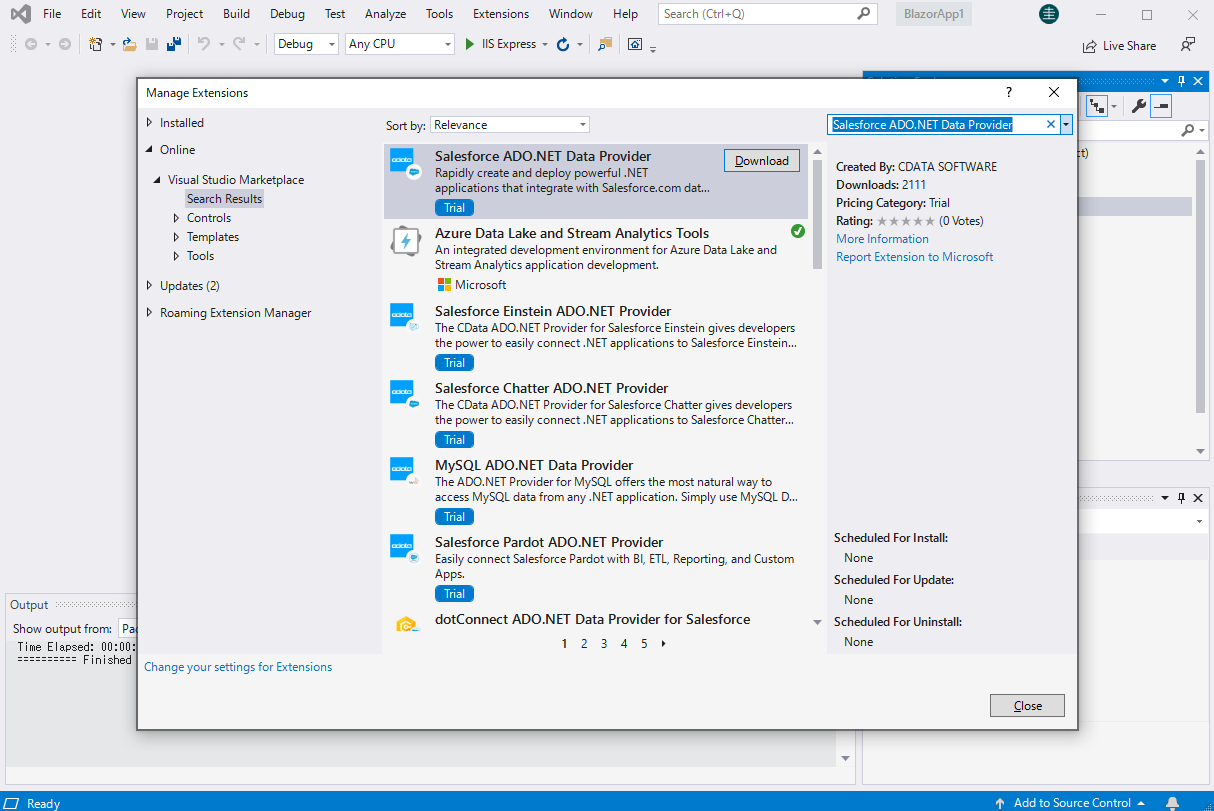
Create a Sage X3 Cloud-Connected Blazor App
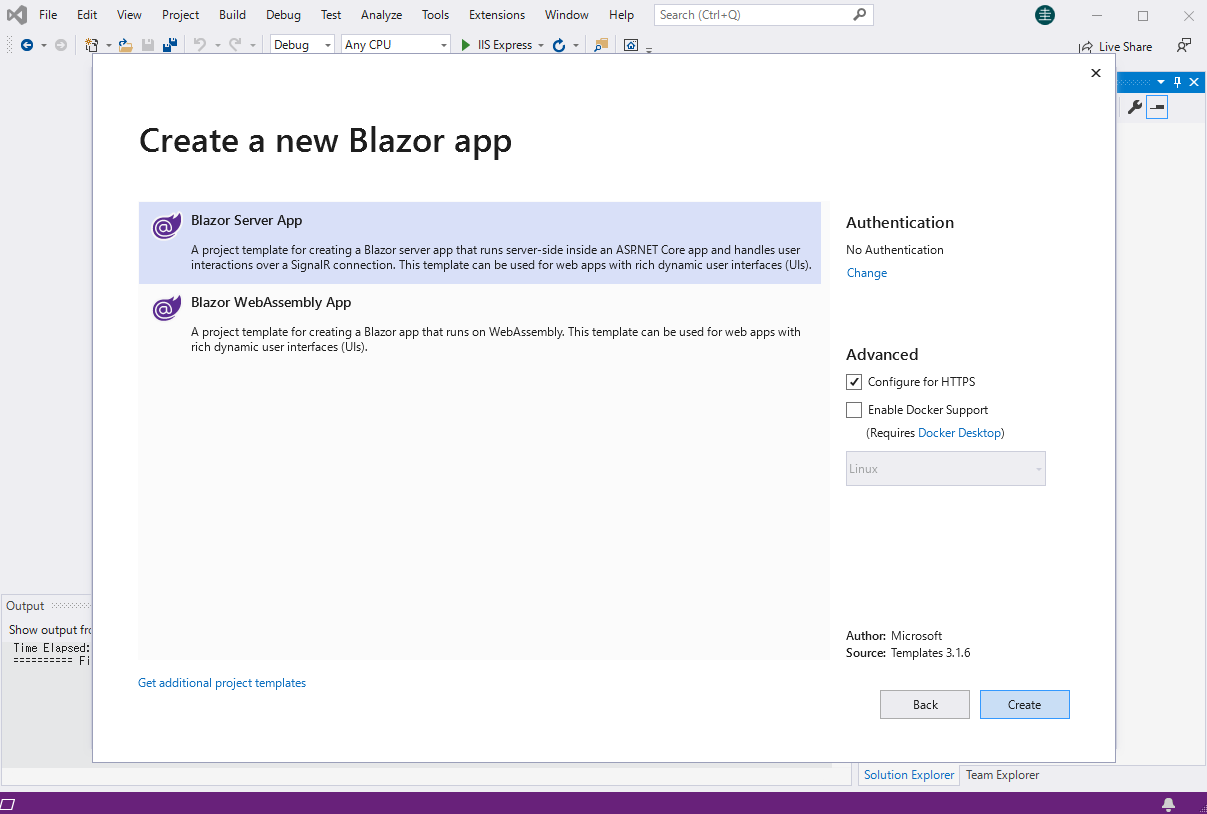
Start by creating a Blazor project that references the CData ADO.NET Provider for Sage X3 Cloud
- Create a Blazor project on Visual Studio.
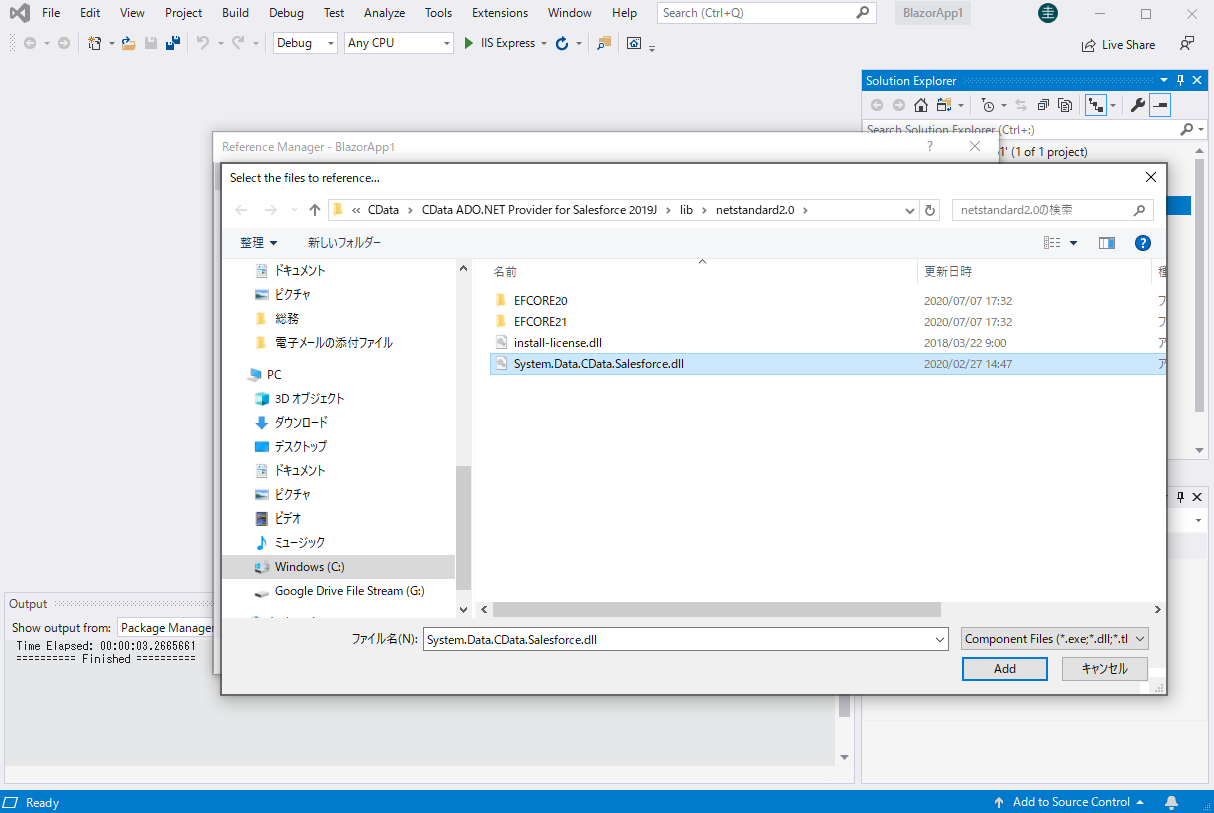
- From the Solution Explorer, right click Dependencies, then click Add Project Reference.
- In the Reference Manager, click the Browse button, and choose the .dll file of the installed ADO.NET Provider (e.g. System.Data.CData.SageX3Cloud.dll, typically located at C:\Program Files\CData\CData ADO.NET Provider for Sage X3 Cloud\lib etstandard2.0).
SELECT Sage X3 Cloud Data from the Blazor App
- Open the Index.razor file from the Project page.
- In a SageX3CloudConnection object, set the connection string:
Sage X3 Cloud uses the OAuth 2.0 Client Credentials flow, and an X-API-Key is also required for API access. Set AuthScheme to OAuth and specify the following connection properties:
- URL: The base URL of your Sage X3 Cloud instance.
- OAuthAccessTokenUrl: The OAuth token endpoint (e.g., https://your-auth-domain/oauth/token).
- OAuthClientId: Your OAuth application client ID.
- OAuthClientSecret: Your OAuth application client secret.
- Audience: The API audience value for the token request.
- XAPIKey: The X-API-Key provided by your Sage X3 Cloud administrator.
- Folder: The Sage X3 folder name (e.g., SEED). This folder is used as the default schema.
- Folders (optional): A comma-separated list of Sage X3 folders (e.g., SEED,PERF). Each folder is exposed as a separate schema, so you can query across folders with the Schema.Table syntax.
The driver obtains an access token with the Client Credentials flow and sends it with the X-API-Key on every API request. With InitiateOAuth set to GETANDREFRESH (the default), the driver acquires and refreshes the token automatically.
For example: AuthScheme=OAuth;URL=https://x3server/;OAuthAccessTokenUrl=https://auth-domain/oauth/token;OAuthClientId=your_client_id;OAuthClientSecret=your_client_secret;Audience=https://api-audience;XAPIKey=your_api_key;Folder=SEED;
- The code below creates a simple Blazor app for displaying Sage X3 Cloud data, using standard SQL to query Sage X3 Cloud just like SQL Server.
@page "/" @using System.Data; @using System.Data.CData.SageX3Cloud; <h1>Hello, world!</h1> Welcome to your Data app. <div class="row"> <div class="col-12"> @using (SageX3CloudConnection connection = new SageX3CloudConnection( "AuthScheme=OAuth;URL=https://x3server/;OAuthAccessTokenUrl=https://auth-domain/oauth/token;OAuthClientId=your_client_id;OAuthClientSecret=your_client_secret;Audience=https://api-audience;XAPIKey=your_api_key;Folder=SEED;")) { var sql = "SELECT BPCNUM, BPCNAM FROM BPCUSTOMER WHERE BPCNUM = 'MARTIN'"; var results = new DataTable(); SageX3CloudDataAdapter dataAdapter = new SageX3CloudDataAdapter(sql, connection); dataAdapter.Fill(results); <table class="table table-bordered"> <thead class="thead-light"> <tr> @foreach (DataColumn item in results.Rows[0].Table.Columns) { <th scope="col">@item.ColumnName</th> } </tr> </thead> <tbody> @foreach (DataRow row in results.Rows) { <tr> @foreach (var column in row.ItemArray) { <td>@column.ToString()</td> } </tr> } </tbody> </table> } </div> </div> - Rebuild and run the project. The ADO.NET Provider renders Sage X3 Cloud data as an HTML table in the Blazor app.
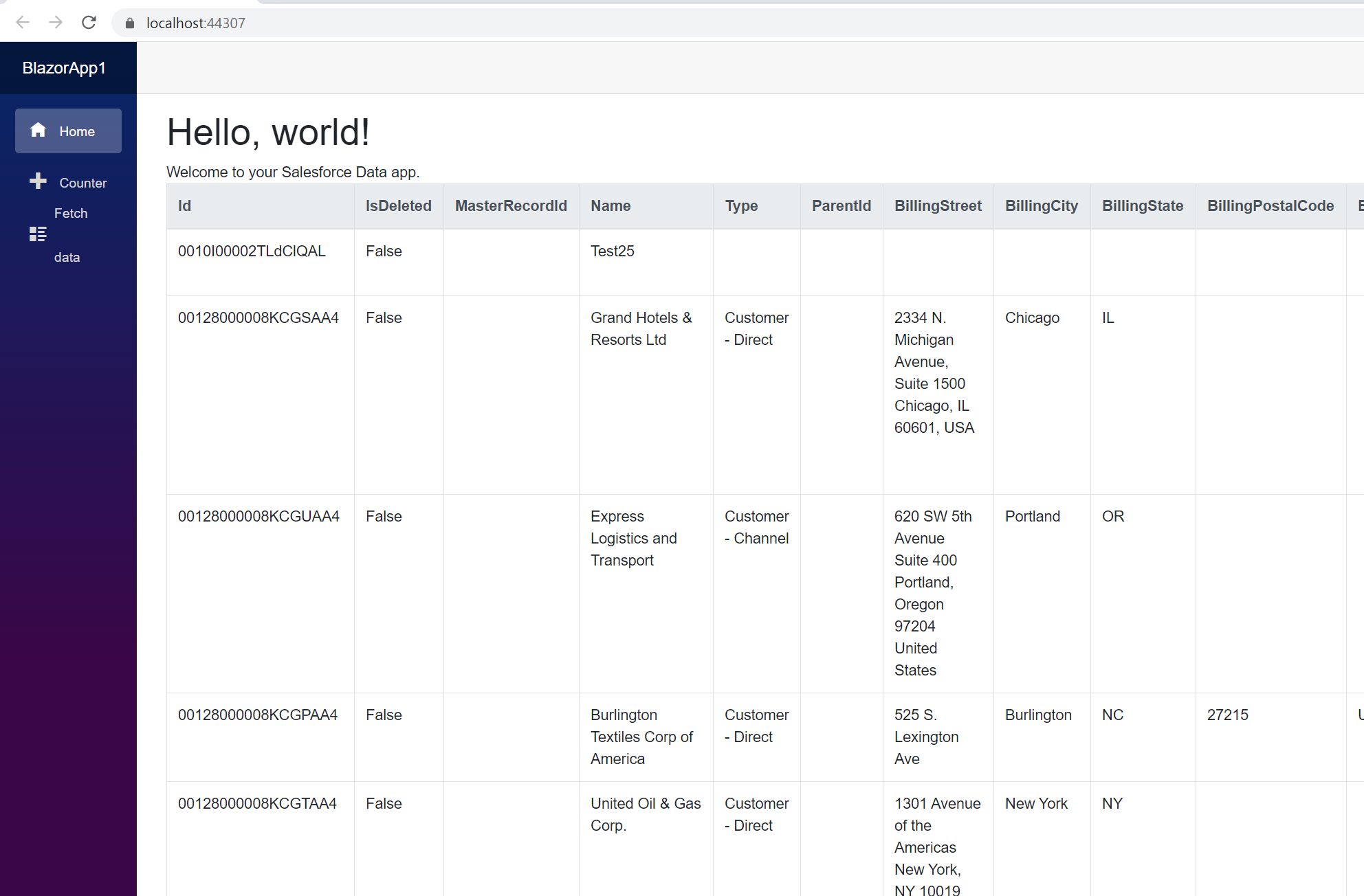
At this point, you have a Sage X3 Cloud-connected Blazor app, capable of working with live Sage X3 Cloud data just like you would work with a SQL Server instance. Download a free, 30-day trial and start working with live Sage X3 Cloud data in your Blazor apps today.
Ready to get started?
Download a free trial of the Sage X3 Cloud Data Provider to get started:
Download NowLearn more:
 Sage X3 Cloud ADO.NET Provider
Rapidly create and deploy powerful .NET applications that integrate with Sage X3 Cloud.