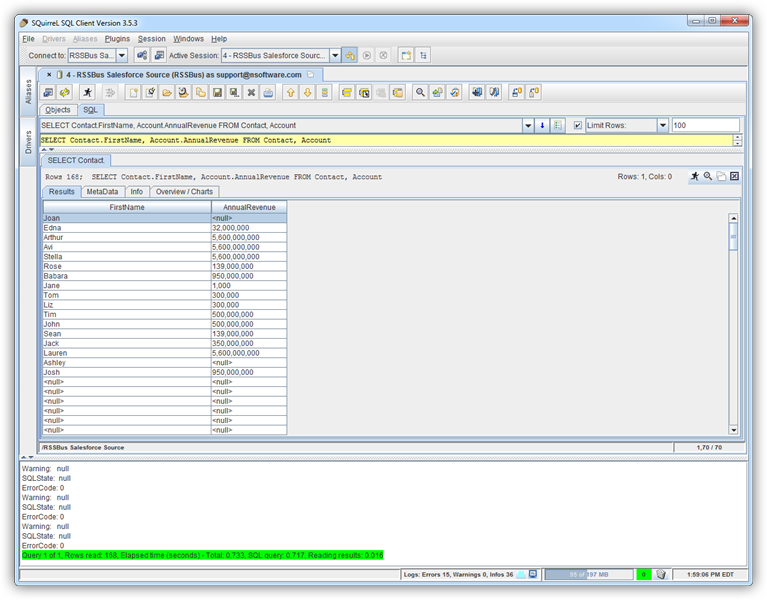
How to connect to Short.io Data with Squirrel SQL client

The CData JDBC Driver for Short.io enables you to execute queries to Short.io data in tools like Squirrel SQL Client. In this article, you will create a JDBC data source for Short.io data and execute queries.
Add the JDBC Driver for Short.io
Follow the steps below to add the driver JAR.
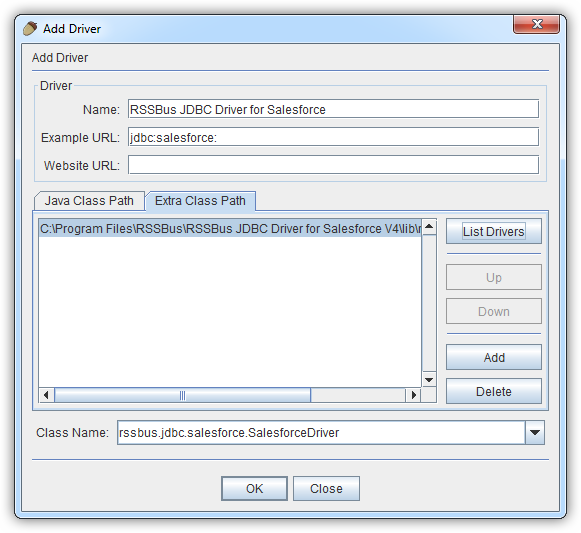
- In Squirrel SQL, click Windows -> View Drivers.
- Click the plus icon to open the Add Driver wizard.
- In the Name box, enter a user-friendly name for the driver; for example, CData JDBC Driver for Short.io.
- In the Example URL box, enter jdbc:api:
- In the Extra Class Path tab, click Add.
- In the file explorer dialog that opens, select the JAR file for the driver, located in the lib subfolder of the installation directory.
- Click List Drivers to populate the Class Name menu with the class name for the driver, cdata.jdbc.api.APIDriver.
Define Connection Properties
Follow the steps below to save connection properties in the driver alias.
- Click Windows -> View Aliases.
- In the pane that lists the aliases, click the plus icon.
In the Add Alias wizard that opens, the following fields are required for the JDBC driver:
- Name: Enter a name for the alias; for example, CData Short.io Source.
- Driver: Select the CData JDBC Driver for Short.io.
- URL: Enter jdbc:api:
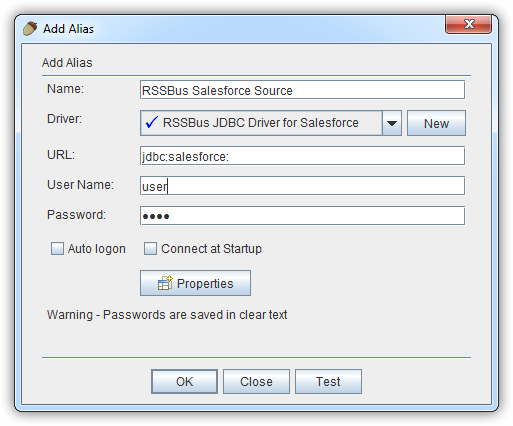
- If you want to define any additional properties, click Properties.
- In the Driver properties tab of the dialog that appears, select the Use driver properties checkbox.
- In the Specify column, select the checkboxes for the required connection properties.
Using API Key Authentication
Short.io uses API Key authentication. To obtain your API key:
- Log in to your Short.io account
- Navigate to Settings > Integrations & API > API
- Click Create API Key and copy your API key
After obtaining the API key, you are ready to connect:
- AuthScheme: Set this to APIKey.
- APIKey: Set this to your Short.io API key obtained from Settings > Integrations & API > API.
Example connection string:
Profile=C:\profiles\ShortIo.apip;AuthScheme=APIKey;ProfileSettings='APIKey=your_api_key';
Available Tables
The Short.io profile provides access to the following tables:
- Domains - Short.io domains associated with the authenticated account
- Links - Short links for a domain
- LinkExpand - Expand a short link by domain and path
- LinksByOriginalUrl - Retrieve multiple short links matching a given original destination URL
- Folders - Link folders within a specific domain
- LinkPermissions - Permission records for a specific link within a domain
- CountryTargeting - Country-based redirect targeting rules for a specific short link
- RegionTargeting - Region-based redirect targeting rules for a specific short link
- Regions - List of available regions/states for a given country code
- DomainStatistics - Aggregated click and traffic statistics for a Short.io domain
- LinkStatistics - Aggregated click and traffic statistics for a specific Short.io link
Below is a typical connection string:
jdbc:api:Profile=C:\profiles\ShortIo.apip;AuthScheme=APIKey;ProfileSettings='APIKey=your_api_key';
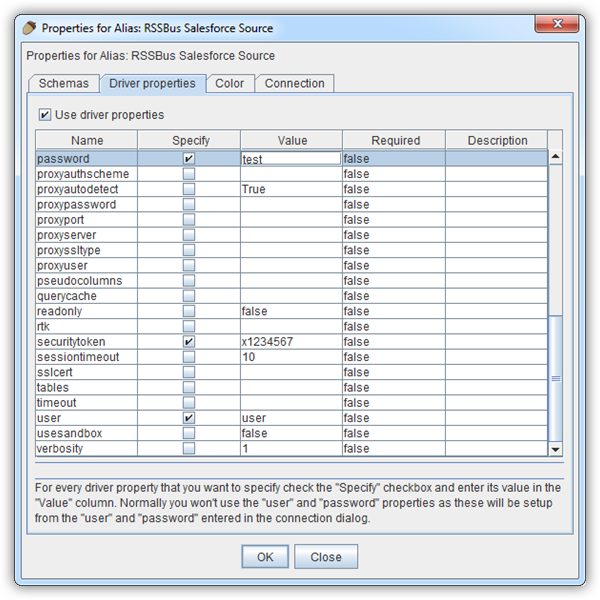
- In the dialog that appears after you click OK, click connect to test the connection.
Discover Schemas and Query Short.io Data
After the metadata has loaded, a new tab for the Short.io data source is displayed. On the Objects subtab, you can discover schema information, such as the available tables and views.
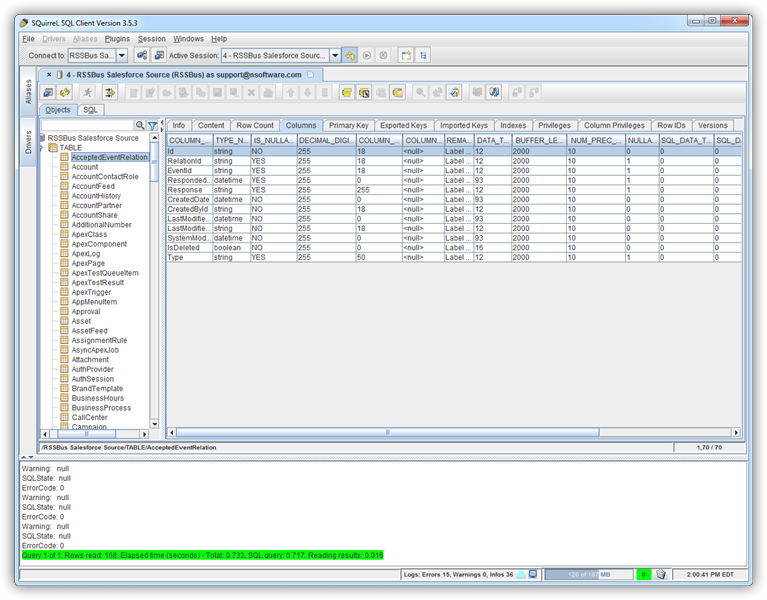
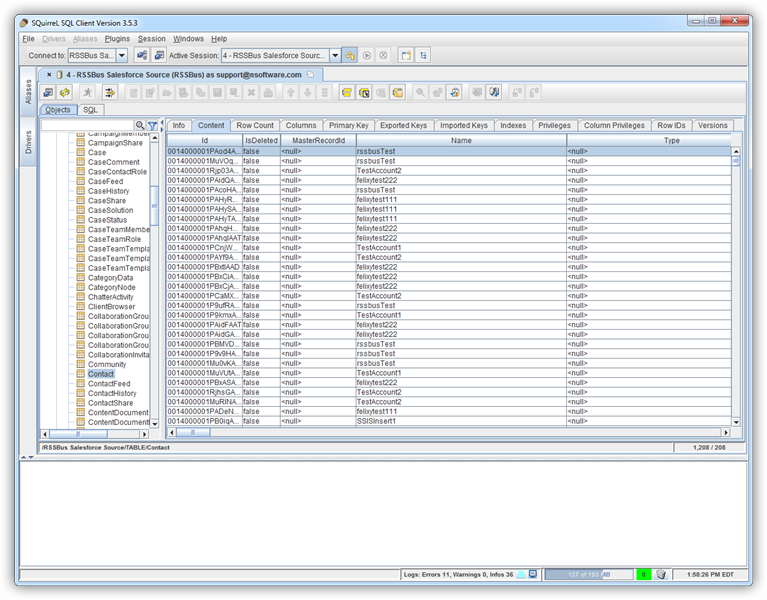
To view table data, select the table on the Objects tab. The table data is then loaded in a grid on the Content tab.
To execute an SQL query, enter the query on the SQL tab and then click Run SQL (the runner icon). For example:
SELECT , FROM Domains WHERE = ''