Rapidly Develop Simplesat-Driven Apps with Active Query Builder

Write standard .NET to expose Simplesat data through an SQL interface: Active Query Builder helps developers write SQL interfaces; the CData ODBC Driver for Simplesat enables standards-based access to Simplesat. This integration uses the Microsoft ADO.NET Provider for ODBC as a bridge between the ODBC Driver and the Active Query Builder objects to build a visual SQL composer.
Connect to Simplesat as an ODBC Data Source
If you have not already, first specify connection properties in an ODBC DSN (data source name). This is the last step of the driver installation. You can use the Microsoft ODBC Data Source Administrator to create and configure ODBC DSNs.
Using API Key Authentication
Simplesat uses API Key authentication. To obtain your API key, log in to your Simplesat account and navigate to Workspace Settings > API. Copy the API key value for use in the connection string.
After setting the following connection properties, you are ready to connect:
- AuthScheme: Set this to APIKey.
- APIKey: Set this to your Simplesat API key obtained from workspace settings.
Use SQL to Interact with Simplesat
Follow the steps below to create a WinForms visual query builder.
- Open Active Query Builder for .NET WinForms.

- In the new Windows Forms project go to the "File" menu and click "Connect..."
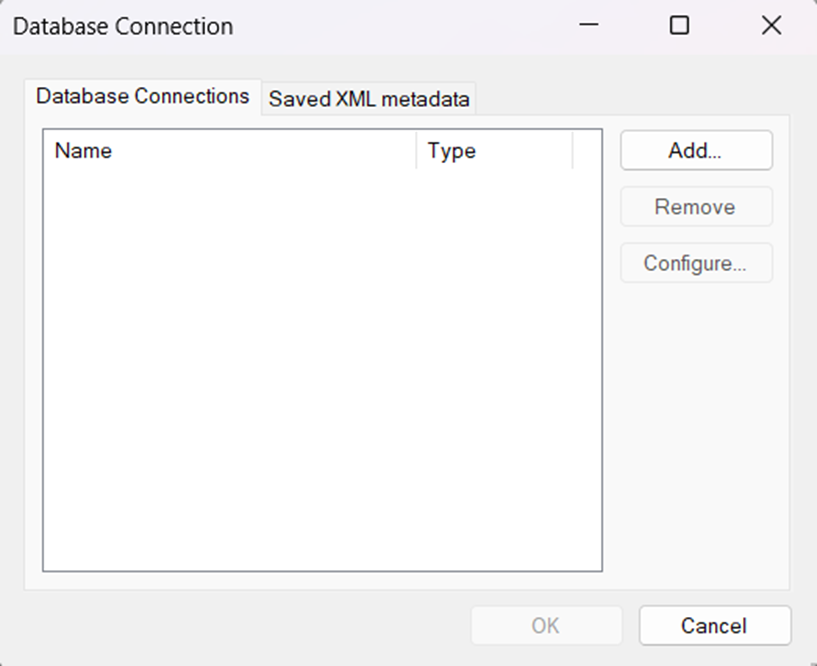
- Under Database Connections, click "Add..."
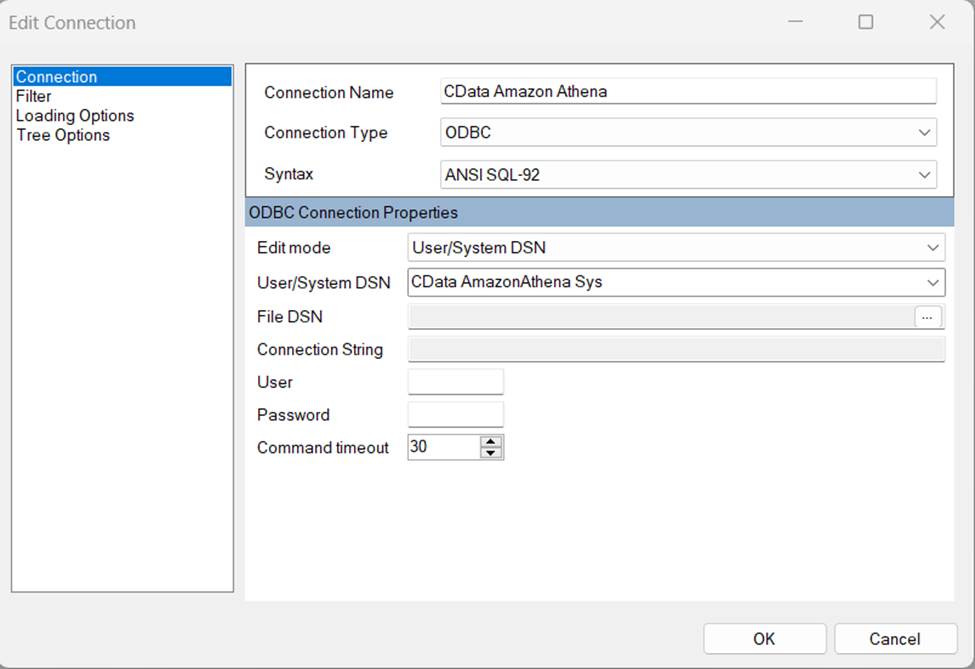
- Set your desired Connection Name (e.g. CData Simplesat), set Connection Type to "ODBC" and locate your previously configured DSN in the "User/System" DSN dropdown.
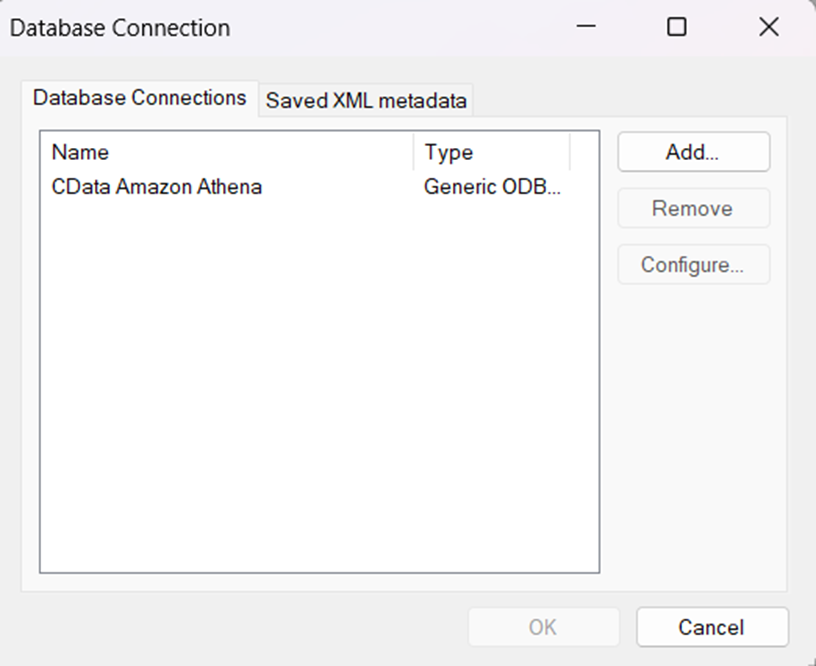
- Click "OK" to save the new connection.
- Back in the Database Connection wizard, select the newly created connection and click "OK."
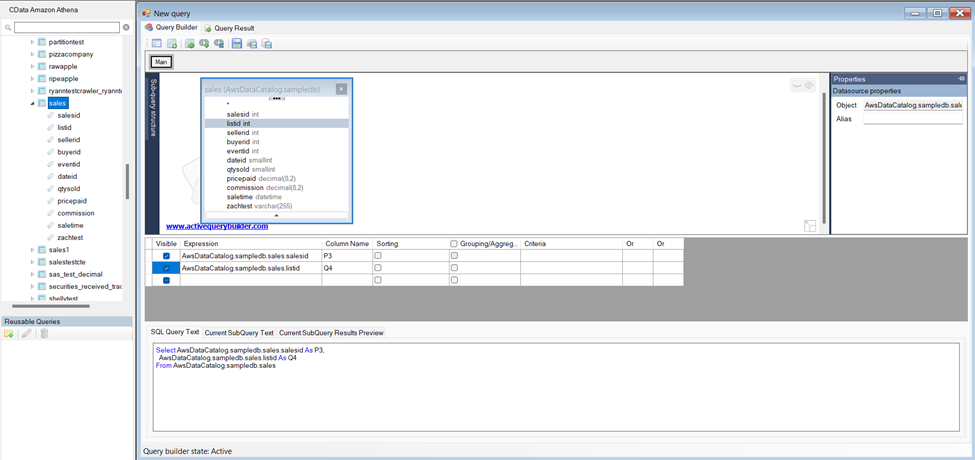
- Click "File" > "New Query" to create a QueryBuilder
You can now build queries visually: Double-click a table in the Columns Pane Area and an entity/relationship diagram is displayed in the Query Building Area. Columns that you select in the diagram are added to the query.