






Connect to Suadeo Data in DBArtisan

The CData ODBC Driver for Suadeo seamlessly integrates Suadeo data into database management tools like DBArtisan by enabling you to access Suadeo data as a database. This article shows how to create an data source for Suadeo in DBArtisan and execute queries. You can then edit data visually and execute standard SQL.
Integrate Suadeo Data into DBArtisan Projects
If you have not already, first specify connection properties in an ODBC DSN (data source name). This is the last step of the driver installation. You can use the Microsoft ODBC Data Source Administrator to create and configure ODBC DSNs.
The driver uses the OAuth 2.0 Resource Owner Password Credentials (ROPC) grant to authenticate to Suadeo. Authentication occurs directly using your credentials; there is no browser-based authorization flow or refresh token.
Set the following connection properties:
- URL: The base URL of your Suadeo instance.
- User: Your Suadeo username.
- Password: Your Suadeo password.
- AuthenticationName: The name identifier for the authentication configuration in your Suadeo instance. Different authentication names can be configured for different environments or use cases.
When you connect, the driver sends your credentials to the Suadeo OAuth token endpoint, receives an access token, and uses it for all subsequent requests. A new access token is obtained automatically when needed during the session.
You can then follow the steps below to register Suadeo data as a database instance in your project:
- In DBArtisan, click Data Source -> Register Datasource.
- Select Generic ODBC.
- Enter a name for the data source and select the DSN.
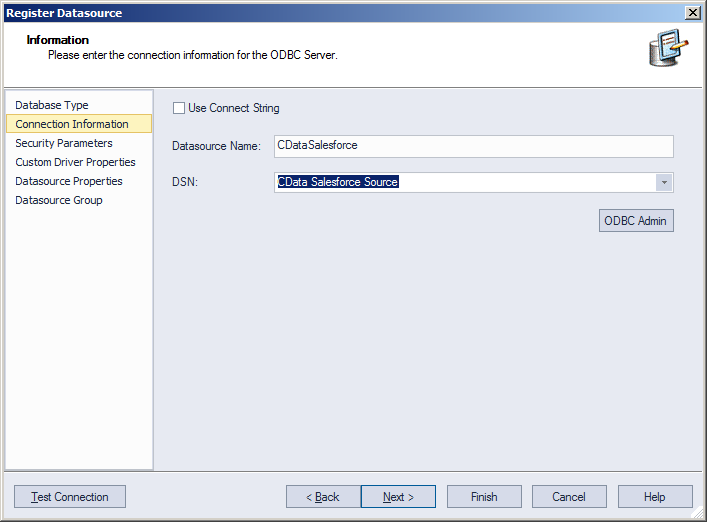
- Finish the wizard to connect to Suadeo data. Suadeo entities are displayed in the Datasource Explorer.
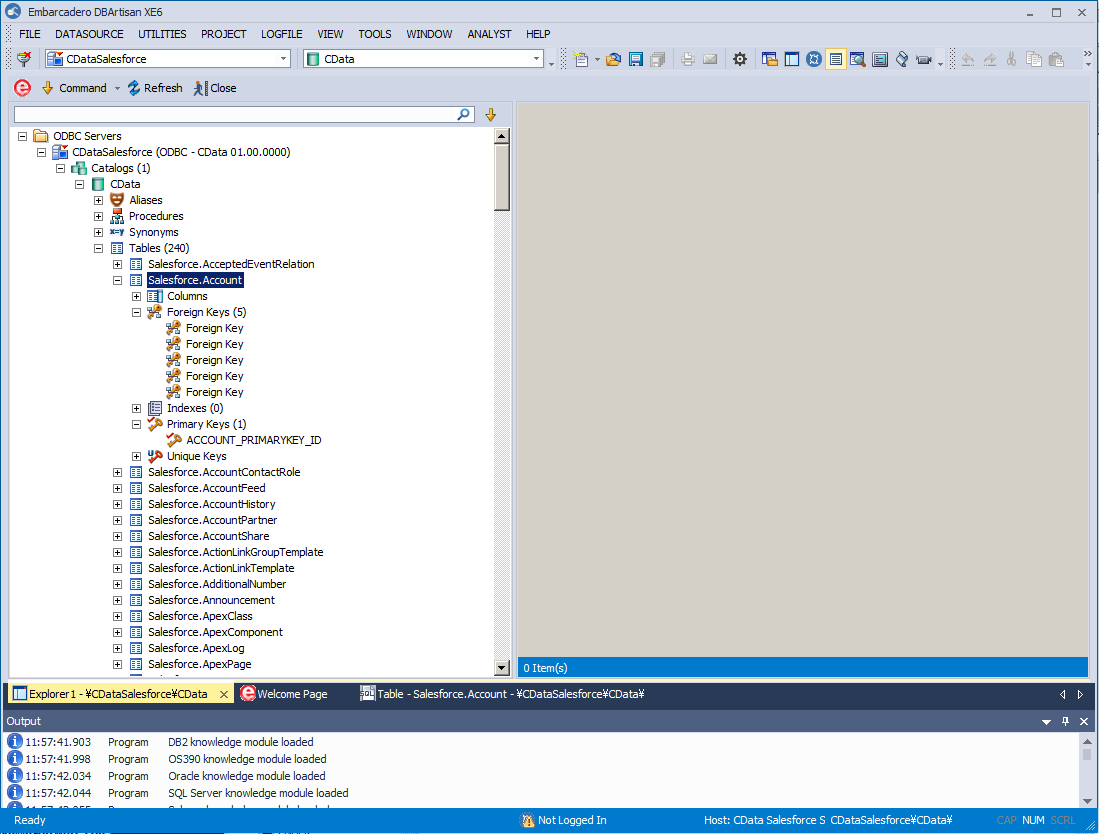
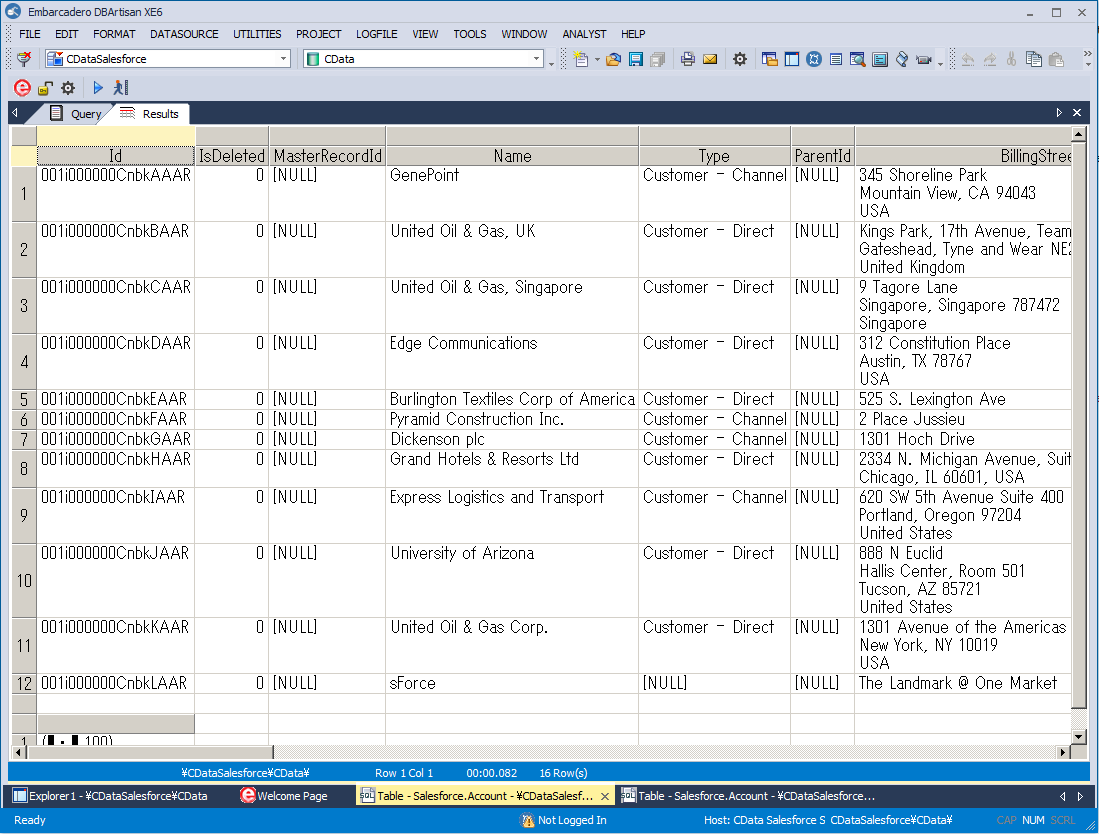
You can now work with Suadeo data as you work with any other database. See the driver help documentation for more information on the queries supported by the Suadeo API.
Ready to get started?
Download a free trial of the Suadeo ODBC Driver to get started:
Download NowLearn more:
 Suadeo ODBC Driver
The Suadeo ODBC Driver is a powerful tool that allows you to connect with live data from Suadeo, directly from any applications that support ODBC connectivity.
Access Suadeo data like you would a database - read, write, and update Suadeo 0, etc. through a standard ODBC Driver interface.