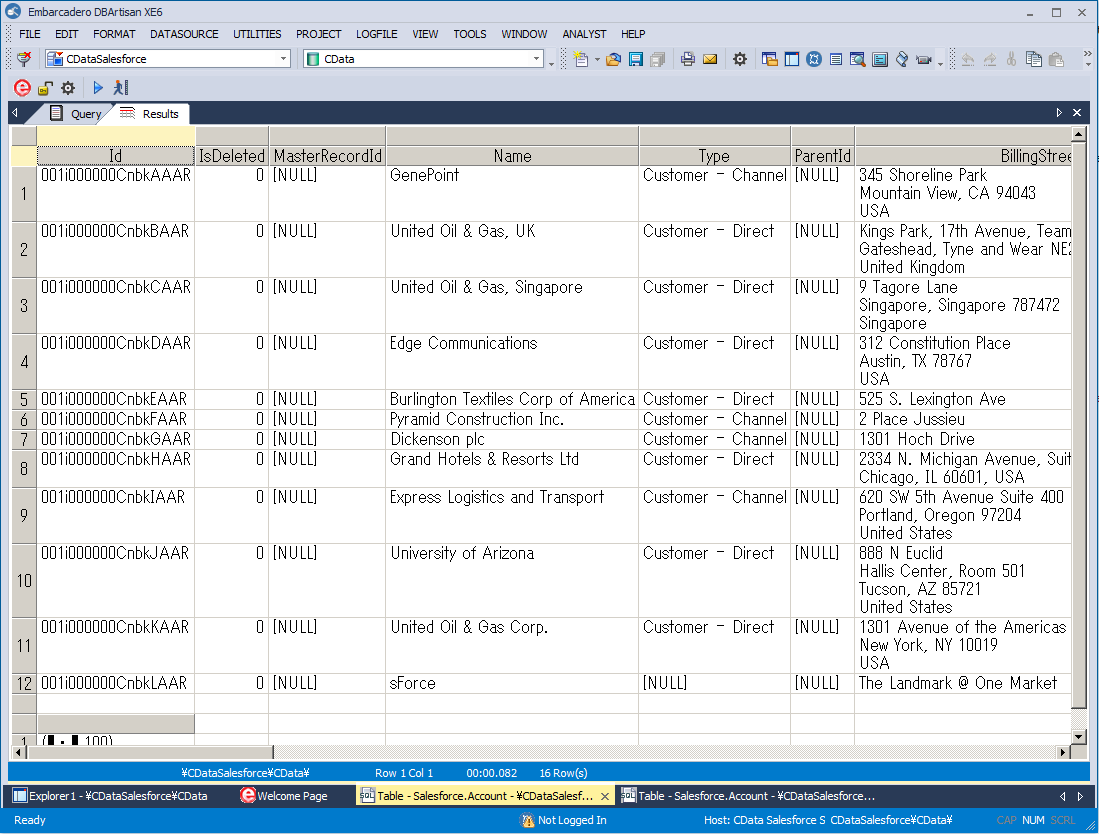
Connect to TimeCamp Data in DBArtisan

The CData ODBC Driver for TimeCamp seamlessly integrates TimeCamp data into database management tools like DBArtisan by enabling you to access TimeCamp data as a database. This article shows how to create an data source for TimeCamp in DBArtisan and execute queries. You can then edit data visually and execute standard SQL.
Integrate TimeCamp Data into DBArtisan Projects
If you have not already, first specify connection properties in an ODBC DSN (data source name). This is the last step of the driver installation. You can use the Microsoft ODBC Data Source Administrator to create and configure ODBC DSNs.
Start by setting the Profile connection property to the location of the TimeCamp Profile on disk (e.g. C:\profiles\TimeCamp.apip). Next, set the ProfileSettings connection property to the connection string for TimeCamp (see below).
TimeCamp API Profile Settings
TimeCamp uses token-based authentication. To obtain an API Token:
- Log in to your TimeCamp account at https://app.timecamp.com
- Click your profile avatar in the top-right corner
- Select Profile Settings
- Copy the API token shown at the bottom of the page
After obtaining your API Token, set the following connection properties:
- AuthScheme: Set this to APIKey.
Set the following in the ProfileSettings connection property:
- APIKey: Set this to your TimeCamp API token.
You can then follow the steps below to register TimeCamp data as a database instance in your project:
- In DBArtisan, click Data Source -> Register Datasource.
- Select Generic ODBC.
- Enter a name for the data source and select the DSN.
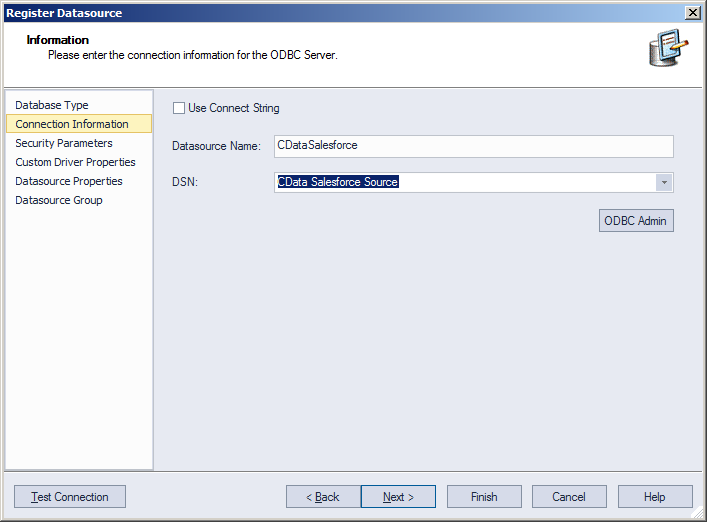
- Finish the wizard to connect to TimeCamp data. TimeCamp entities are displayed in the Datasource Explorer.
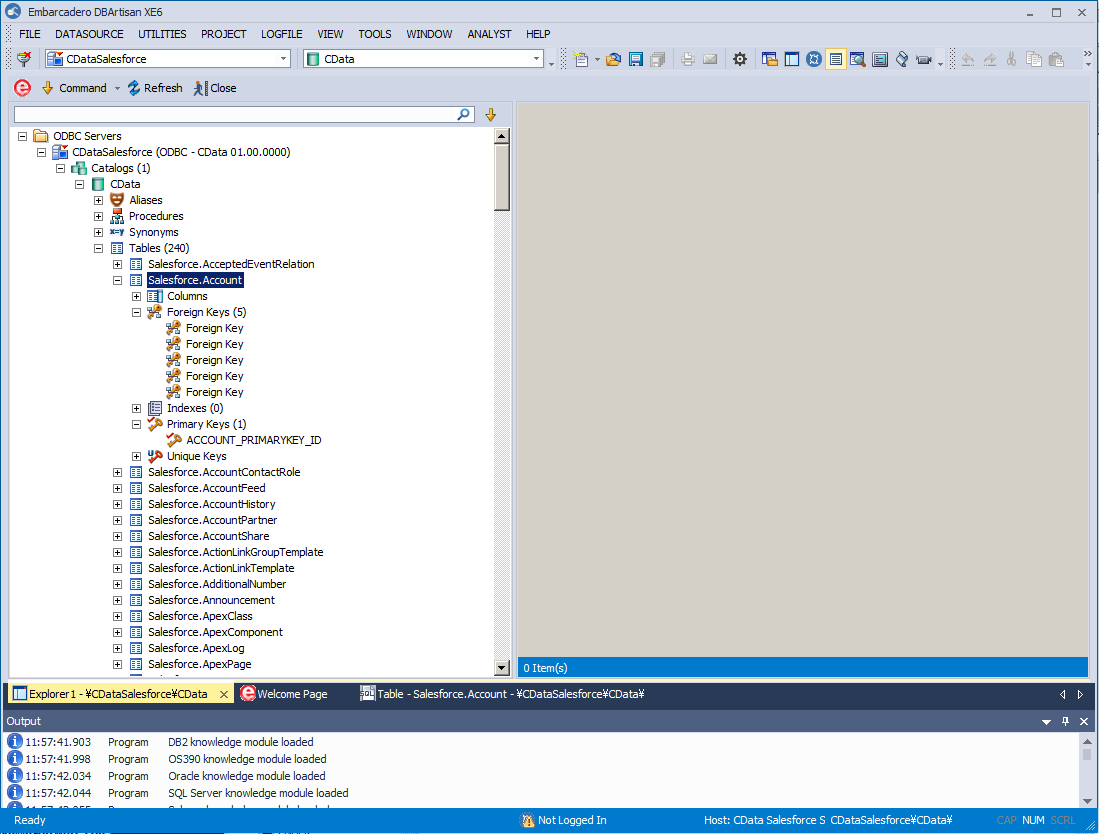
You can now work with TimeCamp data as you work with any other database. See the driver help documentation for more information on the queries supported by the TimeCamp API.