Connect to UKG Pro HCM Data in Aqua Data Studio

The CData JDBC Driver for UKG Pro HCM integrates UKG Pro HCM data with wizards and analytics in IDEs like Aqua Data Studio. This article shows how to connect to UKG Pro HCM data through the connection manager and execute queries.
Create a JDBC Data Source
You can use the connection manager to define connection properties and save them in a new JDBC data source. The UKG Pro HCM data source can then be accessed from Aqua Data Studio tools.
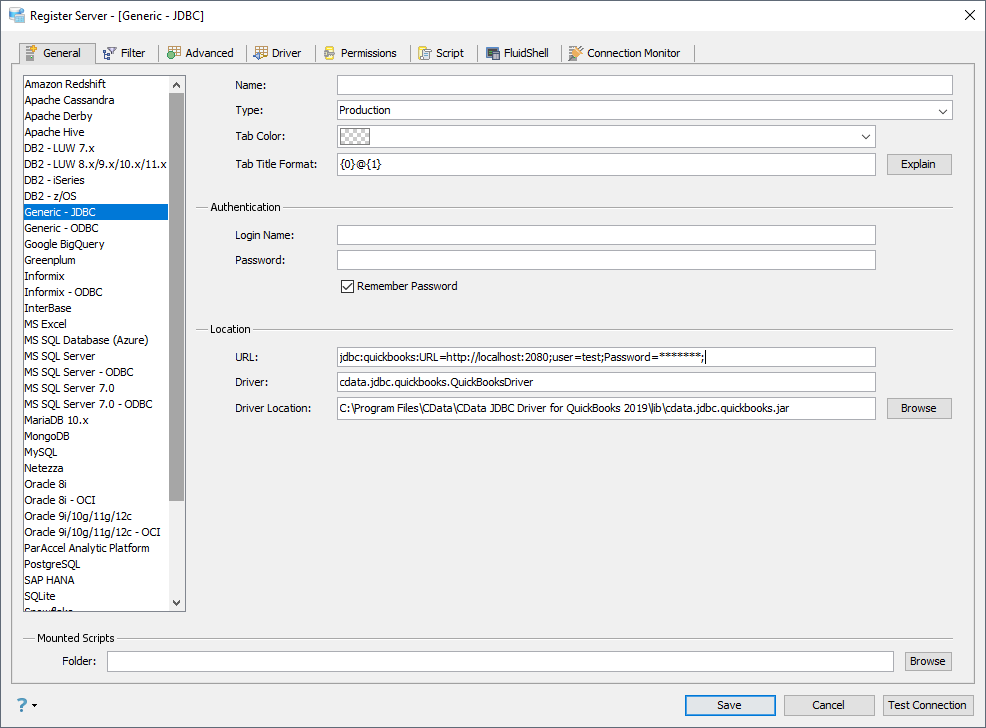
- In Aqua Data Studio, select Register Server from the Servers menu.
- In the Register Server form, select the 'Generic - JDBC' connection.
- Enter the following JDBC connection properties:
- Name: Enter a name for the data source; for example, UKG Pro HCM.
- Driver Location: Click the Browse button and select the cdata.jdbc.api.jar file, located in the lib subfolder of the installation directory.
- Driver: Enter the Driver's class name, cdata.jdbc.api.APIDriver.
URL: Enter the JDBC URL, which starts with jdbc:api: and is followed by a semicolon-separated list of connection properties.
Start by setting the Profile connection property to the location of the UKGProHCM Profile on disk (e.g. C:\profiles\UKGProHCM.apip). Next, set the ProfileSettings connection property to the connection string for UKGProHCM (see below).
UKGProHCM API Profile Settings
UKG Pro HCM uses Basic authentication combined with a customer API key to authorize access to the API. To connect, you will need your UKG Pro HCM credentials and a customer API key issued by UKG.
Set the following connection properties to authenticate:
- AuthScheme: Set this to Basic.
- User: Set this to your UKG Pro HCM username.
- Password: Set this to your UKG Pro HCM password.
- ProfileSettings: Set this to a semicolon-separated list containing:
- Host: Your UKG Pro HCM tenant hostname (e.g., yourcompany.ultipro.com).
- CustomerAPIKey: Your UKG customer API key. This is passed as the US-CUSTOMER-API-KEY request header on each API call.
To obtain your customer API key, contact your UKG Pro HCM administrator or refer to the UKG Developer Portal at https://developer.ukg.com.
Built-in Connection String Designer
For assistance in constructing the JDBC URL, use the connection string designer built into the UKG Pro HCM JDBC Driver. Either double-click the JAR file or execute the jar file from the command-line.
java -jar cdata.jdbc.api.jarFill in the connection properties and copy the connection string to the clipboard.
 A typical JDBC URL is below:
jdbc:api:Profile=C:\profiles\UKGProHCM.apip;AuthScheme=Basic;User=your_username;Password=your_password;ProfileSettings='Host=yourcompany.ultipro.com;CustomerAPIKey=your_customer_api_key';
Query UKG Pro HCM Data
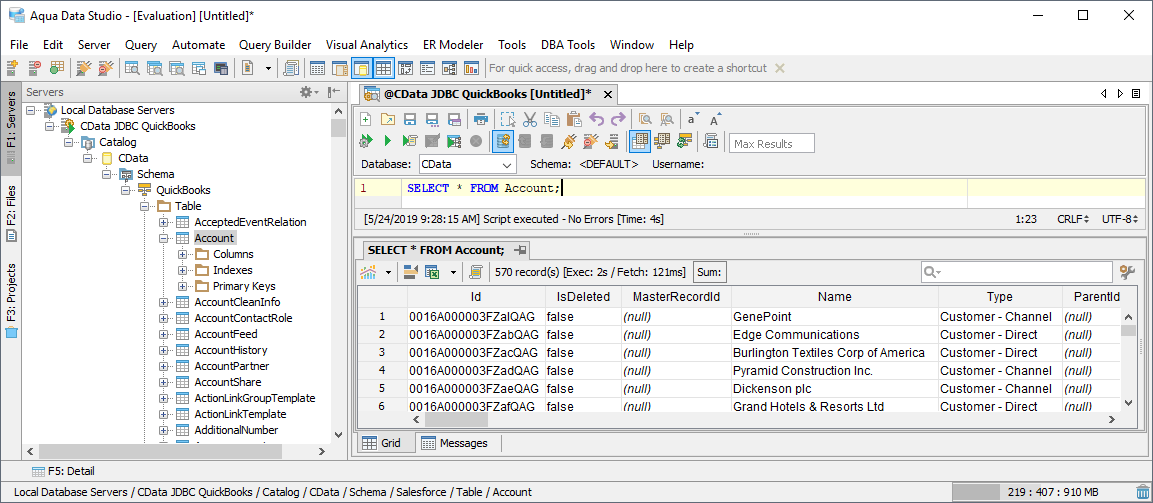
You can now query the tables exposed.