Excel Spreadsheet Automation on ZenRows Data with the QUERY Formula

The CData Excel Add-In for ZenRows provides formulas that can query ZenRows data. The following three steps show how you can automate the following task: Search ZenRows data for a user-specified value and then organize the results into an Excel spreadsheet.
The syntax of the CDATAQUERY formula is the following:
=CDATAQUERY(Query, [Connection], [Parameters], [ResultLocation]);
This formula requires three inputs:
- Query: The declaration of the ZenRows data records you want to retrieve, written in standard SQL.
Connection: Either the connection name, such as APIConnection1, or a connection string. The connection string consists of the required properties for connecting to ZenRows data, separated by semicolons.
Start by setting the Profile connection property to the location of the ZenRows Profile on disk (e.g. C:\profiles\ZenRows.apip). Next, set the ProfileSettings connection property to the connection string for ZenRows (see below).
ZenRows API Profile Settings
To use the ZenRows API, you need to obtain an API key from your ZenRows account. Navigate to the ZenRows dashboard at app.zenrows.com and copy your API key from the account settings.
After setting the following connection properties, you are ready to connect:
- AuthScheme: Set this to APIKey.
- APIKey: Set this to your ZenRows API key.
- ResultLocation: The cell that the output of results should start from.
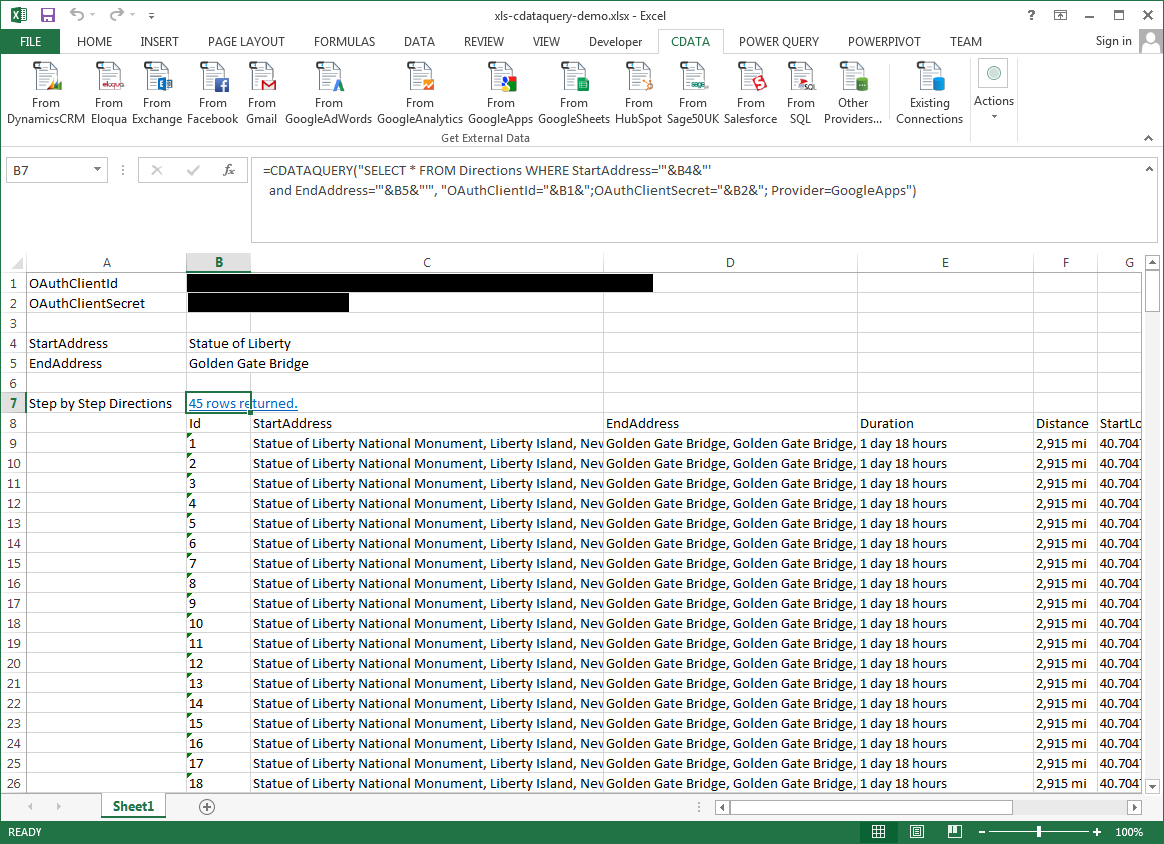
Pass Spreadsheet Cells as Inputs to the Query
The procedure below results in a spreadsheet that organizes all the formula inputs in the first column.
- Define cells for the formula inputs. In addition to the connection inputs, add another input to define a criterion for a filter to be used to search ZenRows data, such as Query.
- In another cell, write the formula, referencing the cell values from the user input cells defined above. Single quotes are used to enclose values such as addresses that may contain spaces.
- Change the filter to change the data.
=CDATAQUERY("SELECT * FROM AmazonDiscovery WHERE Query = '"&B5&"'","Profile="&B1&";AuthScheme="&B2&";ProfileSettings="&B3&";Provider=API",B6)