Enterprises choose CData to simplify SAP data integration—uniting complex environments without sacrificing performance, compliance, or speed. As SAP reports 28% year-over-year growth in its cloud revenue (Futurum Group), organizations face increased urgency to build SAP data pipelines using the best SAP extract-transform-load (ETL) tools.
Unlike common extraction methods dependent on SAP’s now-restricted Operational Data Provisioning (ODP) framework, CData takes a dual-approach using remote function call (RFC) and Open Data Protocol (OData). RFC provides high-throughput access to transactional data, while OData supports lightweight, stateless queries. This architecture eliminates reliance on ODP, ensuring business continuity and compliance as SAP enforces new constraints.
The result: faster insights, zero disruption to operations, and governed access to trusted SAP data.
Why SAP data integration remains uniquely challenging
As hybrid-cloud adoption grows at a 17.1% compound annual growth rate (CAGR) (Mordor Intelligence), SAP data landscapes have become more fragmented, customized, and difficult to extract from efficiently.
Diverse SAP environments with overlapping modules and ABAP customizations
Performance bottlenecks due to massive data volumes and legacy paging
Evolving compliance demands and new limitations from SAP
Fragmented SAP landscapes and custom modules
Most enterprises run multiple SAP systems: ECC, S/4HANA, BW, and often bespoke ABAP-based apps (Advanced Business Application Programming: SAP’s proprietary language). With SAP targeting €21.6–€21.9B in cloud revenue (Futurum Group), these systems are only getting larger and more complex.
Each module varies in schema and connection needs, complicating data unification and transformation efforts.
Performance constraints with high-volume data
Core SAP tables like BKPF (accounting documents) often contain millions of records. When teams rely solely on OData for extraction, default paging mechanisms throttle throughput and delay analytics.
CData optimizes extraction with query push-down, minimizing data movement, and parallel paging to maximize throughput across large datasets.
Governance, compliance, and the new ODP restrictions
SAP Note 3255746 formally limits customer access to ODP-based frameworks, citing compliance and platform strategy alignment. This impacts organizations bound by GDPR, DORA, and SOC 2, all of which require traceable and policy-driven access to operational data.
CData’s ODP-free design is future-proof, offering full compatibility with SAP governance standards without risking extraction disruptions.
Common extraction frameworks and their trade-offs
Framework | Best use case | Throughput | Compliance fit |
|---|
OData | Real-time queries | Low | High |
|---|
RFC | Bulk replication | High | High |
|---|
CDC (hybrid) | Change tracking | Medium | High |
|---|
OData services for transactional workloads
OData (Open Data Protocol) is a REST-based standard for fine-grained, stateless access to SAP data. It’s well-suited for real-time transactional queries but struggles with large-scale extraction due to its limited batching capabilities.
RFC calls for bulk and delta replication
RFC (Remote Function Call) is SAP’s binary protocol for deep system integration. It supports high-throughput replication and works directly with delta-compatible tables like CDHDR and CDPOS.
CData adds value with virtual SQL modeling, simplifying complex SAP joins and enabling seamless federation into analytics platforms.
Change data capture (CDC) techniques and hybrid approaches
CDC tracks updates to source data over time. Common CDC methods include log-based (low impact), timestamp (moderate accuracy), and trigger-based (flexible but intrusive).
CData recommends a hybrid approach: use RFC for the initial full load, then OData for lightweight change queries to optimize costs and latency.
Follow these five proven steps to build an enterprise-grade SAP ETL pipeline
Map business requirements to data sources
Engage stakeholders to identify KPIs and map them to SAP tables or CDS views.
Common starting points:
Financial: BKPF, BSEG, FAGLFLEXA
Supply chain: LIPS, EKPO, MARA
HR: PA0001, PA0002, PA2011
Design incremental extraction and validation
Configure RFC-based delta extraction and schema validation using tools like Great Expectations (Integrate.io).
“We recommend surfacing SAP extraction errors early by applying schema diff rules before each load,” notes a CData solutions engineer.
Automate transform and load for hybrid clouds
Use ELT pipelines into platforms like Snowflake, BigQuery, or SQL Server.
CData Sync supports job scheduling, parallel thread execution, and predictable connection-based pricing.
Tour the product
Evaluate ETL tools using key enterprise criteria
Assess platforms by their ability to meet mission-critical standards:
Connectivity breadth and depth: Must support ECC, S/4HANA, BW, CDS views, and non-SAP SaaS. CData offers hundreds of connectors.
Deployment flexibility and security: Compare self-hosted, private cloud, and SaaS. Ensure support for OAuth, SSO, and zero elevated DB privileges.
Pricing predictability and scalability: Avoid per-row fees. For example, in a similar use case, volume-based pricing costs over $30,000, vs. CData’s connection-based pricing comes in under $10,000.
Track real-world results and time-to-value
Deploy in less than 1 day
Achieve 60% faster queries
Cut TCO compared to custom integration code
Leading enterprises like Recordati put these criteria into practice to unify access.
Case study: Recordati unifies SAP and Salesforce
Pharmaceutical company Recordati integrated SAP ECC and Salesforce using CData Sync and Microsoft SSIS. With data pipelines designed around RFC and OData, the team ensured compliance with EU privacy regulations and delivered cross-platform insights to marketing and finance.
The result was unified access without manual extract workflows.
Read the case study.
Quick start guide for CData Sync for SAP
Download and install CData Sync
Connect to SAP via RFC and/or OData
Connect to your data warehouse
Schedule extraction and load jobs
Monitor status in the built-in dashboard
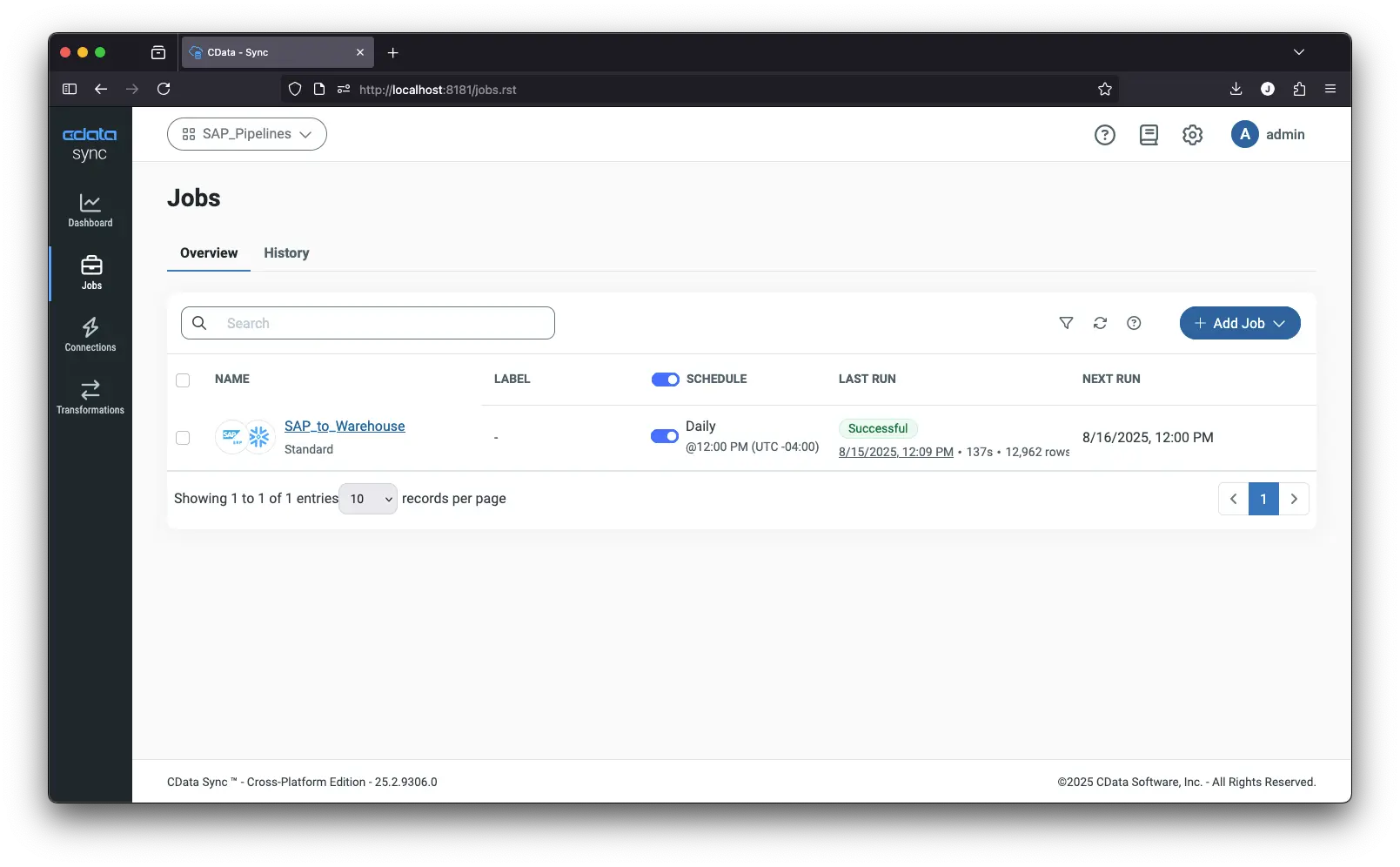
Read the full guide: Automated SAP ERP Replication to Snowflake
Frequently asked questions
Learn more about CData's SAP integration capabilities. Click each question to reveal the answer:
Does CData support SAP S/4HANA and ECC simultaneously?
Yes. CData drivers treat S/4HANA and ECC as separate connections you can run in parallel, enabling unified queries without conflict.
How does CData handle SAP schema changes?
Sync polls SAP's DD02L metadata table, detects new or altered fields, and auto-reconciles target schemas during the next job run.
What are the licensing and deployment options?
Choose self-hosted, private cloud, or CData-managed SaaS. All plans use predictable connection-based licensing with unlimited rows.
Start your SAP integration journey with CData
SAP integration is more urgent and complex than ever. CData makes it easier: avoid reliance on ODP-based extraction, preserve compliance, and accelerate analytics with a future-ready ETL stack.
Sign up for a free trial to start building your SAP integration pipeline today.





