








The Box ODBC Driver is a powerful tool that allows you to connect with live data from Box, directly from any applications that support ODBC connectivity. Access Box data like you would a database - read, write, and update Box Files, Folders, Tasks, Groups, etc. through a standard ODBC Driver interface.
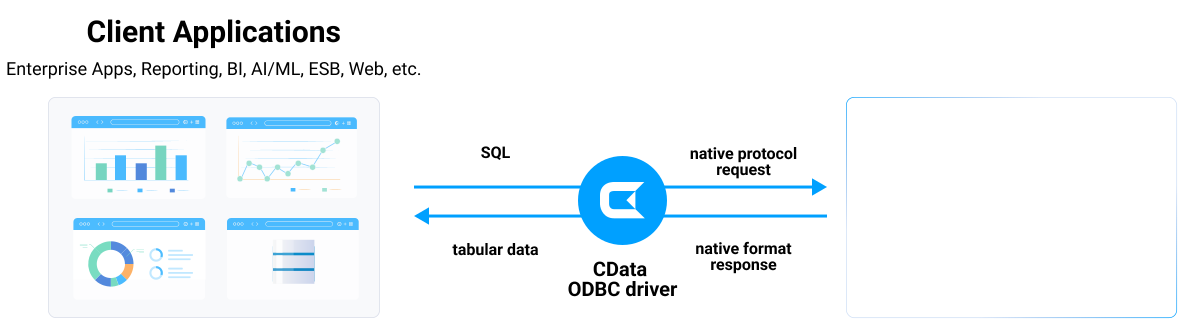
See what you can do with Box ODBC Driver
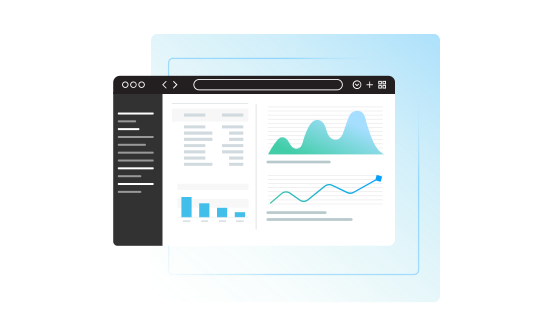
Server
Connect to Box from SQL Server as Linked-Server. You can query Box from familiar Transact-SQL without need of setting up another application.

Integrate Box to your system through popular ETL / EAI tools such as Informatica PowerCenter. Standard SQL and Stored Procedures enable fast delivery of your integration projects.

Connect Box from any ODBC compatible tools:
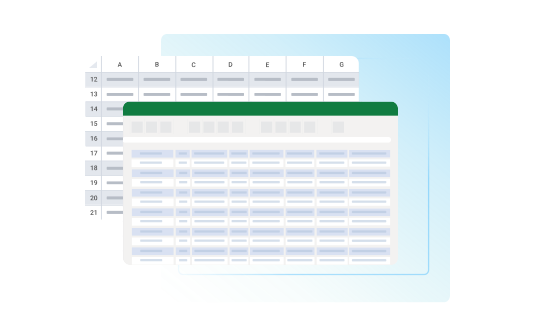
Desktop
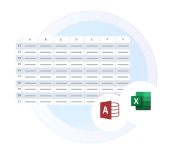
Your familiar tools can connect to Box using CData ODBC.
- Microsoft Access
- Power Query
- DBeaver
- and more
Box ODBC Connectivity Features
- Build a relational model of your Box content
- Use stored procedures to perform actions like sharing, uploading, and downloading
- Connect to live Box data, for real-time data access with the Box JDBC Driver
- Full support for data aggregation and complex JOINs in SQL queries
- Secure connectivity through modern cryptography, including TLS 1.2, SHA-256, ECC, etc.
- Seamless integration with leading BI, reporting, and ETL tools and with custom applications via the Box Connector.
Target Service, API
The driver connects to Box cloud storage via Box API. Provides SQL access to files, folders, and collaboration features.
Schema, Data Model
Models Box files and folders as relational tables. Includes metadata, permissions, and collaboration data.
Key Objects
Files, Folders, Users, Groups, Collaborations, Comments, Tasks, and Metadata. Comprehensive Box platform access.
Operations
CRUD operations on files and folders. SQL queries for search and filtering. File upload/download via stored procedures.
Authentication
OAuth 2.0 authentication with Box. JWT authentication for service accounts. Enterprise ID required for some features.
Start a 30-day free trial today
Robust ODBC access to Box
Full-featured and consistent SQL access to any supported data source through ODBC
Connect to Box—empower every team
AI-assisted development with CData CLI
Build Box integrations faster with AI that understands your schema
Schema-aware AI
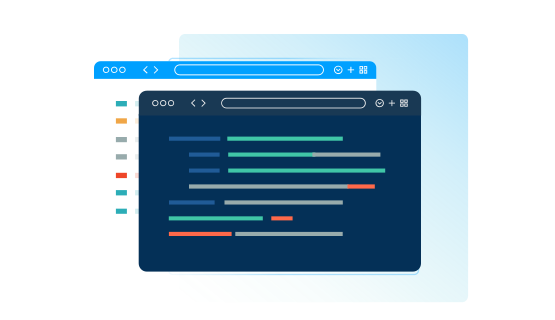
CData CLI gives AI coding tools access to your Box schema. No more guessing table names or column types—AI sees the same metadata in your ODBC Drivers.
Your AI Knows SQL
How to find table names, column names, and how to generate SQL syntax are things that AI knows well from millions of training data. No need for customization, no hallucinations. Your AI acts like a domain specialist to Box.
More Accurate, More Token-Efficient
With CData CLI's queryable schema detection and highly efficient queries with filters, aggregation, joins with correct pushdown, your AI will achieve more accuracy with less token usage.
FAQs
Frequently asked Box ODBC driver questions
Learn more about Box ODBC drivers for data and analytics integration
Download the Box ODBC Driver today!
Get the latest Box ODBC Drivers for Windows, Linux, and macOS. Install in minutes and connect your Box data to Power BI, Tableau, and more.