





Excel Add-In for Apache Parquet
Connect to live Parquet from Excel
The Parquet Excel Add-In is a powerful tool that allows you to connect with live Parquet data, directly from Microsoft Excel. Use Excel to read Parquet. Perfect for mass imports / exports, data cleansing & de-duplication, Excel based data analysis, and more!
Install the Add-In, configure your Parquet connection, and go!





Your Parquet data, your way!
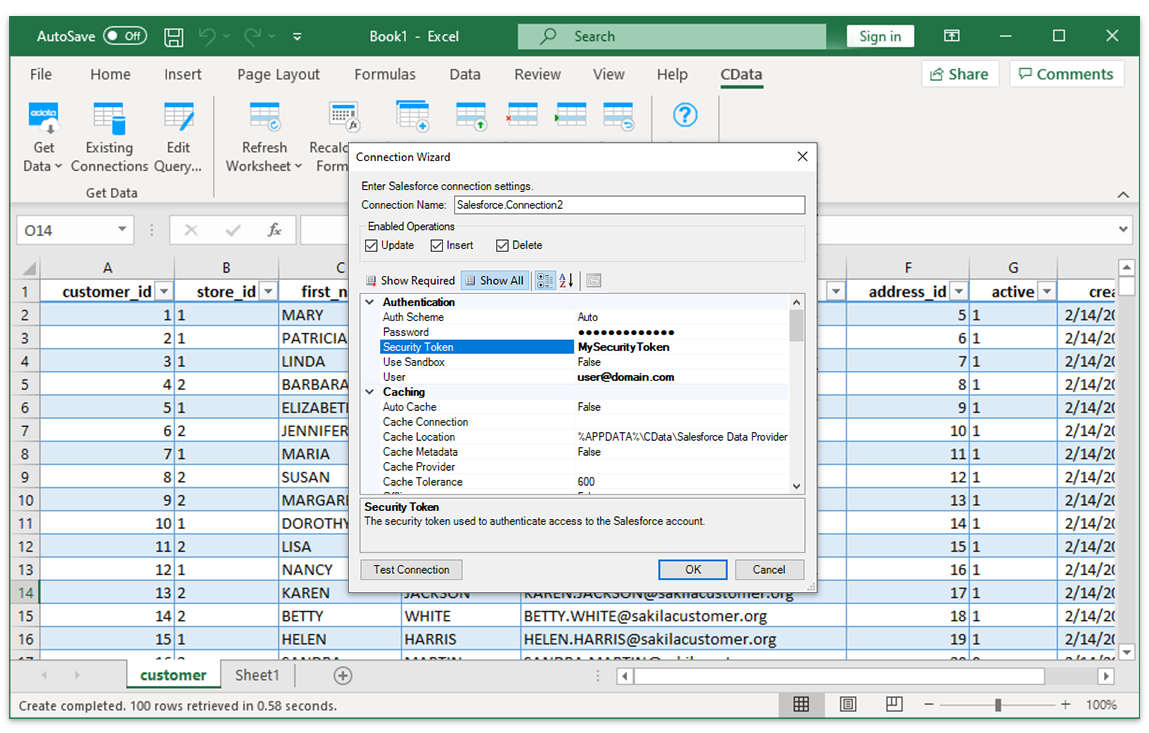
The Excel Add-In for Parquet provides the easiest way to connect with Apache Parquet data. Users simply supply their credentials via the connection wizard to create a connection and can immediately begin working with live Apache Parquet tables of data. The Excel Add-In is completely self-contained; no additional software installation is required.
Access Parquet data directly from Excel
Direct Access
Direct access to live Apache Parquet Data from Excel
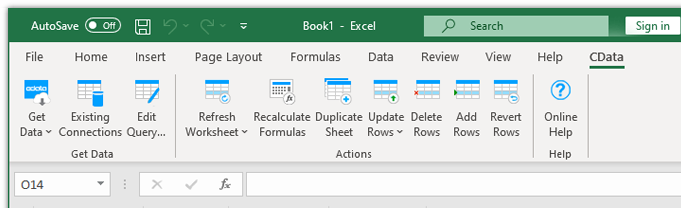
The Excel Add-In for Parquet is integrated with the Excel toolbar and ribbon, providing direct access to live data with a single click.
Setup
Easy-to-use, straightforward configuration
- Install the Add-In
- Login with user & password
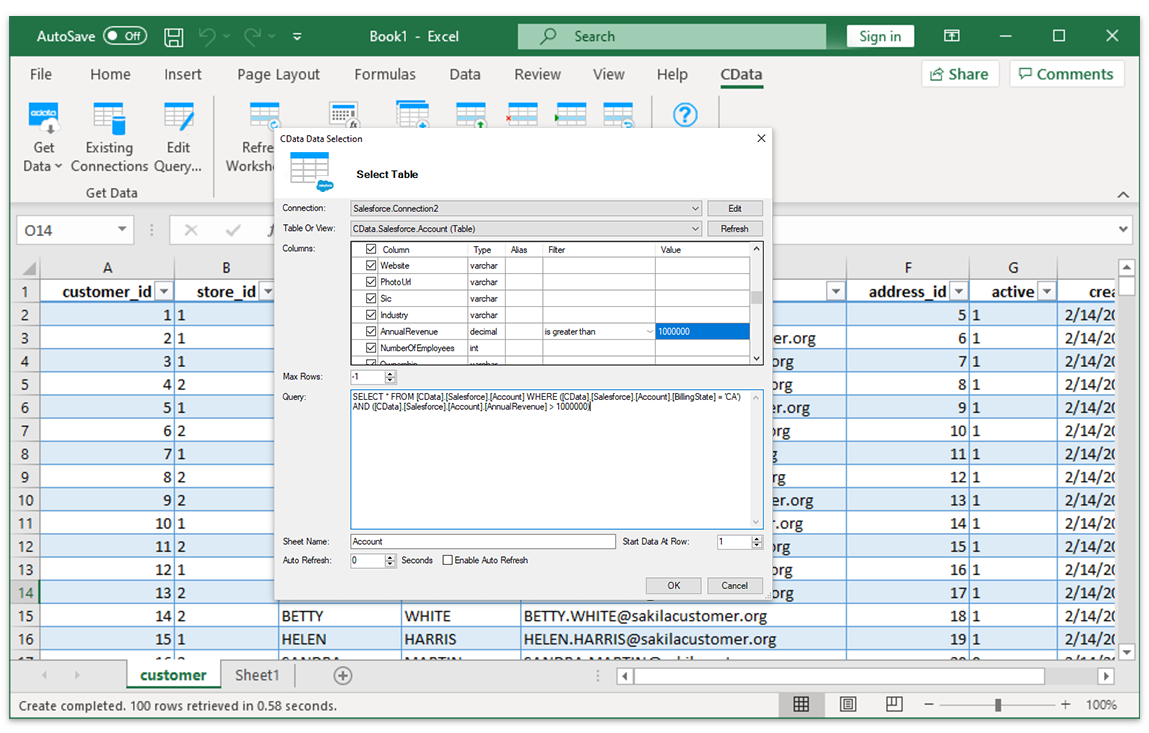
- Select tables
Installing the CData Parquet Excel Add-In creates a dedicated toolbar in Excel, giving users instant access to Apache Parquet data for faster data analysis and reporting. From the Excel toolbar, users can select any of the installed CData Add-Ins to configure a connection.
Data Selection
Select tables and columns
Once the data connection is configured, just specify the table and the Excel Add-In will populate a new Excel sheet with live Apache Parquet Data.
Data Analysis
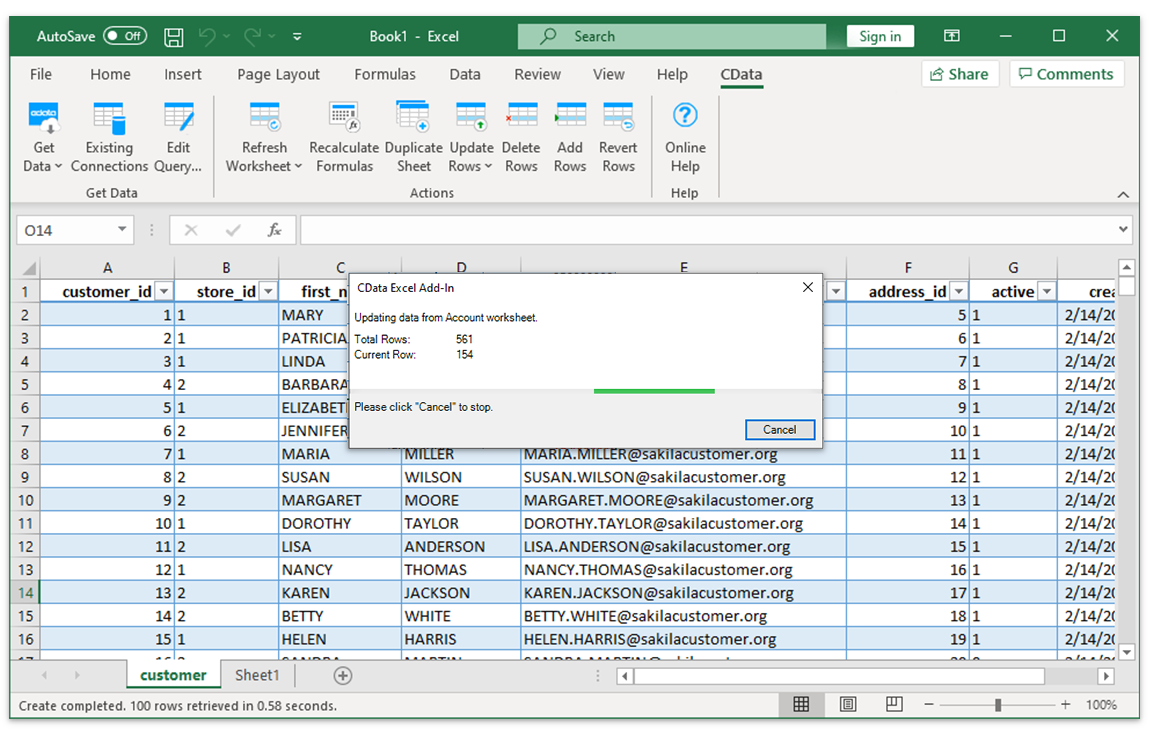
Apache Parquet Data with the full power of Excel
Perfect for mass imports, data cleansing & de-duplication, Excel-based data analysis, and more!
- Quickly export and backup data.
- Operate on data with Charts and Pivot Tables.
FAQs
Frequent Parquet Excel connectivity questions
Common questions about integrating Parquet with Microsoft Excel.
Popular Excel Videos:

Download the Parquet Excel Add-In
Building custom dashboards & reports that connect with live Parquet data has never been easier. Download the CData Excel Add-In for Parquet now, and get connected.