HBase Drivers & Connectors for Data Integration

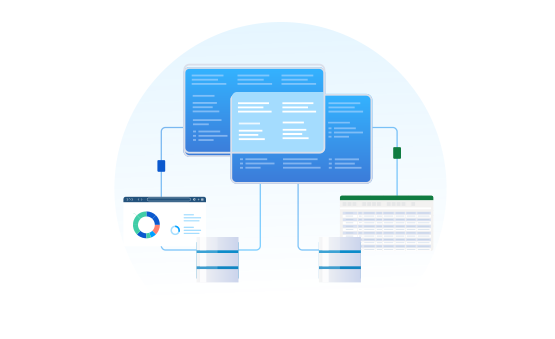
Connect to live Apache HBase NoSQL databases from BI, analytics, and reporting tools through bi-directional data drivers. Easily integrate HBase data with BI, Reporting, Analytics, ETL Tools, and Custom Solutions.

Decorative Icon HBase Logo

Other Technologies


BI & Analytics


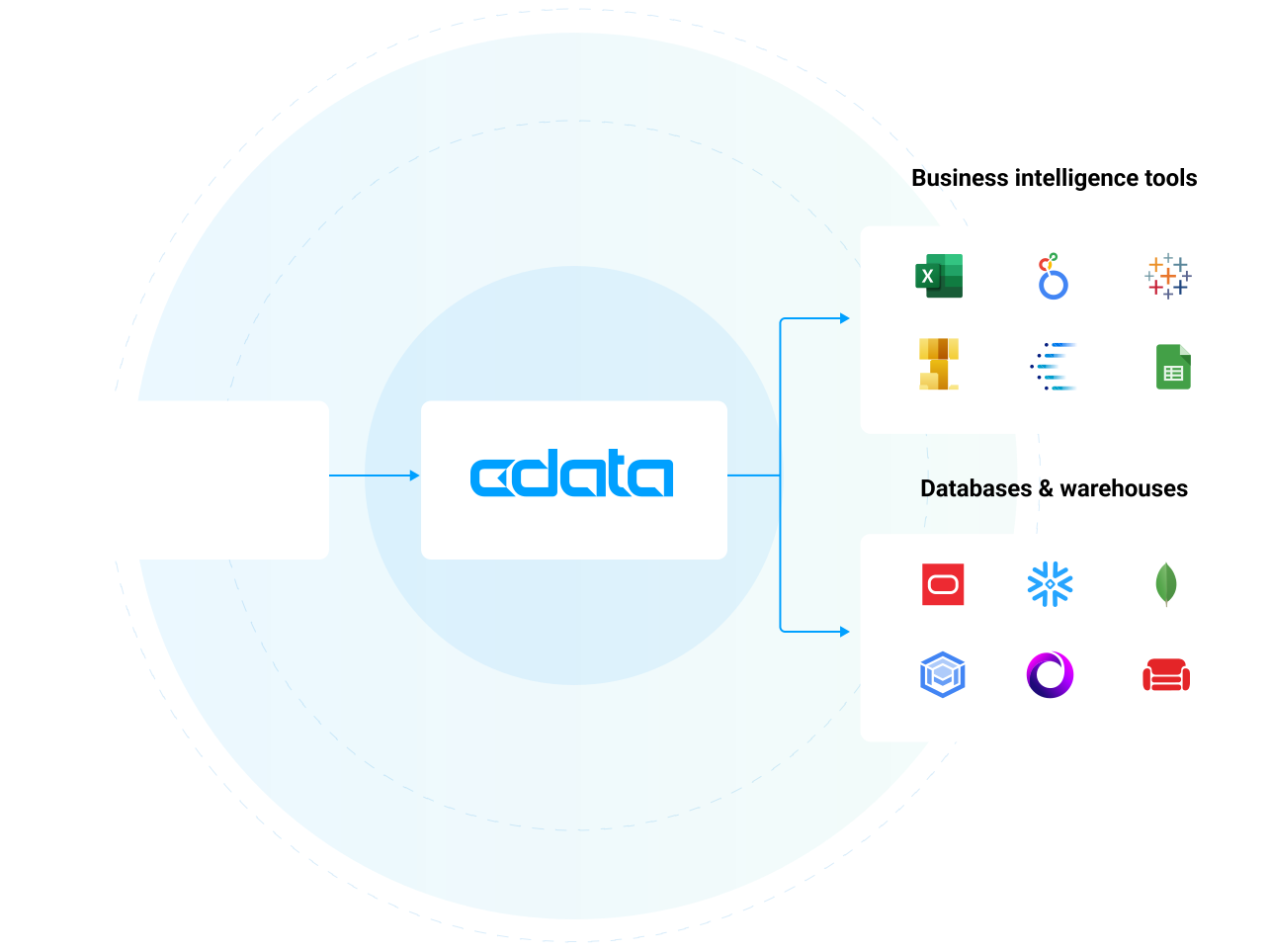
Our drivers offer the fastest and easiest way to connect real-time HBase data with BI, analytics, reporting and data visualization technologies. They provide unmatched query performance, comprehensive access to HBase data and metadata, and seamlessly integrate with your favorite analytics tools.

LEARN MORE: Connectivity for BI & Analytics

Popular BI & Analytics Integrations


Alteryx Designer: Prepare, Blend, and Analyze HBase in Alteryx Designer (ODBC) Alteryx Designer: Work with Live HBase Data in Alteryx Designer (Connect AI) Amazon QuickSight: Build Interactive Dashboards from HBase Data in Amazon QuickSight Amazon SageMaker: Integrate Live HBase data into Amazon SageMaker Canvas Aqua Data Studio: Connect to HBase in Aqua Data Studio AWS Databricks: Process & Analyze HBase Data in Databricks (AWS) Azure Analysis Services: Model HBase Data Using Azure Analysis Services Birst: Build Visualizations of HBase in Birst BIRT: Design BIRT Reports on HBase Clear Analytics: Build Charts with HBase in Clear Analytics Cognos Analytics (On-Prem): Analyze HBase Data in Cognos Analytics DBxtra: Build Dashboards with HBase in DBxtra Domo: Create Datasets from HBase in Domo Workbench Dundas BI: Build Dashboards with HBase in Dundas BI FineReport: Feed HBase into FineReport Gecokboard: Create Dashboards and Visualize Live HBase Data in Geckoboard Google Sheets: Access Live HBase Data in Google Sheets Grafana: Create HBase-Connected Dashboards in Grafana IBM Cognos BI: Create Data Visualizations in Cognos BI with HBase Infragistics Reveal: Analyze HBase Data in Infragistics Reval JasperServer: Create HBase Reports on JasperReports Server Jaspersoft BI Suite: Connect to HBase in Jaspersoft Studio JReport Designer: Integrate with HBase in JReport Designer Klipfolio: Create HBase-Connected Visualizations in Klipfolio KNIME: Enable the HBase JDBC Driver in KNIME LINQPad: Working with HBase in LINQPad Looker: Analyze HBase Data in Looker Looker Studio: Create Reports from HBase Data in Looker Studio Metabase: Create Interactive HBase-Connected Metabase Dashboards Microsoft Excel: Access Live HBase Data in Excel Desktop Microsoft Excel for the Web: Access Live HBase Data in Excel for the Web Microsoft SSAS: Build an OLAP Cube in SSAS from HBase MicroStrategy: Connect to Live HBase Data in MicroStrategy through Connect AI MicroStrategy: Use the CData JDBC Driver for HBase in MicroStrategy Microstrategy Desktop: Use the CData JDBC Driver for HBase in MicroStrategy Desktop Microstrategy Web: Use the CData JDBC Driver for HBase in MicroStrategy Web Mode Analytics: Create HBase-Connected Visualizations in Mode OBIEE: HBase Reporting in OBIEE with the HBase JDBC Driver pandas: Use pandas to Visualize HBase in Python Pentaho Report Designer: Integrate HBase in the Pentaho Report Designer Power BI Desktop: Author Power BI Reports on Real-Time HBase Power BI Service: Visualize Live HBase Data in the Power BI Service Power Pivot: Access HBase Data in Microsoft Power Pivot Power Query: Access HBase Data in Microsoft Power Query Qlik Cloud: Create Apps from HBase Data in Qlik Sense Cloud QlikView: Connect to and Query HBase in QlikView over ODBC R: Analyze HBase in R (JDBC) R: Analyze HBase in R (ODBC) RapidMiner: Connect to HBase in RapidMiner Redash: Query, Visualize, and Share live HBase Data in Redash SAP Analytics Cloud: Analyze HBase Data in SAP Analytics Cloud SAP Business Objects: Create an SAP BusinessObjects Universe on the CData JDBC Driver for HBase SAP Crystal Reports: Publish Reports with HBase in Crystal Reports (JDBC) SAP Crystal Reports: Publish Reports with HBase in Crystal Reports (Connect AI) SAS: Use the CData ODBC Driver for HBase in SAS for Real-Time Reporting and Analytics SAS JMP: Use the CData ODBC Driver for HBase in SAS JMP SAS Viya: Analyze Live HBase Data in SAS Viya Sisense: Visualize Live HBase in Sisense Spago BI: Connect to HBase in SpagoBI Tableau: Visualize HBase in Tableau Desktop Tableau: Visualize HBase in Tableau Desktop (Connect AI) Tableau Cloud: Build HBase Visualizations in Tableau Cloud Tableau Server: Publish HBase-Connected Dashboards in Tableau Server ThoughtSpot: Model, Search, and Visualize Live HBase Data in ThoughtSpot TIBCO Spotfire: Visualize HBase in TIBCO Spotfire through ADO.NET TIBCO Spotfire Server: Operational Reporting on HBase from Spotfire Server Visio: Link Visio Shapes to HBase Zoho Analytics: Create HBase-Connected Dashboards in Zoho Analytics

ETL, Replication, & Warehousing


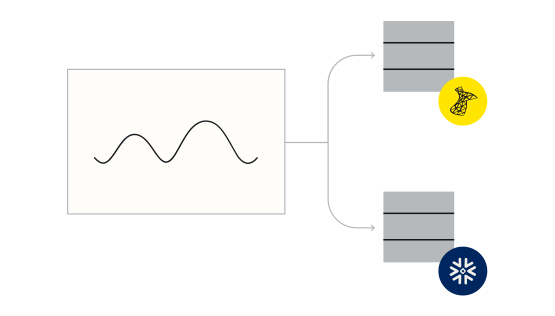
From drivers and adapters that extend your favorite ETL tools with HBase connectivity to ETL/ELT tools for HBase data integration — our HBase integration solutions provide robust, reliable, and secure data movement.

Connect your RDBMS or data warehouse with HBase to facilitate operational reporting, offload queries and increase performance, support data governance initiatives, archive data for disaster recovery, and more.


Popular Data Warehousing Integrations


Airbyte: Connect to HBase Data in Airbyte ELT Pipelines Amazon Redshift: Automated Continuous HBase Replication to Amazon Redshift Amazon S3: Automated Continuous HBase Replication to Amazon S3 Apache Airflow: Bridge HBase Connectivity with Apache Airflow Apache Camel: Integrate with HBase using Apache Camel Apache Cassandra: Automated Continuous HBase Replication to Apache Cassandra Apache Kafka: Automated Continuous HBase Replication to Apache Kafka Apache NiFi: Bridge HBase Connectivity with Apache NiFi Apache NiFi Batch Operations: Perform Batch Operations with HBase Data in Apache NiFi AWS Glue: Build ETL Jobs with HBase Data in AWS Glue Jobs Azure Data Factory: Import HBase Data Using Azure Data Factory Azure Data Lake: Automated Continuous HBase Replication to Azure Data Lake Azure Synapse: Automated Continuous HBase Replication to Azure Synapse BIML: Use Biml to Build SSIS Tasks to Replicate HBase to SQL Server CloverDX: Connect to HBase in CloverDX (formerly CloverETL) Couchbase: Automated Continuous HBase Replication to Couchbase CSV: Automated Continuous HBase Replication to Local Delimited Files Databricks: Automated Continuous HBase Replication to Databricks ETL Validator: How to Work with HBase in ETL Validator FoxPro: Work with HBase in FoxPro Google AlloyDB: Automated Continuous HBase Replication to Google AlloyDB Google BigQuery: Automated Continuous HBase Replication to Google BigQuery Google Cloud SQL: Automated Continuous HBase Replication to Google Cloud SQL Google Data Fusion: Build HBase-Connected ETL Processes in Google Data Fusion Google Data Fusion: Build Pipelines with Live HBase Data in Google Cloud Data Fusion (CData Connect AI) Heroku / Salesforce Connect: Replicate HBase for Use in Salesforce Connect HULFT Integrate: Connect to HBase in HULFT Integrate IBM DB2: Automated Continuous HBase Replication to IBM DB2 Informatica Cloud: Integrate HBase in Your Informatica Cloud Instance Informatica PowerCenter: Create Informatica Mappings From/To a JDBC Data Source for HBase Jaspersoft ETL: Connect to HBase in Jaspersoft Studio Microsoft Azure Tables: Automated Continuous HBase Replication to Azure SQL Microsoft Excel: Transfer Data from Excel to HBase Microsoft Power Automate: Build HBase-Connected Automated Tasks with Power Automate (Desktop) Microsoft OneLake: Automated Continuous HBase Replication to Microsoft OneLake (Fabric} MongoDB: Automated Continuous HBase Replication to MongoDB MySQL: Automated Continuous HBase Replication to MySQL Oracle Data Integrator: ETL HBase in Oracle Data Integrator Oracle Database: Automated Continuous HBase Replication to Oracle Pentaho Data Integration: Integrate HBase in Pentaho Data Integration petl: Extract, Transform, and Load HBase in Python PostgreSQL: Automated Continuous HBase Replication to PostgreSQL SAP HANA: Automated Continuous HBase Replication to SAP HANA SingleStore: Automated Continuous HBase Replication to SingleStore SnapLogic: Integrate HBase with External Services using SnapLogic (JDBC) SnapLogic: Integration with HBase Data in SnapLogic (Connect AI) Snowflake: Automated Continuous HBase Replication to Snowflake SQL Server: Automated Continuous HBase Replication to SQL Server SQL Server Linked Server: Connect to HBase Data as a SQL Server Linked Server SQLite: Automated Continuous HBase Replication to SQLite Talend: Connect to HBase and Transfer Data in Talend UiPath Studio: Create an RPA Flow that Connects to HBase in UiPath Studio Vertica: Automated Continuous HBase Replication to a Vertica Database Workato: Build Automated Workflows with Live HBase Data in Workato Zapier: Build Automated HBase-Connected Workflows in Zapier

Workflow & Automation Tools


Connect to HBase from popular data migration, ESB, iPaaS, and BPM tools.

Our drivers and adapters provide straightforward access to HBase data from popular applications like BizTalk, MuleSoft, SQL SSIS, Microsoft Flow, Power Apps, Talend, and many more.

Popular Workflow & Automation Tool Integrations


Developer Tools & Technologies


The easiest way to integrate with HBase from anywhere. Our HBase drivers offer a data-centric model for HBase that dramatically simplifies integration — allowing developers to build higher quality applications, faster than ever before. Learn more about the benefits for developers:


Popular Developer Integrations


AWS Lambda: Access Live HBase Data in AWS Lambda Axios: Build HBase-Connected Web Apps with Axios and CData Connect AI .NET Charts: DataBind Charts to HBase .NET QueryBuilder: Rapidly Develop HBase-Driven Apps with Active Query Builder Apache Spark: Work with HBase in Apache Spark Using SQL AppSheet: Create HBase-Connected Business Apps in AppSheet Bubble.io: Build HBase-Connected Apps in Bubble C++Builder: DataBind Controls to HBase Data in C++Builder Choreo: Build Custom Apps on HBase Data in Choreo Claude Code: Build HBase-Powered Applications in Claude Code with CData MCP Server ColdFusion: Query HBase in ColdFusion Using JDBC ColdFusion: Query HBase in ColdFusion Using ODBC Cursor: Build HBase-Powered Applications in Cursor with CData MCP Server Dash: Use Dash & Python to Build Web Apps on HBase Delphi: DataBind Controls to HBase Data in Delphi DevExpress: DataBind HBase to the DevExpress Data Grid EF - Code First: Access HBase with Entity Framework 6 EF - LINQ: LINQ to HBase EF - MVC: Build MVC Applications with Connectivity to HBase Filemaker Pro: Bidirectional Access to HBase from FileMaker Pro Filemaker Pro (on Mac): Bidirectional Access to HBase from FileMaker Pro (on Mac) Gemini Code Assist: Build HBase-Powered Applications in Gemini Code Assist with CData MCP Server GitHub Copilot: Build HBase-Powered Applications in GitHub Copilot with CData MCP Server Go: Write a Simple Go Application to work with HBase on Linux Google Apps Script: Connect to HBase Data in Google Apps Script Hibernate: Object-Relational Mapping (ORM) with HBase Entities in Java IntelliJ: Connect to HBase in IntelliJ JBoss: Connect to HBase from a Connection Pool in JBoss JDBI: Create a Data Access Object for HBase using JDBI JetBrains RubyMine: Integrate HBase with JetBrains RubyMine Jitterbit: Integrate with Live HBase Data in Jitterbit JRuby: Connect to HBase in JRuby Lazarus IDE: Easily Integrate HBase Data in Lazarus Pascal IDE Mendix: Build HBase-Connected Apps in Mendix (Connect AI) Mendix: Build HBase-Connected Apps in Mendix (JDBC) Microsoft Power Apps: Integrate Live HBase Data into Custom Business Apps Built in Power Apps NodeJS: Query HBase Data in Node.js (via Connect AI) NodeJS: Query HBase through ODBC in Node.js OutSystems: Create HBase-Connected Enterprise Applications in OutSystems Perplexity Desktop: How to Query Live HBase Data in Perplexity Desktop PHP: Natively Connect to HBase in PHP PowerBuilder: Connect to HBase from PowerBuilder PyCharm: Using the CData ODBC Driver for HBase in PyCharm Python: Connect to HBase in Python on Linux/UNIX Retool: Build HBase-Connected Apps in Retool Ruby: Connect to HBase in Ruby RunMyProcess: Connect to HBase Data in RunMyProcess RunMyProcess DSEC: Connect to HBase in DigitalSuite Studio through RunMyProcess DSEC Servoy: Build HBase-Connected Apps in Servoy Spring Boot: Access Live HBase Data in Spring Boot Apps SQLAlchemy: Use SQLAlchemy ORMs to Access HBase in Python Tomcat: Configure the CData JDBC Driver for HBase in a Connection Pool in Tomcat Unqork: Create HBase-Connected Applications in Unqork VCL App (RAD Studio): Build a Simple VCL Application for HBase WebLogic: Connect to HBase from a Connection Pool in WebLogic


When Only the Best HBase Drivers Will Do

See what customers have to say about our products and support.


Frequently Asked HBase Driver Questions

Learn more about HBase drivers & connectors for data and analytics integration


The HBase driver acts like a bridge that facilitates communication between various applications and HBase, allowing the application to read, write, and update data as if it were a relational database. The HBase driver abstracts the complexities of HBase APIs, authentication methods, and data types, making it simple for any application to connect to HBase data in real-time via standard SQL queries.

Working with a HBase Driver is different than connecting with HBase through other means. HBase API integrations require technical experience from a software developer or IT resources. Additionally, due to the constant evolution of APIs and services, once you build your integration you have to constantly maintain HBase integration code moving forward.

By comparison, our HBase Drivers offer codeless access to live HBase data for both technical and non-technical users alike. Any user can install our drivers and begin working with live HBase data from any client application. Because our drivers conform to standard data interfaces like ODBC, JDBC, ADO.NET etc. they offer a consistent, maintenance-free interface to HBase data. We manage all of the complexities of HBase integration within each driver and deploy updated drivers as systems evolve so your applications continue to run seamlessly.

If you need truly zero-maintenance integration, check out connectivity to HBase via CData Connect AI. With Connect AI you can configure all of your data connectivity in one place and connect to HBase from any of the available Cloud Drivers and Client Applications. Connectivity to HBase is managed in the cloud, and you never have to worry about installing new drivers when HBase is updated.

Many organizations draw attention to their library of connectors. After all, data connectivity is a core capability needed for applications to maximize their business value. However, it is essential to understand exactly what you are getting when evaluating connectivity. Some vendors are happy to offer connectors that implement basic proof-of-concept level connectivity. These connectors may highlight the possibilities of working with HBase, but often only provide a fraction of capability. Finding real value from these connectors usually requires additional IT or development resources.

Unlike these POC-quality connectors, every CData HBase driver offers full-featured HBase data connectivity. The CData HBase drivers support extensive HBase integration, providing access to all of the HBase data and meta-data needed by enterprise integration or analytics projects. Each driver contains a powerful embedded SQL engine that offers applications easy and high-performance access to all HBase data. In addition, our drivers offer robust authentication and security capabilities, allowing users to connect securely across a wide range of enterprise configurations. Compare drivers and connectors to read more about some of the benefits of CData's driver connectivity.

With our drivers and connectors, every data source is essentially SQL-based. The CData HBase driver contains a full SQL-92 compliant engine that translates standard SQL queries into HBase API calls dynamically. Queries are parsed and optimized for each data source, pushing down as much of the request to HBase as possible. Any logic that can not be pushed to HBase is handled transparently client-side by the driver/connector engine. Ultimately, this means that HBase looks and acts exactly like a database to any client application or tool. Users can integrate live HBase connectivity with ANY software solution that can talk to a standard database.

The HBase drivers and connectors offer comprehensive access to HBase data. Our HBase driver exposes static and dynamic data and metadata, providing universal access to HBase data for any enterprise analytics or data mangement use. To explore the HBase driver data model, please review the edition-specific HBase driver documentation.

Using the CData HBase drivers and connectors, HBase can be easily integrated with almost any application. Any software or technology that can integrate with a database or connect with standards-based drivers like ODBC, JDBC, ADO.NET, etc., can use our drivers for live HBase data connectivity. Explore some of the more popular HBase data integrations online.

Additionally, since HBase supported by CData Connect AI, we enable all kinds of new HBase cloud integrations.

HBase Analytics and HBase Cloud BI integration is universally supported for BI and data science. In addition, CData provides native client connectors for popular analytics applications like Power BI, Tableau, and Excel that simplify HBase data integration. Additionally, native Python connectors are widely available for data science and data engineering projects that integrate seamlessly with popular tools like Pandas, SQLAlchemy, Dash, and Petl.

HBase data integration is typically enabled with CData Sync, a robust any-to-any data pipeline solution that is easy to set up, runs everywhere, and offers comprehensive enterprise-class features for data engineering. CData Sync makes it easy to replicate HBase data any database or data warehouse, and maintain parity between systems with automated incremental HBase replication. In addition, our HBase drivers and connectors can be easily embedded into a wide range of data integration tools to augment existing solutions.

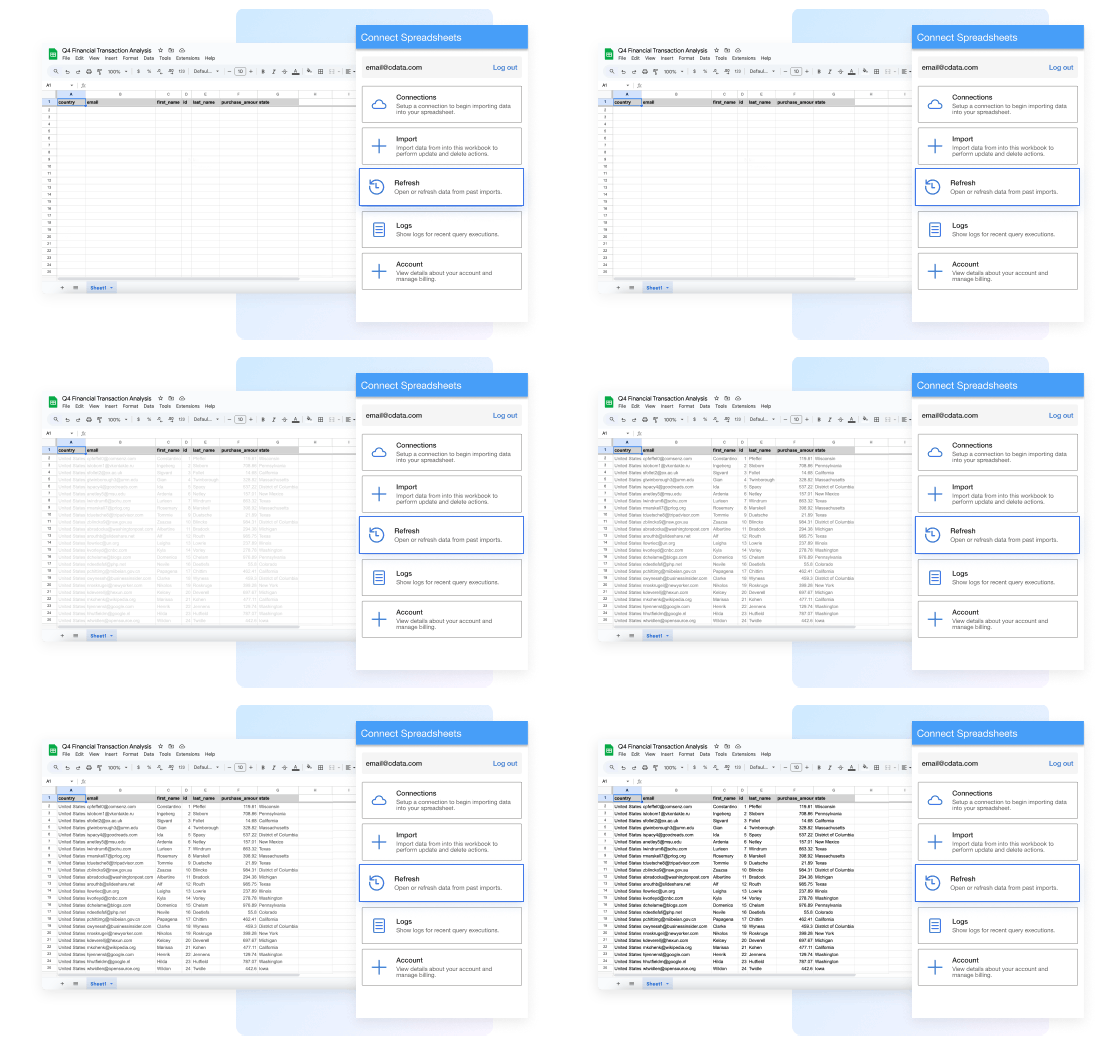
Absolutely. The best way to integrate HBase with Excel is by using the CData Connect AI Excel Add-In. The HBase Excel Add-In provides easy HBase integration directly from Microsoft Excel Desktop, Mac, or Web (Excel 365). Our integration offers live bi-directional access to HBase data directly from Excel. Simply configure your connection to HBase from the easy-to-use cloud interface, and access HBase just like you would another native Excel data source.