






Connect to Oracle Eloqua Reporting from Asprova with CData ODBC Driver for Oracle Eloqua Reporting

The CData ODBC driver for Oracle Eloqua Reporting enables you to access Oracle Eloqua Reporting data from Asprova. In this article, you will import Oracle Eloqua Reporting data into item data in Asprova as an example.
Asprova setting
-
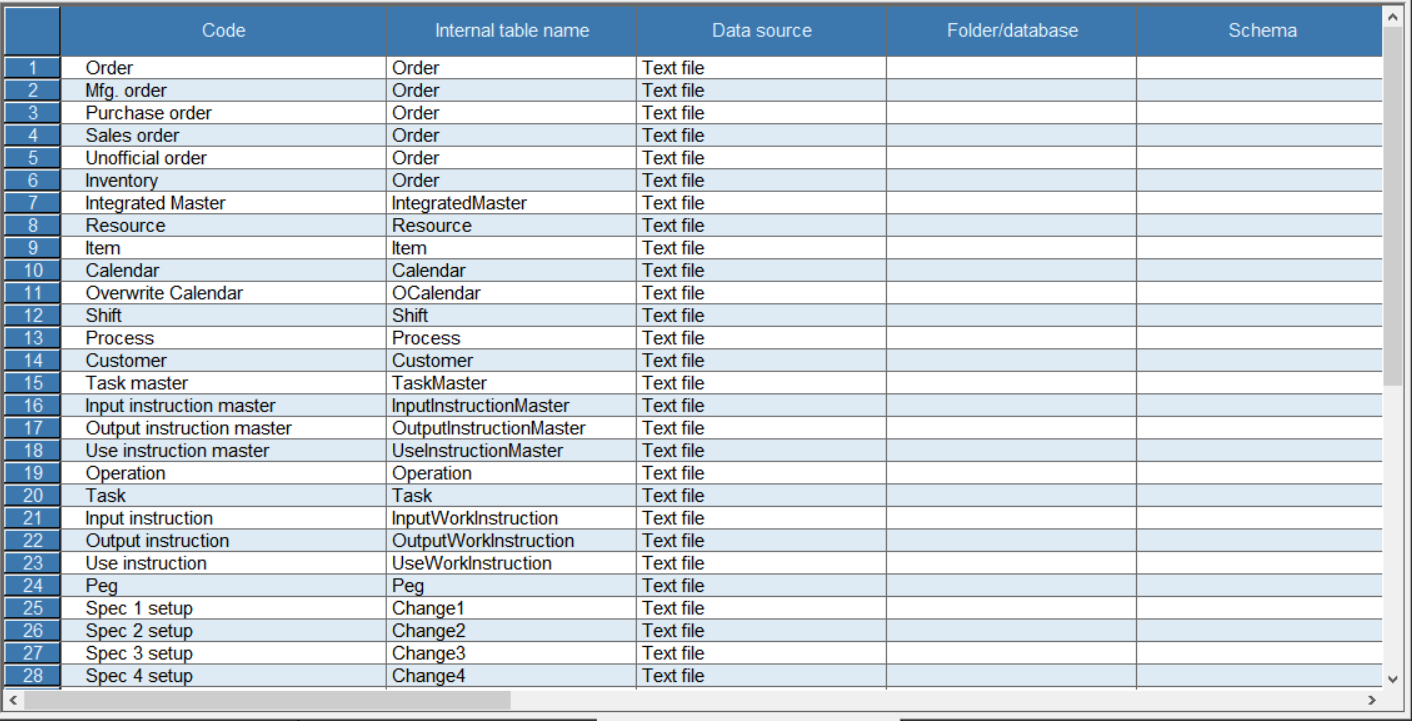
Click File -> Data I/O Settings.
-
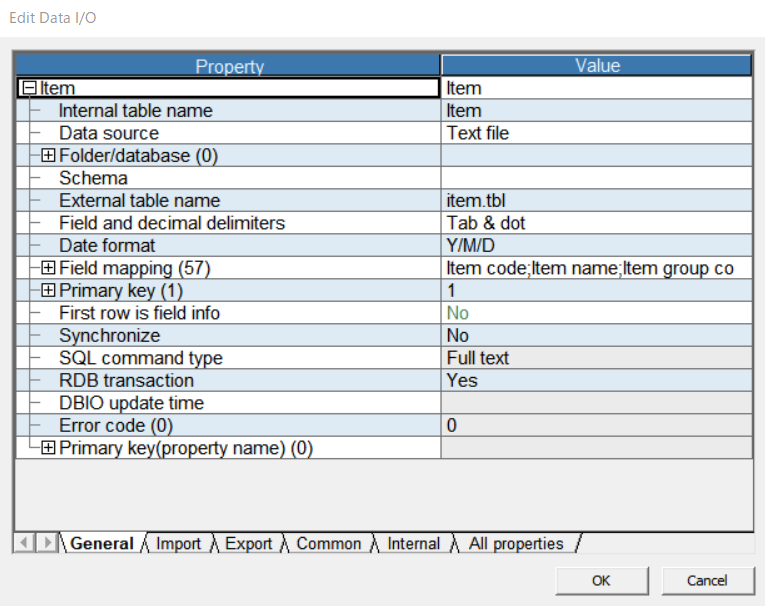
Double click the header of Item and open the Edit I/O dialog.
-
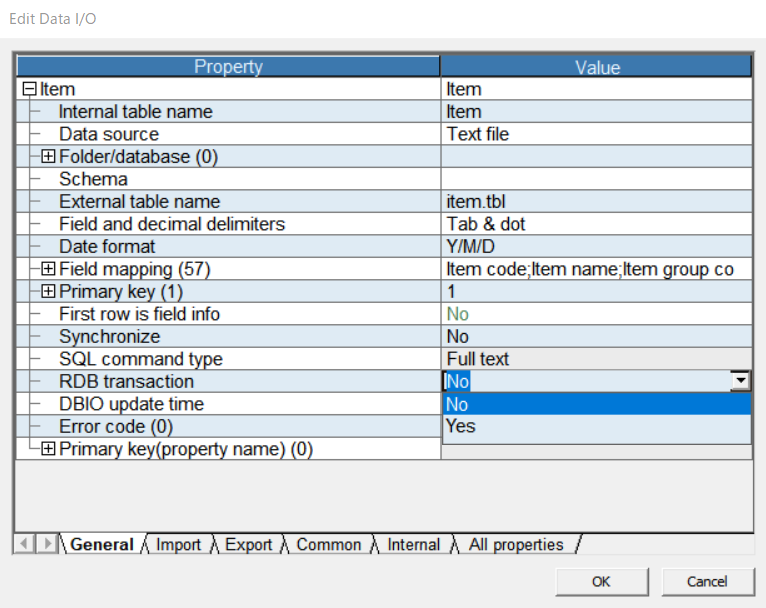
Select "No" from the RDB transaction combo box and close the dialog.
Data driver setting
-
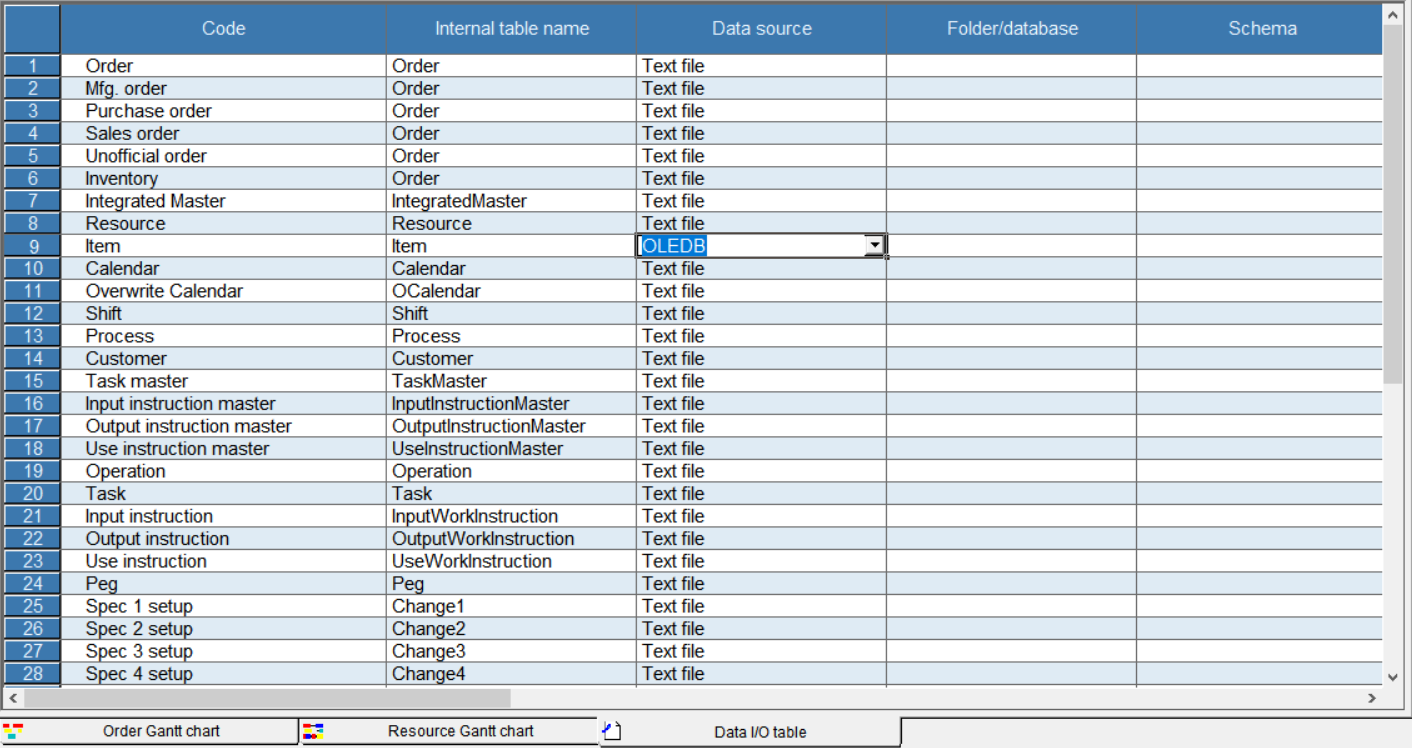
Select "OLE DB" from combo box in "Data source" column.
-
Click button in Folder/database column and open the Data Link Property dialog. Select "Microsoft OLE DB Provider for ODBC Drivers" from the list of data provider.
-
Select the Connection tab. Check "Use data source name" and select "CData Oracle Eloqua Reporting Source" from DSN combo box.
-
Click the Test Connection button and make sure you see the message "Connection successful".
Schema setting
-
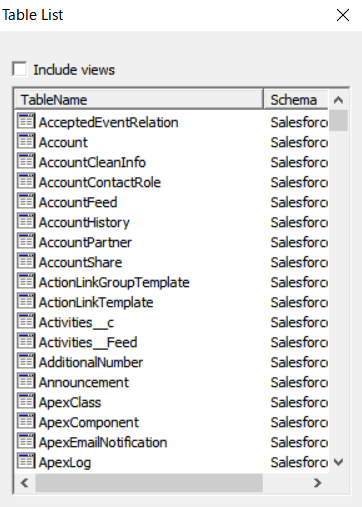
Click the button in "External table name" column and open the Table List dialog. Make sure tables in Oracle Eloqua Reporting are listed in the dialog.
-
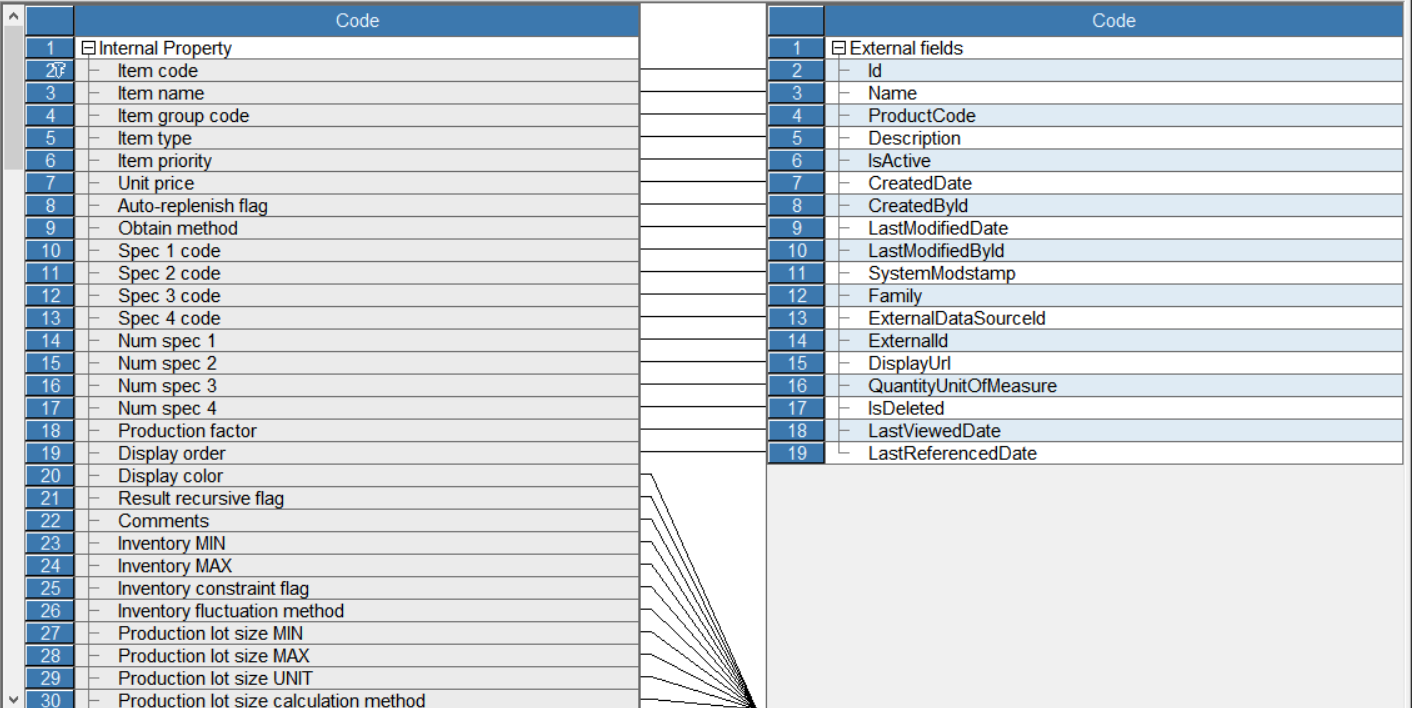
Click the button in "Field mapping" column and open the Item-Field Mapping dialog.
-
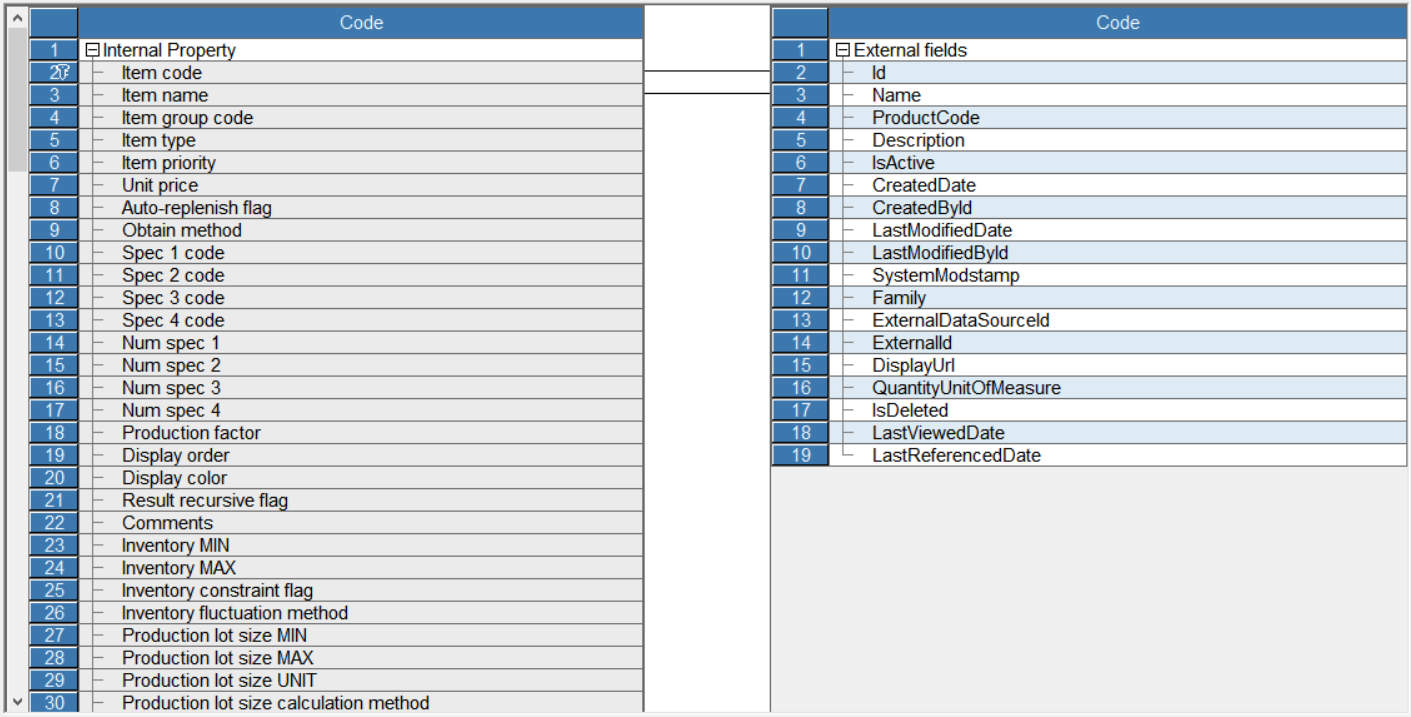
Open the context menu in the space between tables and click Delete All. Link corresponding fields by dragging mouse.
-
Click File > Import and data will be imported into Asprova.
Check data
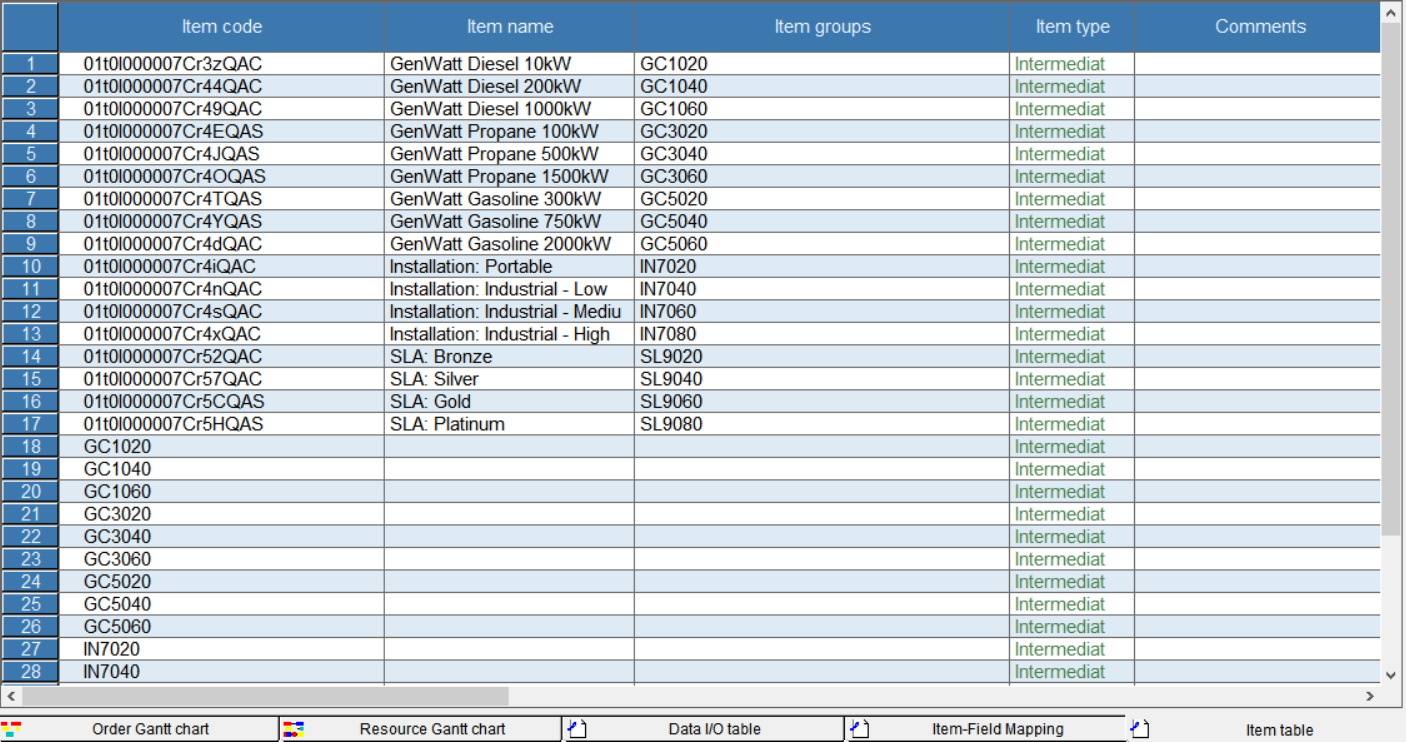
Click Table View > Item. Be sure you can see the item data stored in Oracle Eloqua Reporting.
Ready to get started?
Download a free trial of the Oracle Eloqua Reporting ODBC Driver to get started:
Download NowLearn more:
 Oracle Eloqua Reporting ODBC Driver
The Oracle Eloqua Reporting ODBC Driver is a powerful tool that allows you to connect with live data from Oracle Eloqua Reporting, directly from any applications that support ODBC connectivity.
Access Oracle Eloqua Reporting data like you would a database - read, write, and update Oracle Eloqua Reporting 0, etc. through a standard ODBC Driver interface.
