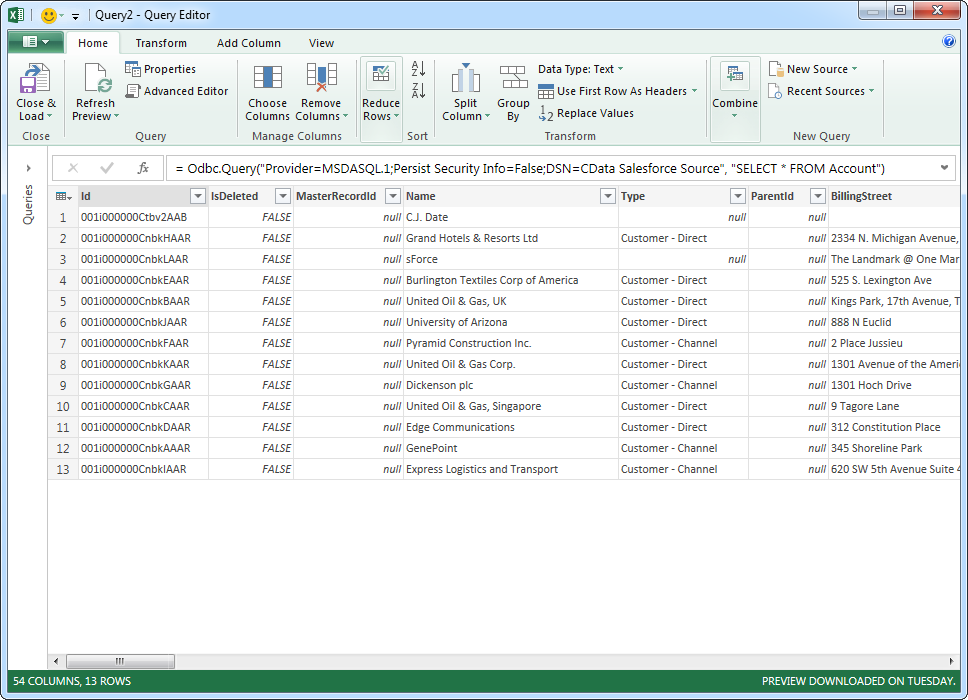
Use the CData ODBC Driver for Halo Service Desk in Microsoft Power Query

The CData ODBC Driver for Halo Service Desk enables you to link to Halo Service Desk data in Microsoft Power Query, ensuring that you see any updates. This article details how to use the ODBC driver to import Halo Service Desk data into Microsoft Power Query.
Connect to Halo Service Desk as an ODBC Data Source
If you have not already, first specify connection properties in an ODBC DSN (data source name). This is the last step of the driver installation. You can use the Microsoft ODBC Data Source Administrator to create and configure ODBC DSNs.
Start by setting the Profile connection property to the location of the HaloServiceDesk Profile on disk (e.g. C:\profiles\HaloServiceDesk.apip). Next, set the ProfileSettings connection property to the connection string for HaloServiceDesk (see below).
HaloServiceDesk API Profile Settings
HaloServiceDesk uses API key authentication. You can find or create API keys in HaloServiceDesk under Administration > Integrations > Halo API.
Set the following connection properties to connect:
- AuthScheme: Set this to APIKey.
- APIKey: Set this to the API key from your HaloServiceDesk account.
- Domain: Set this to the hostname of your HaloServiceDesk instance (e.g. yourcompany.haloservicedesk.com).
Import Halo Service Desk Data
Follow the steps below to import Halo Service Desk data using standard SQL:
-
From the ribbon in Excel, click Power Query -> From Other Data Sources -> From ODBC.
- Enter the ODBC connection string. Below is a connection string using the default DSN created when you install the driver:
Provider=MSDASQL.1;Persist Security Info=False;DSN=CData API Source -
Enter the SELECT statement to import data with. For example:
SELECT Id, InventoryNumber FROM Assets WHERE ClientId = '1'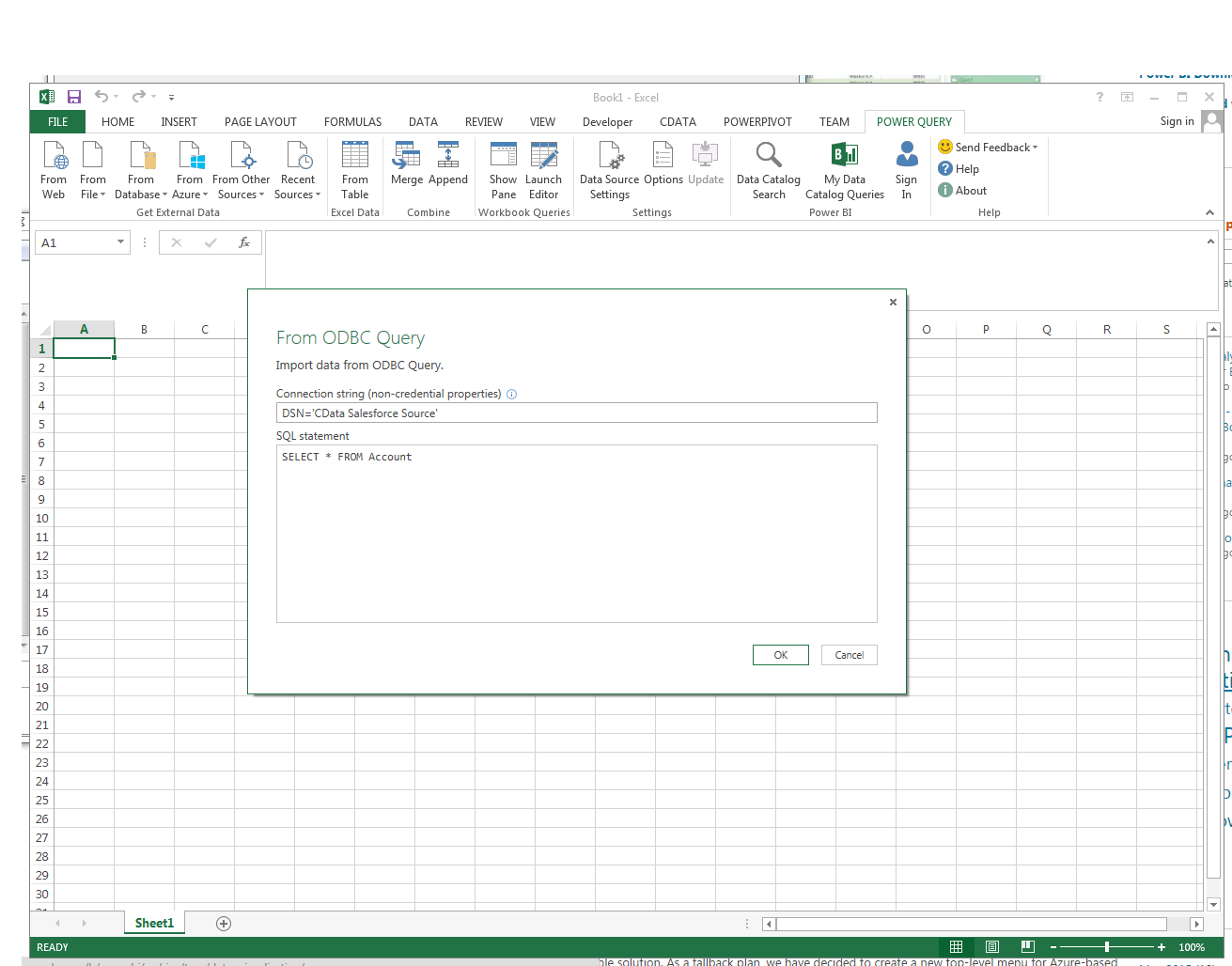
Enter credentials, if required, and click Connect. The results of the query are displayed in the Query Editor Preview. You can combine queries from other data sources or refine the data with Power Query formulas. To load the query to the worksheet, click the Close and Load button.