






Use Claude to Talk to Your HubSpot Data via CData Connect AI

Claude is a family of advanced large language models (LLMs) built by Anthropic, an AI research company founded in 2021. These models power the Claude conversational assistant and developer tools.
CData Connect AI offers a dedicated cloud-to-cloud interface for connecting to HubSpot data. The CData Connect AI Remote MCP Server enables secure communication between Claude and HubSpot. This allows you to ask questions and take actions on your HubSpot data using Claude, all without the need for data replication to a natively supported database. With its inherent optimized data processing capabilities, CData Connect AI efficiently channels all supported SQL operations, including filters and JOINs, directly to HubSpot. This leverages server-side processing to swiftly deliver the requested HubSpot data.
About HubSpot Data Integration
CData provides the easiest way to access and integrate live data from HubSpot. Customers use CData connectivity to:
- Access HubSpot without worrying about API updates or changes.
- Access custom objects and fields in HubSpot with no extra configuration steps involved.
- Use SQL stored procedures to perform functional operations like uploading or downloading attachments, inserting engagements, and creating or deleting custom objects or fields.
Users frequently integrate HubSpot with analytics tools such as Tableau, Power BI, and Excel, and leverage our tools to replicate HubSpot data to databases or data warehouses.
To learn about how other customers are using CData's HubSpot solutions, check out our blog: Drivers in Focus: Simplified HubSpot Connectivity.
Getting Started
Step 1: Configure HubSpot Connectivity for Claude
Connectivity to HubSpot from Claude is made possible through CData Connect AI Remote MCP. To interact with HubSpot data from Claude, we start by creating and configuring a HubSpot connection in CData Connect AI.
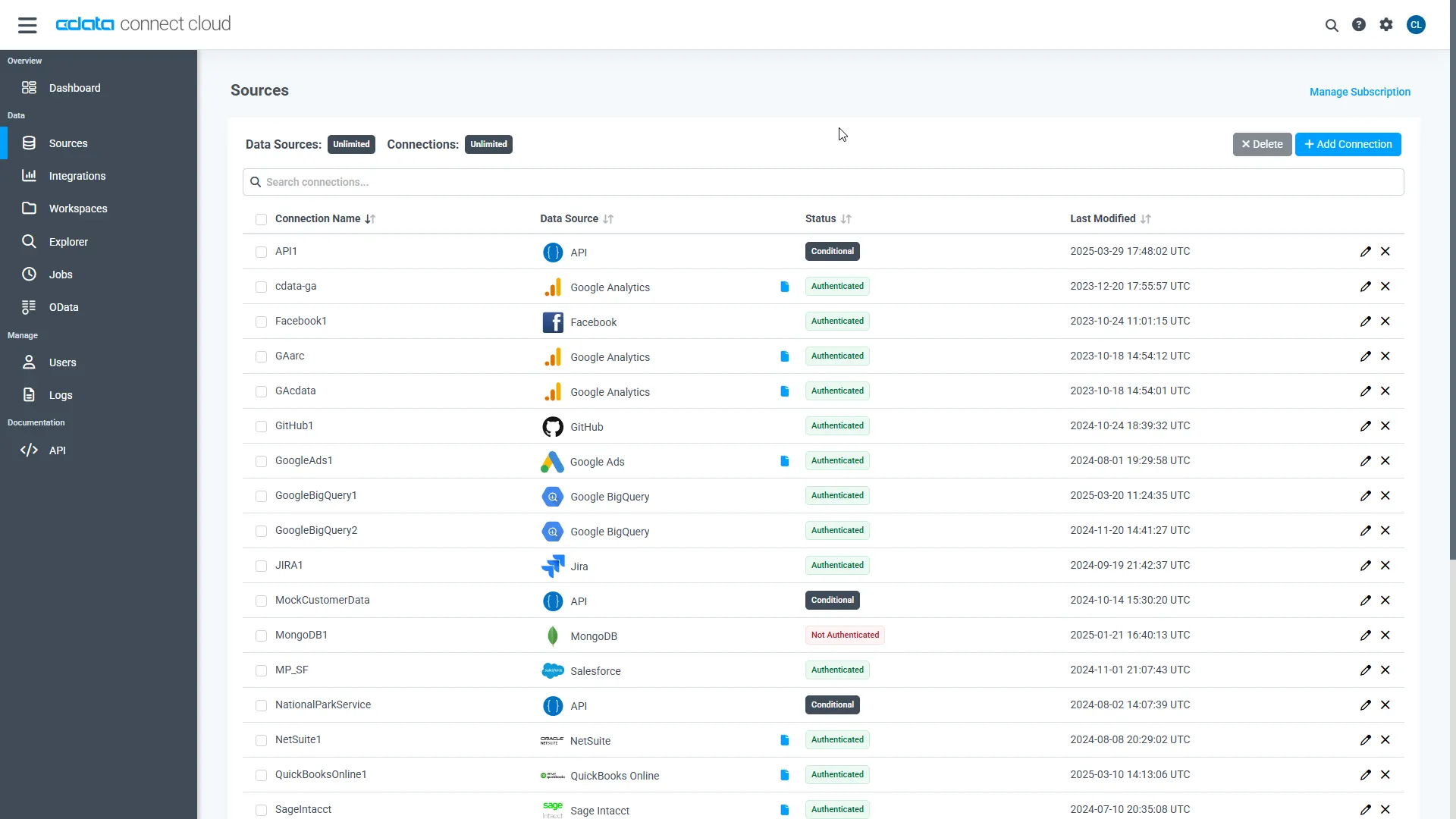
- Log into Connect AI, click Sources, and then click Add Connection
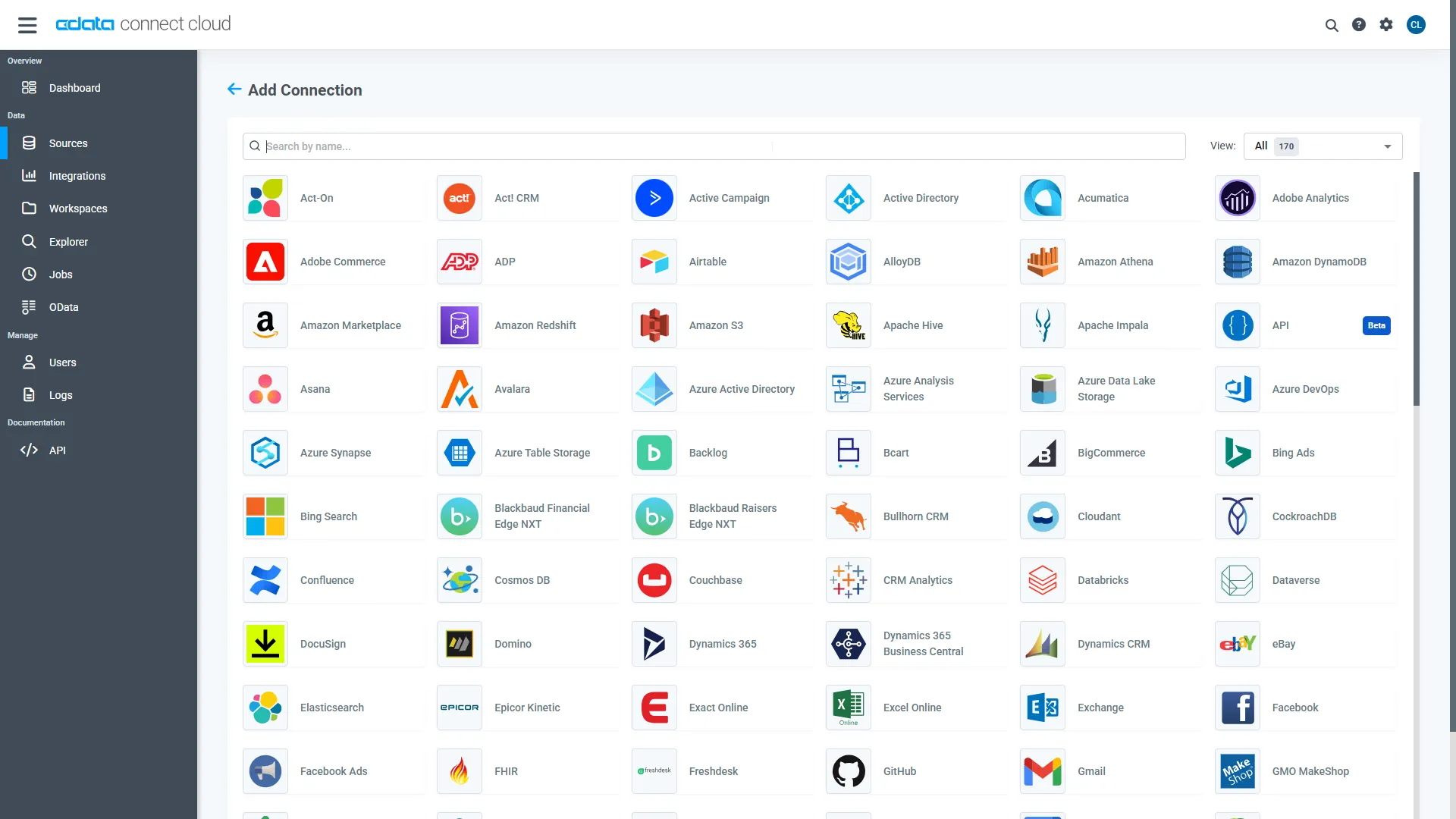
- Select "HubSpot" from the Add Connection panel
-
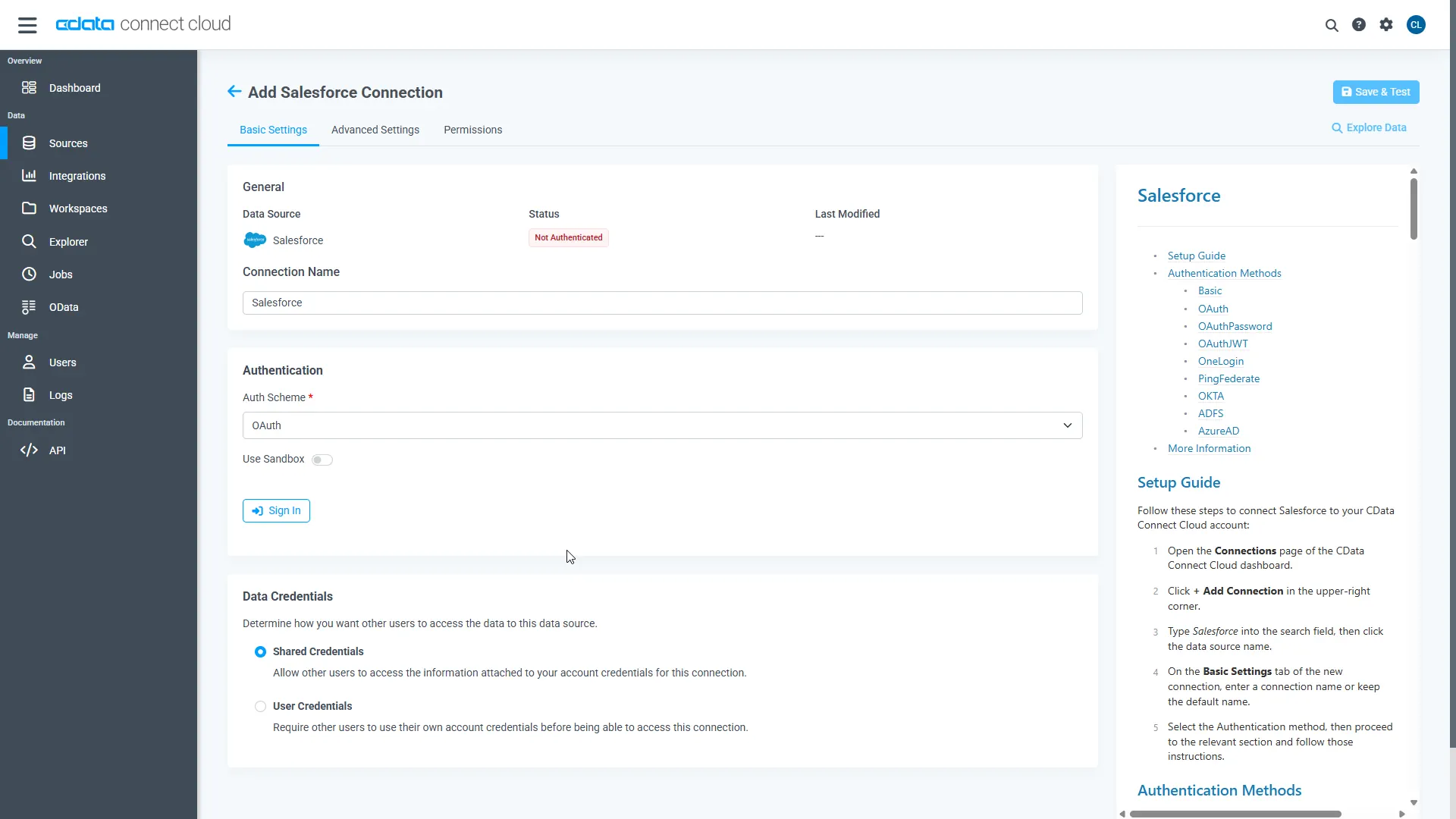
HubSpot uses OAuth to authenticate. Click "Sign in" to authenticate with HubSpot.
Step 2: Connect Claude to CData Connect AI
Follow these steps to add a CData Connect AI connector in Claude:
- Sign in to Claude.ai or create a new account.
- Expand the left navigation menu.
- In the bottom-left corner, click your user name and select Settings from the menu. The Settings screen appears.
- In the Settings screen, click Connectors.
- Click the button to Browse Connectors.
- Search for "CData Connect AI" and click the listing.
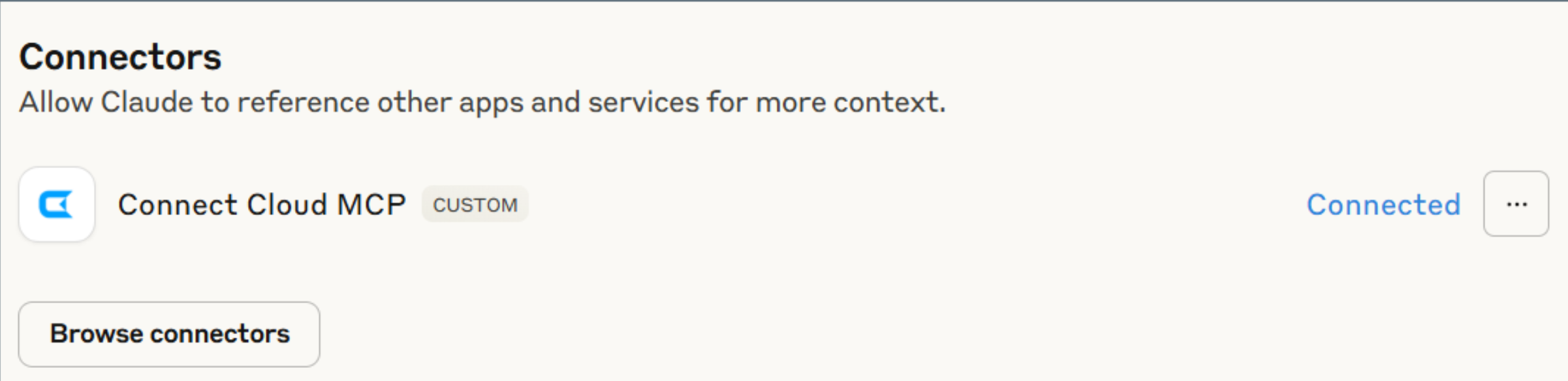
- Click "Connect" and sign into your Connect AI account.
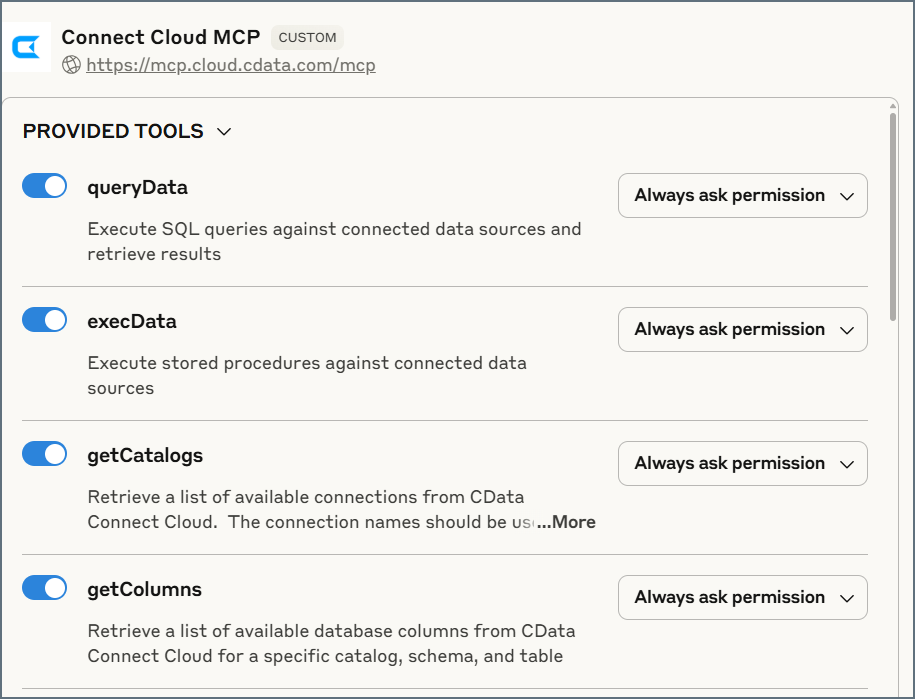
- After connecting, Claude opens a new chat.
Step 3: Explore Live HubSpot Data with Claude
- You can now start exploring your data with natural language prompts. Claude outlines the steps it uses to retrieve data from the source in CData Connect AI. Refer to CData's prompt library for prompt ideas.
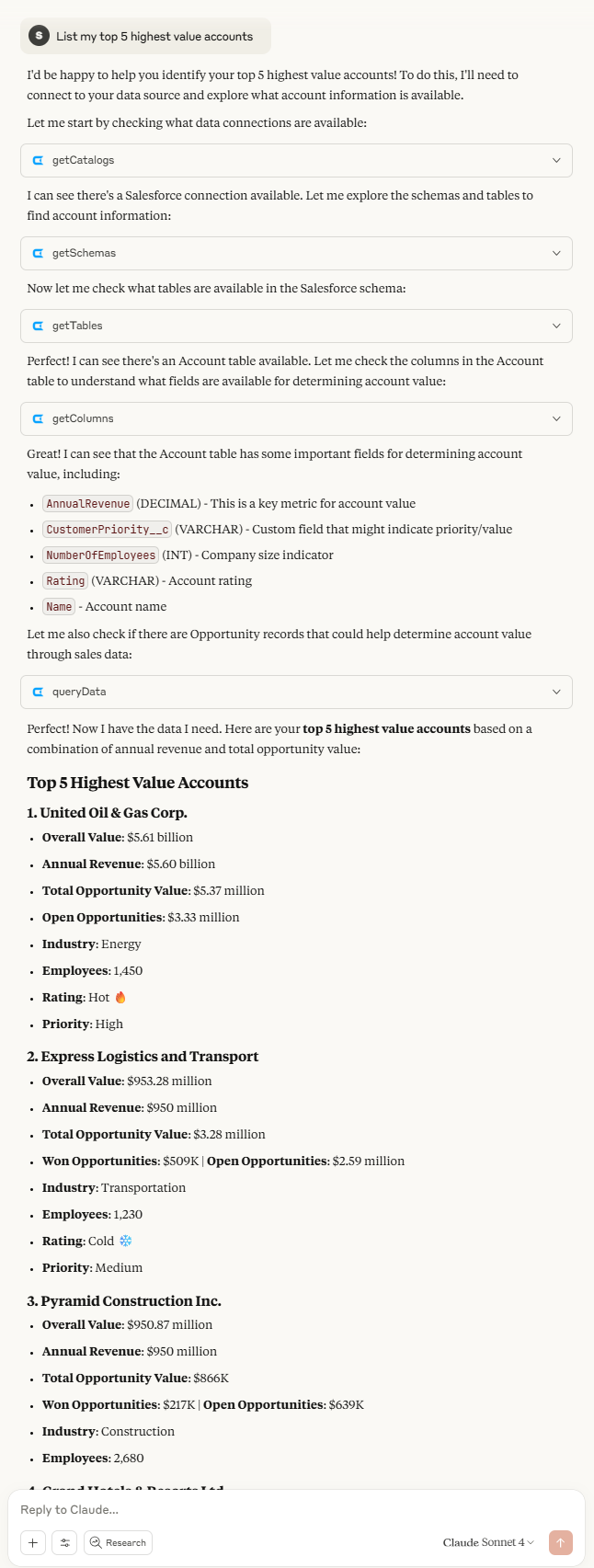
NOTE: Claude's setup process is subject to change. Refer to Claude's documentation for the latest setup information.
Get CData Connect AI
To get live data access to 300+ SaaS, Big Data, and NoSQL sources directly from your cloud applications, try CData Connect AI today!
