






Connect to LinkedIn Ads Data in ACL Analytics

ACL Analytics, part of Diligent HighBond, is a powerful data analysis software primarily used for audit, risk management, and compliance. It enables professionals to examine and analyze large volumes of data to identify anomalies, trends, and potential risks or fraudulent activities.
CData Connect AI offers a dedicated cloud-to-cloud interface for LinkedIn Ads, enabling analytics directly from live LinkedIn Ads data within ACL Analytics, all without the need for data replication to a native database. With its inherent optimized data processing capabilities, CData Connect AI efficiently channels all supported SQL operations, including filters and JOINs, directly to LinkedIn Ads. This leverages server-side processing to swiftly deliver the requested LinkedIn Ads data.
Configure LinkedIn Ads Connectivity for ACL Analytics
Connectivity to LinkedIn Ads from ACL Analytics is made possible through CData Connect AI. To work with LinkedIn Ads data from ACL Analytics, we start by creating and configuring a LinkedIn Ads connection in CData Connect AI.
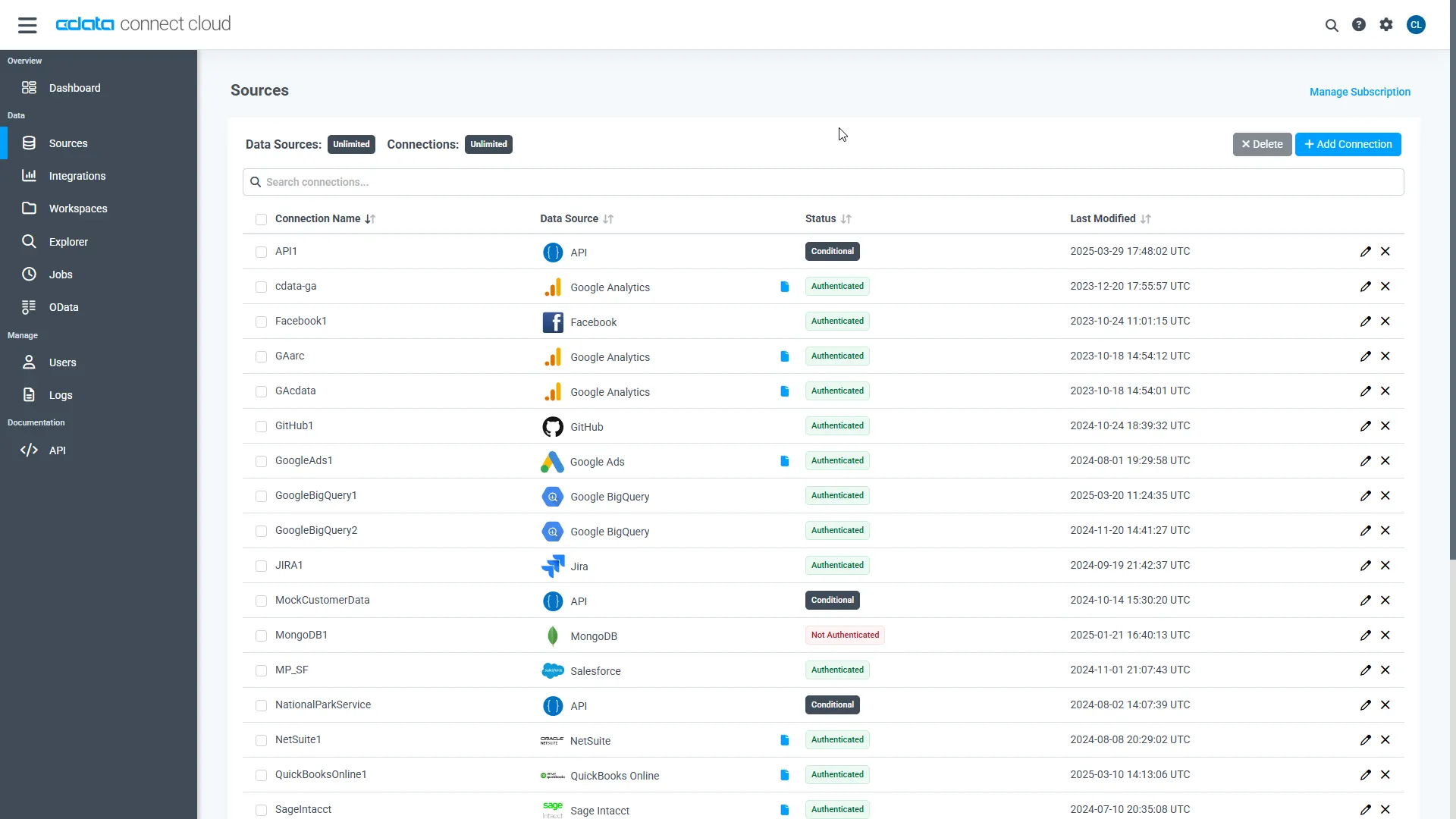
- Log into Connect AI, click Sources, and then click Add Connection
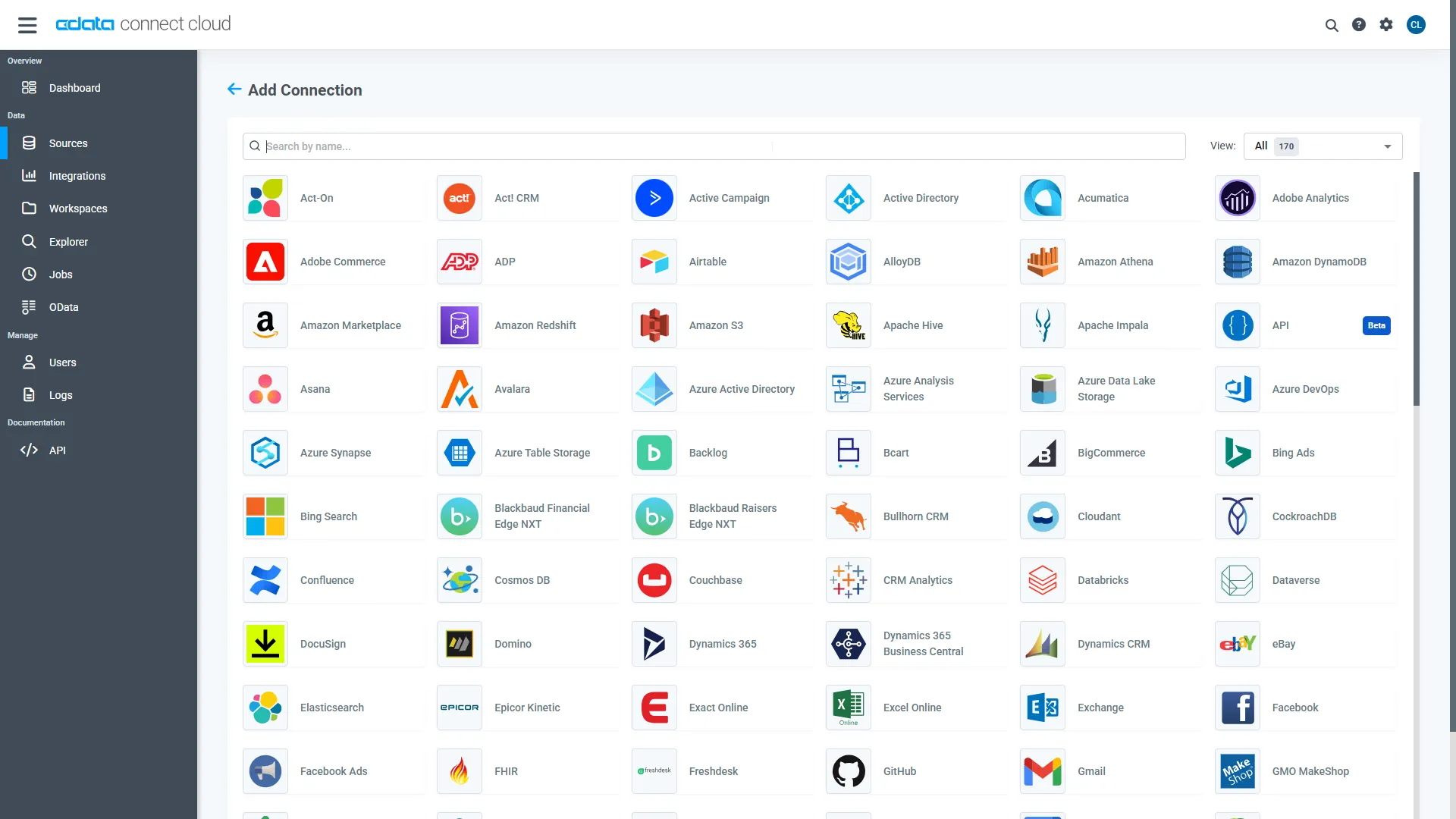
- Select "LinkedIn Ads" from the Add Connection panel
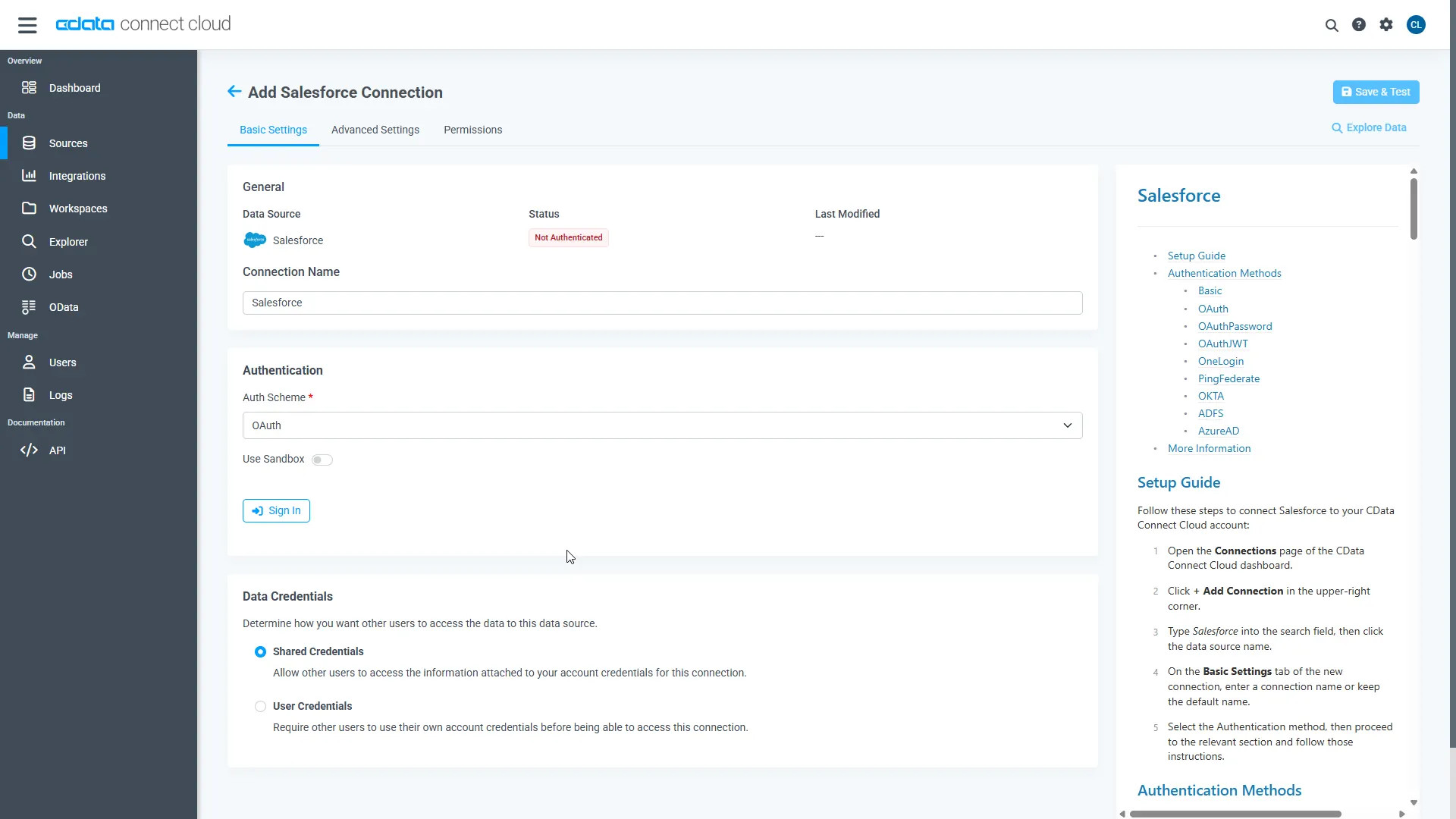
- Enter the necessary authentication properties to connect to LinkedIn Ads.
Enter the necessary authentication properties to connect to LinkedIn Ads.
LinkedIn Ads uses the OAuth authentication standard. OAuth requires the authenticating user to interact with LinkedIn using the browser. See the OAuth section in the Help documentation for a guide.
- Click Save & Test
-
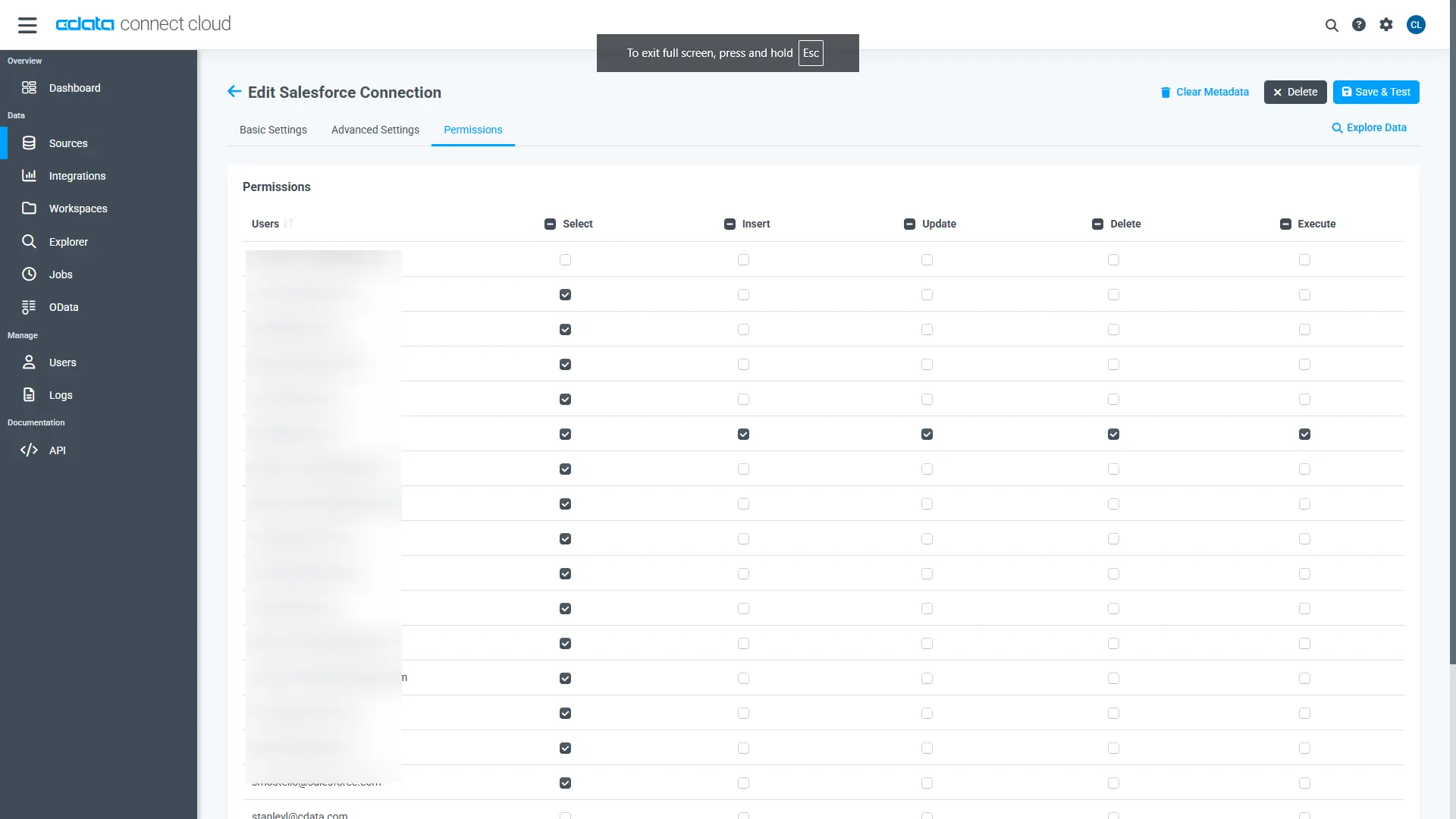
Navigate to the Permissions tab in the Add LinkedIn Ads Connection page and update the User-based permissions.
Add a Personal Access Token
When connecting to Connect AI through the REST API, the OData API, or the Virtual SQL Server, a Personal Access Token (PAT) is used to authenticate the connection to Connect AI. It is best practice to create a separate PAT for each service to maintain granularity of access.
- Click on the Gear icon () at the top right of the Connect AI app to open the settings page.
- On the Settings page, go to the Access Tokens section and click Create PAT.
-
Give the PAT a name and click Create.
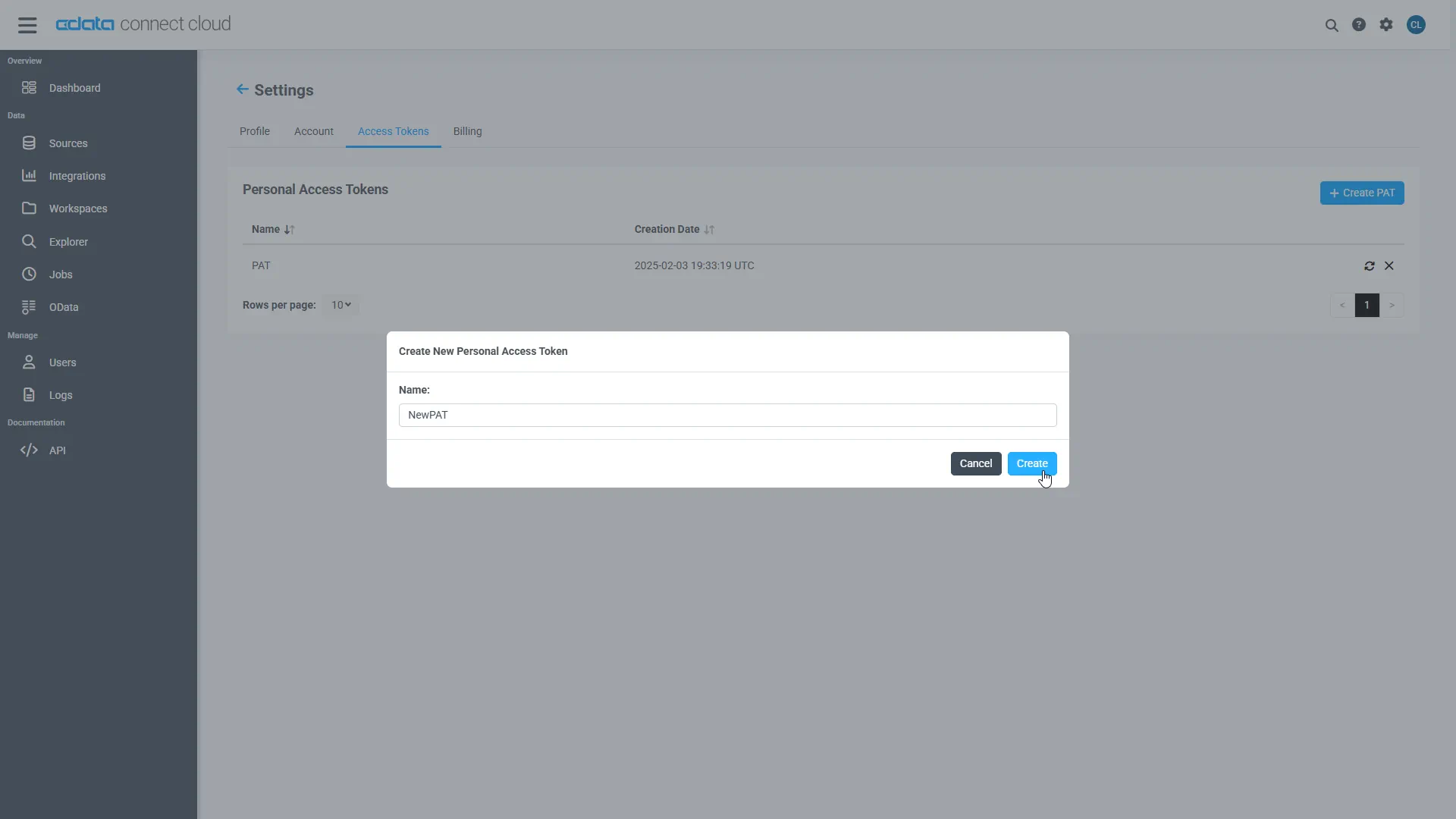
- The personal access token is only visible at creation, so be sure to copy it and store it securely for future use.
With the connection configured and a PAT generated, you are ready to connect to LinkedIn Ads data from ACL Analytics.
Connect to LinkedIn Ads from ACL Analytics
The steps below outline connecting to CData Connect AI from ACL Analytics to create a new LinkedIn Ads data source. The CData Connect AI Virtual SQL Server allows you to establish a connection to your data from integration tools that support connections to SQL servers. The Virtual SQL Server mimics the behavior of a traditional SQL server, and it supports a range of query options.
- With your Analytics File open, select 'Import' --> 'Database and application'
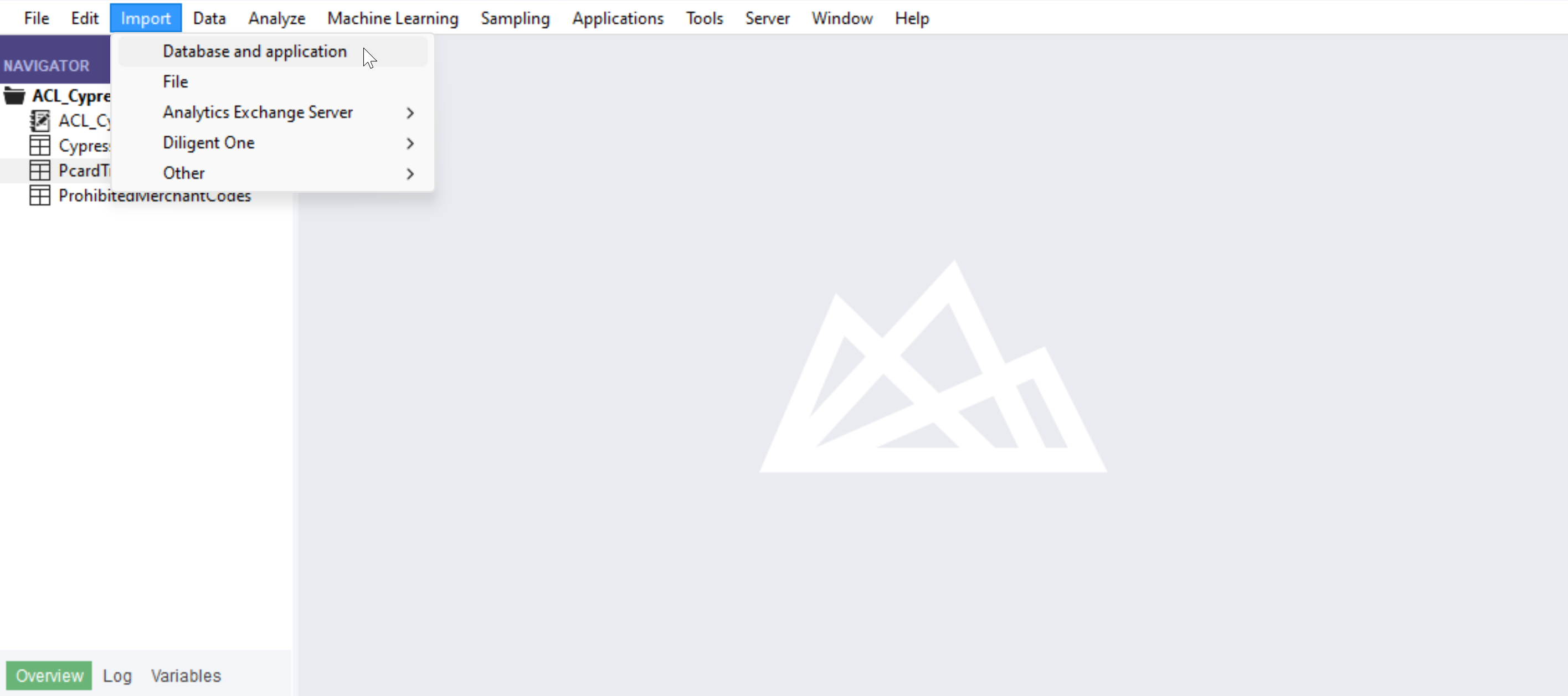
- Create a new SQL Server connection
- Set the connection information
- Server: tds.cdata.com
- Port: 14333
- Auth Scheme: Password
- Username: a Connect AI user, for example, [email protected]
- Password: the PAT for the above Connect AI user
- Database: the name of your LinkedIn Ads connection, for example, LinkedInAds1
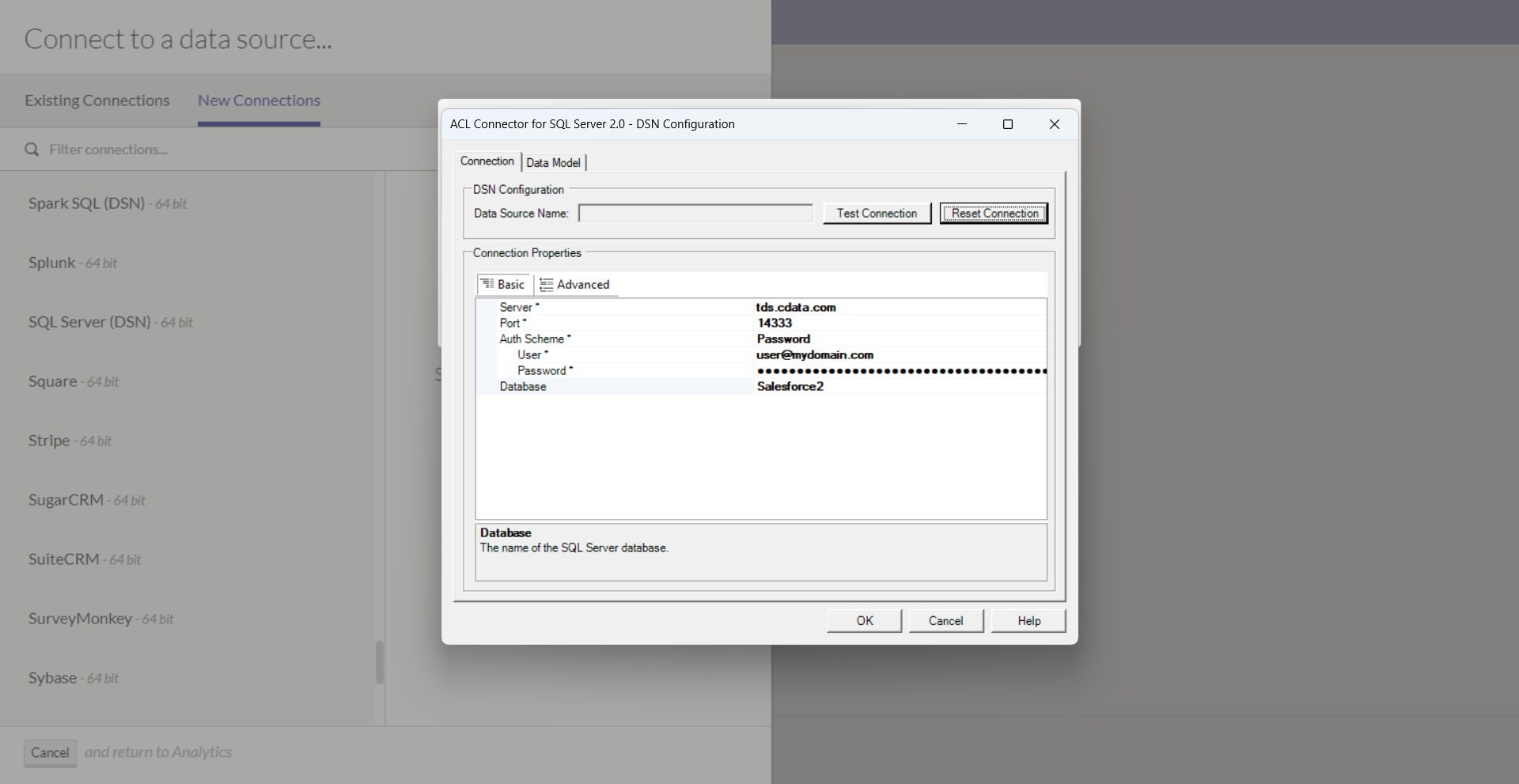
- Click "Test Connection"
- Click "OK"
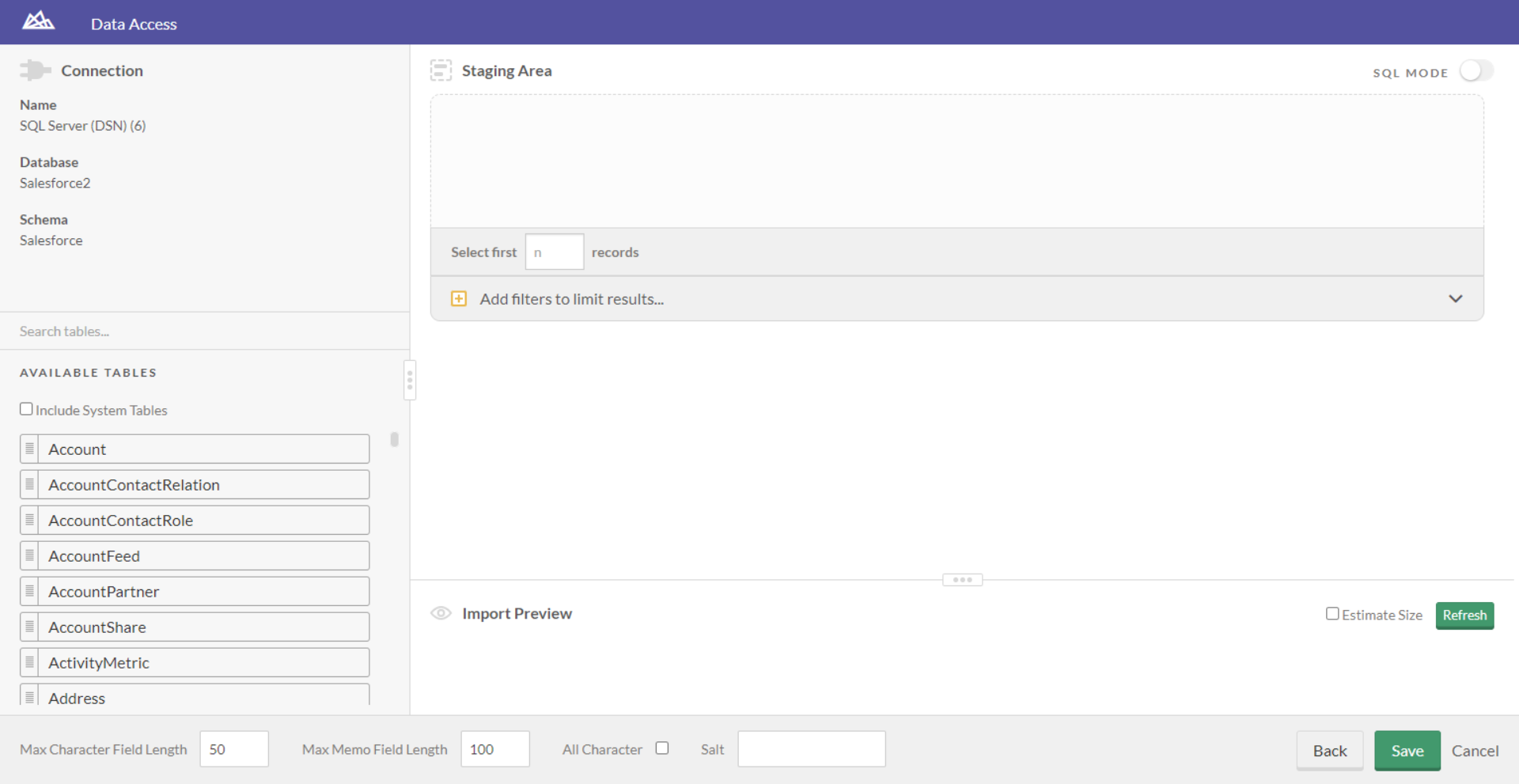
- You are now ready to work with your LinkedIn Ads data in ACL Analytics!
Live connections to LinkedIn Ads data from your applications
ACL Analytics can now connect to live LinkedIn Ads data directly through Connect AI, allowing you to analyze LinkedIn Ads data without duplicating it.
To get live data access to 300+ SaaS, Big Data, and NoSQL sources directly from your applications, try CData Connect AI today!
