




Talkdesk Reporting and Star Schemas in OBIEE

The CData ODBC Driver for Talkdesk is a standard database driver that can integrate real-time access to Talkdesk data into your data warehouse or directly into your reporting tool. This article shows how to bypass the data warehouse and import operational Talkdesk data into Oracle Business Intelligence Enterprise Edition (OBIEE).
See the knowledge base for ODBC integrations with ETL tools like Informatica PowerCenter. For an ETL solution into Oracle Warehouse Builder, use the driver with the Oracle ODBC Gateway to Access Talkdesk Data as a Remote Oracle Database.
Connect to Talkdesk as an ODBC Data Source
If you have not already, first specify connection properties in an ODBC DSN (data source name). This is the last step of the driver installation. You can use the Microsoft ODBC Data Source Administrator to create and configure ODBC DSNs.
Talkdesk uses the OAuth 2.0 Client Credentials grant. There is no browser-based authorization step and no callback URL.
Set the following connection properties:
- AccountName: The name of your Talkdesk account.
- Region: The region where your Talkdesk instance is deployed. Supported values are US (default), EU, CA, AU, UK, and FedRamp.
- OAuthClientId: The Client Id assigned when you registered your custom OAuth application.
- OAuthClientSecret: The Client Secret assigned to your custom OAuth application.
Creating a Custom OAuth Application
- Log in to your Talkdesk account and select OAuth Clients from the navigation menu.
- Click Create OAuth Client and give the client a descriptive name.
- Set Grant Type to Client Credentials.
- Click Add scopes and select the scopes for the data you want to access.
- Click Create and copy the Client Id and Client Secret.
When you connect, the driver automatically requests an access token from Talkdesk, caches it, and refreshes it when it expires. Make sure the scopes selected for the application match the views you plan to query, or the token request can fail.
When you configure the DSN, you may also want to set the Max Rows connection property. This will limit the number of rows returned, which is especially helpful for improving performance when designing reports and visualizations.
Import Talkdesk Metadata
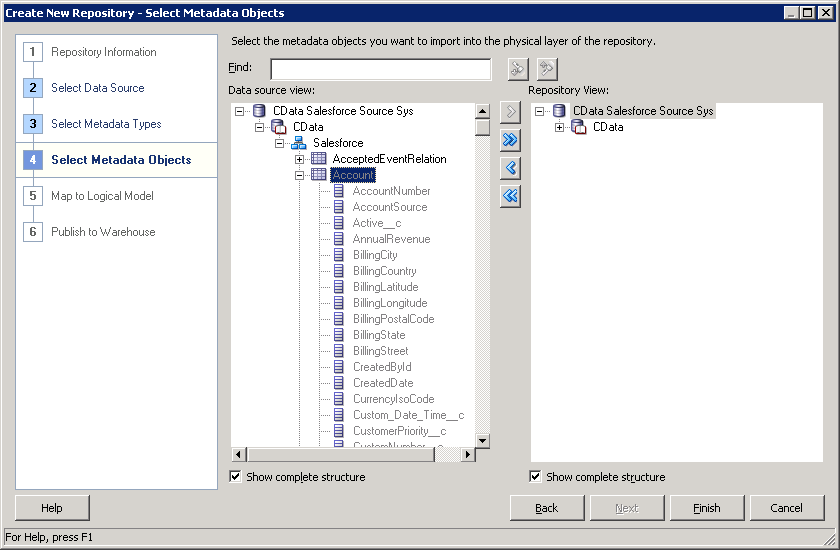
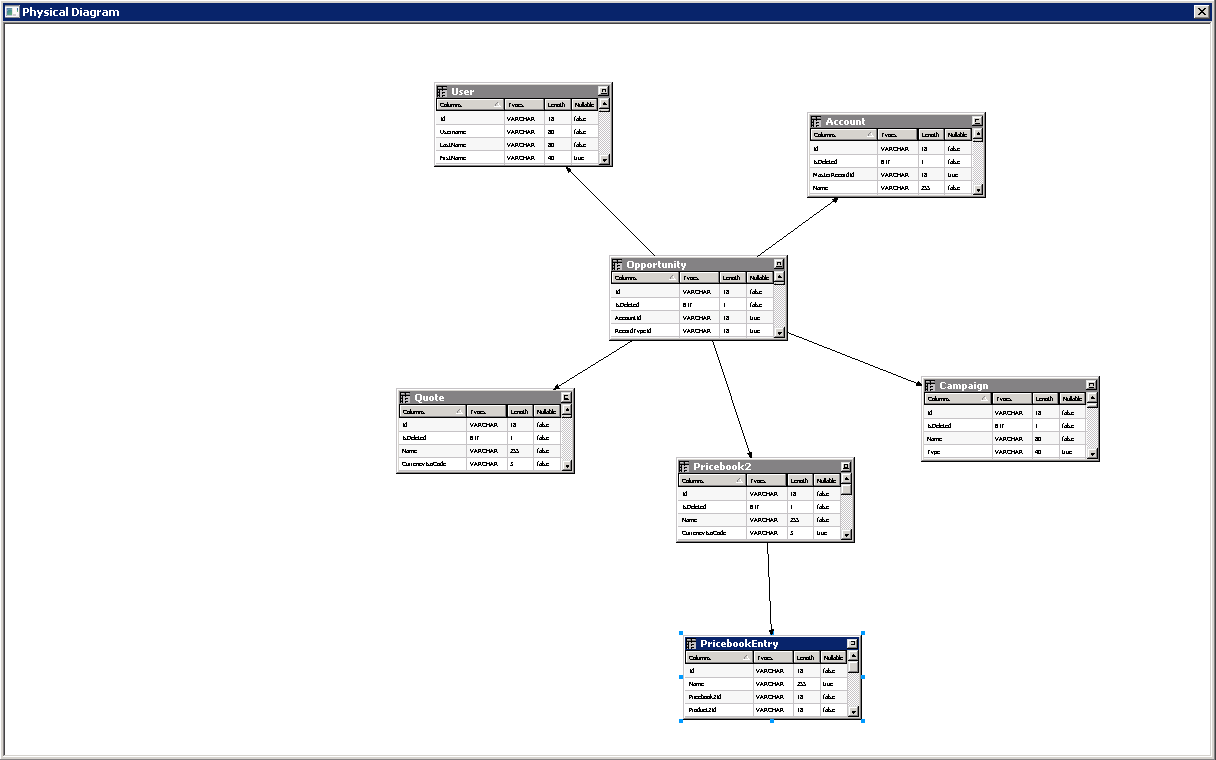
Follow the steps below to use the OBIEE Client Tools to import Talkdesk metadata into an OBIEE repository. You can then integrate Talkdesk data into your business models.
Open the Administration Tool and click File -> New Repository.
- In the Connection Type menu, select ODBC 3.5 and select the CData DSN.
- Select the metadata types you want to import under the Relational Sources option and then select Talkdesk tables.
Ready to get started?
Download a free trial of the Talkdesk ODBC Driver to get started:
Download NowLearn more:
 Talkdesk ODBC Driver
The Talkdesk ODBC Driver is a powerful tool that allows you to connect with live data from Talkdesk, directly from any applications that support ODBC connectivity.
Access Talkdesk data like you would a database - read Talkdesk Accounts, Attributes, BillingAccounts, Callbacks, Campaigns, Cases, Contacts, GuardianUsers, Invoices, Products, Subscriptions, Teams, Users, Wallets, etc. through a standard ODBC Driver interface.